
 Laura Marano

BlobGet is an all-in-one download tool and video downloader that helps you easily obtain and manage media resources. Designed as a fast downloader for links, torrents, and streams, BlobGet allows you to download videos, music, and files from multiple sources with a single click.
- Product name: BlobGet Download Manager
- Publisher: BlobGet
- Homepage: https://blobget.com/
- License type: 1-year license
- Price:
$9.9$0.0 - Platform: Windows
- License code & download – last updated: May 05, 2026
Click here...
Unlocking content...
📝 Note: Please follow the Activation Guide to successfully claim your license.
Top Video Downloader Coupon Codes & Deals (100% Working)

Allavsoft for Windows Lifetime
82% Off coupon code, regular price $99.99, discounted price $18

StreamFab All-In-One (Lifetime)
95% Off coupon code: regular price $6,169.38, discounted price $299.99

4K Video Downloader Plus - Pro Plan
44% off coupon code for Pro plan. Regular price $60, discounted price $33.75

EaseUS Video Downloader (Lifetime)
50% discount coupon code: regular price $59.99, discounted price $29.99

Auslogics Video Grabber
50% Off coupon code: regular price $39.95, discounted price $20.07
Activation Guide: How to get the BlobGet License Key for free?
1. Visit the exclusive giveaway page above, enter your email, and verify it to claim a free 1-year BlobGet license


2. Install the BlobGet desktop client, apply your license code, and activate the software.
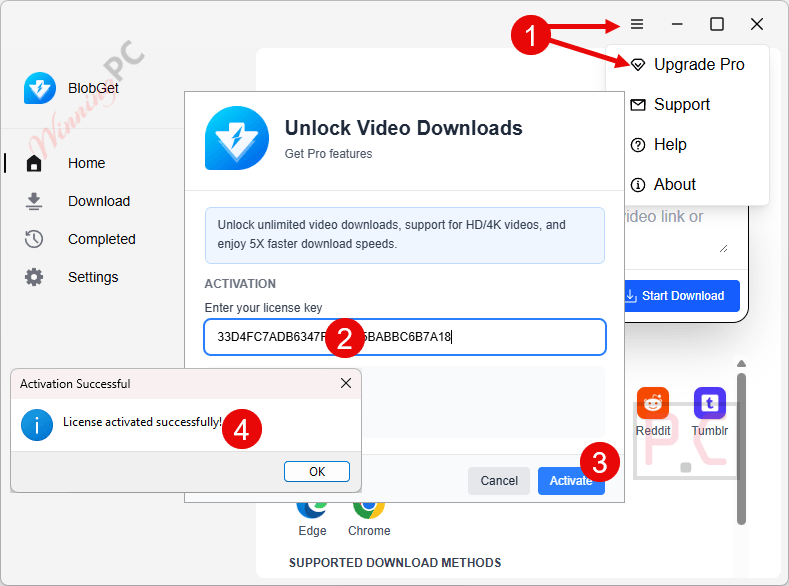
3. Enjoy the full features for 1-year free!
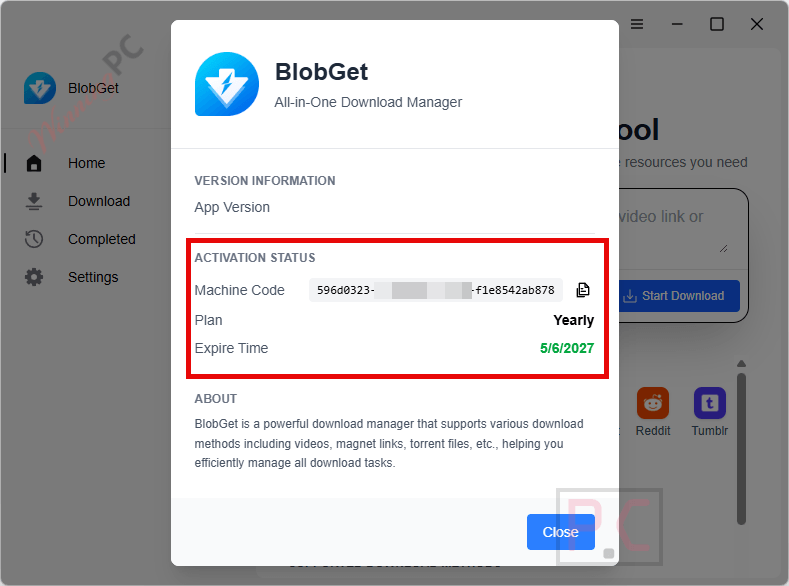
4. BlobGet Download Manager screenshots
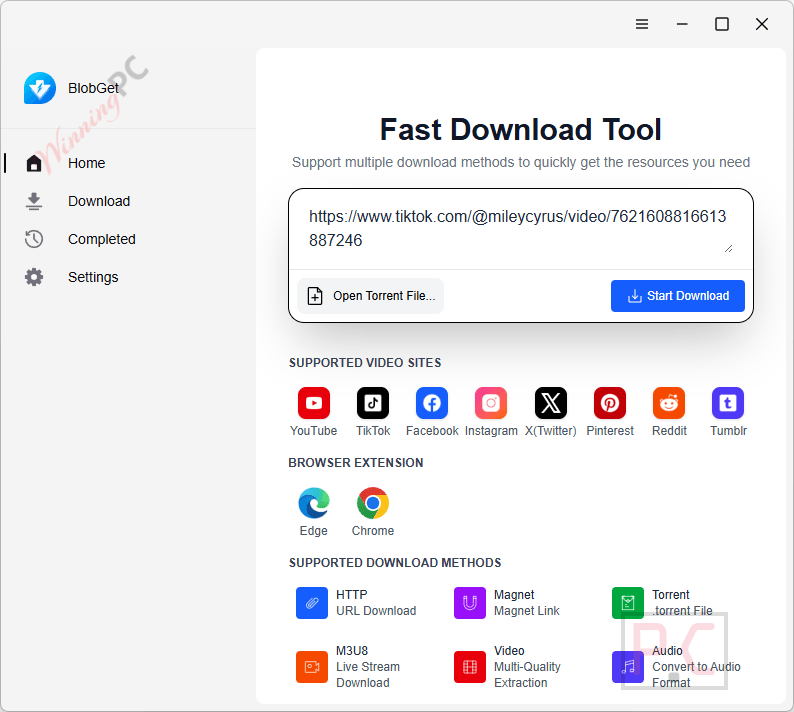
Select Video Quality
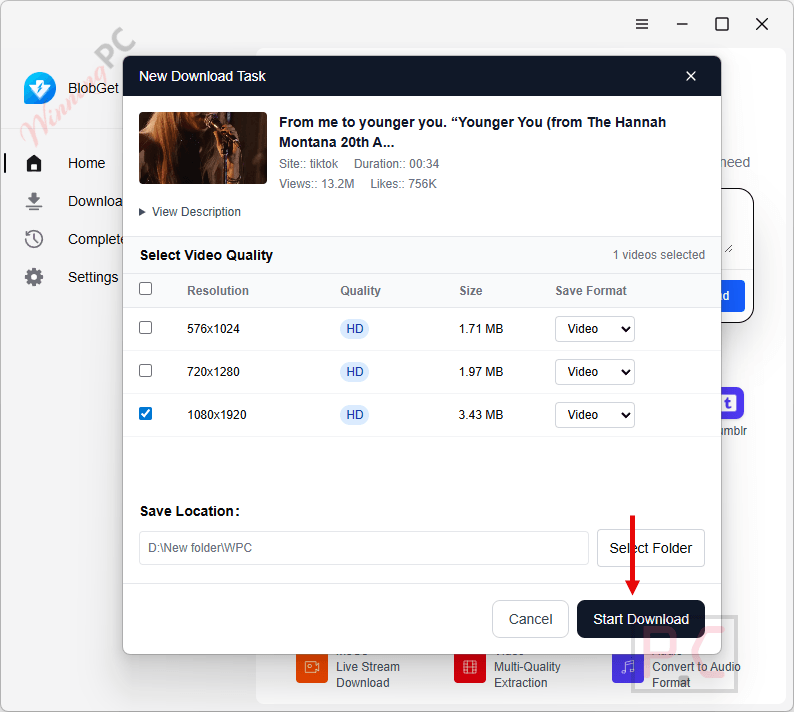
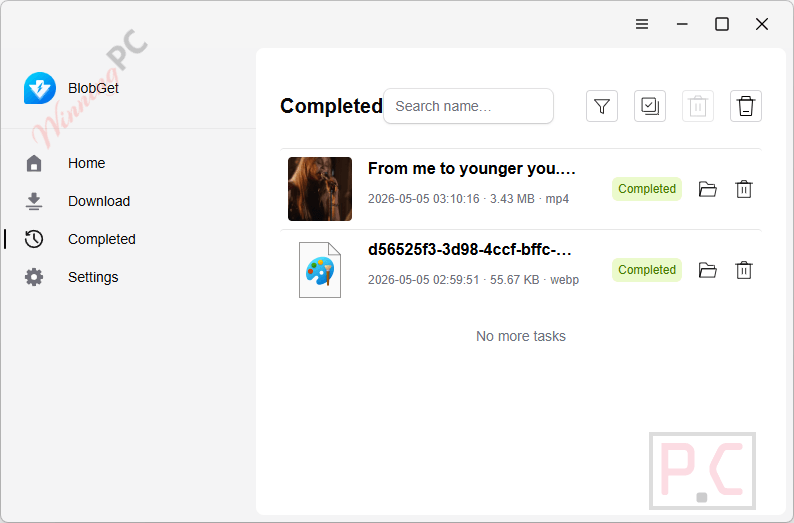
Completed
In-Depth Review & Features
- Multi-Protocol Integration: Process HTTP/HTTPS direct links, magnet links, and BT torrents without switching between different applications.
- Web Media Capture: Automatically parse media request chains and extract downloadable video and audio variants from mainstream platforms like YouTube, TikTok, and X/Twitter.
- Smart Resume & Auto-Retry: Maintain stability on long-running tasks with automatic recovery and batch parameter tuning after network interruptions.
- Priority Queue Scheduling: Allocate resources to download your most critical files first while background tasks continue quietly.
- Resource Fingerprint Detection: Instantly identify metadata from magnet links and torrents to automatically fill in task information.
- Seamless Browser Integration: Use the Edge or Chrome extension to detect and send resources from your current web page directly to the desktop download queue with a single click.
- Intelligent File Archiving: Automatically classify downloaded files by type, extract audio tracks, and organize tasks by source and tags for easy search and retrieval.
Pros & Cons
Frequently Asked Questions
How can I get a valid free license key?
You can get a 100% legal free license key from WinningPC during our limited-time giveaway campaigns.
Where can I find the best coupons and deals?
WinningPC is the best place. We constantly update and provide the latest, highest-value coupons for this software.
Does BlobGet support downloading from social media platforms?
Yes, it supports extracting downloadable resources from multiple platforms, including YouTube, Bilibili, TikTok, Vimeo, Dailymotion, Facebook, Instagram, and X/Twitter.
Can I manage torrents and magnet links with this tool?
Yes, BlobGet Download Manager manages standard .torrent files and magnet links, complete with metadata fetching, smart peer selection, and flexible file-level priorities.
How does the browser integration work?
By installing the extension for Microsoft Edge or Google Chrome, you can right-click downloadable resources on a webpage and dispatch them directly to your desktop queue.
System Requirements & Details
| Specification | Details |
|---|---|
| Language Support | English, Traditional Chinese, and Simplified Chinese. |
| Operating System | Desktop OS (Integration with Edge & Chrome) |
| Supported Input | HTTP/HTTPS, Magnet, BT Torrent, Web Media Streams |
| Supported Output | Standard Files, Video, Extracted Audio Tracks |






As usual for Chinese developers they are stealing GPLv3 FFMPEG.EXE renamed to xffmpeg.exe distributing it illegally when there is no need, they could have built it with the LGPLv3 license and provided a copy of the license file AND acknowledged their use of it… but they chose deliberately to use the GPLv3 licensed build and not include the license file or acknowledge their use of it openly.