
On this page
Coolmuster PDF Converter Giveaway

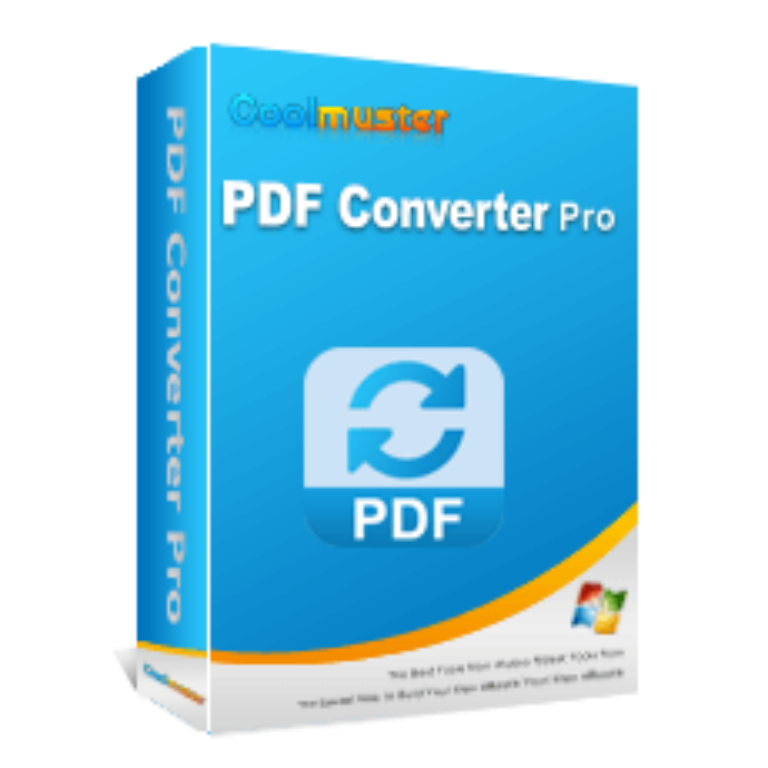
Coolmuster PDF Converter Pro
It helps you convert PDF to 7 different formats, including Word, ePub, Excel, PowerPoint, Images, Text, and HTML.
- Product
- Coolmuster PDF Converter Pro
- Product website
- coolmuster.com
- License
- 1-Year
- Platform
- Windows 11/10/8/7
- Support
- No support
- Updates
- No future upgrades
- Usage
- Non-commercial only
- Updated
- 2026-09-22
Continue on coolmuster.com
The publisher handles registration and license delivery on its official website.
This giveaway ended on .
50% Off Coolmuster PDF Converter - Lifetime (1 PC)
How to claim your free Coolmuster license
- Open the official Coolmuster PDF Converter giveaway page linked above and enter your name and email to request a free license.
- Copy the license code from the pop-up window
- Download the right build for your system and install it.
- Launch the app, enter your licensed email and license key exactly as sent, then activate. You’re now on the full 1-Year license.


Coolmuster PDF Converter Plans & Coupon Codes

You may also like

All Products Bundle, Lifetime (Windows)
One-time payment, permanent lifetime license | Free lifetime software upgrades
All Products Bundle, Lifetime (Mac)
One-time payment, permanent lifetime license | Free lifetime software upgrades
How well does Coolmuster PDF Converter Pro work?
Where this app earns its keep is batch work. Point it at a folder, queue up to 200 PDFs, and it works through them without much fuss. A 200-page file reportedly converts in about a minute, which is what you want if you’re pulling tables out of financial reports into Excel or reflowing an e-book into ePub. The preview panel is the quietly useful bit: you can eyeball a document and convert only the pages you need instead of the whole file, which saves cleanup later. Layout retention is the main draw, and for standard text-based PDFs it holds up well. The honest limit is scope. This is a converter, not an editor, and Coolmuster PDF Converter Pro works best on PDFs that already contain real text rather than scanned images.

Key features
- Export PDF to 7 formats: Word (.docx), Excel (.xlsx), PowerPoint (.pptx), ePub, HTML, Text (.txt), and Image (JPG, PNG, TIFF, BMP, GIF).
- Batch mode converts up to 200 PDFs in one run.
- Partial conversion: pick a single page or a page range instead of the whole file.
- Built-in preview so you can check a document before you convert it.
- Keeps the original text, layout, formatting, hyperlinks and images intact.
What we liked, what we didn’t
Questions people ask
Does the free giveaway license include updates and support?
No. The free 1-Year key unlocks the full software, but it doesn’t come with free version upgrades or tech support. If you want those, a paid plan (50% off with code CO*PDEAL) adds them.
What file formats can Coolmuster PDF Converter Pro export to?
Seven: Word (.docx), Excel (.xlsx), PowerPoint (.pptx), ePub, HTML, plain Text, and Image (JPG, PNG, TIFF, BMP, GIF). Input is PDF only.
Does it work on Windows 11 and Mac?
Yes on Windows 11, 10, 8 and 7. On Mac it lists macOS 10.6 or later, though the stated requirement is an Intel processor, so Apple Silicon (M-series) support isn’t confirmed.
Is the paid plan a one-time payment or a subscription?
It depends on the plan. The 1-Month and 1-Year plans are subscriptions that auto-renew. The Lifetime license ($19.97 with code) is a one-time payment with no renewal.
Can it convert scanned PDFs?
It works best on PDFs that already contain real text. Coolmuster doesn’t clearly advertise OCR, so a scanned or image-only PDF may not convert into editable text. For those, a tool with OCR is the safer choice.
System Requirements & Supported Formats
| Language Support | English and more… |
| Money Back Guarantee | 90-Day |
| Operating System | Windows 11/10/8/7 · macOS 10.6 or later |
| Processor / RAM / disk | Windows: 750MHz+ Intel/AMD, 512MB+ RAM Mac: Intel Core 1GHz+, 1GB+ RAM · 1GB+ free disk |
| Supported input formats | |
| Supported output formats | Word (.docx), Excel (.xlsx), PowerPoint (.pptx), ePub, HTML, Text (.txt), Image (JPG, JPEG, PNG, TIFF, BMP, GIF) |




J’ai reçu le code de license sauf qu’il m’est Impossible de télécharger l’application.
Does not support OCR of scanned to PDF files, so of little use to me. And is just a GUI for a 3rd party converter program.