

Coolmuster PDF to Word Converter Giveaway
Coolmuster PDF to Word Converter
Convert multiple PDFs to Word simultaneously
- Product
- Coolmuster PDF to Word Converter
- Product website
- coolmuster.com
- License
- 1-Year
- Platform
- Windows 11/10/8/7
- Installer
- cool-pdf2word.exe
- Usage
- Non-commercial only
- Updates
- No future upgrades
- Support
- No support
- Updated
- 2026-10-14
Continue on coolmuster.com
Share to reveal the official giveaway page, then register there to receive your license.
50% Off Lifetime License(1 PC)
Coolmuster PDF to Word Converter Free License Key
- Open the Coolmuster PDF to Word Converter giveaway page and submit the form.
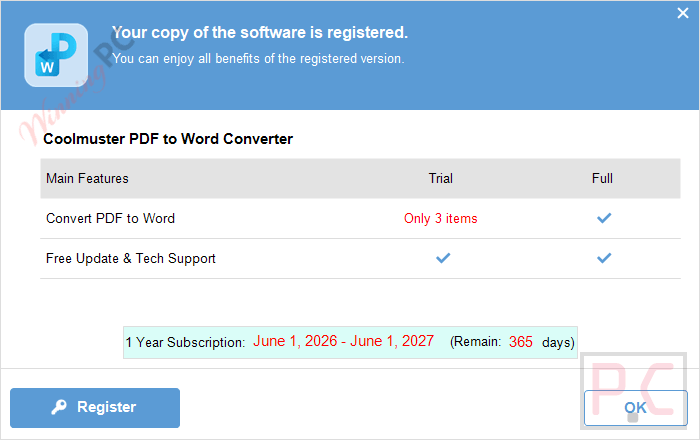
- The license key shows in the pop-up window.
- Download and install the software by clicking on the above download link.
- Please copy and paste the Coolmuster PDF to Word Converter registration code to register it.
- Got it for 1-year free with full functions.

Coolmuster PDF to Word Converter Discount Codes
Coolmuster PDF to Word Converter (Windows version)
3 plans · best save 50%
Coolmuster PDF to Word Converter (Mac Version)
1 plan · best save 50%
You may also like

All Products Bundle, Lifetime (Windows)
One-time payment, permanent lifetime license | Free lifetime software upgrades
All Products Bundle, Lifetime (Mac)
One-time payment, permanent lifetime license | Free lifetime software upgrades
📄 Licensing & Support Details
- License: 1-Month/ 1-Year License.
- Support: Free Customer Support.
- Guarantee: 30-Day Money-Back Guarantee.
📝 How to apply
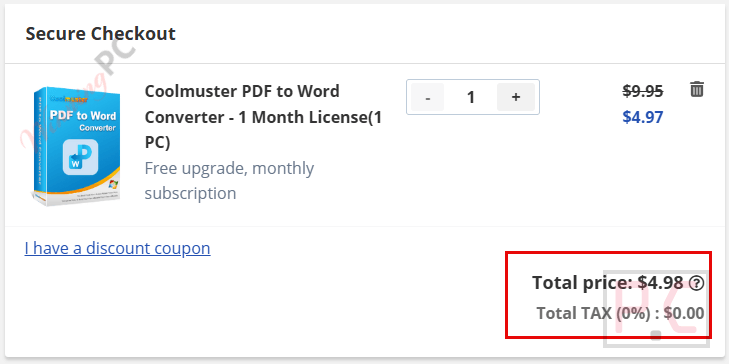
- Getting the discount is easy — just click the “Copy” button above.
- The coupon will be applied automatically before redirecting you to the order page.
How well does Coolmuster PDF to Word Converter work?
Coolmuster PDF to Word Converter is a PDF converter tool for turning PDF documents into editable Microsoft Word files without retyping the content. It supports converting individual pages, selected page ranges, or batches of up to 200 PDFs at once while preserving the original layout, images, tables, fonts, and hyperlinks. A built-in preview lets you review documents before conversion, making it a practical choice for students, office users, and anyone who frequently edits PDF files.

Key features
- One-click PDF to Word conversion: converts PDFs to editable Word DOCX files with a single click for quick text and graphic changes.
- Batch PDF conversion: converts multiple PDFs to Word at once, supporting batches of up to 200 files.
- Built-in file preview: previews PDFs before converting and helps you quickly find the exact pages you want.
- Layout and formatting retention: preserves original text styles, images, graphics, tables, hyperlinks, and overall layout in the Word output.
- Fast conversion speed: delivers converted Word files quickly with an easy, single-click workflow.
pros & cons
More screenshot


Frequently asked questions
Where can I locate active discount codes for Coolmuster PDF to Word Converter?
You can always find the most recent promotional offers and verified coupons for this software right here on WinningPC, as we partner directly with developers to bring you the best deals.
What is the highest amount I can save on this PDF tool right now?
Currently, the biggest markdown available is our exclusive 50% OFF deal, which you can claim directly through the WinningPC coupon section above.
Does this program preserve my original document layout?
Yes, it replicates the original text styles, images, graphics, tables, and hyperlinks perfectly without quality loss.
Can I convert multiple PDFs simultaneously?
Absolutely. The batch conversion feature allows you to process up to 200 PDF files at the same time.
Is it possible to convert just one specific page of a PDF?
Yes, you can use the partial conversion mode to select an exact page or a custom page range instead of converting the entire document.
Is my data secure during the conversion process?
Yes, the software works fully offline on your local machine, meaning your documents are never uploaded to a cloud server.
Can I preview the PDF before I convert it?
Yes, there is a built-in file viewer that lets you browse through the PDF content to confirm you have the right pages.
System Requirements & Details
| Feature | Specifications |
|---|---|
| Language Support | English, Français, Italian, Spanish, Swedish, and more… |
| Operating System | Windows 11/10/8/7; Mac OS X 10.7 or later |
| Processor | Windows: 1GHz 32-bit or 64-bit or above; Mac: 1GHz Intel or above, M1 |
| RAM & Storage | Windows: 256 MB RAM or more, 1024 MB recommended; Mac: 512 MB RAM or more; storage not specified in raw data |
| Supported Input | |
| Supported Output | Word DOC/DOCX |



NO OCR so cannot be usefully used to convert scanned to PDF documents to an editable text format.