
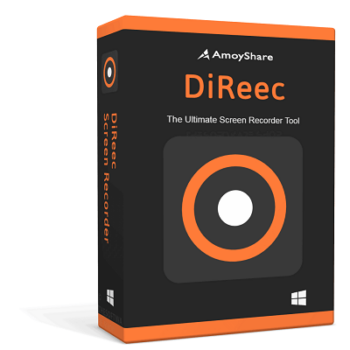
Amoyshare DiReec Screen Recorder is a perfect all-in-one screen recorder that can help you record all the precious and wonderful moments, especially live videos & original soundtrack, on your computer. It features a video recorder, audio recorder, game recorder, webcam recorder, and snapshot to allow you to record whatever you need from your Windows and macOS. Because it allows HD recordings to be made smoothly and lag-free, the video and sound you recorded are of incredibly high quality.
Amoyshare DiReec Screen Recorder comes with the ability to record the entire screen, different windows, and also a custom area for creating intricate videos to a professional standard. In addition, it can also be used for recording audio from a microphone or recording system audio. Along with recording screen and audio, you can take advantage of the take screenshots to capture and save screenshots with just a click, whether before, during, or after recording.
Top Screen Recorder Software Discount Codes Oct 2026

TechSmith Snagit 2024 - 1 Year License
25% discount coupon: regular price $39.0, discounted price $29.25

iTop Screen Recorder - Lifetime
76% off coupon code, regular price $119.99, discounted price $25.99.

Edimakor Screen Recorder - Lifetime License
61% off promo code: regular price $89.99, discounted price $34.99

EaseUS RecExperts (Lifetime Upgrades)
50% Off coupon code: regular price $69.95, discounted price $34.97

AnyMP4 Screen Recorder - Lifetime
50% off coupon code: regular price $62.45, discounted price $31.22
DiReec Screen Recorder License Key Free Download
- Product name: DiReec Screen Recorder for Windows
- Website: https://www.amoyshare.com/
- License type: 6-month
- Platform: Windows
- Download: direec-win.exe
direec-mac.dmg - Giveaway – last updated: Feb 27, 2026
DiReec Screen Recorder giveaway linkDiReec Screen Recorder for Mac giveaway link
How to get the license key?
On the DiReec Screen Recorder giveaway page, please fill out the form with your information and click on the “Get Free License Now” button to access all premium features of the lag-free screen recorder for free.
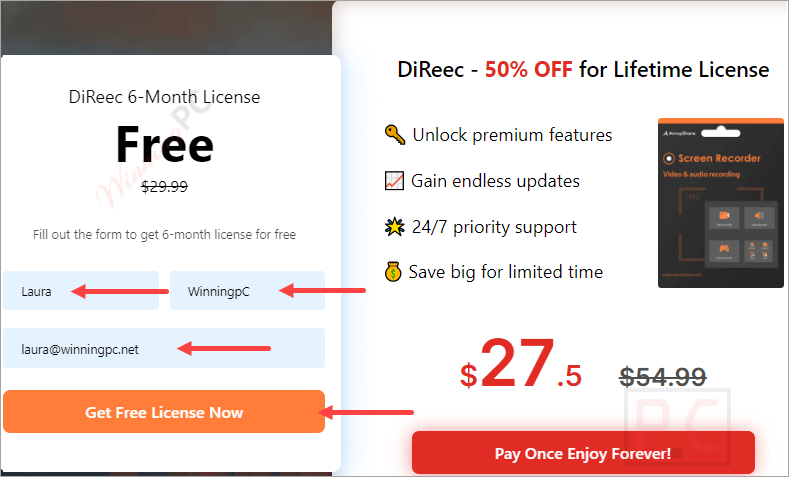
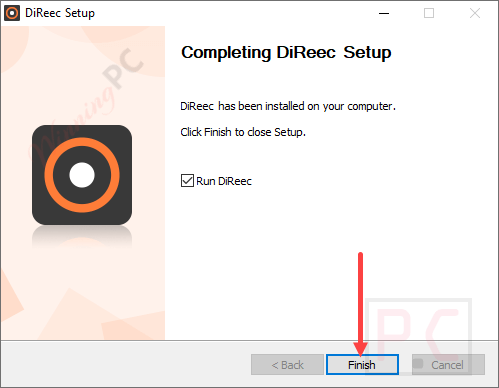
Click the download link above to install the software on your computer.
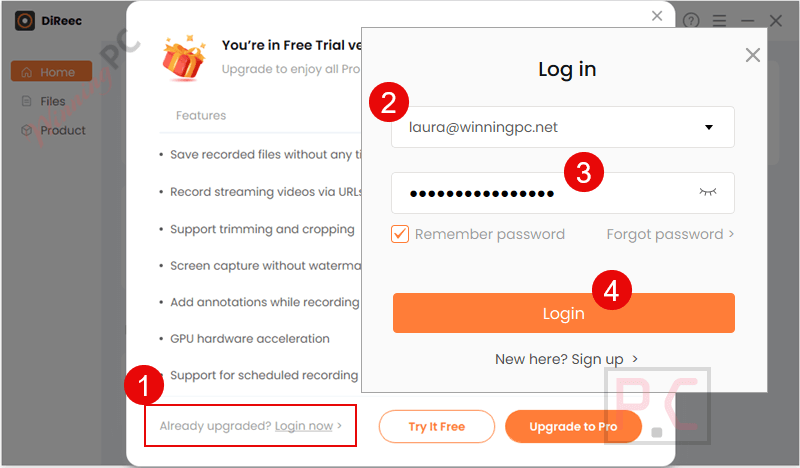
Run the program, log in with your DiReec account (the one you just created), and the license will be registered.
Got it for 6 months free!
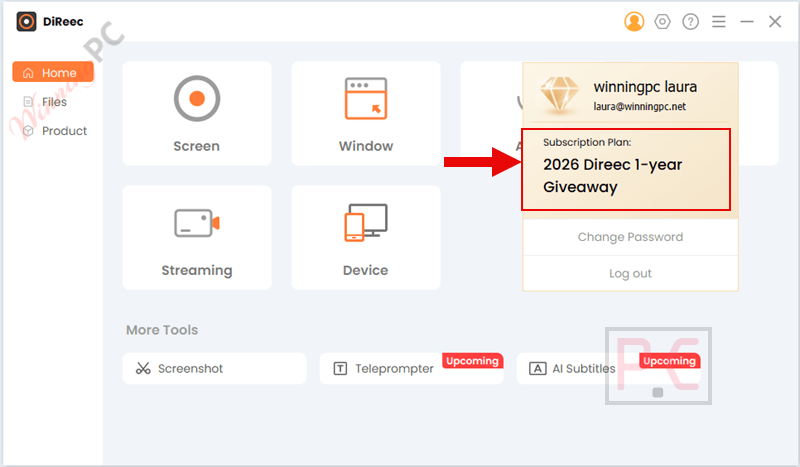
Amoyshare DiReec Screen Recorder main screenshot!
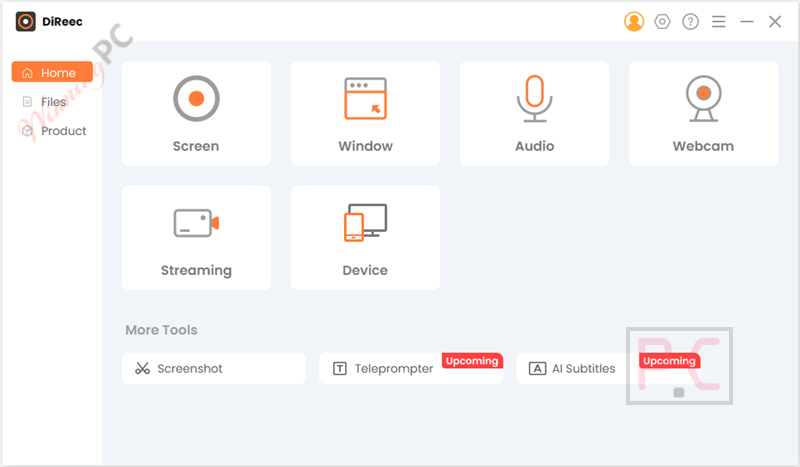
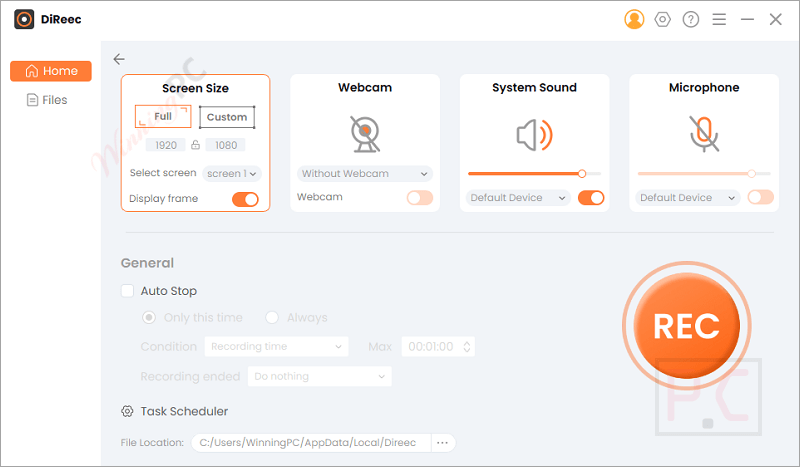
Screen
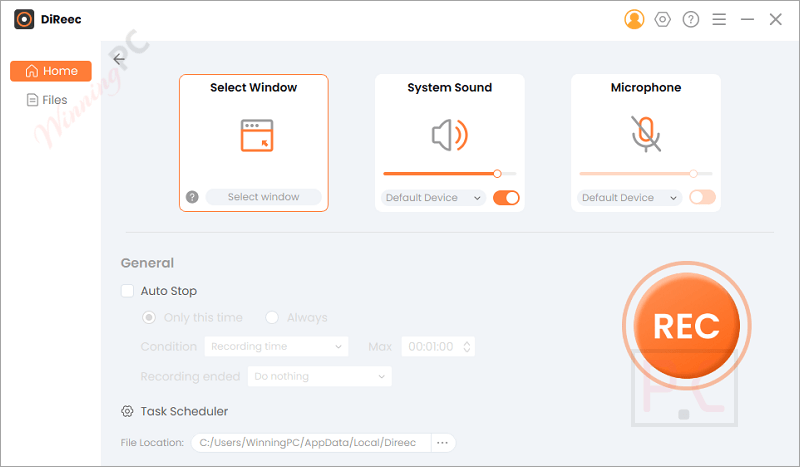
Window
Audio
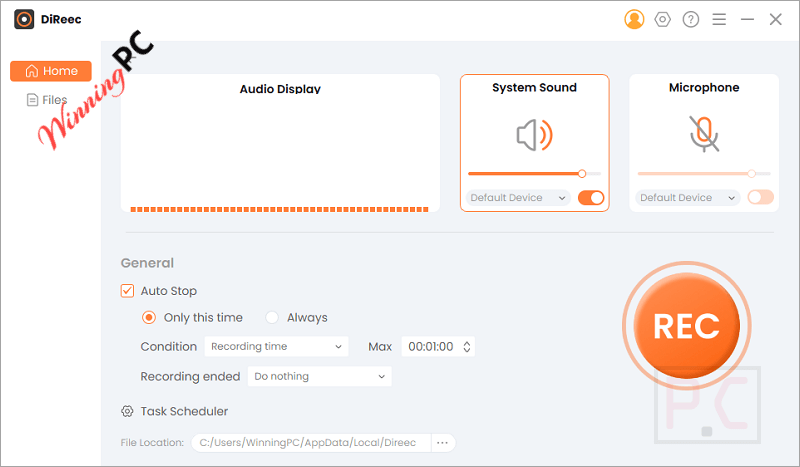
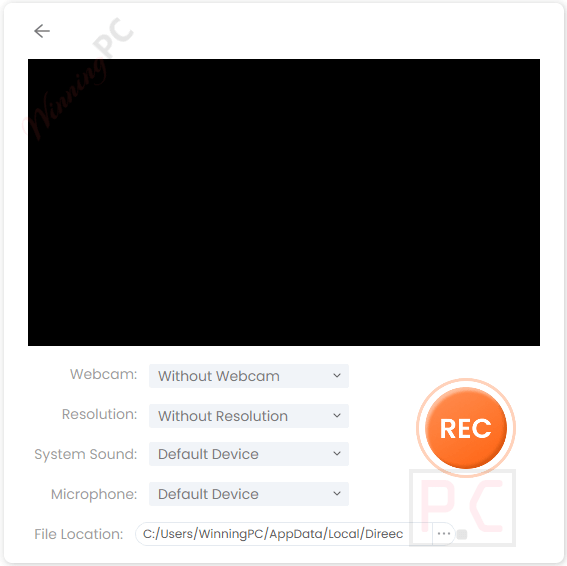
Webcam
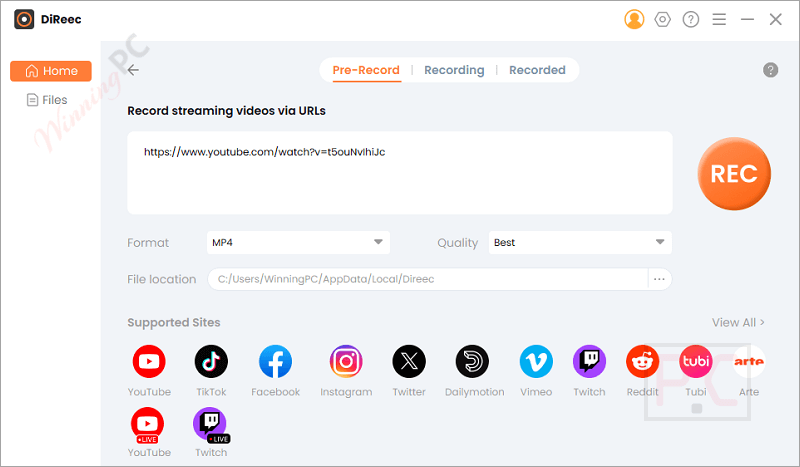
Streaming
Main Features
- High-Definition Recording: DiReec Screen Recorder has the ability to capture videos in full HD or 4K resolution without any lag. It supports recording of various screen sizes, including full screen, specific windows, or custom regions to ensure you get the highest quality video for your needs.
- Audio Recording: For creating comprehensive tutorials or recording meetings, you can use the audio recording function to record audio from your system, microphone, or both simultaneously. This function’s advanced noise reduction technology helps maintain clear audio quality and eliminate background noise.
- Webcam Integration: To help you create engaging video content, such as online tutorials and presentations, this tool integrates webcam footage with your screen recording. It allows you to adjust the webcam size, position, and frame to fit your video layout perfectly.
- Real-Time Annotation: It is also possible to help you enhance your recordings with real-time annotations. You are allowed to add arrows, text, shapes, and more to highlight important sections or explain complex processes.
- Screenshot Capability: This tool also provides a function to help you capture high-quality screenshots at any time, even during a recording session. It allows you to take quick snapshots that can be used for documentation or as standalone images in your projects.
- Scheduled Recording: To help you record live streams, webinars, or any other time-sensitive content without needing to be at your computer, it gives you the Schedule Screen Recording function. You can set up automatic recording sessions to start and stop at specified times.
- Hotkeys Customization: This software is designed to customize hotkeys for quick and easy control over recording functions. You can set up shortcuts for starting, pausing, and stopping recordings, as well as for taking screenshots and adding annotations.
- Flexible Export Options: The great thing about Amoyshare DiReec Screen Recorder is the ability to Save your recordings in multiple formats like MP4, AVI, WMV, and more to compatibility with various platforms and devices. You can also choose from different audio and image formats for exporting content.
- Cursor Highlighting: To increase the visibility of your pointer, emphasize its clicks and movements. Because it makes it easier for viewers to follow your actions, this feature is extremely helpful when developing tutorials. Tailor the cursor effects to improve the comprehension of the viewer.
- Efficient Editing Tools: Using tools that are already included in the program, edit your recordings right there. Video segments can be easily trimmed, edited, and combined to produce polished output. Time is saved and extra software is not needed thanks to these editing features.
Frequently Asked Questions
Can I record both system sound and microphone audio simultaneously?
Yes, DiReec Screen Recorder allows simultaneous recording of system sound and microphone audio.
Is it possible to record the screen and webcam simultaneously?
Sure. Whether you need to capture screen and webcam at the same time or record video from webcam only, the best recording software can cater to your needs. Just enable the webcam and screen option, click the REC to start recording, and our program will go for it!
Can I save the recorded videos in HD?
That’s definitely yes. With cutting-edge screen recording software, it’s a breeze to record any content in stunning high-definition quality, including video in 4K and audio in 320K. Thus, you can enjoy them offline without any trouble.
Does the screen recorder leave watermarks?
For the sake of providing the best recording experience, DiReec Screen Recorder offers a watermark-free function. Hence, you can get screen record without any annoying logo obstructing your content. It lets you create engaging videos with a professional touch.
How can I obtain a giveaway license key for DiReec Screen Recorder?
Visit WinningPC and join the giveaway to receive a free 6-month license key.
If I miss the Amoyshare DiReec Screen Recorder giveaway, is there any discount code for it?
You can use the WininngPC coupon code FO***TD, to enjoy a 50% discount on Amoyshare DiReec Screen Recorder.
Technical Details
| Language Support | English, Français, Italian, Spanish, Swedish, and more… |
| Money Back Guarantee | 30-Day |
| Operating System | Windows 11/10/8/7 Mac OS X 10.15 or above (macOS Big Sur and macOS Monterey) |
| Shipping | Register code will be sent to your email in minutes |
| Subscription | 1-Month, 6-Month, 1-Year, Lifetime |
| Support Services | Email, Live Chat |




Just another illegal closed source GUI program abusing a pirated illegal distribution of GPLv3 FFMPEG.EXE that does all the video capture and video/audio merging or conversion.