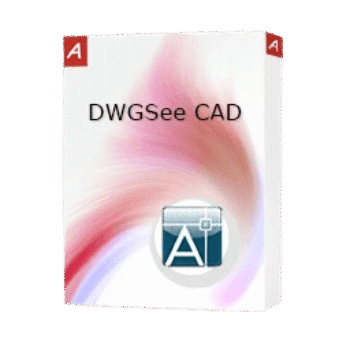
DWGSee CAD is a lightweight solution for opening, modifying, and drafting 2D drawings in DWG, DXF, and DWF formats.
- Status: ✅ Active & Verified
- Last Checked: October 2026
- Offer: 10% Off
- Code: Auto***42
📄 Licensing & Support Details
- License Type: Perpetual (Lifetime access, no monthly or yearly fees).
- Free updates
- Free technical support.
- Secure Payment.
- Usage: Installable on up to 2 computers or devices for a single named user.
- 30-day money-back guarantee.
📝 How to apply
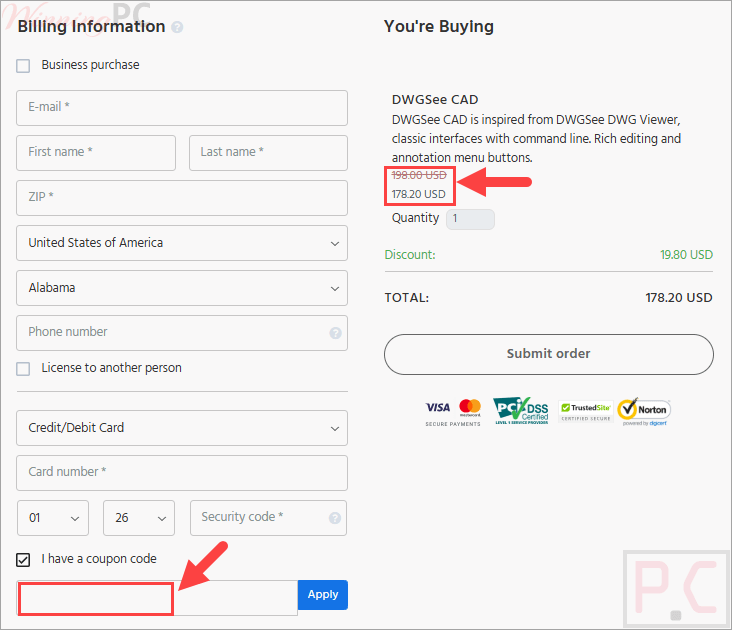
Click the ‘Copy Code’ button above. We’ll automatically copy it and redirect you to checkout to apply your discount.
DWGSee CAD: In-Depth Review & Features

Key Features
- Fast CAD Performance: A lightweight engine designed to open and edit drawings quickly with minimal RAM usage.
- Dimension Driven Tools: A smart drafting feature that ensures precise length measurements for all components.
- Classic Interface: Features a familiar command line and rich menu buttons for editing and annotation.
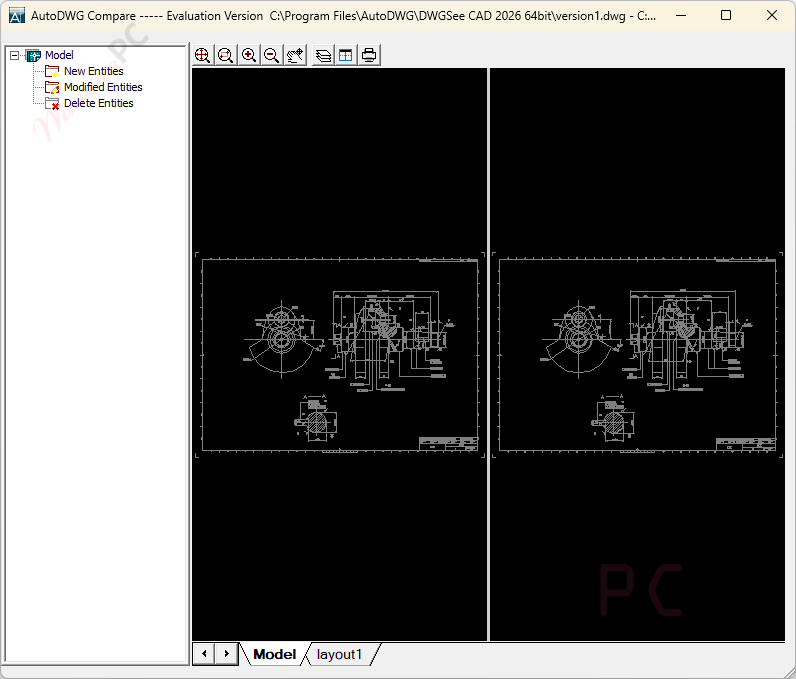
- Format Flexibility: Full compatibility for viewing and modifying all versions of DWG, DXF, and DWF files.
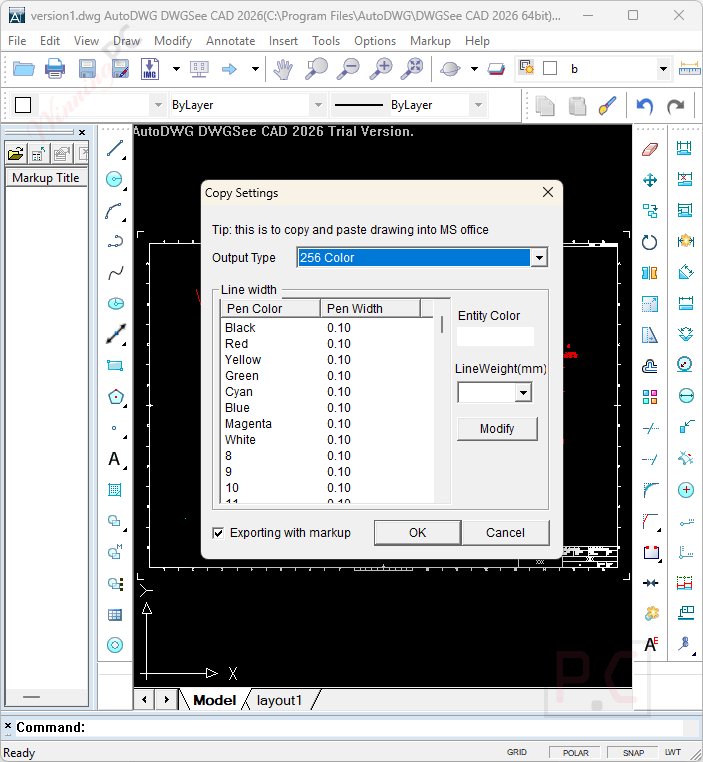
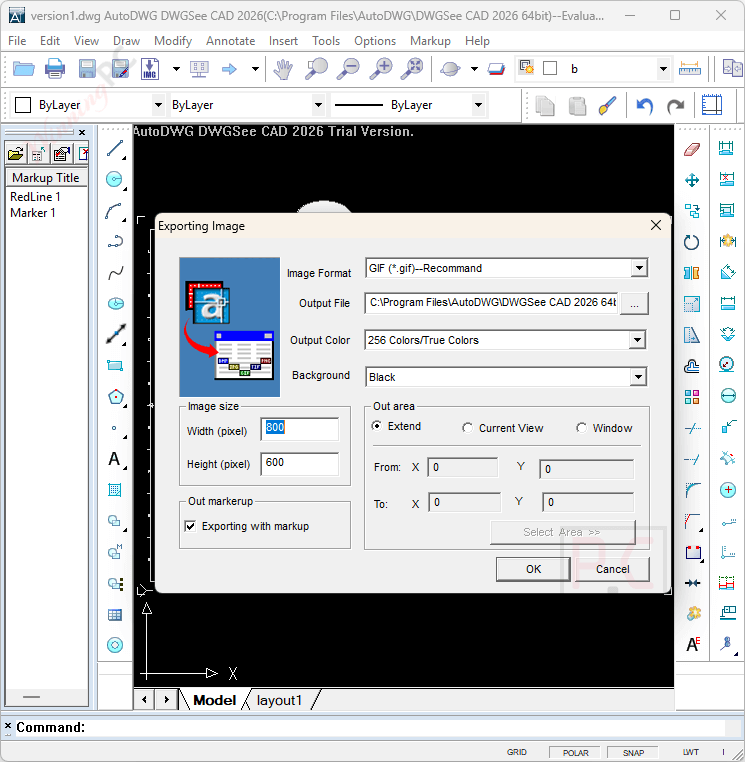
- Easy Collaboration: Markup drawings and publish them directly as PDF or JPG files for quick sharing.
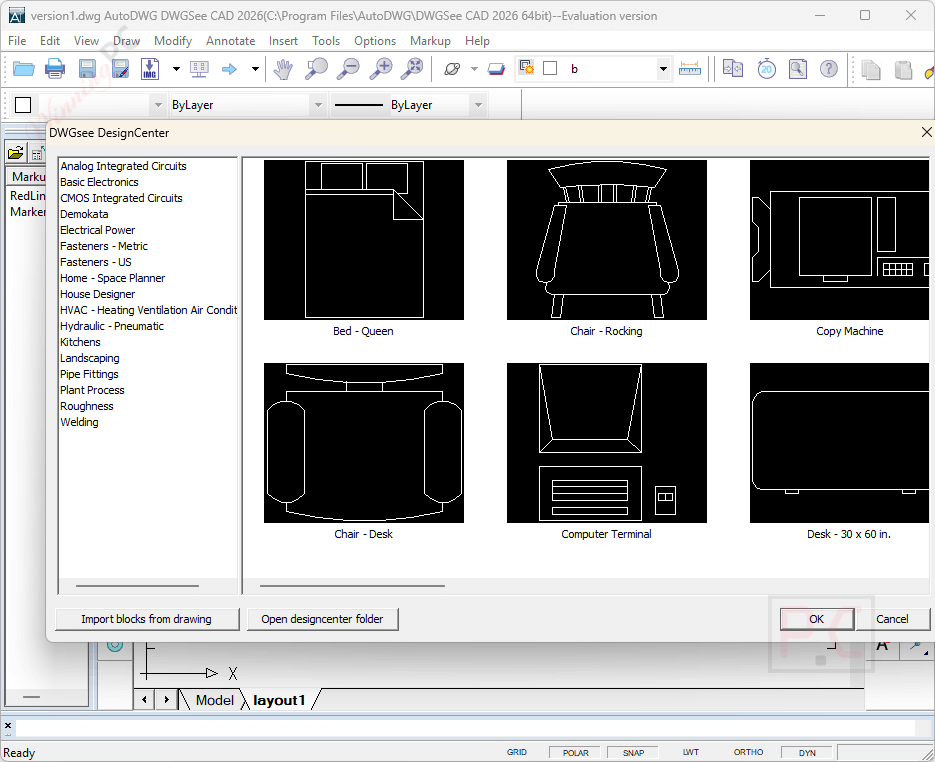
- Object Management: Specialized tools to define and reference blocks, modify objects, and manage complex 2D designs.
Pros & Cons
More Screenshot:

Frequently Asked Questions
Where can I find a coupon code or deal for DWGSee CAD?
The latest and best deals can be found on WinningPC, alongside the official AutoDWG website or the developer’s social media channels.
What is the best discount currently available for DWGSee CAD?
The best current discount is 10% OFF, available directly on WinningPC.
Can I install DWGSee CAD on multiple computers?
Yes, a single user license allows you to install the software on up to 2 computers, though it can only be used on one machine at a time.
Do I need to reinstall the software after purchasing a license?
No, you can convert the free trial to the full version simply by entering your email and the license code provided.
Is this a subscription-based software?
No, DWGSee CAD uses a perpetual license model, providing lifetime access to the version you purchased without recurring fees.
System Requirements & Details
| Language Support | English, Français, Italian, Spanish, Swedish, and more… |
| Money Back Guarantee | 30-Day |
| Operating System | Windows Vista, Windows 7, Windows 8/8.1, Windows 10/11 |
| Supported Input | DWG, DXF, DWF |
| Supported Output | DWG, DXF, DWF, PDF, JPG |