Laura Marano

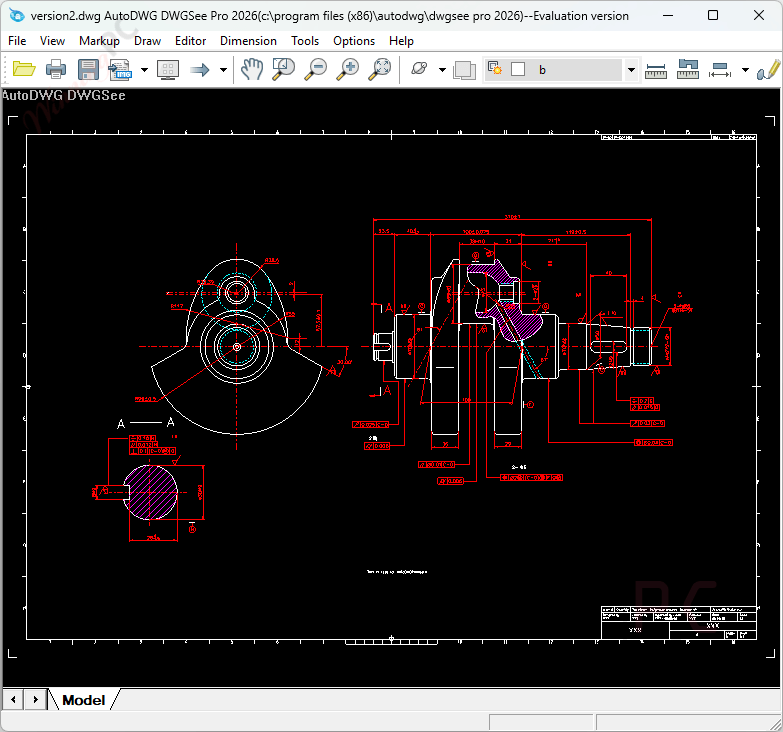
DWGSee Pro is a fast and lightweight viewer and editor designed to browse, measure, and modify DWG, DXF, and DWF files without the need for a heavy CAD installation. It fully supports AutoCAD formats from R14 up to the latest 2027 versions.
- Status: ✅ Active & Verified
- Last Checked: October 2026
- Offer: 10% Off
- Code: Auto***42

📄 Licensing & Support Details
- License: Perpetual single-user license (includes one year of free upgrades).
- Support: Free technical email support included.
- Guarantee: 15-day refund policy for unresolved technical difficulties and a 30-day refund for incorrect purchases.
📝 How to apply
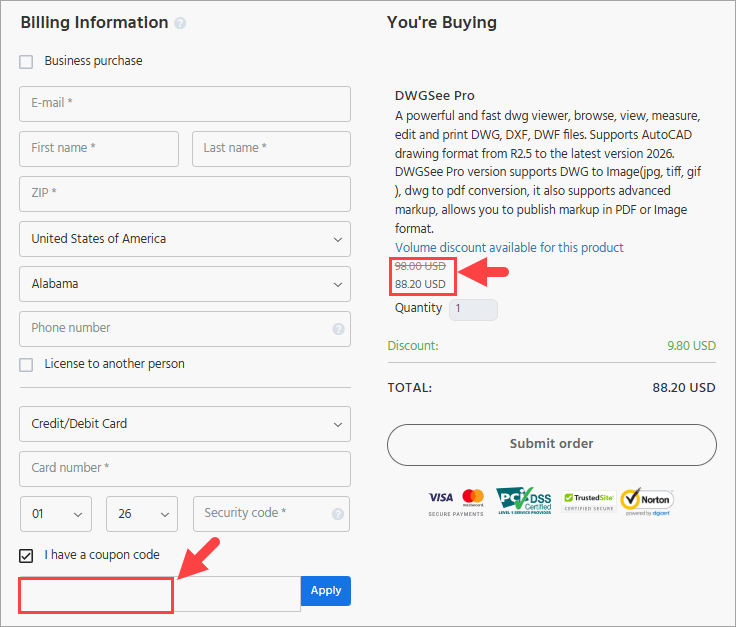
Click the ‘Copy Code’ button in the box above. You’ll be redirected to checkout to apply it and claim your discount.
DWGSee Pro: In-Depth Review & Features
Key Features
- Extensive Format Support: View DWG, DXF, and DWF files from versions R14 to 2025 alongside raster formats like BMP, JPG, PNG, GIF, and TIF.
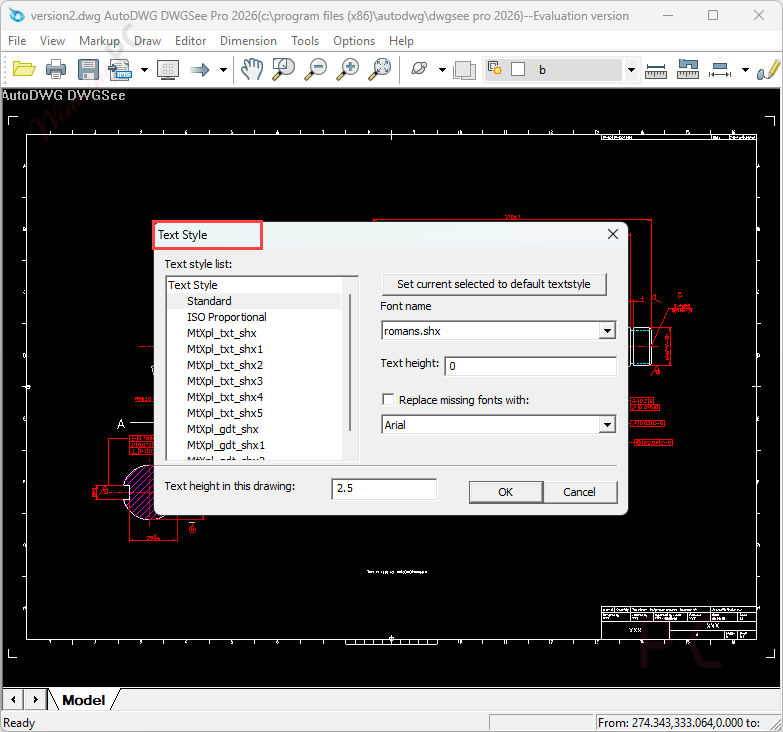
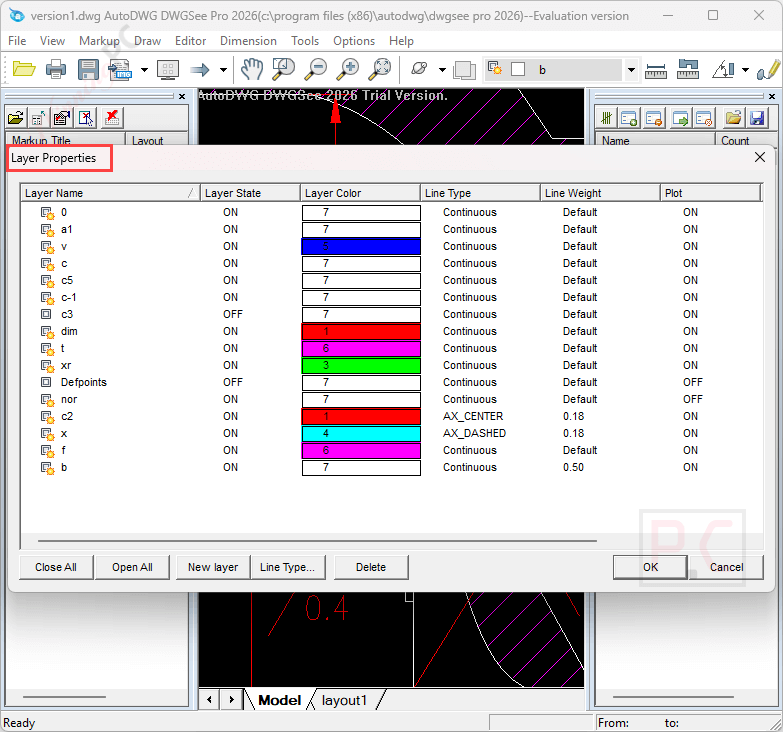
- CAD Editing Tools: Modify drawing elements such as text, lines, layers, and block characteristics via a direct right-click interface.
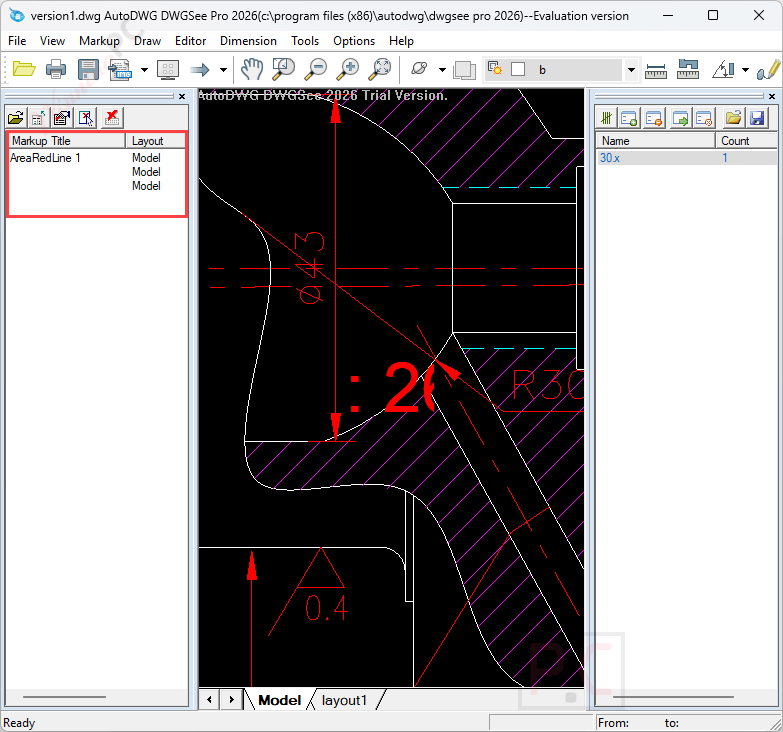
- Advanced Markup System: Annotate drawings with dimensions and notes using separate markup files or integrated layers to preserve the original file.
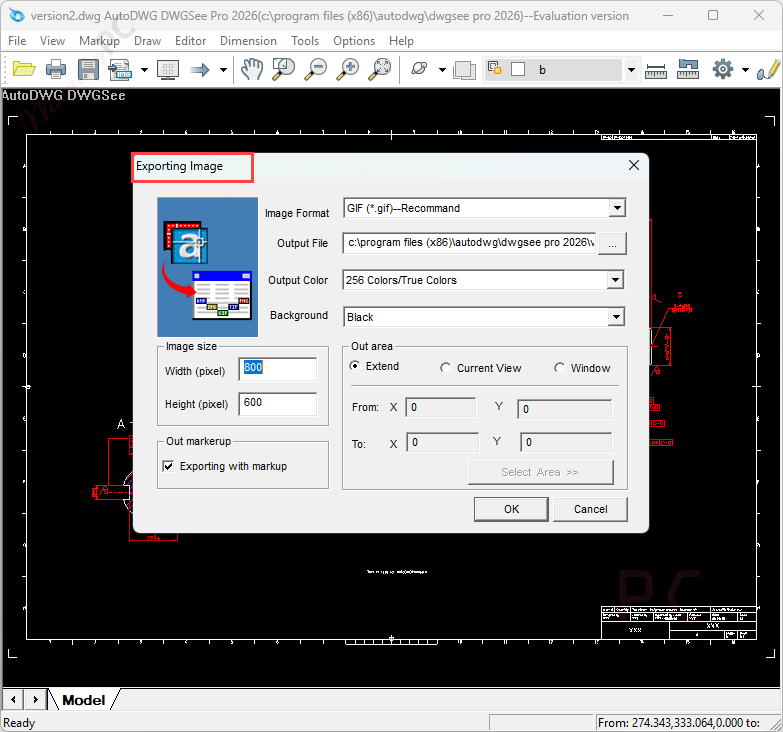
- Multi-Format Conversion: Export drawings to PDF, JPG, TIFF, and GIF formats to facilitate design review and distribution.
- Precise Measurement: Calculate length, angle, radius, and area using smart-snap functionality to capture entity endpoints and intersections.
- Batch Printing: Print individual or multiple DWG and DXF files simultaneously without the need to open each document manually.
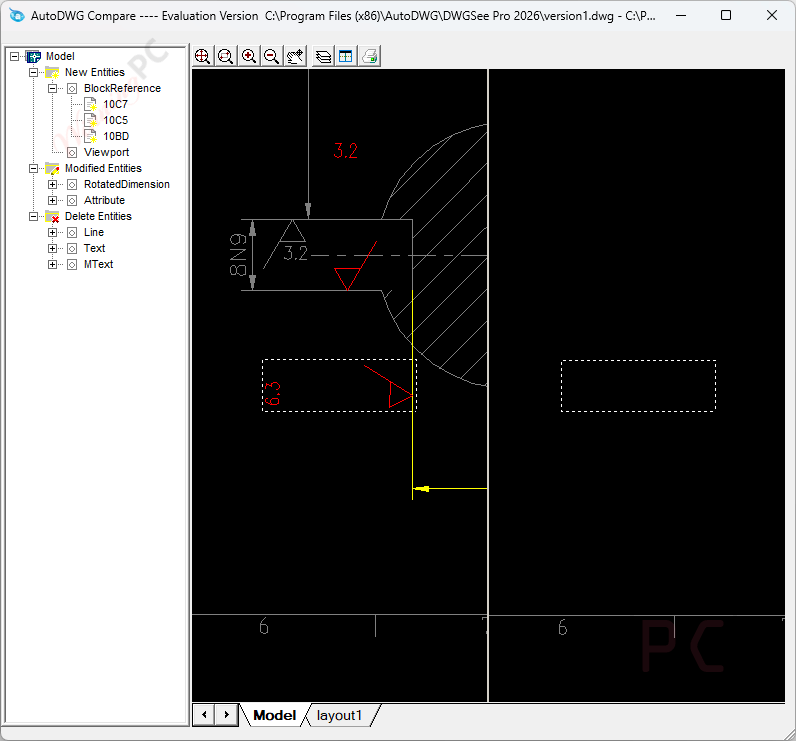
- Drawing Comparison: Compare two versions of a drawing side-by-side with synchronized zoom and pan to highlight specific differences.
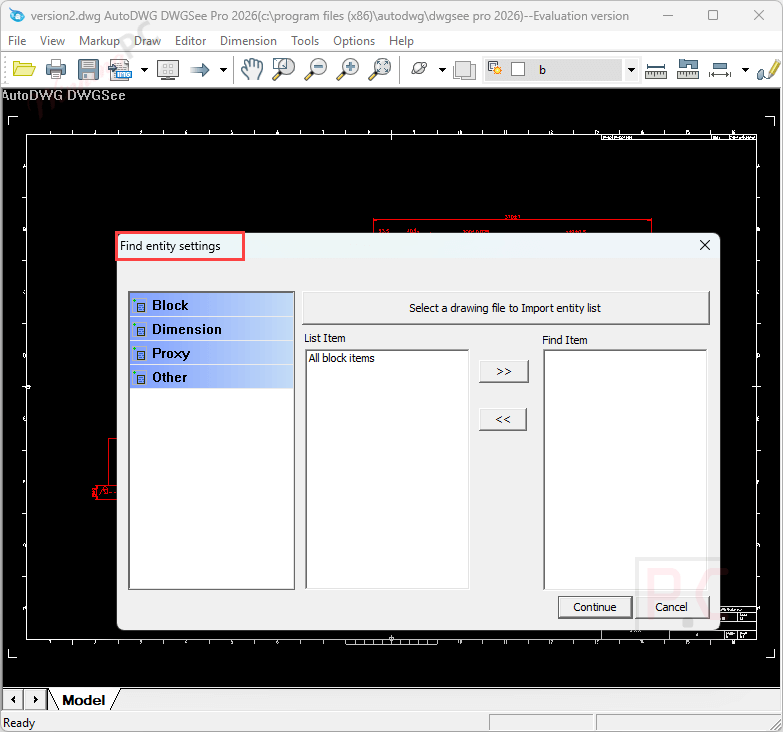
- File Utilities: Protect sensitive data with password encryption and locate specific elements using the internal text search feature.
- Enterprise Deployment: Manage multiple workstations using floating licenses with full support for Citrix and XenApp terminal servers.
Pros & Cons:
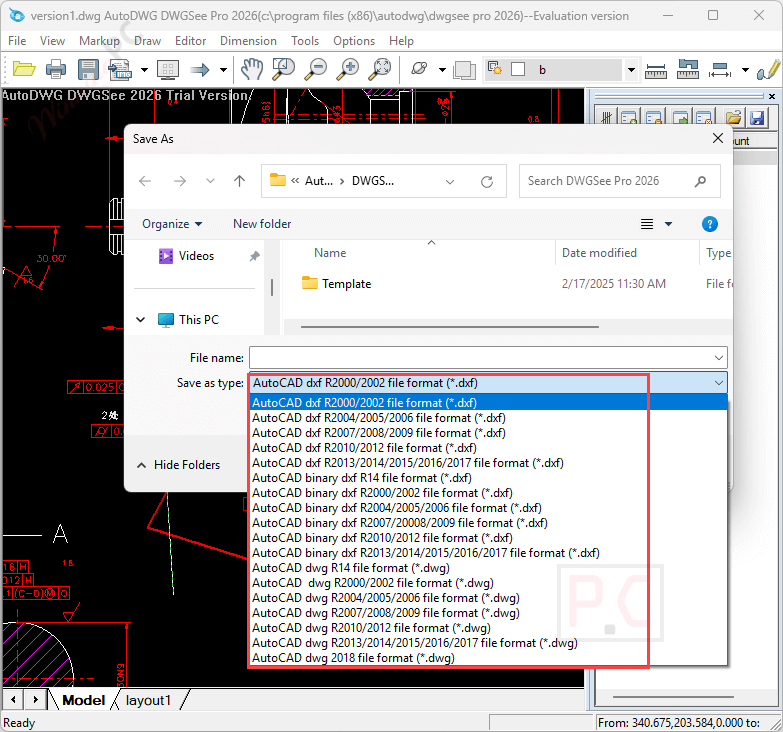
More Screenshots:
Frequently Asked Questions
Where can I find a coupon code or deal for DWGSee Pro?
The latest and best deals can be found on WinningPC, alongside the official software website or the developer’s social media channels.
What is the best discount currently available for DWGSee Pro?
The best current discount is 10% OFF, available directly on WinningPC.
Can I add markups and annotations to drawings?
Absolutely, DWGSee Pro provides tools for adding comments, markups, and annotations without altering the original drawing, facilitating effective collaboration.
Can I use DWGSee Pro to copy parts of drawings into Microsoft Office applications?
Yes, you can copy parts of drawings and paste them into Microsoft Office applications as vector images.
Can I add annotations and dimensions to drawings in DWGSee Pro?
Yes, you can add annotations, dimensions, and notes to drawings using DWGSee Pro’s advanced markup tools.
How do I get a discount on DWGSee Pro?
You can use the Auto***42 coupon code provided by WinningPC to get a 10% discount on DWGSee Pro.
System Requirements & Details
| Language Support | English, Français, Italian, Spanish, Swedish, and more… |
| Operating System | Windows 7, Windows 8/8.1, Windows 10/11 |
| Processor | Intel Core i3 / AMD equivalent or higher |
| RAM & Storage | Minimum 4GB RAM, 2GB available hard disk space |
| Supported Input | DWG, DXF, DWF (R14-2027), BMP, JPG, PNG, GIF, TIF |
| Supported Output | DWG, DXF (R14-2027), PDF, CSV, Vector (Clipboard to MS Word) |