

On this page
EaseUS Partition Master Pro Giveaway
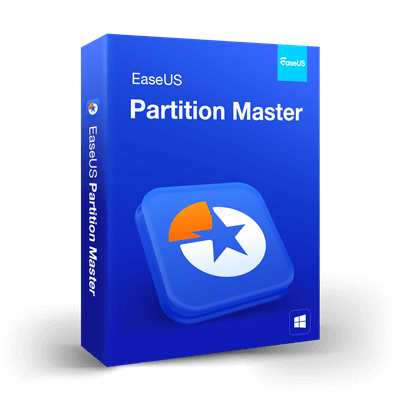
EaseUS Partition Master Pro
Resize/Extend partition to maximize disk space usage. Clone system or hard drive to upgrade disks without reinstalling Windows.
- Product
- EaseUS Partition Master Pro
- Product website
- easeus.com
- License
- 1-Year
- Platform
- Windows 11, 10, 8.1, 8, 7, Vista
- Usage
- Non-commercial only
- Updates
- No future upgrades
- Support
- No support
- Updated
- 2026-10-27
Continue on winningpc.com
The publisher handles registration and license delivery on its official website.
The free license is no longer available.
How to Get the EaseUS Partition Master Pro License for Free
- Open the EaseUS Partition Master Pro giveaway page below and request your free license code before the giveaway closes.
- Download and install EaseUS Partition Master on the PC you plan to keep using. The giveaway license can’t be reinstalled, so this choice matters more than usual.
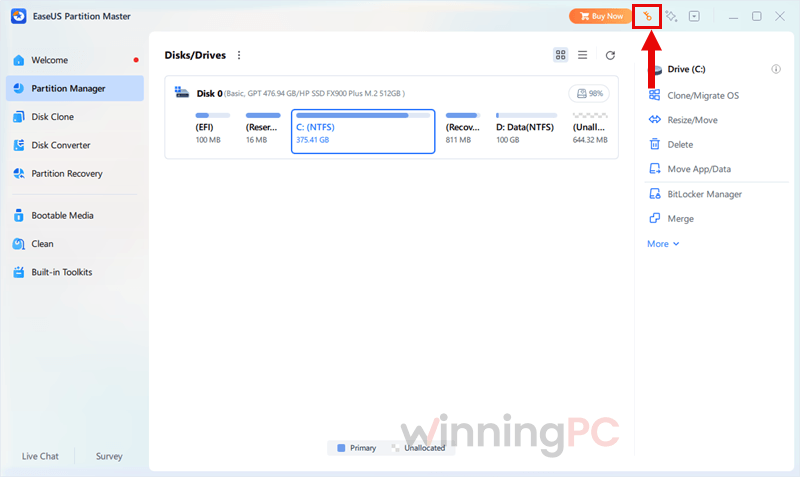
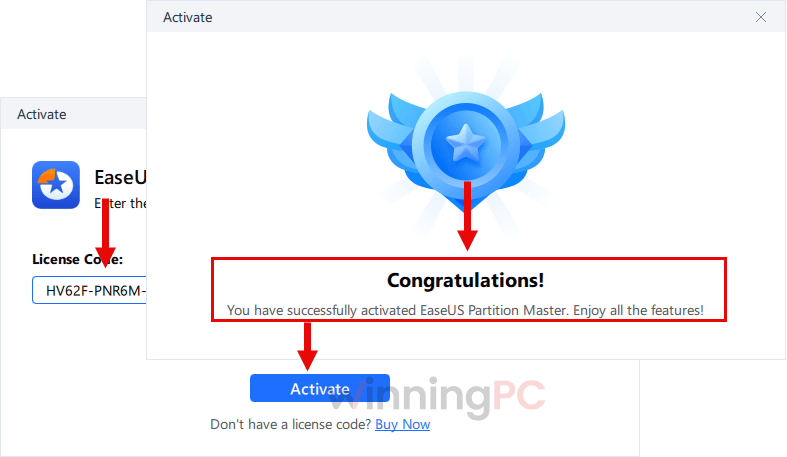
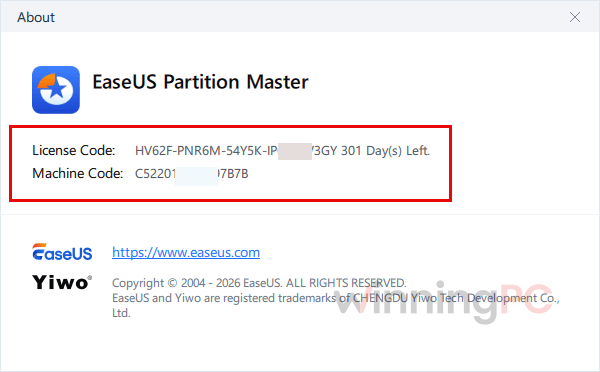
- Launch the program and paste your EaseUS Partition Master Professional license code when it asks for activation.
- Once the app shows the Pro edition, you’re set. Back up anything important before your first resize or clone.
EaseUS Partition Master Pro Plans & Coupon Codes

EaseUS Black Friday Sale: Up to 80% Off
Get ready for Black Friday with EaseUS software, and explore our Black Friday promotion to take advantage of seasonal offers that will support your upcoming digital projects. The event runs until December 1, 2026.

Limited discount: EaseUS Partition Master Pro
65% discount coupon code: $11.98/1 Month, $13.98/Lifetime, $27.98/Lifetime Upgrades
EaseUS Partition Master
8 plans · best save 70%
Pro - 1 Year Subscription ★ Best Deal
Free upgrade | Standard technical support
Pro - Current version only
Free upgrade | Standard technical support
Pro (Lifetime Upgrades)
One license for 2 PCs | Lifetime free upgrade

Server - Lifetime Upgrades
1 license for 1 computer | Lifetime upgrades
Unlimited
1 license for unlimited computers | 30-day money back guarantee
Unlimited - Lifetime Upgrades
1 license for unlimited computers | Lifetime upgrades
Technician - Lifetime Upgrades
1 license for unlimited computers | Lifetime upgrades

Is this EaseUS giveaway safe and legit?
Yes. It’s an official EaseUS promotion, and the key unlocks the same installer EaseUS sells.
No crack or keygen
You download EaseUS’s own build and activate it with a genuine code. Nothing is patched or repackaged.
Straight from the publisher
The key is issued through EaseUS’s giveaway page, not a third-party reseller or grey-market key shop.
Your data has a safety net
Every change is queued for preview and can be undone before you hit Execute, and EaseUS says an operation interrupted by a power cut rolls back instead of corrupting the disk.
Secure checkout if you buy
Paid plans are sold on EaseUS’s official HTTPS store, so your card details never touch WinningPC.
How well does EaseUS Partition Master Pro work?
The headline trick is something Windows’ own Disk Management can’t do. Disk Management will only extend C into free space sitting directly after it. EaseUS Partition Master Pro slides partitions out of the way and pulls unallocated space from anywhere on the disk (or from a second disk) into C, which fixes the most common “low disk space” headache in a few clicks. The system-disk MBR to GPT conversion is the other big win if an older PC is blocking your Windows 11 upgrade. The “reboot-free” promise has limits, though. EaseUS itself notes that some system-drive jobs still need a restart, so plan C-drive work for a moment you can step away from the PC.
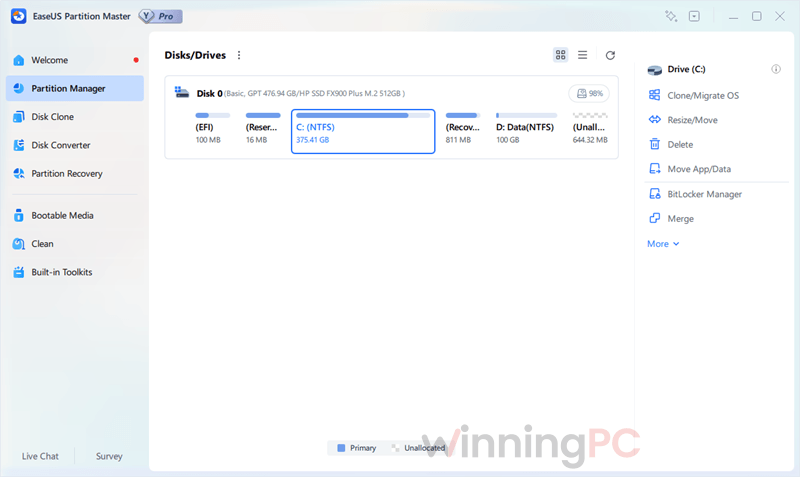
Key features
- Grow C without starting over: resize, move and merge partitions, including non-adjacent ones, and borrow space from a second disk.
- Upgrade to an SSD without reinstalling: clone the whole disk, or migrate just Windows, the boot partitions and installed apps.
- Get Windows 11-ready: convert a system disk from MBR to GPT without wiping it, or switch FAT32 and NTFS without formatting.
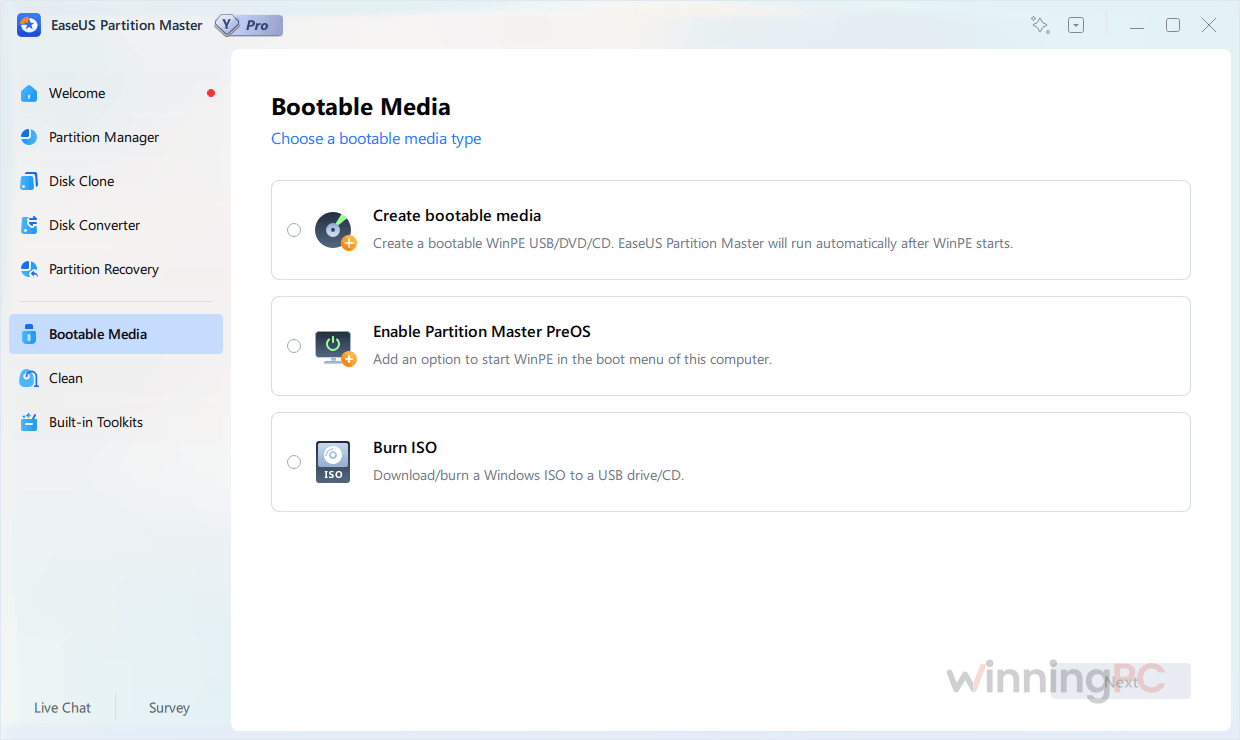
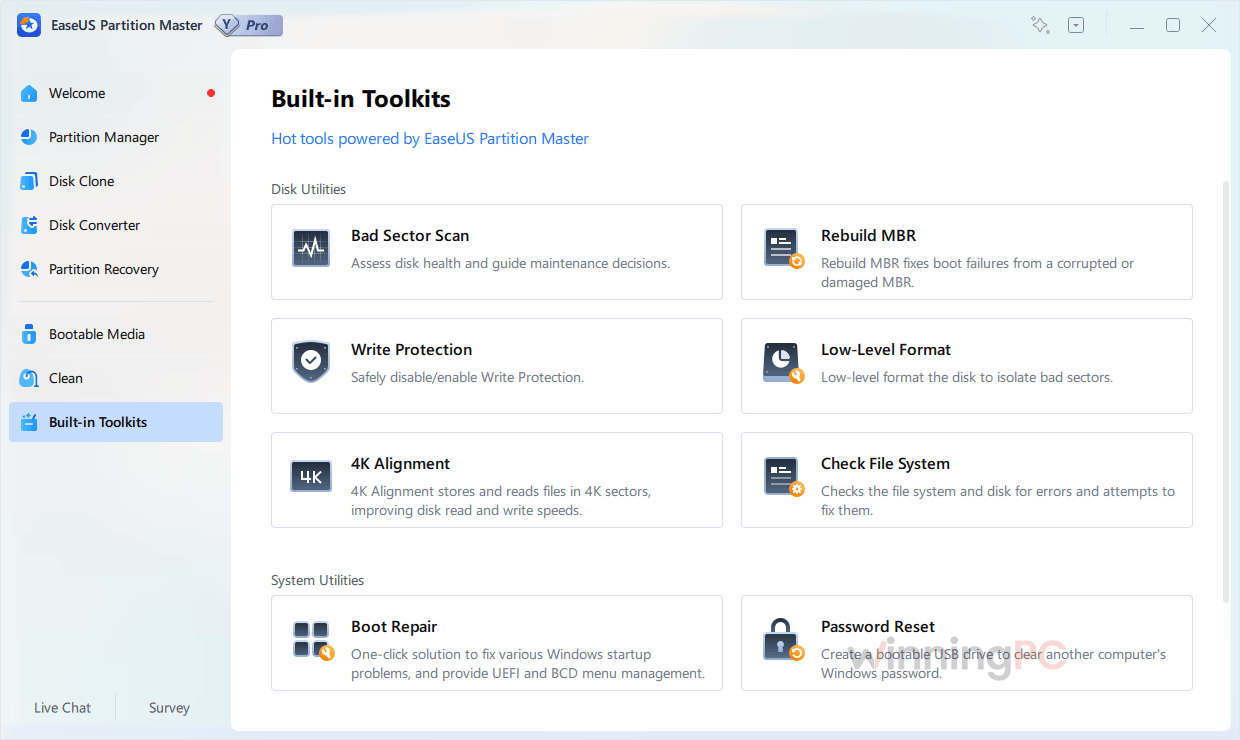
- Rescue a PC that won’t boot: build a WinPE USB to repair boot errors, reset a local or domain Windows password, and copy files off the dead system.
- Bring back lost partitions after a bad Windows update, an accidental deletion or partition-table damage.
What we liked, what we didn’t
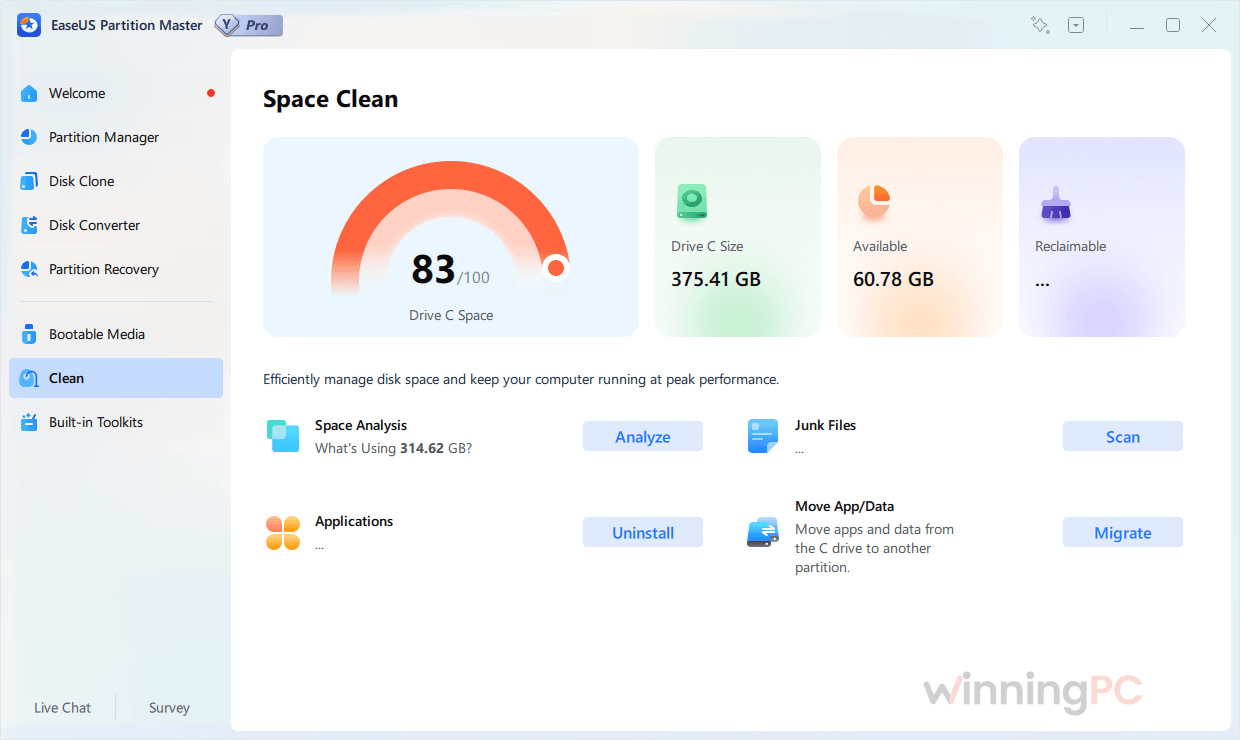
EaseUS Partition Master Pro main screenshot!
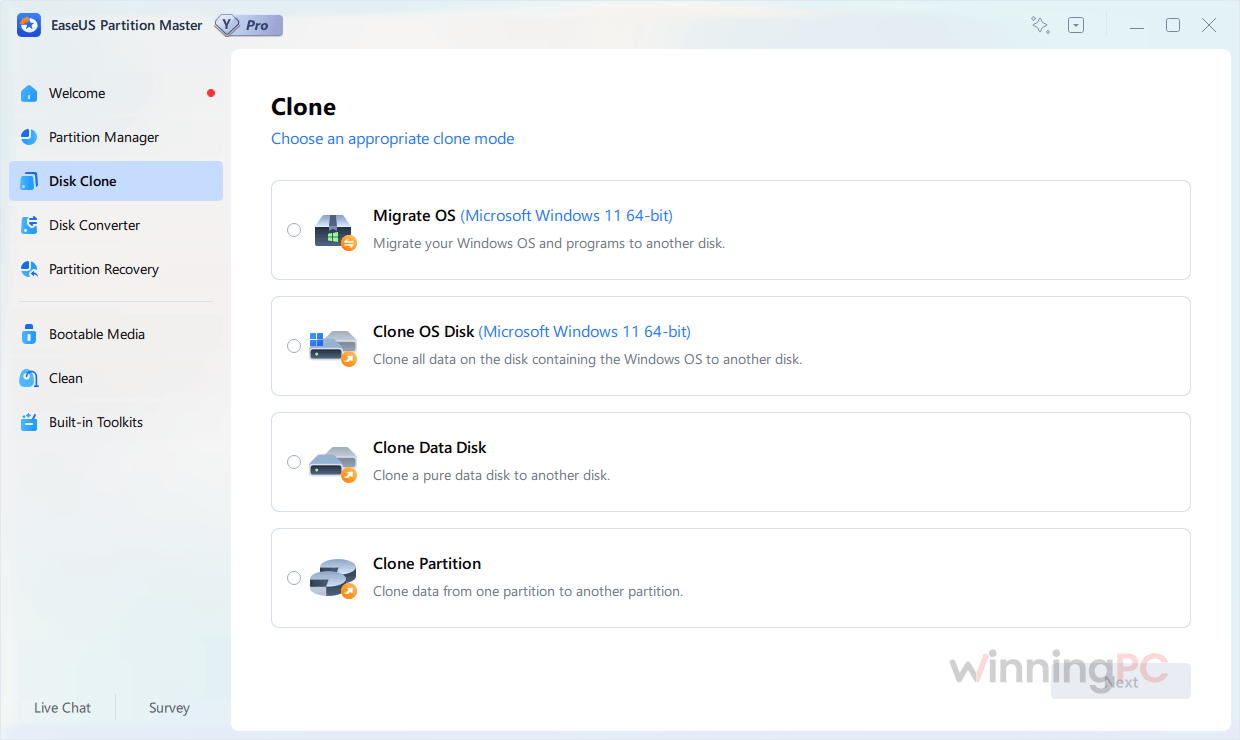
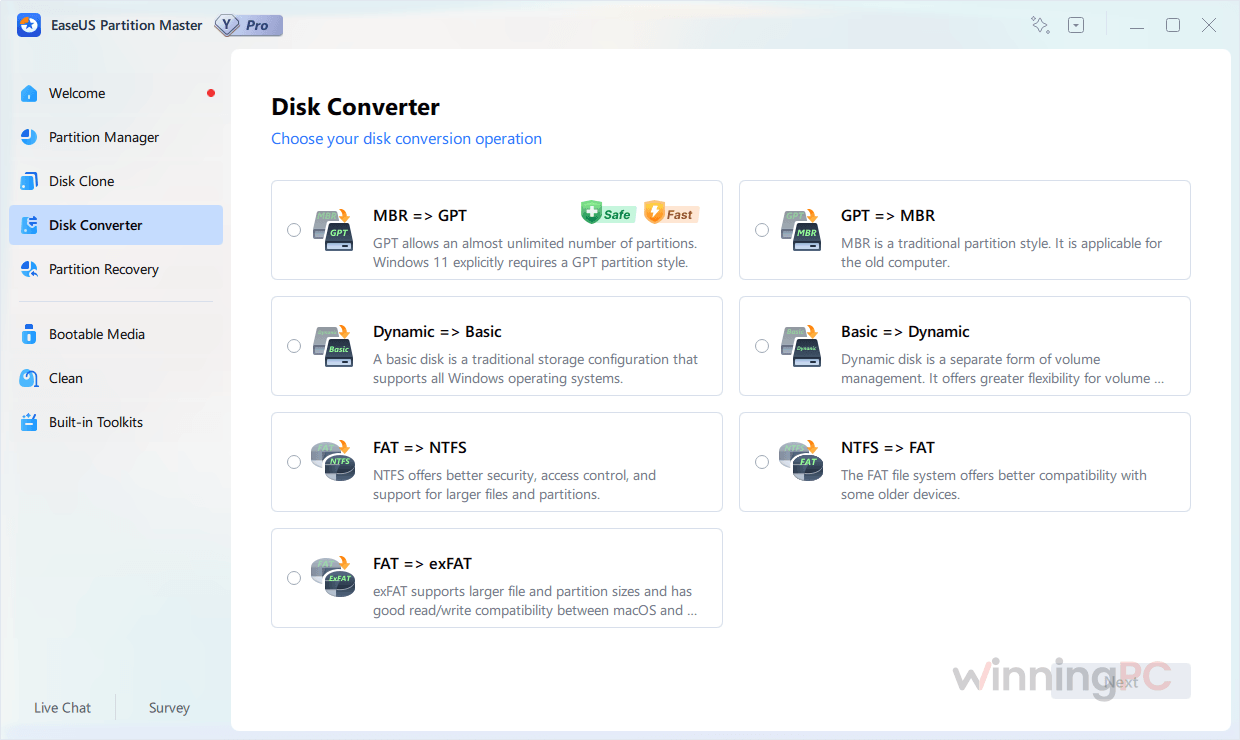
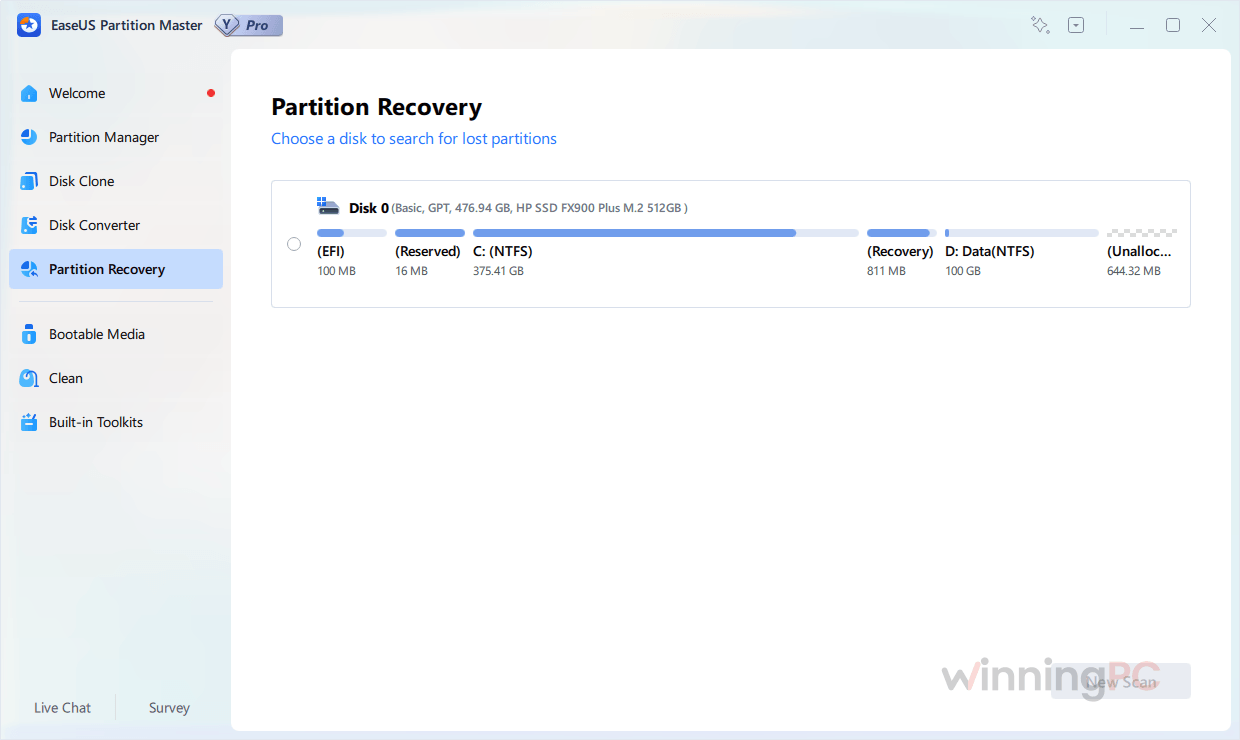
EaseUS Partition Master Pro vs the alternatives (free ones included)
| Tool | Price | What it handles | Platform | Best for |
|---|---|---|---|---|
| EaseUS Partition Master Pro (our pick for this giveaway) | Free 1-year key, or from $11.98 with code | OS migration, disk clone, non-adjacent merge, system MBR/GPT, WinPE rescue | Windows 11 to Vista | Home users who want point-and-click |
| EaseUS Partition Master Free | Free | Basic resize, adjacent merge, data-disk MBR/GPT, FAT32/NTFS | Windows | Simple jobs only |
| AOMEI Partition Assistant (Server) | $118.30/yr | Similar toolkit, OS migration in paid editions | Windows | Businesses comparing per-seat cost |
| 4DDiG Partition Manager | $28.66/yr | OS migration to SSD, clone, MBR/GPT conversion | Windows 7 and later | A quick, one-off SSD upgrade |
| GParted | Free, open source | Resize, move and copy partitions from a live USB; no OS migration wizard | Runs from its own bootable USB | Confident users on a zero budget |
| Windows Disk Management + MBR2GPT | Free, built in | Extend into adjacent space only; MBR2GPT converts the system disk | Windows 10/11 | Simple jobs you can do without new software |
Questions people ask about EaseUS Partition Master Pro
Can I reinstall the giveaway license later?
No. The giveaway terms say the license can’t be reinstalled, so activate it on the PC you’ll keep using. If you’re planning a clean Windows install, do your partition work before it, not after.
What happens when the 1-year license expires?
After 12 months the free Pro license ends, and you’d need a paid plan to keep using Pro features. The giveaway terms don’t say whether the app falls back to the Free edition, so finish any big migration well before your license date.
Can I move Windows to an SSD that’s smaller than my hard drive?
Yes, as long as the SSD can hold everything currently on your C drive. Migrate OS copies the system and boot partitions in full, and since C is usually the boot partition, all of C goes across, personal files included. Move bulky folders like Videos or Downloads to another drive first and a smaller SSD becomes realistic. A “destination disk is too small” error means C still won’t fit.
Why does EaseUS fail to convert my system disk from MBR to GPT?
Usually one of two reasons. Either the disk already has four primary partitions, or your system and boot partitions sit on different disks. Delete one partition or convert it to logical in the first case; in the second, combine them onto the same disk and try again.
Can I use the free license at work?
No. This giveaway is strictly for non-commercial use. For a business PC you’d need a paid license, and it’s worth confirming EaseUS’s commercial-use terms for your edition before you buy.
Is EaseUS Partition Master Free good enough?
For simple jobs, yes. The Free edition resizes or merges neighbouring partitions, converts data disks between MBR and GPT, switches FAT32 and NTFS, and wipes drives. It can’t clone a disk, migrate Windows, convert a system disk, recover lost partitions or build a WinPE rescue USB. Those need Pro, which is exactly what this giveaway unlocks.
System Requirements & Supported Formats
| Field | Value |
|---|---|
| Operating system | Windows 11, 10, 8.1, 8, 7, Vista |
| Processor / RAM / disk | Not specified |
| Supported file systems | NTFS, EXT2/3/4, FAT12/16/32, ReFS, exFAT |
| Supported hard drives | IDE, SATA, eSATA, SCSI, FireWire (IEEE 1394) |
| Supported SSDs | SATA SSD, M.2 SSD, NVMe SSD; MBR and GPT disks, including large-capacity drives |
| Removable media | USB 1.0/2.0/3.0, flash drives, memory cards, memory sticks |
| RAID | SCSI, IDE and SATA RAID controllers; hardware RAID configurations |



Thanks very much. Version 12.10 code is working.
Thanks for the feedback.
easeus-partition-master-12.10.zip needs a password to unzip … 🙁 No password?
Hi, all files on our website have the same unzip pass is winningpc.com.
I have added this information in the “How to get” section.
Thanks, the code is working correctly.