Chris Bruner
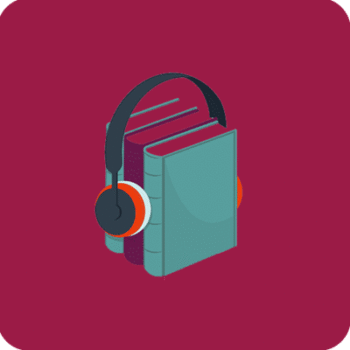
Epubor LibAudio Mate is a handy tool that allows you to convert Libby audiobooks into MP3 files instantly. With this Epubor software, you can enjoy your favorite Libby titles on any device, like a phone, tablet, computer, or MP3 player, without restrictions. It ensures high-quality sound, quick conversions, and an easy way to manage your audiobook collection.
Epubor LibAudio Mate for Win/Mac - 1 Year License
20% Off coupon code: regular price $29.99, discounted price $23.99
Epubor LibAudio Mate for Win/Mac - 5 Year License
20% Off: regular price $49.99, discounted price $39.99
Epubor LibAudio Mate for Win/Mac - Family License
20% Off: regular price $99.99, discounted price $79.99
Giveaway: Epubor LibAudio Mate License Code for Free
- Product name: Epubor LibAudio Mate
- Website: https://www.epubor.com/
- License type: 1-year
- Platform: Windows
- Download: libaudio-mate.exe
- Giveaway form:
The giveaway has ended!
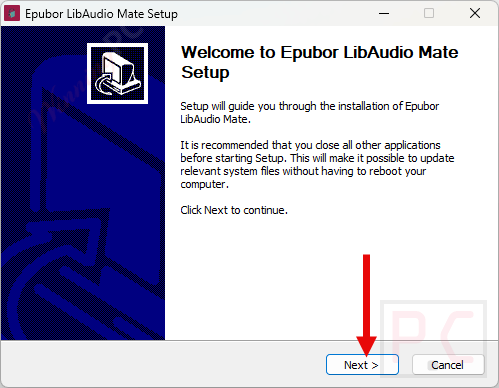
Install the software on your computer
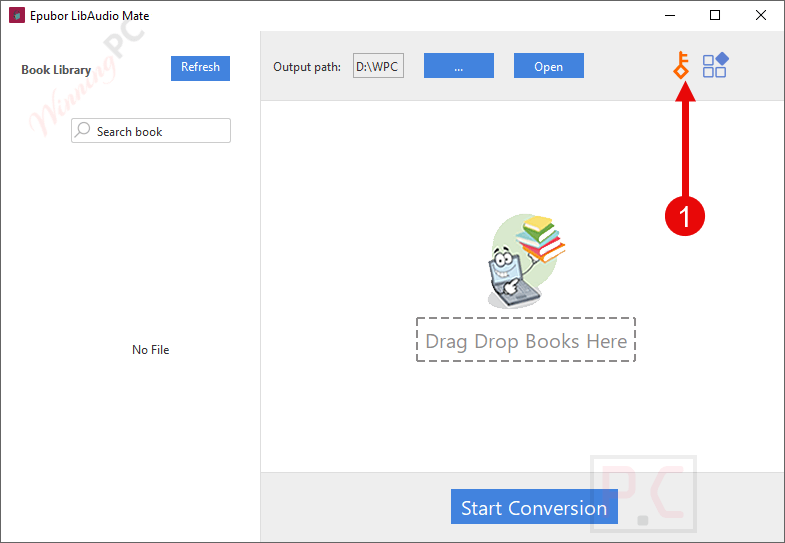
Please copy and paste your license code to activate the software with full functions
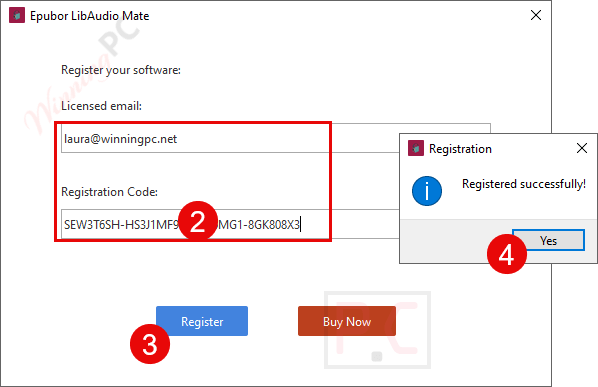
Got it!
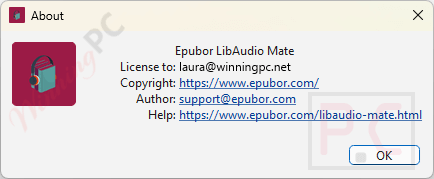
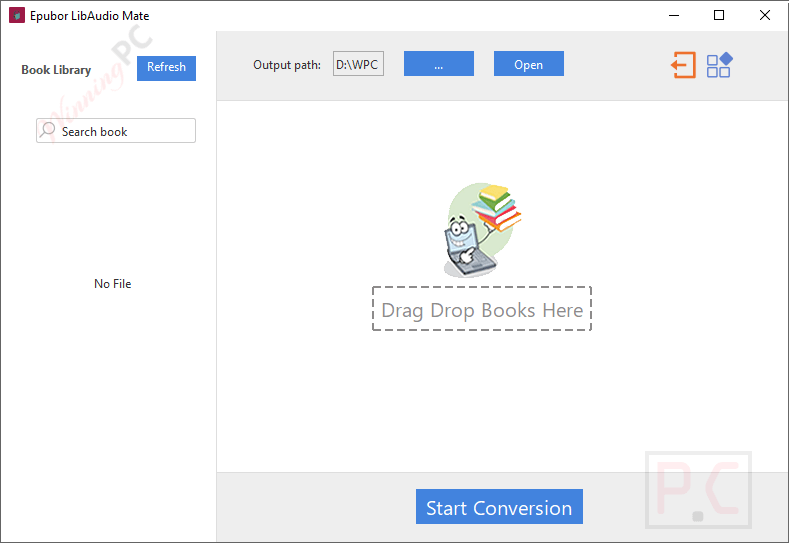
Epubor LibAudio Mate screenshot
Main Features
- Convert to MP3: Turn Libby audiobooks into MP3 format for unlimited playback.
- High Audio Quality: Keep the same clear sound as the original audiobook.
- Fast Conversion: Convert even long audiobooks within minutes.
- Batch Conversion: Process multiple audiobooks at once to save time.
- Cross-Device Support: Listen freely on phones, tablets, computers, or MP3 players.
Frequently Asked Questions
How many audiobooks can I convert with the free trial?
Trial users can convert up to 3 full Libby audiobooks for free. After that, you’ll need to upgrade to the paid version.
Why doesn’t Epubor LibAudio Mate detect my Libby audiobooks?
Make sure your audiobooks are fully downloaded in the Libby app. If they still don’t appear, delete the files in:
C:\Users\User Name\AppData\Roaming.EpuborLibby\library
Then re-download the audiobook and refresh Epubor LibAudio Mate.
What should I do if the conversion fails?
Open the Libby app, check the Shelf page, and ensure a checkmark appears next to the title. Re-download if necessary, then try again.
Can I convert more than one audiobook at a time?
Yes. Epubor LibAudio Mate supports batch conversion, so you can convert multiple audiobooks in one go.
How do I add new Libby downloads to the program?
After downloading a new audiobook, open Epubor LibAudio Mate and click the “Refresh” button. The new title will appear and be ready for conversion.
Technical Details
| Language Support | English, Français, Italian, Spanish, Swedish, and more… |
| Money Back Guarantee | 30-Day |
| Operating System | Windows 10, 11 Mac OS X 10.14 and later |
| Shipping | Register code will be sent to your email in minutes |
| Subscription | 1-Year, 5-Year |
| Support Services | Email, Forums, Live Chat, Tickets |