Laura Marano
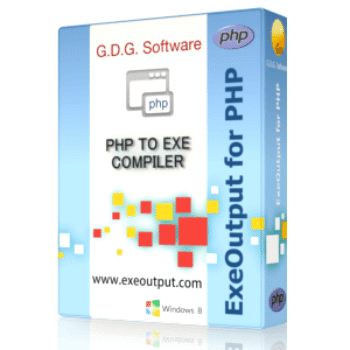
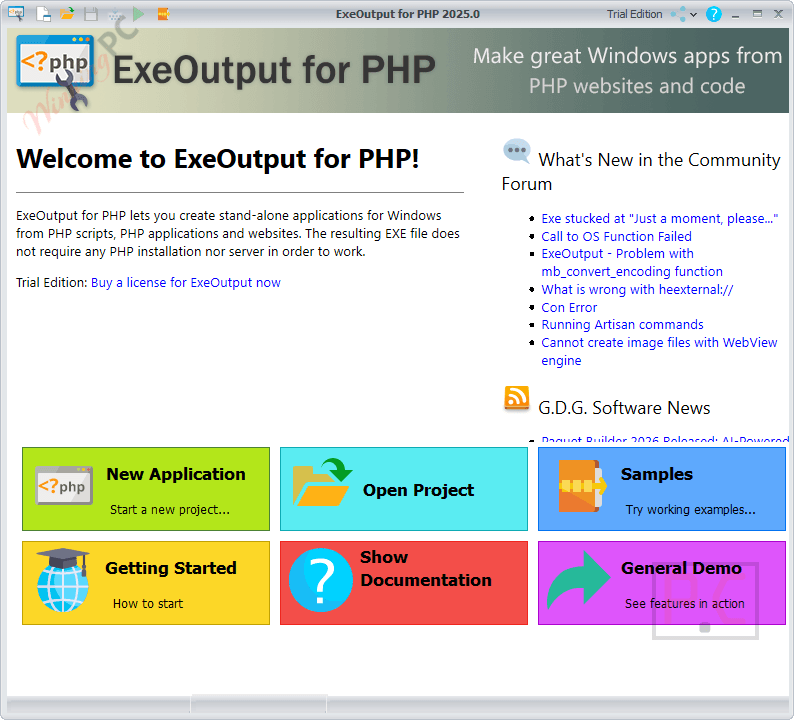
ExeOutput for PHP converts your PHP projects, HTML, CSS, and JavaScript into standalone Windows applications. It embeds the PHP runtime and all your source files directly into a single native EXE file, removing the need for a separate web server.
📄 Licensing & Support Details
- License Type: Perpetual License with royalty-free distribution.
- Support Terms: Basic support via tickets, email, or forum.
- Maintenance: 12-month maintenance plan included (free minor and major upgrades).
- Refund policy: 30-day money-back guarantee.
📝 How to apply
- Click the “Copy Code” button in the coupon section above to grab this deal.
- The code will be applied automatically, and you’ll be taken to the checkout page to enjoy the discount.
ExeOutput for PHP: In-Depth Review & Features
Key Features
- Bundles PHP, HTML, JavaScript, JSON, XML, and PDFs into a single, native Windows .EXE application.
- Uses modern rendering engines, including Microsoft Edge WebView2 and Chromium Embedded Framework (CEF).
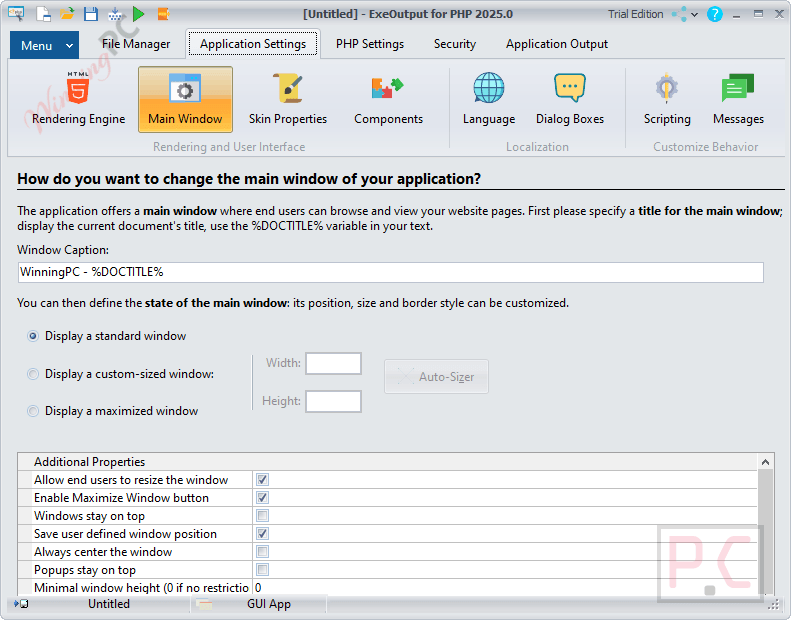
- Manages PHP extensions (cURL, OpenSSL, Sockets, GD2) visually without manual php.ini configuration.
- Integrates natively with popular PHP frameworks such as Laravel, CodeIgniter, Fat-Free, and Composer.
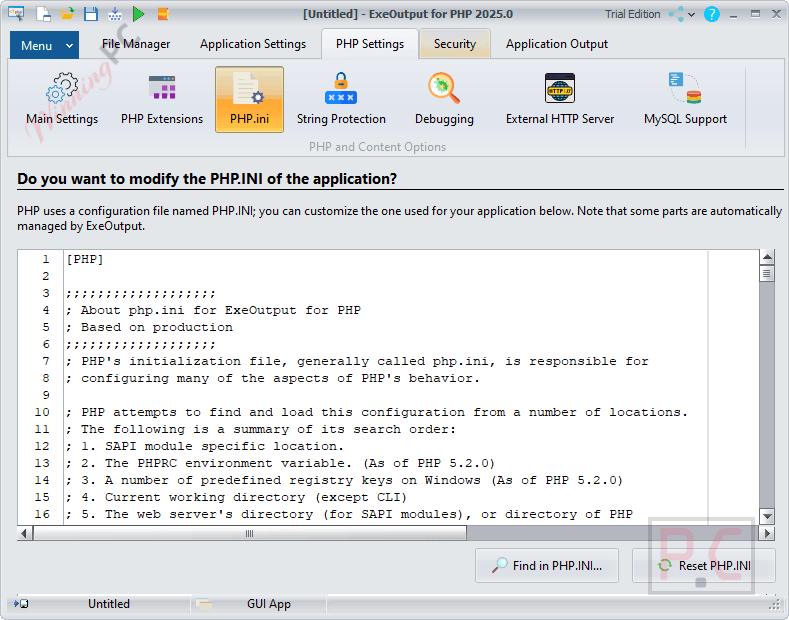
- Allows custom UI design using built-in templates for ribbons, classic toolbars, tray icons, and pop-up windows.
- Supports local database management by bundling tools like Adminer or phpMyAdmin and a portable MariaDB server.
- Creates console (CLI) applications and standalone HTTP server apps accessible from any browser.
- Provides an integrated PHP.INI editor with syntax highlighting and search capabilities.
Pros & Cons
More ExeOutput for PHP screenshots
Application Settings
PHP Settings
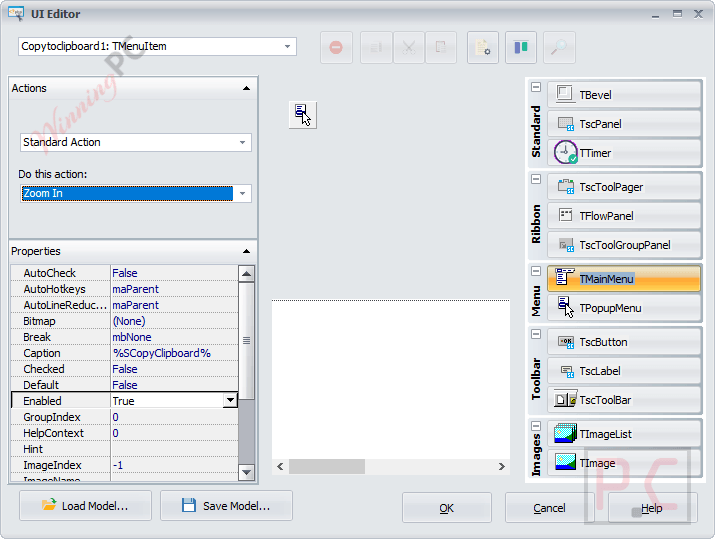
UI Editor
Frequently Asked Questions
Where can I find a coupon code or deal for ExeOutput for PHP?
The latest and best deals can be found on WinningPC, alongside the official software website or the developer’s social media channels.
Do end-users need to install a web server to run the compiled application?
No. The PHP runtime is embedded directly into the EXE file, meaning no Apache setup, port configurations, or firewall permissions are required.
Can people extract my source code from the compiled EXE?
No. Compiled files are compressed and protected. They are never unpacked to the hard disk and cannot be extracted using standard archiving tools like 7-Zip.
Can I connect my application to a database?
Yes. The PHP engine handles connections to SQLite, MySQL, and MariaDB. You can connect to remote database servers or bundle a portable MariaDB server that starts automatically with your app.
Can I customize the look of my desktop application?
Absolutely. You can use the built-in visual editor to add custom ribbons, toolbars, skins, menu items, and semi-transparent splash screens.
What happens if my PHP script crashes during use?
Because PHP runs as a separate CGI process isolated from the user interface, a failed PHP script will automatically restart when the page is refreshed, preventing the entire application from crashing.
Can I create portable applications?
Yes. You can build portable applications designed to run directly from a USB flash drive without writing any data to the local computer.
System Requirements & Details
| Feature | Specifications |
|---|---|
| Language Support | Multiple languages supported (Unicode-enabled apps) |
| Operating System | Windows 11, 10, 8.1, 8, 7 (including Server 2008 & 2016) |
| RAM & Storage | 182 MB (Installer size) |
| Supported Input | PHP (5.6 to 8.5), HTML5, JS, CSS3, JSON, XML, PDF |
| Supported Output | Native Windows .EXE files |