On this page
Fonelora Android Unlocker Coupons & Pricing
Fonelora Android Unlocker - 1 Month Plan
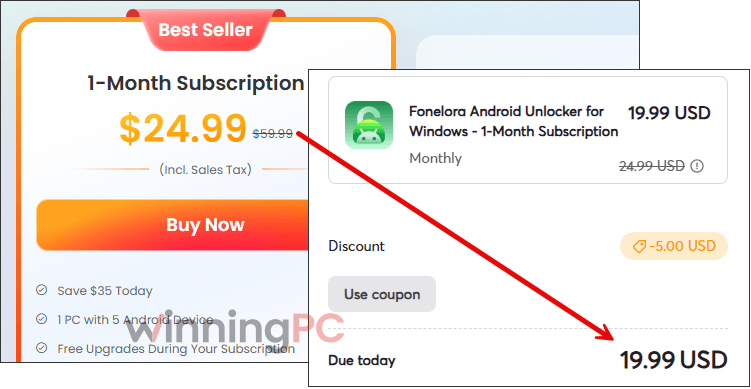
67% off the 1-month subscription. Covers 1 Windows PC or 1 Mac and up to 5 Android devices, with free upgrades while active. Auto-renews monthly; 7-day money-back.
Fonelora Android Unlocker - 1 Year Plan
60% off the yearly subscription. Covers 1 Windows PC or 1 Mac and up to 5 Android devices, with free upgrades for the year. Auto-renews yearly; 60-day money-back.
Fonelora Android Unlocker - One-Time Purchase
59% off a one-time license. Lifetime use and lifetime free upgrades on 1 Windows PC or 1 Mac, up to 5 Android devices. No renewals; 60-day money-back.
How to Use the Fonelora Coupon Code
Click “Copy Code” on the plan you want. The button copies the Fonelora discount code and takes you to Fonelora’s official store.
Paste the code into the coupon field and check that the total before you pay.
Your activation code arrives by email. In the app, click Activate, then Activate Now, and paste in your account details and code (an internet connection is required).
How Well Does Fonelora Android Unlocker Work?
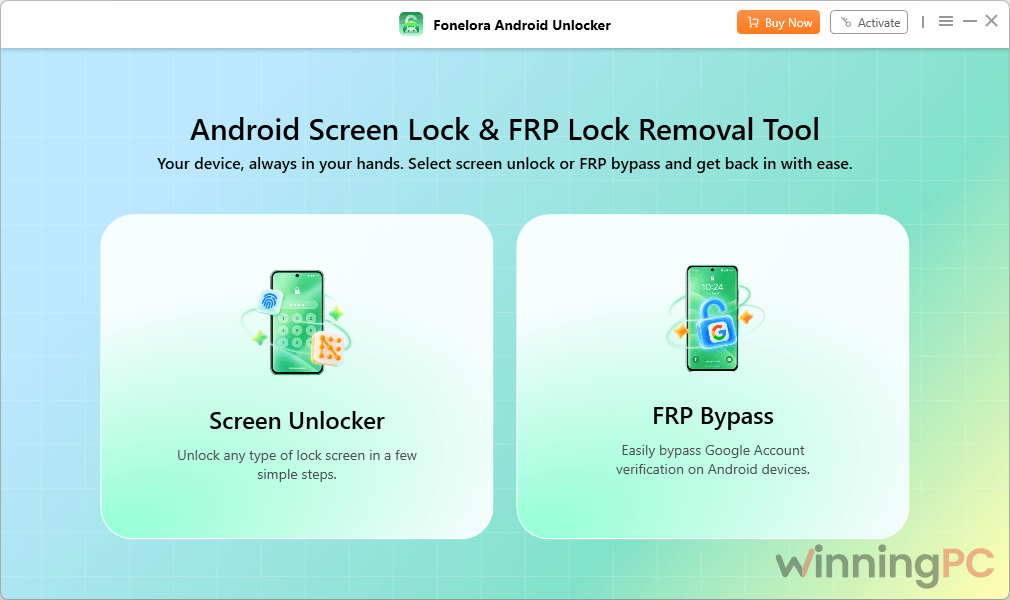
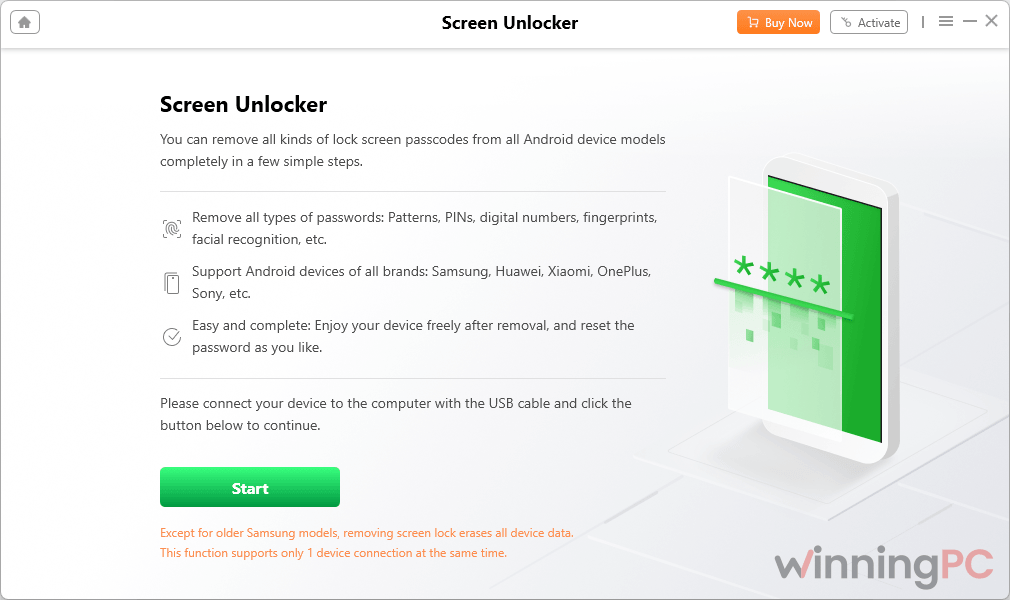
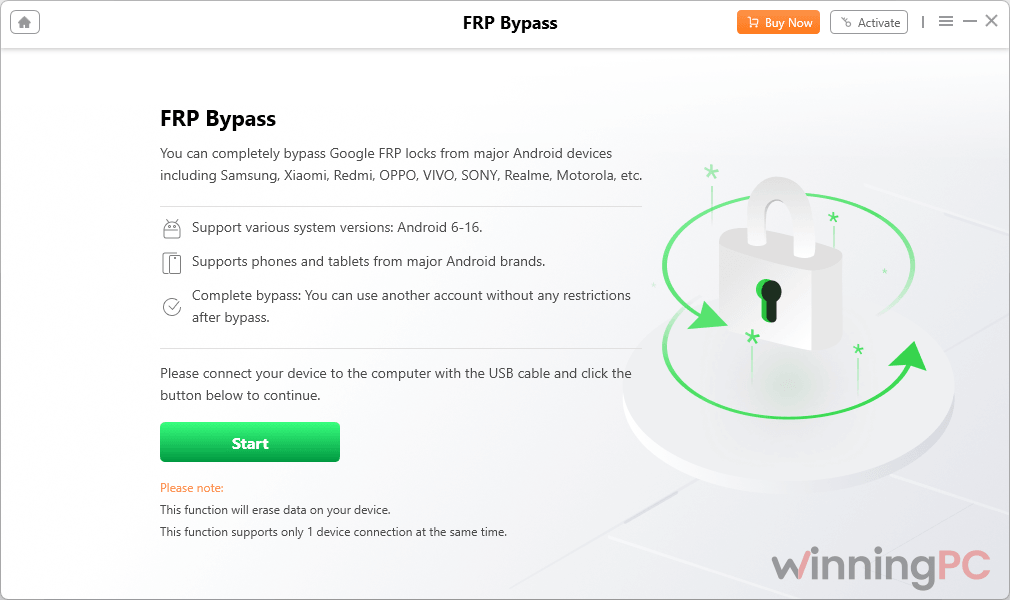
What Fonelora Android Unlocker does best is handle two different problems with one license: a forgotten screen lock, and the Google verification screen that appears after a factory reset. It also doesn’t use the same method for every phone. You choose your brand and Android version, and the steps change to match. Samsung owners get extra help, because this Android Phone Unlocker can detect the phone’s model and chip and suggest the right method for you.
The downside is your data. In most cases, removing the lock or the Google check wipes everything on the phone. Only some older Galaxy S, Note and Tab models can be unlocked without losing data, and if you pick the wrong model there, the phone may not start up afterwards. Seeing your brand on the supported list also doesn’t mean your exact phone will work, since that depends on its Android version and latest security update too.
Key features
- Removes PIN, password, pattern, fingerprint and face locks on supported Android 5.0+ devices, usually without rooting.
- Bypasses Google FRP on selected Android 6.0+ phones from Samsung, Xiaomi, OPPO, Motorola, vivo, OnePlus and others, so you can finish setup with your own Google account.
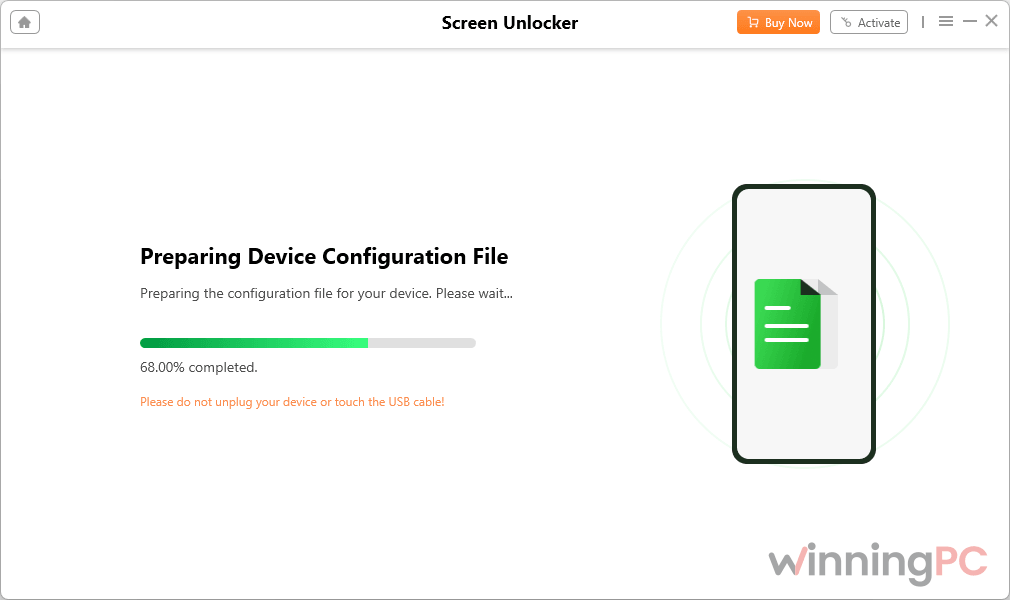
- Samsung smart recommendations, plus step-by-step Recovery Mode and Download Mode guidance.
- Data-preserving screen unlock for selected older Galaxy S, Note and Tab models.
- A free compatibility check that tells you whether your phone is supported before you spend anything.
What we think
Screenshots
Which Fonelora Android Unlocker plan should you buy?
| Plan | Price (on WinningPC) | Upgrades | Money-back | Best for |
|---|---|---|---|---|
| 1 Month | $19.99 | During subscription | 7 days | Lowest upfront cost, if you’re confident it works |
| 1 Year | $31.99 | During subscription | 60 days | One locked phone, with room to get a refund |
| One-Time Purchase | $44.70 | Lifetime | 60 days | Anyone who’ll unlock phones again, or hates subscriptions |
All three plans cover 1 Windows PC or 1 Mac and up to 5 Android devices. The yearly plan costs just $12 more than the monthly one but stretches the refund window from 7 to 60 days, and the One-Time Purchase is only $12.71 more than the yearly plan with no renewal to cancel.
Is There a Free Way to Unlock Your Android?
| Option | Cost | Screen lock | Google FRP | Keeps your data? | Best for |
|---|---|---|---|---|---|
| Fonelora Android Unlocker | From $19.99 with code | Yes, supported Android 5.0+ models | Yes, selected Android 6.0+ models | Only on some older Samsung models | Forgotten lock and no access to the original Google account |
| Tenorshare 4uKey for Android | Paid (monthly, yearly and lifetime plans) | Yes | Yes, selected brands | Some older Samsung models | A second opinion if Fonelora’s free check says your phone isn’t supported |
| Samsung SmartThings Find (Remote unlock) | Free | Yes, Samsung only, if Remote unlock was switched on beforehand and the phone is online | No | Yes | Samsung owners who set it up before getting locked out |
| Factory reset from Recovery Mode | Free | Removed by wiping the phone | No. The phone then asks for the previous Google account | No | You still know the Google account and password on the phone |
| Google account recovery | Free | No | Yes, by recovering the original account | Data already wiped by the reset | You own the account but forgot its password |
If you still know the Google account on the phone, you probably don’t need any paid tool: a factory reset from Recovery Mode plus signing back in gets you there for free.
Questions People Ask about Fonelora Android Unlocker
Will Fonelora Android Unlocker erase my phone’s data?
Yes, in most cases. Both the standard screen unlock and the FRP bypass wipe the device. Only selected older Galaxy S, Note and Tab models get a data-preserving option, and choosing the wrong model there can stop the phone from booting.
Does the free version unlock anything?
No. The free version only lets you connect your phone and check whether it’s supported. Removing the lock requires a paid license.
Can I get a refund if it doesn’t unlock my phone?
Yes, within your plan’s window: 7 days for the 1 Month plan, 60 days for the 1 Year and One-Time plans. Email cs@fonelora.com with your order ID, purchase email and a short explanation. Approved refunds usually land in 3 to 5 business days, though opening a chargeback tends to slow things down.
Can I use it on a second-hand phone?
Only if you’re authorized to. Fonelora says the tool is for devices you own or have permission to unlock. If a used phone arrived still locked, ask the seller to remove their account first.
How fast do I get the license after paying?
Instantly. Fonelora emails the activation code right after a successful payment.
System Requirements & Details
| Field | Value |
|---|---|
| Windows | Windows 11, 10, 8, 7 (32-bit and 64-bit) |
| Windows hardware | Pentium IV 2.4 GHz or higher, 256 MB RAM (1 GB recommended), 100 MB free disk space |
| macOS | macOS 10.13 High Sierra or later |
| Mac hardware | 1 GHz Intel or Apple M-series processor, 512 MB RAM, 100 MB free disk space |
| Android (Screen Unlocker) | Android 5.0 or later on compatible devices |
| Android (FRP Bypass) | Selected devices on Android 6.0 or later |
| Other requirements | USB data cable, internet connection for activation and firmware downloads |
| Interface languages | 13, including English, German, French, Spanish, Japanese and Korean |