
 Cathryn Lee
Geekersoft Watermark Remover is designed to add and remove watermarks or unwanted elements from both videos and images. It helps users erase logos, text, dates, stickers, people, and other objects without damaging the original quality. With a straightforward three-step process and real-time preview, the software makes watermark removal easy even for users with no editing experience.
Top Watermark Remover Coupon Codes Oct 2026

HitPaw Watermark Remover - Perpetual License
65% off promo-code: regular price $59.99, discounted price $20.99

iMyFone MarkGo - Lifetime License
65% off coupon code: regular price $59.99, discounted price $20.99

CamRio Watermark Expert - Lifetime License
50% off coupon code: regular price $119, discounted price $59

FliFlik KleanOut for Photo - Lifetime Plan
79% off coupon code: regular price $99.95, discounted price $20.97
Geekersoft Watermark Remover Giveaway License Code
- Product name: Geekersoft Watermark Remover
- Website: https://www.geekersoft.com
- License type: 1-year
- Platform: Windows
- Download: WatermarkRemover_setup.exe
- License code – last updated: Dec 15, 2025
Click here
License code: SKF229-HRJYYN-QNUD1K-LIZA-61MS46
Downlod and install this software on your computer, copy and use the Geekersoft Watermark Remover giveaway code above to activate it to the full version:

You can now enjoy for 1-year free!
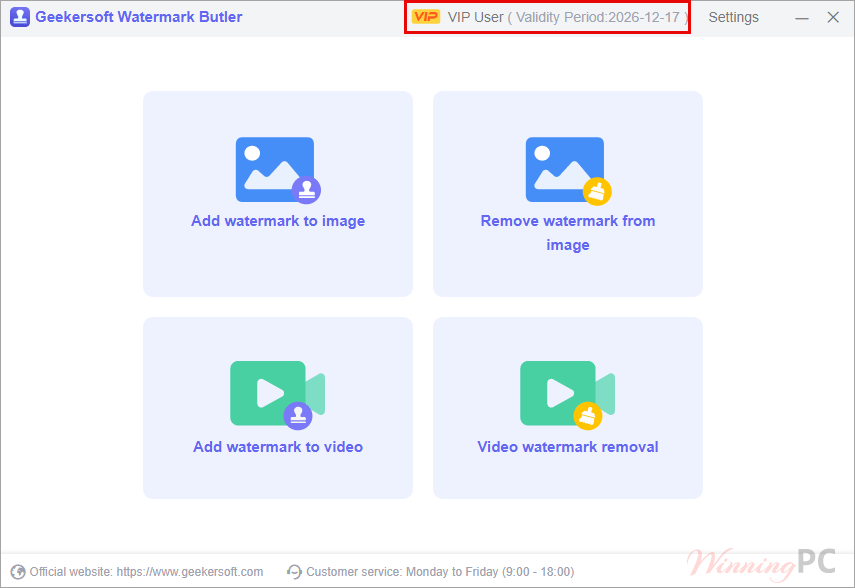
Geekersoft Watermark Remover screenshot
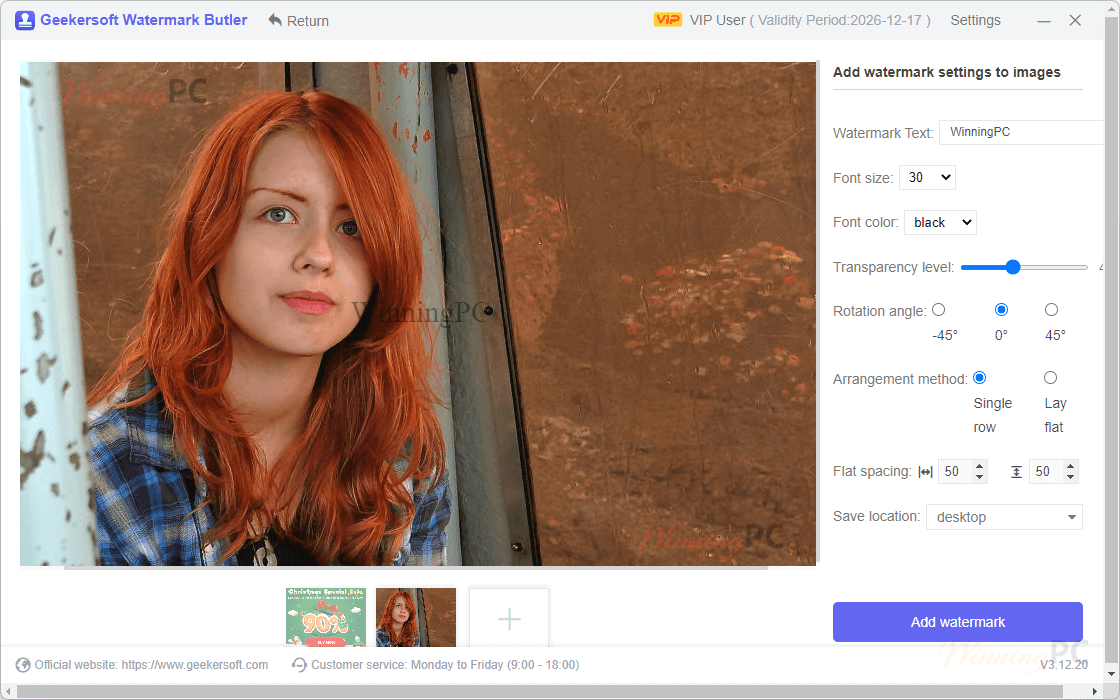
Main Features
- AI-powered watermark removal: Uses built-in AI technology to detect and remove watermarks automatically from images and videos.
- Supports multiple watermark types: Removes brand logos, text, dates, stickers, people, and random objects in one tool.
- Works with videos and images: Compatible with common formats like JPG, PNG, and MP4.
- Five smart removal modes: Includes AI Model, Matte Filling, Color Selection, Smooth Filling, and Gaussian Blur for different situations.
- Accurate selection tools: Lets you select watermark areas precisely to keep image and video quality intact.
- No visible blur after removal: Designed to clean up watermarks without leaving obvious blur or rough edges.
- Real-time preview: Shows the result instantly before exporting, so you know exactly what you’ll get.
- Simple three-step workflow: Import files, select the watermark, then remove and export—no learning curve.
- Beginner-friendly interface: No prior editing skills needed; everything is drag-and-drop and easy to follow.
Why Choose WinningPC
- Why Trust? We are committed to providing 100% valid and verified coupon codes, so you can always shop with confidence.
- Found an Invalid Coupon or a Better Deal? If you encounter an invalid code or a better offer, please let us know. Our team updates all discount information regularly to ensure accuracy.
- Official Authorization: We only share authentic discounts from trusted software developers.
- No Fake Discounts: Unlike some sites, we never use misleading deals. The final price you see is the true discounted price.
- Secure Purchases: All transactions are processed on the official vendor’s website, ensuring authenticity and data protection.
- Extra Support: If you face order or vendor issues, contact us. We’ll liaise with the vendor to help resolve your problem quickly.
Technical Details
| Language Support | English |
| Money Back Guarantee | 30-Day |
| Operating System | Windows 11, Windows 10 |
| Shipping | Register code will be sent to your email in minutes |
| Subscription | 1-Year, Lifetime |
| Support Services |






One of the worst programs of its kind, remarkable poor.