Laura Marano
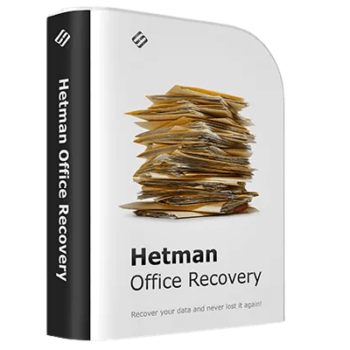
Hetman Office Recovery can restore lost, deleted, or unsaved Microsoft Office and OpenOffice documents. It safely extracts files from corrupted partitions, formatted drives, and unrecognized storage volumes.
- Status: ✅ Active & Verified
- Last checked: October 2026
- Offer: 60% Off
- Coupon code: 50D***OUNT

Hetman Office Recovery
Lifetime License | One-Time Purchase | No Subscription
📄 Licensing & Support Details
- License Type: Home version for 1 PC
- 30-day money-back guarantee.
- Provides 24/7 technical support via email, live chat, and phone.
- Secure Payment.
- The registration code is sent to your payment instantly.
📝 How to apply
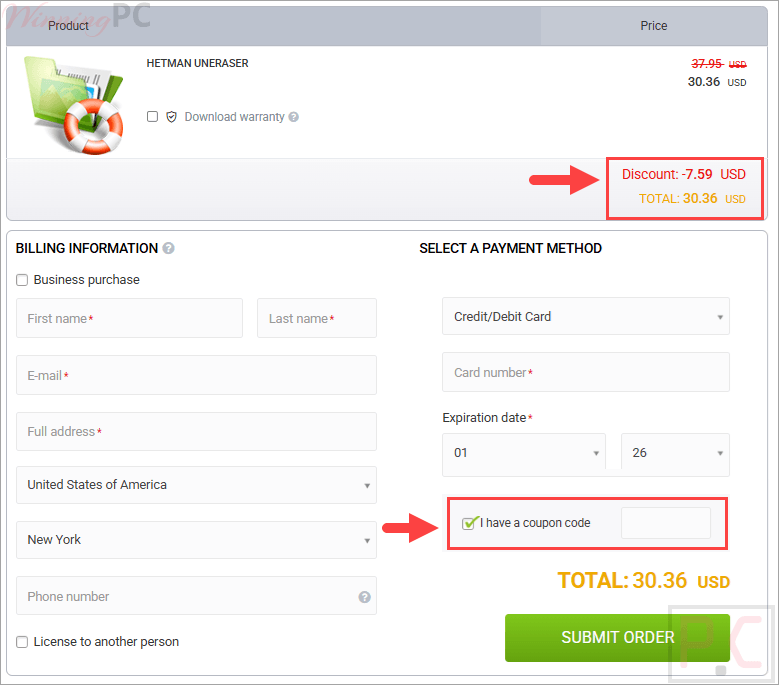
To grab this deal, click the ‘Copy Code’ button in the coupon box above. The code will be copied, and you will be redirected to the checkout page, where you can apply it to secure your discounted price.
Hetman Office Recovery: Review & Features

Key Features:
- Bypasses the Recycle Bin: Retrieves documents that were deleted directly via Shift + Delete or cleared from the system entirely.
- Restores Unsaved Drafts: Scans the disk for temporary copies routinely generated by Microsoft applications, allowing you to recover work even if the program closed before you could hit save.
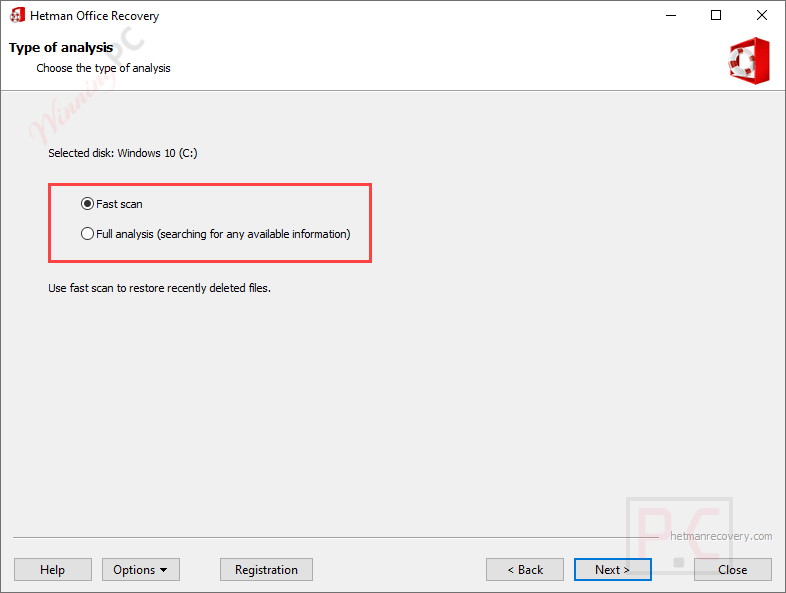
- Content-Aware Analysis: Uses a signature search algorithm (identifying patterns like “D0 CF” for DOC files) to locate files independent of the actual file system.
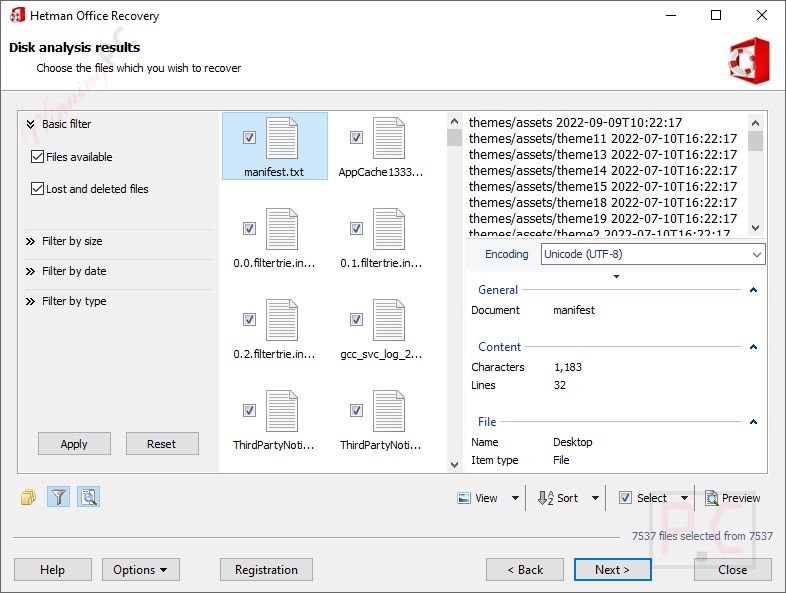
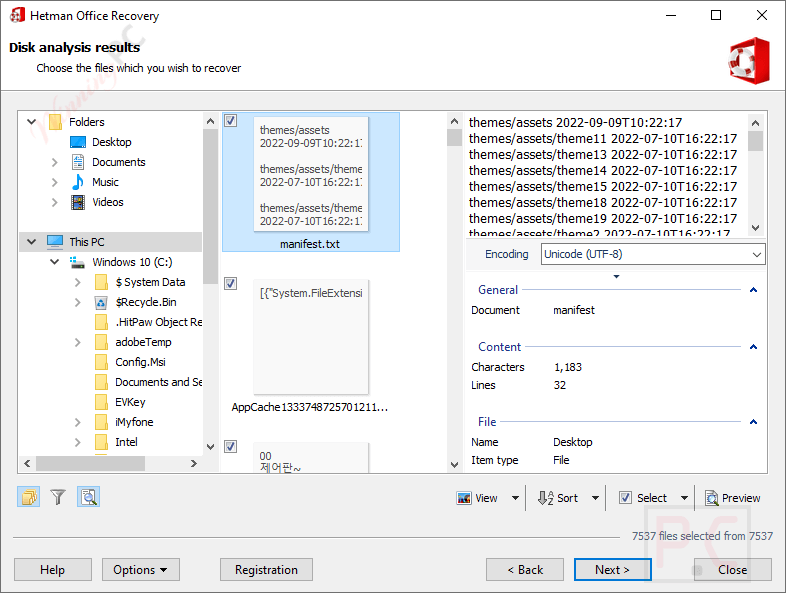
- Pre-Recovery Validation: Performs a strict integrity check before adding a document to the recoverable list, ensuring the file is 100% working.
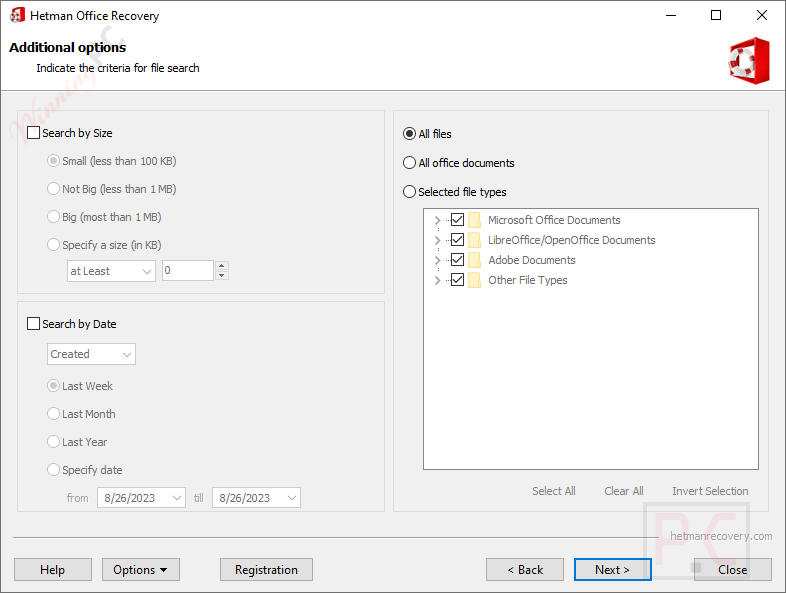
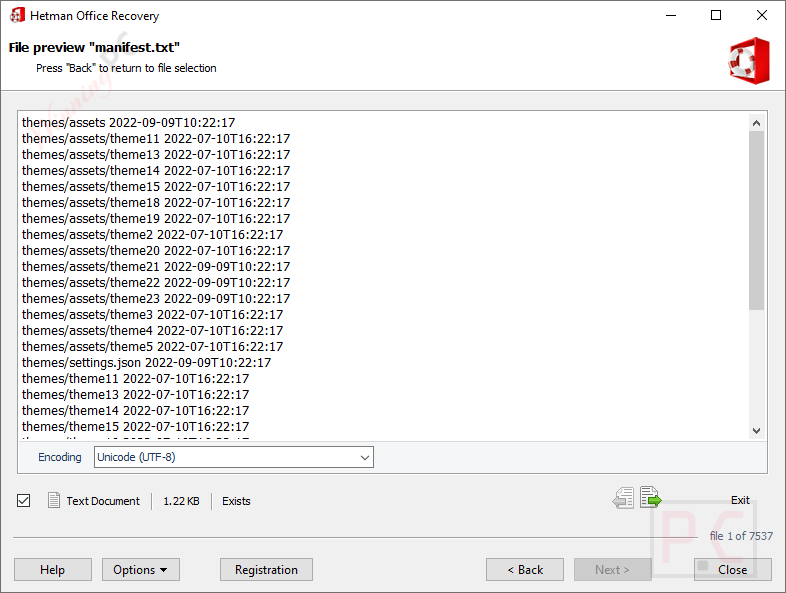
- Built-in Gallery Viewer: Displays full-size thumbnail previews of recoverable documents natively, without requiring any third-party components or Microsoft Office installations.
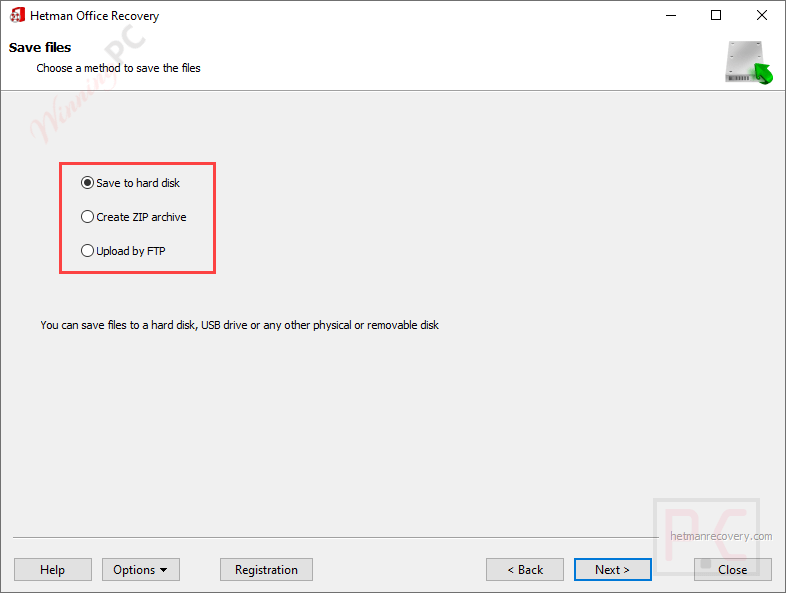
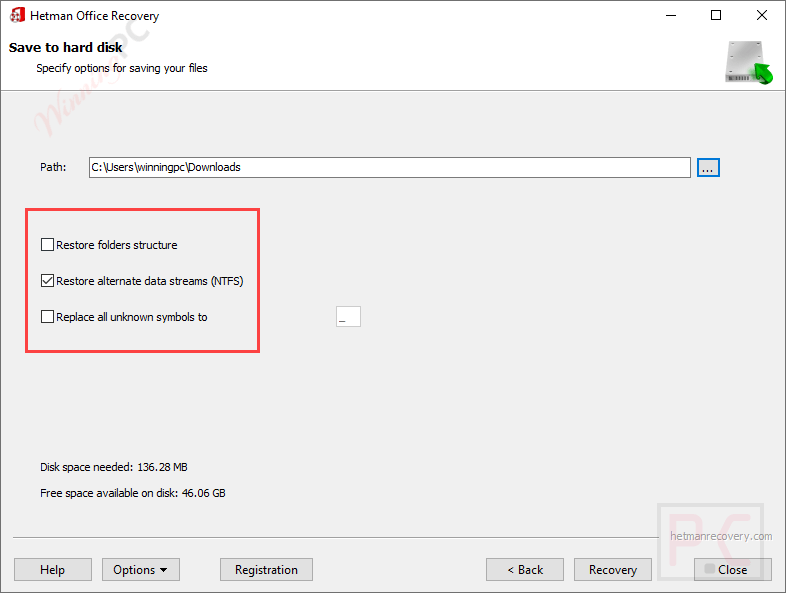
- Flexible Output Destinations: Allows saving recovered data to a different disk, burning directly to CD/DVD, creating ISO images, or uploading to an FTP server.
Pros & Cons
More screenshots:

Frequently Asked Questions
Where can I find a code or deal for Hetman Office Recovery?
The latest and best deals can be found on WinningPC, alongside the official software website or the developer’s social media channels.
What is the best discount currently available for Hetman Office Recovery?
The best current discount is 60% OFF, available directly on WinningPC.
Can I recover a Word file if my computer shut down before I saved it?
Yes. The software specifically looks for the temporary background copies that Office applications create, letting you recover unsaved working documents.
Will this work on a USB drive that I accidentally formatted?
Absolutely. It reads removable storage at a low level to extract files even if the flash drive or memory card was formatted or repartitioned.
Is it safe to use on a hard drive that is starting to fail or make noise?
Yes, there is an extra-safe mode designed for unstable drives. It reads the entire drive in one pass and saves it as a virtual image, which limits the physical strain on the failing hardware.
Does the tool work with RAID setups?
Yes, it can recover documents from RAID arrays, provided that the array is currently assembled and functional.
System Requirements & Details
| Language Support | English, Français, Italian, Spanish, Swedish, and more… |
| Operating System | Windows (XP to 11), macOS (10.12 to 15), Linux (Ubuntu, Debian, Fedora, etc.) |
| Supported Input | HDD, SSD, USB Flash, Memory Cards, RAID, NAS |
| Supported Output | DOCX, DOC, DOT, XLS, XLSX, ODT, ODS, PDF, PDB, RTF, WPD, WRI. |