Laura Marano
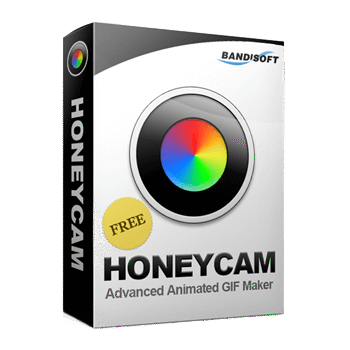
If you’ve ever tried to make a GIF using free online tools, you know the struggle: pixelated quality, massive file sizes, and annoying watermarks. Bandisoft Honeycam is the pro-grade fix for that, but the retail price can be a bit steep if you’re buying for multiple machines. We’ve tracked down the latest verified discounts to help you skip the “official” price tag and get straight to creating.
Status: ✅ Active & Verified
Last Checked: Oct 2026
Offer: Up to 45% Off (Multi-license)
Honeycam Professional - 50 PCs
45% off: regular price $1950, discounted price $1,072.5
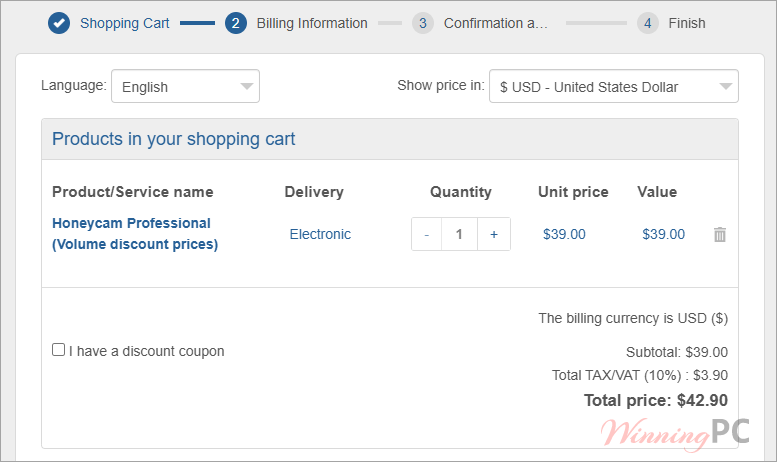
Price Comparison Table
| Plan Name | Official Price | WinningPC Price | You Save |
| 1 PC License | $39.00 | $39.00 | 0% |
| 2 PC License | $78.00 | $58.50 | 25% |
| 5 PC License | $195.00 | $136.50 | 30% |
| 10 PC License | $390.00 | $253.50 | 35% |
| 50 PC License | $1,950 | $1,072.5 | 45% |
How to Claim Your Honeycam Discount
- Click the specific discount link in our Deal Box above.
- The coupon is typically auto-applied at the Bandisoft checkout page.
- Check the “Discount” or “Coupon Code” field to ensure the price has dropped.
- Enter your payment details and complete the purchase.
What is Honeycam?
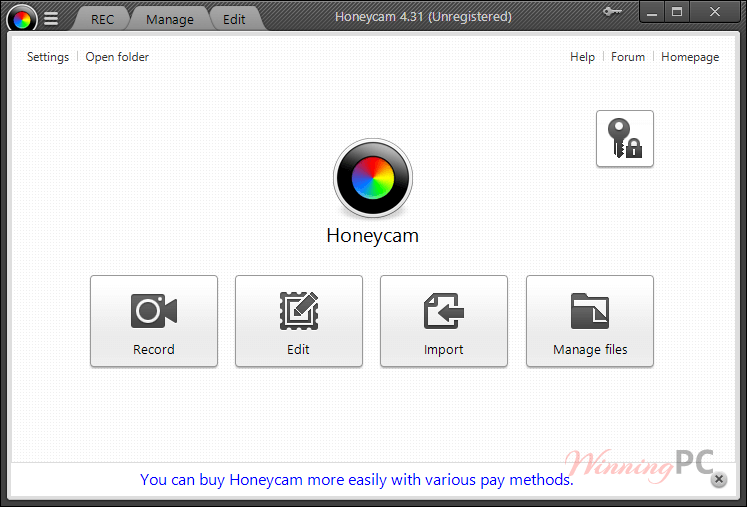
Honeycam is a high-performance animated image creator from Bandisoft (the same team behind Bandizip). It’s designed for anyone who needs to turn screen recordings or video clips into GIFs or WebP files without the usual “fuzziness.”
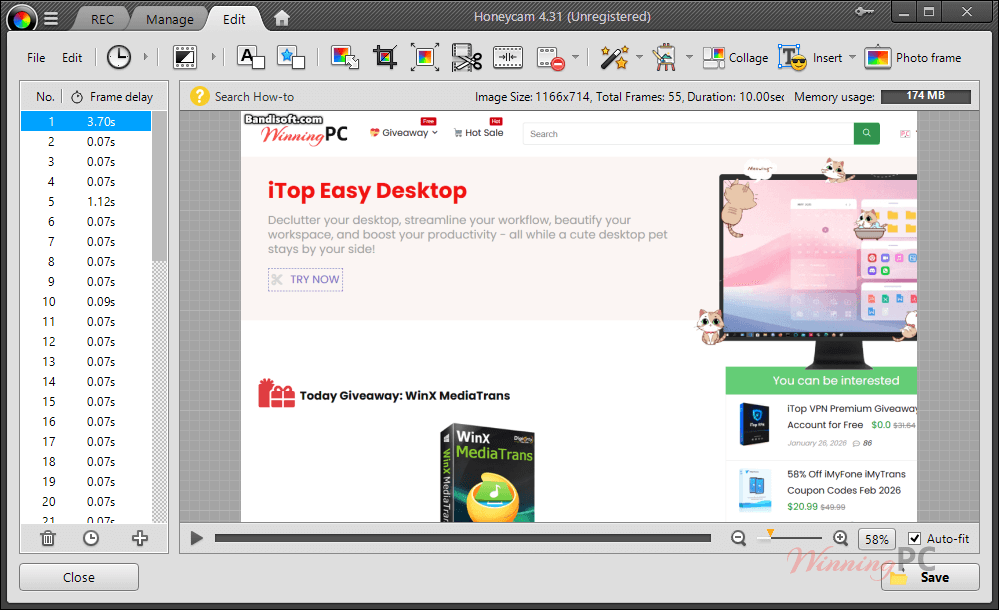
In-Depth Review & Features
- Ultra-Clean Recording: Unlike basic tools, you can frame exactly what you want to record on your screen.
Benefit: No more awkward cropping later; you get the perfect shot of that YouTube clip or gameplay moment instantly. - Smart File Compression: Includes a “Skip similar images” feature.
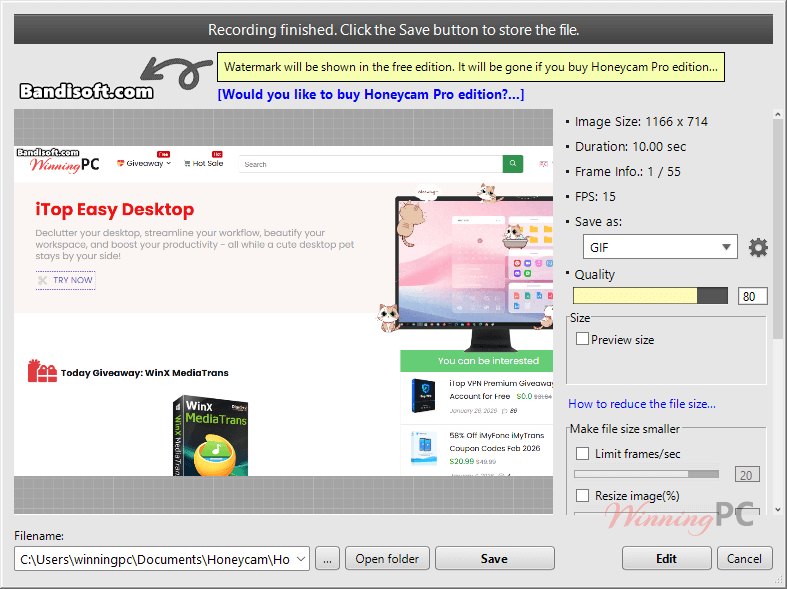
Benefit: It identifies frames that haven’t changed and optimizes them, significantly dropping the file size for WebP/GIFs so they won’t slow down your website. - Frame-by-Frame Editing: You get a full timeline to delete frames, adjust playback speed, or add transitions.
Benefit: If a recording is 11 seconds and you need it under 10 for a specific platform, you can just snip the fluff in seconds. - Video Filters & Effects: Includes White Balance, Blur, Mosaic, and even Chromakey.
Benefit: You can blur out sensitive info (like passwords or emails) directly in the GIF editor before saving. - Dynamic Overlays: Add text, stickers, or logos that animate independently.
Benefit: Perfect for branding your content so others can’t “borrow” your custom emojis or stickers without credit.
Pros & Cons
More screenshots
Frequently Asked Questions
How long can I record with the Pro version?
The Trial is locked to 10 seconds. The Professional Edition is unlimited, though it’s technically limited by your PC’s RAM and hard drive space.
Can I get a refund if I don’t like it?
You can get a refund within 7 days only if the product key has not been used. Once you register the software, the sale is final. Always test the free version first!
Does it record sound?
No. Honeycam is strictly for visual animations. If you import a video with sound, the audio will be stripped out.
Can I use one license on two computers?
Only if you buy the “2 PCs” license. The standard license is tied to a single machine.
Technical Specifications
| System Requirements | OS: Windows 10, 11 (64-bit versions only). RAM: 2GB minimum (Higher recommended for long recordings). Storage: Minimal installation space; recording length is limited by your available RAM and Disk space. |
| Supported Formats | Import: Various video files (MP4, AVI, etc.) and image sequences. Export: GIF, WebP, WebM, MP4. |