

What you get with the free iBeesoft license
| Product | iBeesoft Disk Partition Wizard PRO |
| Publisher | iBeesoft |
| Original price | $39.95 / year |
| Giveaway price | Free |
| License | 1-Year (commercial use not specified) |
| Platform | Windows |
| Giveaway ends | No fixed date published; iBeesoft states the promotion runs for 10 months |
| Download | iBeesoft-Disk-Partition-Wizard.exe (official site) |
Top Disk Partition Software Coupon Codes October 2026

4DDiG Partition Manager - Lifetime License
65% promo code: regular price $119.95, discounted price $41.96

EaseUS Partition Master Pro (Lifetime)
50% off coupon code: regular price $69.95, discounted price: $34.97

DMDE Express Edition 1-OS (1-Year)
15% discount coupon code: regular price $20.0, discounted price $17.0

QILING Disk Master Professional + Lifetime Free Upgrades
40% off coupon code: regular price $49.0, discounted price: $29.40

DiskGenius Professional Edition - Personal License
20% off coupon code: regular price $99.9, discounted price: $79.92

AOMEI Partition Assistant Professional (Lifetime Upgrades / 2 PCs)
30% off coupon code: regular price $69.95, discounted price $48.96

NIUBI Partition Editor Professional Edition
25% coupon code for Professional Edition (1 license can be registered on 2 PCs): regular price $39, discounted price $29.25
iBeesoft Disk Partition Wizard License Key Free Download
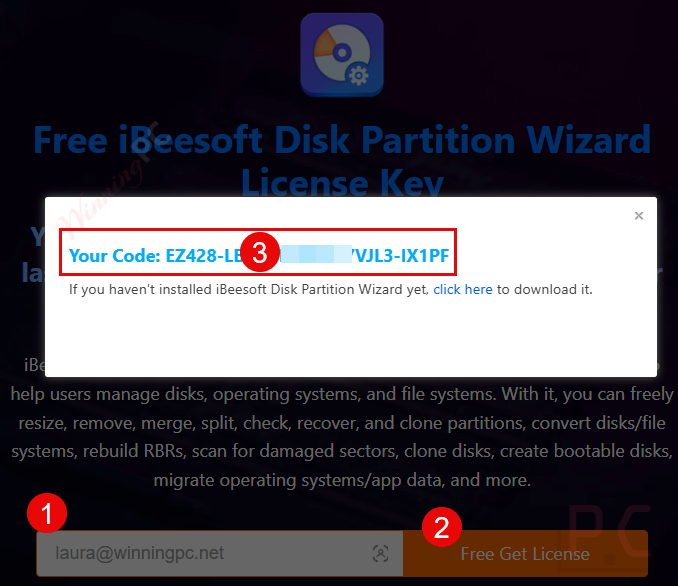
WinningPC has partnered with iBeesoft to give away a 1-year license for iBeesoft Disk Partition Wizard for free. Please enter your email address on the giveaway form to get your free license code.
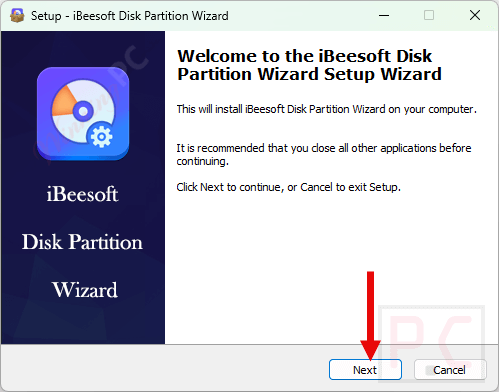
Install the software on your computer after downloading it.
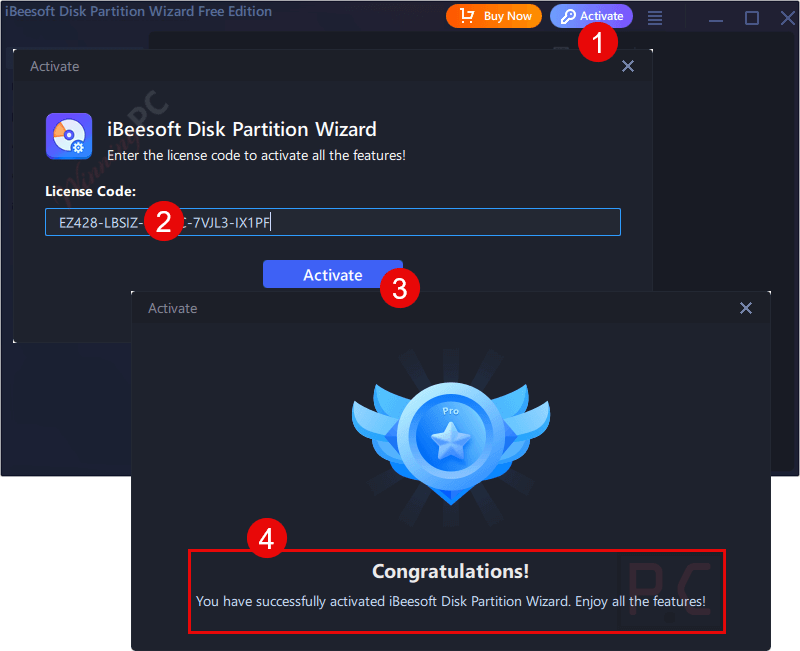
To activate the software with all of its features, launch it and enter the license key mentioned above.
Get it for free!
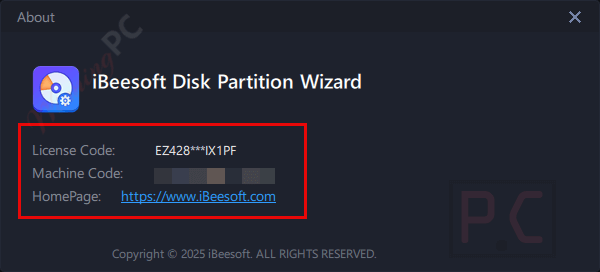
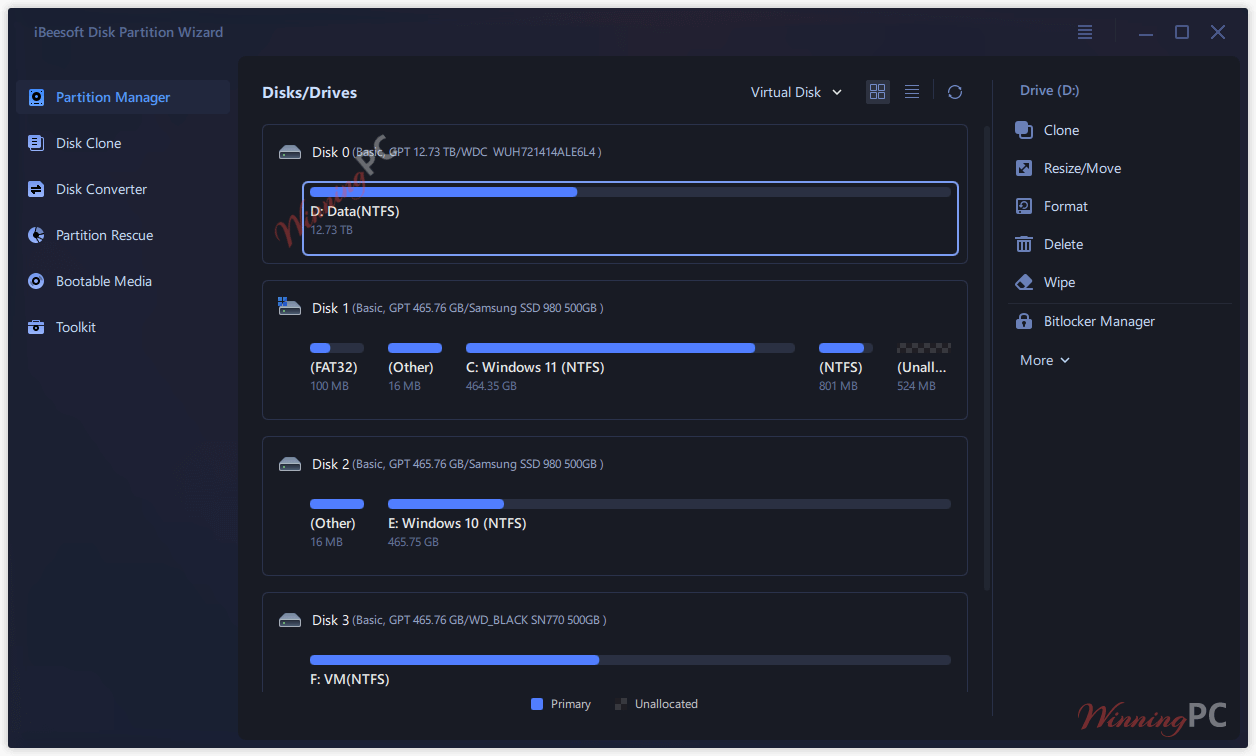
iBeesoft Disk Partition Wizard main screenshot
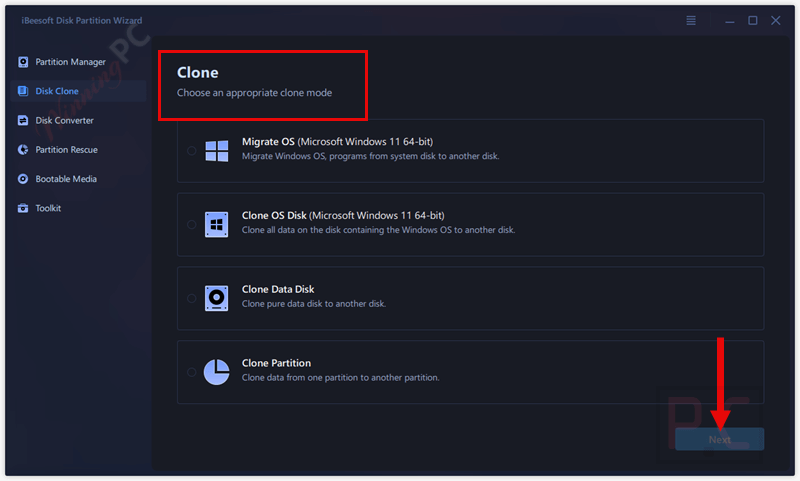
Disk Clone
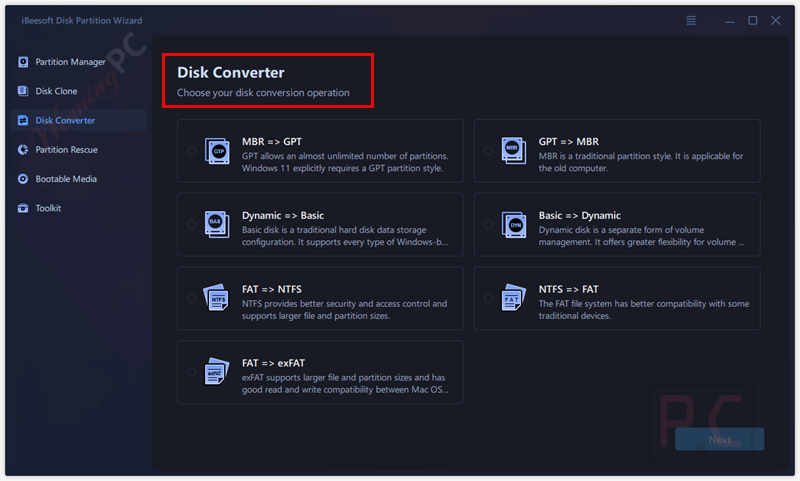
Disk Converter
Partition Rescue
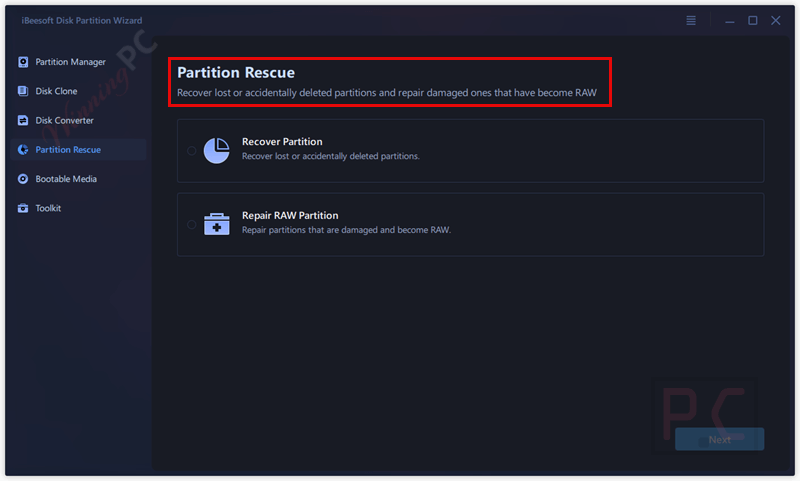
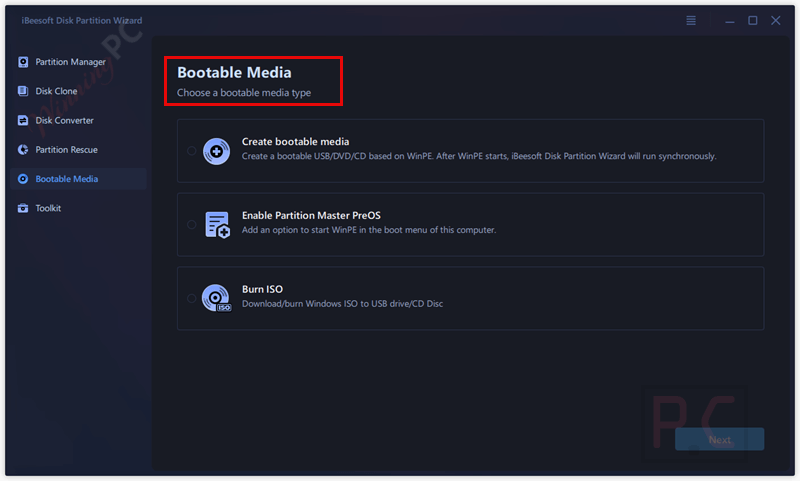
Bootable Media
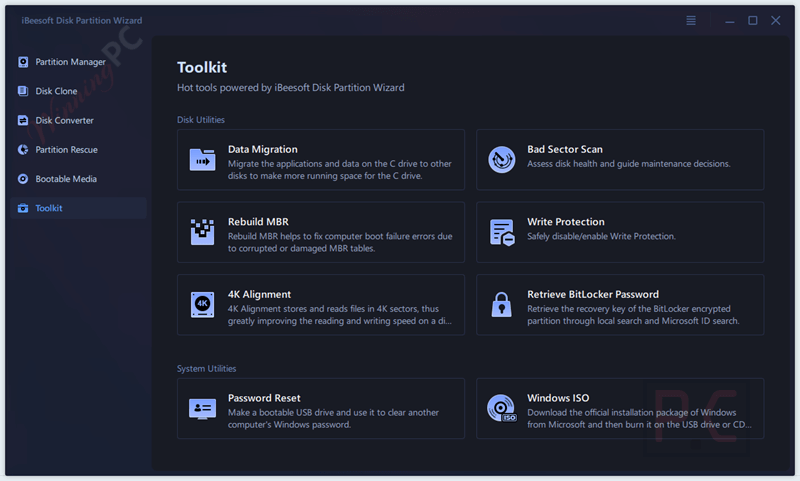
Toolkit
Main Features
- Flexible Partition Creation & Resizing: Make new partitions or adjust existing ones without losing the files already stored.
- Merge & Split Options: Combine small partitions into one or split a large one into multiple drives, depending on how you prefer to organize your data.
- Expand or Shrink as Needed: Reallocate space between system and data partitions when your C: drive starts running out of room.
- Partition Cloning: Copy partitions with all their data and settings to another location for backup or migration.
- Repair & Recovery: Restore deleted, damaged, or RAW partitions and keep access to your data.
- Logical to Primary Conversion: Easily change partition types to bypass Windows limits and improve disk flexibility.
- Cluster Size Adjustment: Optimize how storage blocks are managed to squeeze the best performance out of your drive.
- Check Partition: Scan partitions for errors or bad sectors and repair them before they cause bigger problems.
- General Management: Delete, format, hide, or show partitions, assign new drive letters, and handle BitLocker settings.
- Full Disk Cloning: Duplicate your entire hard drive or SSD when upgrading to a new one without reinstalling Windows or apps.
- 4K Alignment: Align partitions properly with physical sectors to increase read/write speeds and extend disk life.
- Disk Conversion: Switch between MBR and GPT or between Basic and Dynamic disks with zero data loss.
- MBR Rebuild: Repair boot failures or startup issues caused by a corrupted master boot record.
- Bad Sectors Scan: Detect failing areas on a disk and block them from further use to prevent crashes.
- Advanced Disk Setup: Merge unallocated spaces, rearrange partition layouts, recover lost BitLocker keys, enable or disable write protection, and more.
- FAT to NTFS: Upgrade older partitions to NTFS for better security and support for larger files.
- NTFS to FAT: Switch back to FAT when working with older devices that require it.
- FAT to exFAT: Use exFAT for storage that needs to work smoothly across both Windows and macOS systems.
- OS Migration: Move Windows (7 through 11) and installed applications to a new disk or SSD without reinstalling.
- Clone the System Drive: Keep an exact working copy of your system as a backup or use it to set up another PC.
- Bootable Media Creator: Build a rescue USB or CD/DVD to start up a computer that won’t boot.
- Password Reset Utility: Clear forgotten login passwords for Windows systems.
- ISO and Boot Options: Create Windows ISO image files and configure multiple boot entries if needed.
- App & Data Migration: Move large programs and files off your system partition to another drive and free up space.
- Disk Monitoring Dashboard: Keep track of over 30 health indicators such as temperature, usage hours, error rates, and more.
- Automatic Alerts: Get notified when the software detects something unusual with your drive before it becomes a serious failure.
Technical Details
| Language Support | English, German, French, Italian, Spanish, Russian, Japanese, etc., 16+ languages. |
| Money Back Guarantee | 60-Day |
| Operating System | Windows 11, 10, 8, 7, Vista, XP, and Server |
| Shipping | Register code will be sent to your email in minutes |
| Subscription | 1-Year |
| Support Services |





this giveaway claims:
“Operating System Windows 11, 10, 8, 7, Vista, XP, and Server”
BUT the installer is built to NEED windows NT 6.1 or above so it CANNOT be installed under Vista or XP with the supplied installer. The giveaway also does not support server editions of windows, only the “Server” license edition supports windows server systems. Also most of the executables including the main UI are 64bit executables so it WILL NOT RUN ON 32BIT editions of Windows Vista to 10 (it is possible to extract the installer contents and manually install it under 64bit Vista but I wouldn’t as the inconsistent information, typos on their site calling GPT partitions “GTP”
“Convert disk (Dynamic Basic, MBR GTP)”
indicates a complete lack of quality control in the supply chain. The installer was built with inno setup version 6.3.0 which is why it is built for NT 6.1 or above and oddly they include in the installer script the lines:
“ArchitecturesAllowed=x64 arm64
ArchitecturesInstallIn64BitMode=x64 arm64”
But no arm64 binaries are included and no install switches to select arm64 or x64 in the installation so maybe they were planning an arm64 build and gave up on it but forgot to remove the initial references to it in the release installer. And it will likely blindly install 64bit binaries under 32bit windows 7 to 10 systems.