
 WinningPC
Inpaint provides you with a tool that helps you remove people from photos or unwanted objects as well as correct the imperfections of a photo. This tool gives you the perfect art without having to go through the process.
1
Inpaint Free License Key
Giveaway Details
00
Days
00
Hours
00
Minutes
00
Seconds
- Product name: Inpaint 9.2
- Website: https://theinpaint.com/
- License type: 6-month
- Platform: Windows
- Download: InpaintSetup.exe
- License code – last updated: Sep 05, 2022
Click here...
- License #1: GIVEAWA-YOFTHED-AYINPAI-T9200CC
2
How to get the license key?
Instructions
Click on the above download link to download the software on your computer. Once you’ve downloaded the Inpaint install file, access the file and run it. Access to the main interface windows software, click on Help/ Enter the serial key then insert the above serial key to activate the software.
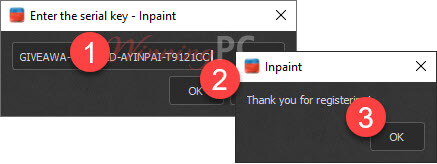
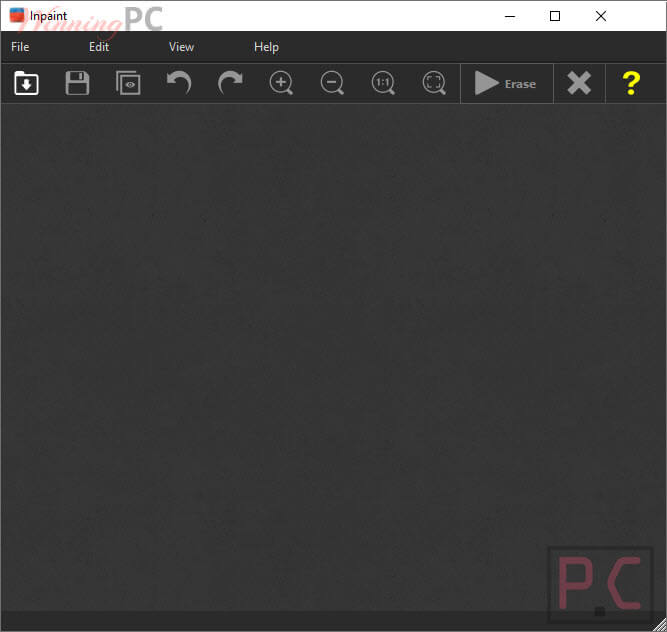
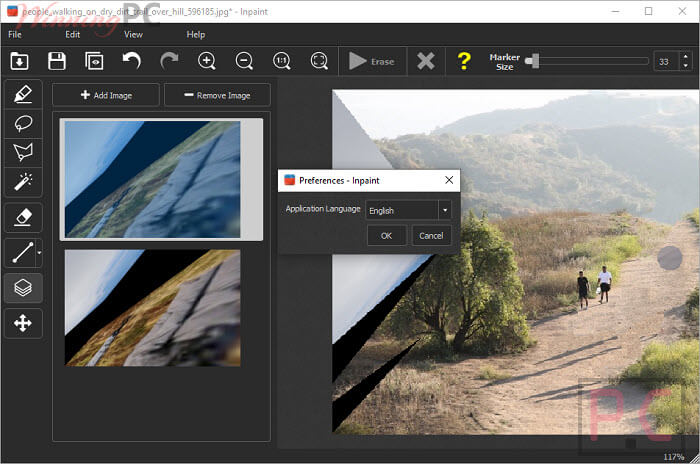
Inpaint Screenshot!
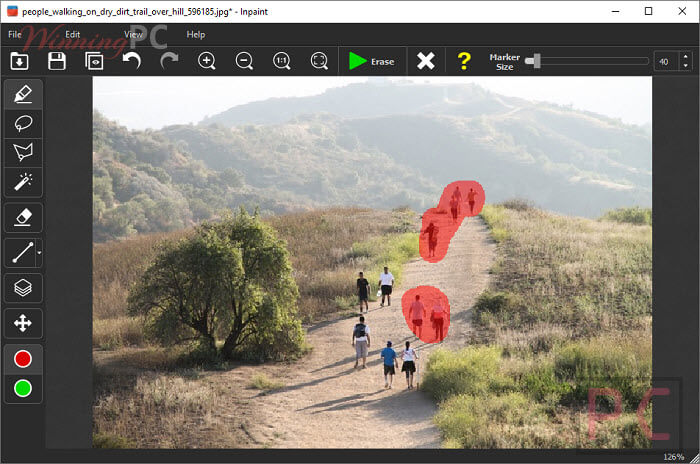
Remove Objects Inpaint!
Preferences Inpaint
3
Main Features
Feature Highlights
- Repair old photos
- Remove watermarks
- Delete unwanted people from photo
- Erasing wires and power lines
- Remove unwanted objects
- Digital Facial retouching
- Remove date stamps
- Erase wrinkles and skin blemishes
- Remove tourists from travel photos
- Fill black areas of a panorama
- Remove text or logo from images
4
Technical Details
Product specification
| Language Support | English, Français, Italian, Spanish, Swedish, German, Japanese, Chinese, and more… |
| Money Back Guarantee | Do not offer a cash refund or an exchange |
| Operating System | Mac OS, Windows |
| Shipping | Instant Delivery by Email |
| Subscription | Lifetime |
| Support Services |
5
User’s and Editor’s scores
Add your rating





invalid key!
For a six-month licence, I’d recommend the website https://cleanup.pictures
Its an online AI service but works scarily well. My brother posted a road with cars on it and it did a good job of removing those cars.
Thanks for this, you were right, that website is much much better for removing object(s). Had to pay monthly $5 or yearly $24 ($2/month) to work for larger resolution photo.
Removes some objects but others