When it comes to IronPDF and its core feature of pixel-perfect HTML to PDF conversion, developers finally have a tool that matches the browser output exactly. If you’ve ever struggled with DIY wrappers or clunky libraries that mangle CSS and complex layouts, you know how frustrating document generation in .NET can be.
However, enterprise-grade developer libraries can put a massive dent in your project budget. That’s exactly why we at WinningPC have secured an exclusive, auto-applied discount to help you get this premium C# PDF library at the lowest possible price.
Status: ✅ Active & Verified
Last Checked: October 2026
Offer: Up to 15% Off

IronPDF Lite - Lifetime
5% off coupon code: regular price $799, discounted price $759.05
IronPDF Plus - Lifetime
5% off coupon code: regular price $1,199, discounted price $1,139.05
IronPDF Pro - Lifetime
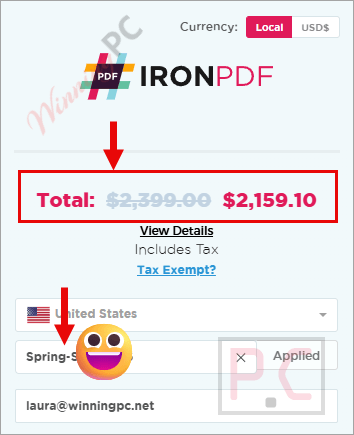
10% off coupon code: regular price $2,399, discounted price $2,159.10
IronPDF Unlimited - Lifetime
15% off coupon code: regular price $4,799, discounted price $4,079.15
📄 Licensing & Support Details
- Perpetual license (no recurring fees)
- 1-year Premium Support & Updates
- 30-day money-back guarantee
- 24/7 support
- Email support (Premium)
- Live Chat (Premium)
- Screen-sharing & Slack (Premium)
📝 How to apply
- Simply click the “Coupon Code” above, and you will be redirected to the official IronPDF checkout page.
- Choose a perpetual license that fits your project needs (Lite, Plus, Pro, and Unlimited), then click on the pink “Buy License” button.
- Copy and paste the license code into the “Enter Coupon Code” field. You will see the discount code is already loaded and the price slashed.
What is IronPDF?
IronPDF is the leading C# PDF library designed explicitly for generating, converting, and editing PDFs in .NET projects. It is built for developers who need to rapidly deliver professional, high-quality PDFs from HTML, URLs, or other document formats. If you are coding in C#, F#, or VB.NET and need your PDF to look exactly like your HTML, fast, this is the definitive tool.
In-Depth Review & Features
In our hands-on evaluation of IronPDF, what immediately stood out was the “Up & running in 5 mins” claim. I ran the simple NuGet command (Install-Package IronPdf), and the API was small, readable, and highly intuitive.
Here is what I found during my deep dive into its capabilities:
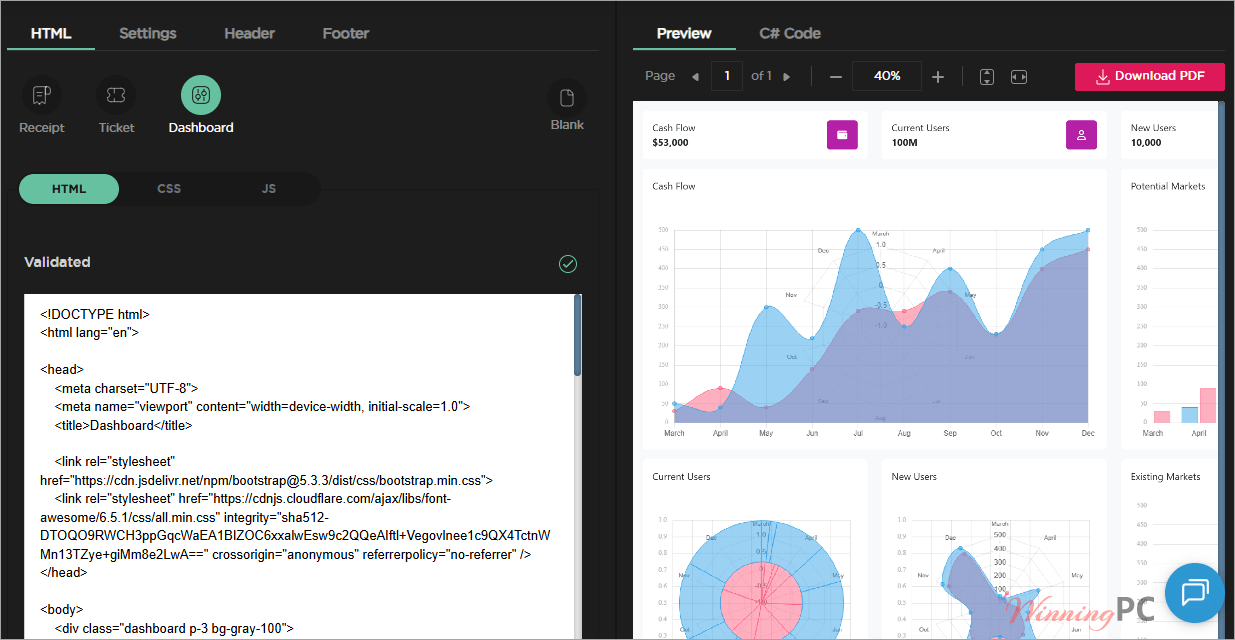
- Chromium-Grade Rendering: What you see in the browser is exactly what ends up in the PDF. It flawlessly handles fonts, SVGs, images, and complex layouts (including CSS3 and JavaScript).
- Versatile Conversion: I love that it goes beyond just HTML. You can convert URLs, Docx, RTF, Markdown, Images, and dynamic web pages (Razor, CSHTML, ASPX, XAML) directly to PDF.
- Deep PDF Manipulation: You aren’t just creating flat files. IronPDF allows you to merge, split, stamp texts and images, add custom watermarks, and draw shapes. I found the ability to extract text and images, or redact sensitive text, incredibly useful for enterprise compliance.
- Bank-Grade Security: Securing documents is a breeze. It supports 256-bit AES password encryption, custom permissions, and applying digital signatures (.pfx, .p12) using X.509 certificates.
Pros & Cons
More IronPDF screenshots
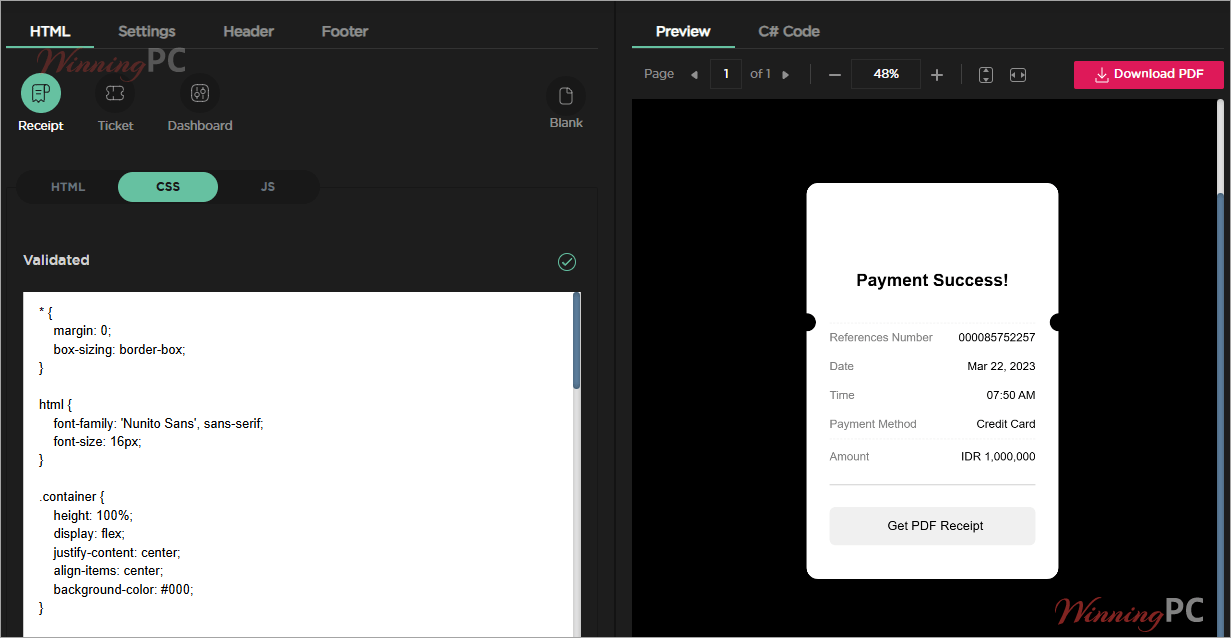
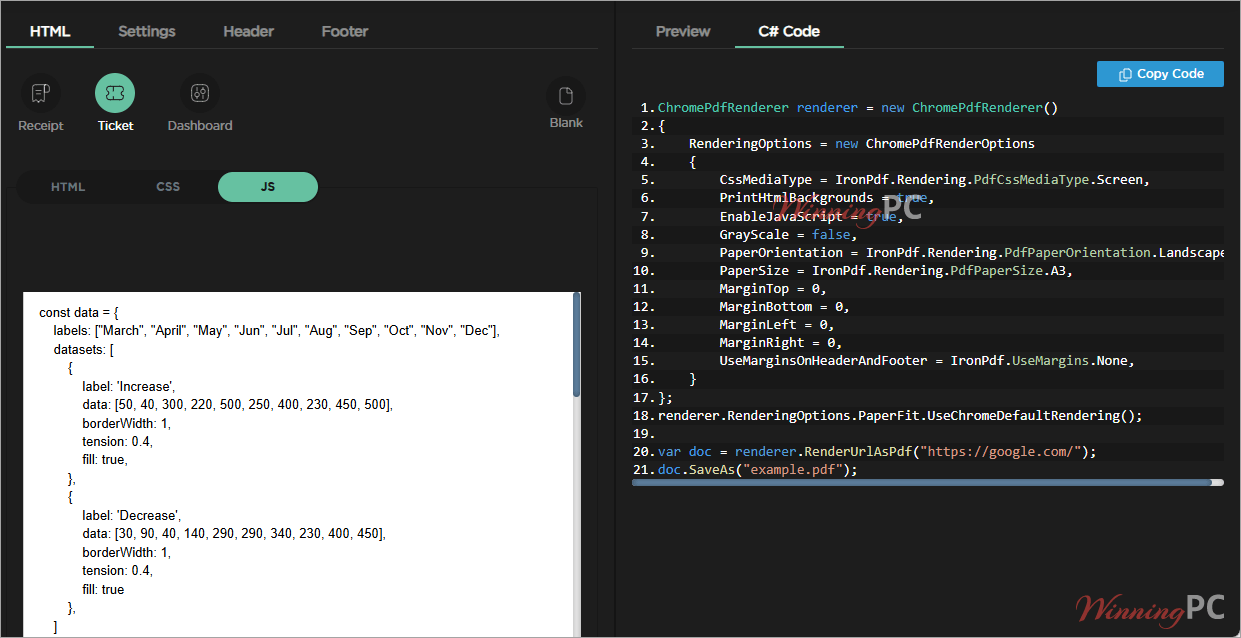
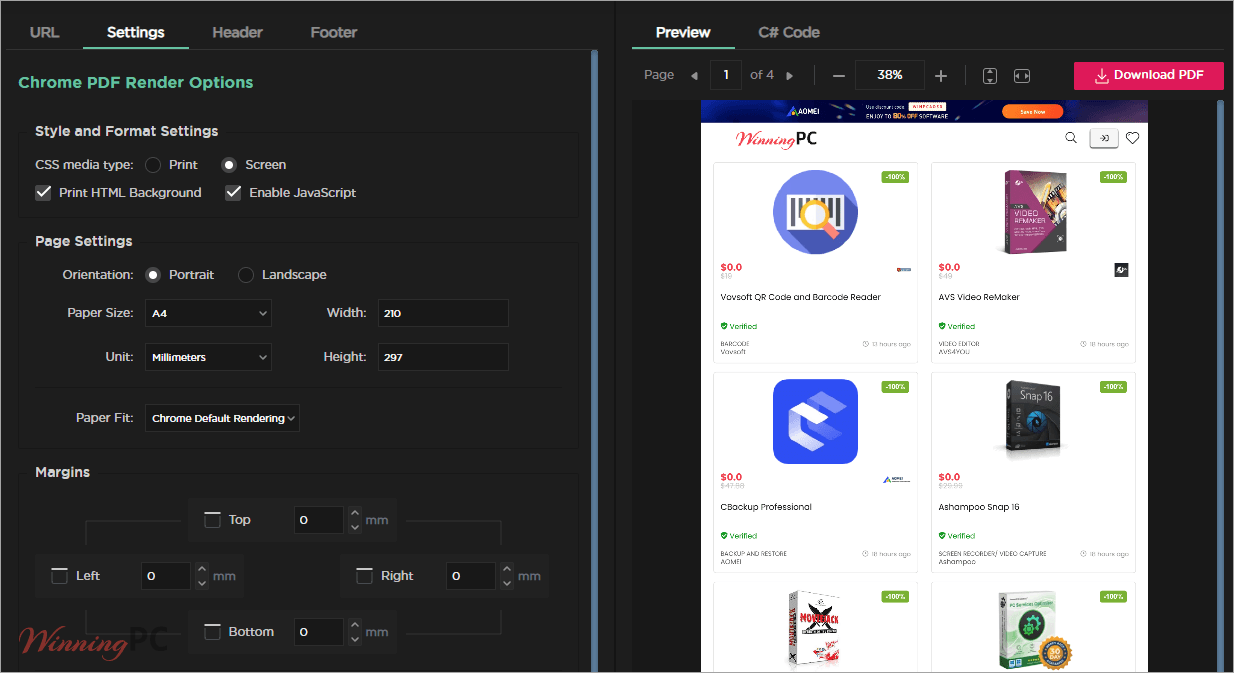
Frequently Asked Questions
Where can I find the best coupon code for IronPDF?
WinningPC is currently the best place to find the verified coupon code for this product, offering the highest discount rate on the market (up to 15% off). Use our direct links to have the discount auto-applied.
Can I deploy my application using IronPDF to Linux, macOS, or Windows, including Docker containers?
Yes! IronPDF is fully cross-platform and supports deployments across Windows, Linux, macOS, and containerized environments like Docker and Kubernetes.
Is the library thread-safe for highly concurrent server applications?
Yes, IronPDF features async and multithreading capabilities, making it completely thread-safe for multi-threaded server applications and APIs.
Can I generate a PDF from a URL that requires authentication?
Yes, you can bypass logins by generating PDFs from URLs that require authentication via custom headers, cookies, or TLS website/system logins.
Does IronPDF support accessibility and archiving standards?
Absolutely. It supports generating PDF/A (1-3 b/a) and PDF/UA (PDF/UA-1) compliant documents.
Can I programmatically fill and extract data from PDF forms?
Yes, the API allows you to create PDF forms, fill and edit existing interactive AcroForms, and flatten form fields.
Can I permanently redact sensitive text from my PDFs using this library?
Yes, IronPDF includes document safety features that allow you to sanitize PDFs and permanently redact sensitive text and images.
Technical Specifications
| Supported Languages | C#, VB.NET, F# |
| .NET Versions | .NET Core (10, 9, 8, 7, 6, 5, and 3.1+), .NET Standard (2.0+), .NET Framework (4.6.2+) |
| Operating Systems | Windows (x64, x86), Mac (x64, ARM), Linux (x64) |
| App Environments | Windows (10+, Server UI 2012+, Server Core 2022), Linux (Ubuntu, Debian, CentOS, etc.), Mac (macOS 10+), Docker, Azure (VPS, WebApp, Function), AWS (EC2, Lambda) |
| Project Types | Web (Blazor & WebForms), Desktop (WPF & MAUI), Console (App & Library) |
| Supported IDEs | Microsoft Visual Studio, JetBrains Rider & ReSharper |