Chris Bruner

If you’re a .NET developer, you already know the headache of working with Microsoft Word documents. Ironsoftware IronWord is a C# DOCX library that provides programmatic DOCX generation and editing for .NET 10, with full control over formats, styling, and content, all without requiring Microsoft Office Interop.
Status: ✅ Active & Verified
Last Checked: October 2026
Offer: 15% Off

IronWord Lite License
5% off coupon code: regular price $799, discounted price $759.05
IronWord Plus License
5% off coupon code: regular price $1,199, discounted price $1,139.05
IronWord Professional License
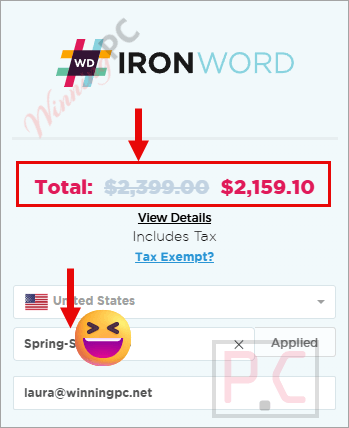
10% off coupon code: regular price $2,399, discounted price $2,159.10
IronWord Unlimited License
15% off coupon code: regular price $4,799, discounted price $4,079.15
📄 Licensing & Support Details
- 30-Day Money Back Guarantee
- Instant License Delivery
- 24/7 Technical Support
- Secure Checkout
📝 How to apply
- To claim the offer, follow our direct link to access the official Iron Software shop by clicking on the “Coupon Code” button above.
- Choose the Lifetime License option: Lite, Plus, Pro, or Unlimited, that works best for your group, then click on the “Buy License” button.
- Copy and paste the coupon code into the “Enter Coupon Code” field. You will notice the final price is significantly reduced by 5-15%.
What is IronWord?
IronWord is a user-friendly C# Word DOCX library designed for generating, reading, and editing Word documents in .NET environments. It is built for software developers who need to add fast, accurate Word document processing functionality to their web, mobile, desktop, or console applications in minutes. The biggest draw? It requires absolutely no Microsoft Office or Office Interop installation to work.
In-Depth Review & Features
In my experience testing .NET libraries, finding one that handles Word documents cleanly without resorting to messy Office Interop workarounds is rare. When I put IronWord to the test, its speed and ease of use stood out immediately.
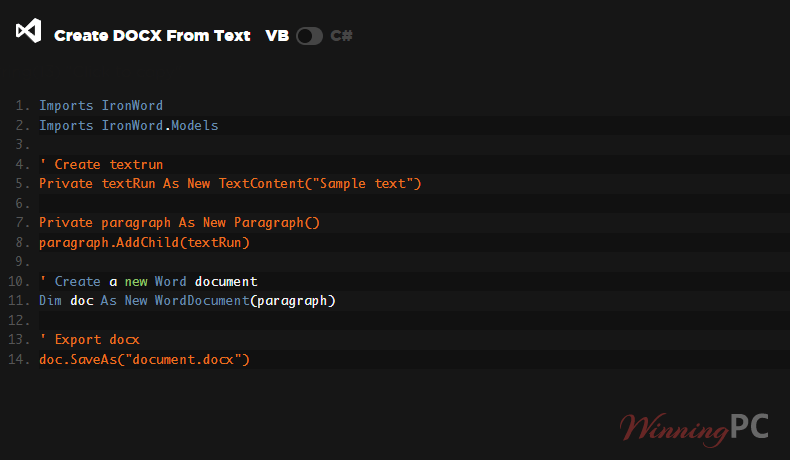
With just a few lines of code, I was able to create DOCX files from scratch, injecting tables, lists, images, and templates. The granular control over document elements is exceptional. You can extract text and images, dynamically find and replace content, and completely alter the page setup (from paper size and orientation to custom margins and background colors).
Here is a breakdown of the core features I found most valuable:
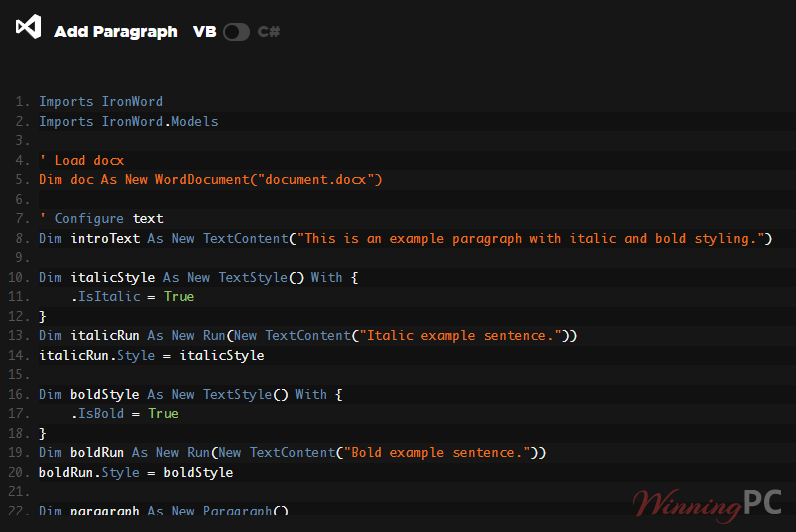
- Paragraph & Text Styling: Full run-level control over font family, size, color, bold/italic, strikethrough, underline, and alignments (Left, Center, Right & Justified).
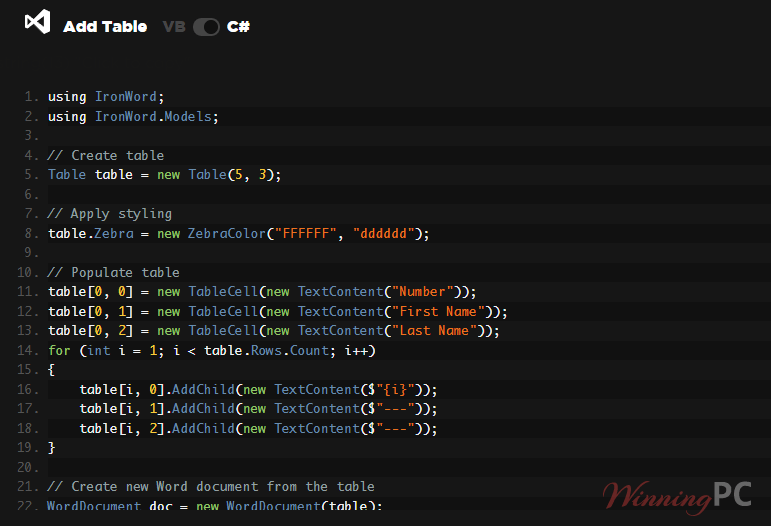
- Advanced Tables: Full API for adding/removing rows and columns, merging and splitting cells, and setting borders and layouts.
- Image & Shape Handling: You can load images via File or FileStream, set wrap text, dictate dimensions, and adjust position offsets and rotations for shapes.
- Stream Delivery: You can save documents directly to a MemoryStream or byte[] for HTTP delivery, entirely skipping the need to write to a local disk.
Pros & Cons
More screenshots
Frequently Asked Questions
Where can I find the best coupon code for IronWord?
WinningPC is currently the best place to find the verified coupon code for this product, offering the highest discount rate (15% Off) on the market.
Can IronWord create and edit .docx files without Microsoft Office installed?
YES! IronWord operates completely independently of Microsoft Office and does not require Office Interop to be installed.
Can I control text styling dynamically at runtime?
YES! You can control fonts, sizes, colors, strikethrough, bold/italic, and superscript/subscript via individual TextRuns and Paragraphs.
Does it provide an API for complex tables?
YES! You have full APIs for building and editing tables, including cell merging, setting borders, shading, column widths, and inserting rows/columns before or after an index.
Can images be inserted from a data stream?
YES! Images can be inserted from both physical files and FileStreams, giving you full control over dimensions, alignment, and position offsets.
Do I have to save generated documents to a disk?
YES! (Meaning, yes, you can bypass the disk). Documents can be saved directly to a MemoryStream or byte[] for immediate HTTP delivery.
Is IronWord safe to run on my server for batch processing?
YES! The license is server-side friendly and supports concurrent processing without threading limitations. It also handles malformed documents gracefully to prevent crashes.
Technical Specifications
| Supported Languages | C#, VB.NET, F# |
| .NET Versions | .NET Core (10, 9, 8, 7, 6, 5, and 3.1+), .NET Standard (2.0+), .NET Framework (4.6.2+) |
| Project Types | Web (Blazor & WebForms), Mobile (Xamarin & MAUI), Desktop (WPF & MAUI), Console (App & Library) |
| App Environments | Windows (10+, Server 2016+), Linux (Ubuntu, Debian, CentOS), iOS (12+), Android API 21+ (v5 “Lollipop”), Docker, Azure, AWS |
| IDEs Supported | Microsoft Visual Studio, JetBrains ReSharper & Rider |
| OS & Processors | Windows, macOS, Linux, iOS, Android | x64, x86, ARM |
| Security | DigiCert Signed Binaries |