Cathryn Lee
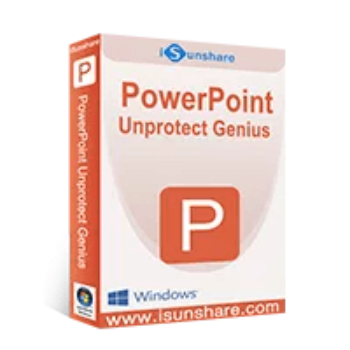
iSunshare PowerPoint Unprotect Genius is a user-friendly software designed to help you remove protection from PowerPoint presentations, allowing you to edit, copy, and print the content freely. If you’ve forgotten the password that restricts editing and only permits read-only access, this tool is your ideal solution. With iSunshare PowerPoint Unprotect Genius, you can effortlessly bypass the edit restrictions and regain full control over your PowerPoint files, making it an essential utility for those needing to unlock and modify their presentations.
Top PowerPoint Password Remover Discount Codes

PassFab for PPT - 1 Month/ 1 PC
84% off coupon code: regular price $31.90, discounted price $4.95
PassFab for PPT - 1 Year/ 1 PC
65% off promo code: regular price $39.90, discounted price $13.96
PassFab for PPT - Lifetime/ 1 PC
65% discount coupon code: regular price $79.90, discounted price $27.96

Passper for PowerPoint - 1 Month Plan
50% off coupon code: regular price $29.95, discounted price $14.99
Passper for PowerPoint - 1 Year Plan
55% off promo code: regular price $49.99, discounted price $22.49
Passper for PowerPoint - Lifetime Plan
63% discount coupon code: regular price $99.99, discounted price $37.49
iSunshare PowerPoint Unprotect Genius Features
- Regaining access to edit-restricted PowerPoint presentations has never been easier. With iSunshare PowerPoint Unprotect Genius, you can effortlessly remove forgotten restriction passwords from *.pptx files.
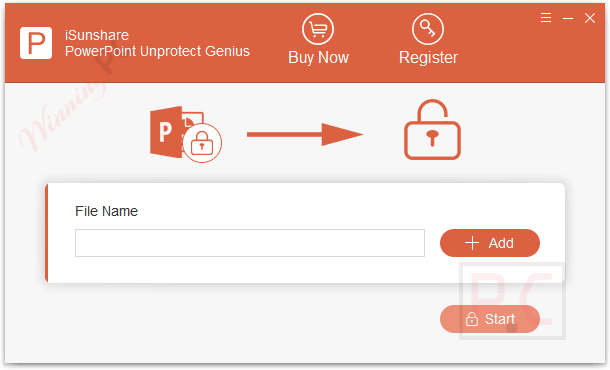
- Additionally, if you have lost the edit-restricted password for a *.ppt file, this tool offers a quick recovery option. With just a few simple steps, you can recover the lost password and regain full editing capabilities.
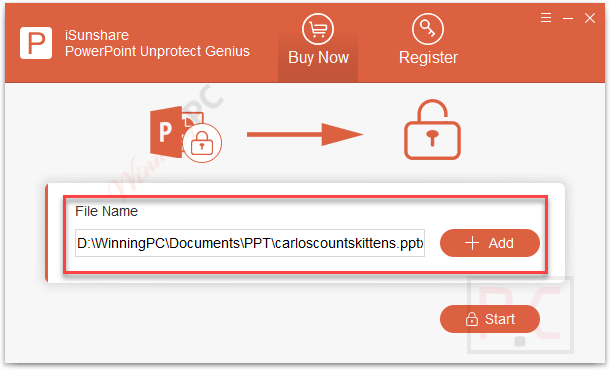
- Regardless of the file format: *.ppt or *.pptx, this powerful tool effortlessly restores your edit permissions for PowerPoint presentations. No longer will you be hindered by restrictions or limited access to your valuable content.
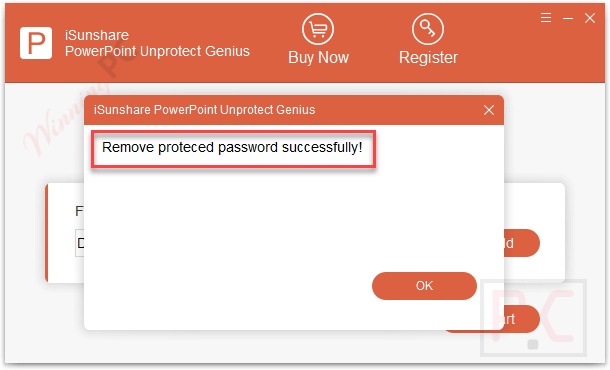
- With its remarkable capabilities, this tool will help you unlock the full potential of your PowerPoint files. You can effortlessly remove access restrictions from files created by PowerPoint versions, including 97/2000/2003/2007/2010/2013/2016/2019.
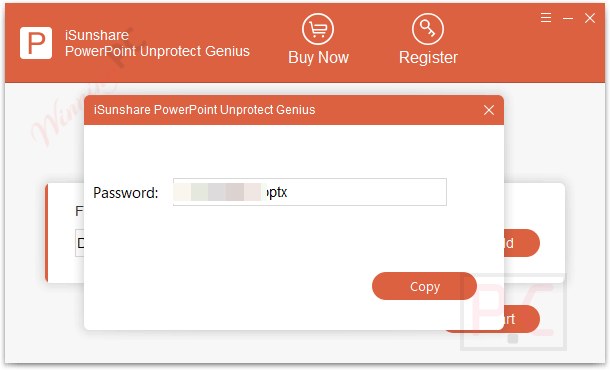
- With a user-friendly interface, this tool puts you in complete control of the process. Ensuring that your PowerPoint content and layout will remain intact and unharmed throughout the entire process.
Frequently asked questions
Frequently asked questions
Technical Details
| Language Support | English, Français, Italian, Spanish, Swedish, and more… |
| Money Back Guarantee | 30-Day |
| Operating System | Windows Vista, Windows 7, Windows 8/8.1, Windows 10/11 |
| Shipping | Register code will be sent to your email in minutes |
| Subscription | Lifetime |
| Support Services |