Cathryn Lee

Kanto Video Mix is usually priced at $29, which isn’t bad, but why pay full price when you don’t have to? If you are looking to quickly stitch video clips together or adjust the pitch of a music video without learning complex software, we’ve secured a solid deal for you.
Status: ✅ Active & Verified
Last Checked: October 2026
Offer: 30% Off

Kanto Video Mix ENG
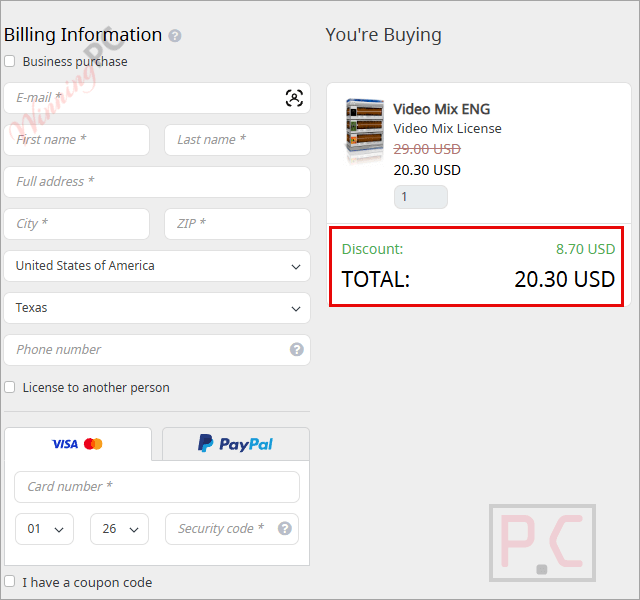
30% Off coupon code: regular price $29, discounted price $20.30
Price Comparison Table
| License Type | Official Price | WinningPC Price | You Save |
| 1 Year / 1 PC | $29.00 | $20.30 | $8.70 |
Redemption Guide
- Click the “Copy Code” button above. This usually applies the coupon automatically.
- If you see a “Have a coupon?” box during checkout, copy and paste the code provided (if visible) or ensure the discount line item appears.
- Verify the final total matches our table before you pay.
- Check the screenshot above to ensure the discount is applied correctly.
What is Kanto Video Mix?
Based on the developer’s specs, Kanto Video Mix is a compact, “no-nonsense” video editor designed specifically for speed. It isn’t trying to be Adobe Premiere; it’s built for users who need to combine clips or “mix” videos quickly.
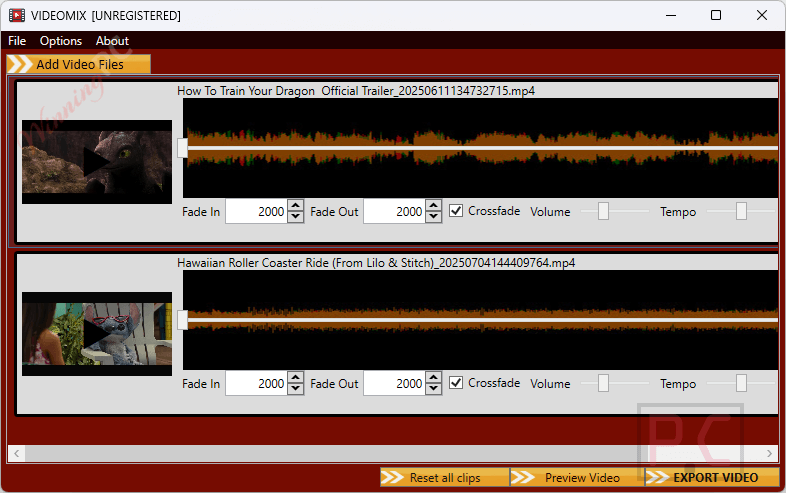
It functions primarily as an easy video joiner, allowing you to concatenate multiple clips into a single file. Beyond just merging, it acts as a converter and a light editor. It’s ideal for people who need to create video mixes with specific audio adjustments like key/pitch changes, which is a rare feature in basic editors.
In-Depth Review & Features
We’ve looked at the technical data provided for Kanto Video Mix. Here is the breakdown of what this tool actually does, stripped of the marketing gloss.
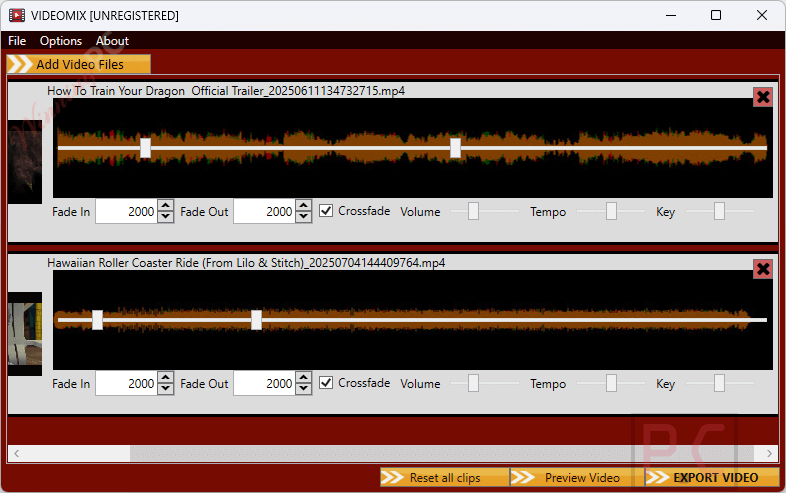
- Video Joining & Mixing: You can combine multiple video clips or sections of videos. The software handles the transitions for you, offering automatic fade and crossfade effects so the jump between clips isn’t jarring.
- Audio-Centric Video Editing: This is the standout feature. You can change the speed, volume, and key (pitch) of any video file. This is particularly useful if you are working with musical video files and need to adjust the audio key without stripping the audio track first.
- Trim & Cut: Remove unwanted parts from the start, middle, or end of your footage.
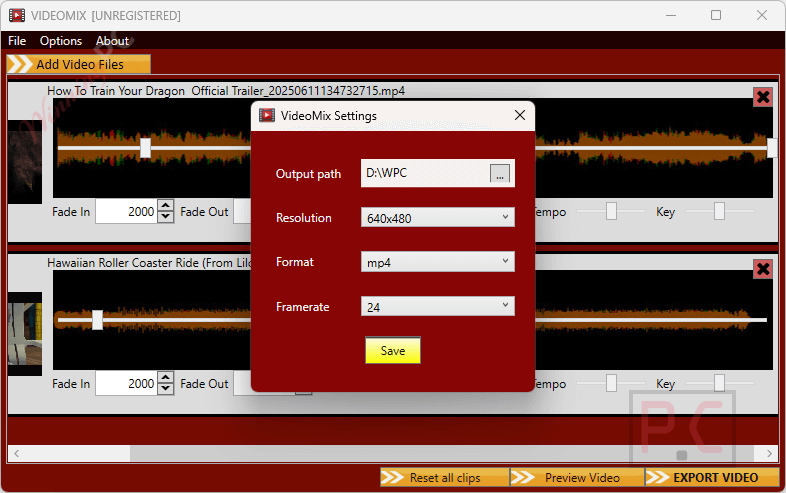
- Video Converter: It supports converting videos into various formats and resolutions. If you have a file that won’t play on your TV or phone, you can re-encode it here.
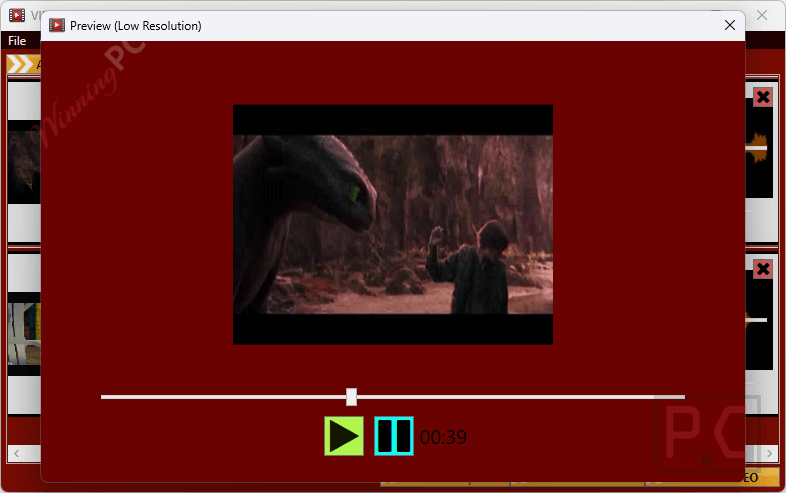
- Real-Time Preview: There is an integrated preview window so you can see your edits (like color or fade effects) before you commit to the final export.
Pros & Cons
More Kanto Video Mix screenshots!
Frequently Asked Questions
Can I really change the key of a song inside a video?
Yes. According to the product info, it allows you to change the “key of any video file,” which is great for musicians or karaoke video creation.
Does it support 4K or specific resolutions?
The data confirms it can “modify video resolution,” and convert to any resolution, so you can scale down or adjust formatting as needed.
Is Kanto Video Mix a subscription?
The deal listed here is for a “1 Year” license. You will likely need to renew if you want updates after 12 months.
Can I use this on a Mac?
No. The specs explicitly state support for Windows 11, 10, 8, and 7 only.
Is this the best coupon for Kanto Video Mix?
Yes. We constantly monitor pricing, and WinningPC currently offers the highest discount rate available on the market for this software.
Can I merge different video formats (e.g., an MP4 and an AVI)?
Yes. Since it functions as a converter and joiner, it can take clips from multiple sources and output a single unified file.
Technical Specifications
| Operating System | Windows 11, 10, Windows 8, Windows 7. |
| Supported Input/Output Formats | AVI, MP4, MPG, MOV, MKV, and more. |
| Key Functions | Join, Split, Trim, Convert, Pitch Shift, Speed Control. |