WinningPC
MediaChance UltraSNAP PRO is an image and vector editor, clipboard processor, and screen grabber toolkit that is designed to help you grab any activities of your screen and then you are able to apply multiple effects and annotation to them. It provides four types of captures: region capture, Window capture, full screen, and repeat last to help you save an image from either a specified area from your desktop, elements, or whole windows, as well as the entire screen.
There are two modes in one application: Quick Mode (capture mode) to grab, adjust and paste (or export); and Full Editing Mode to capture, change, re-arrange, add… You can grab the screen in both modes. UltraSNAP PRO has multiple advantages such as Screen Capture Processor, Vector Editor, Animation Editor, etc. It is easy to use, and you can easily share the results with your friends and family via email or on social media pages.
Top Best Screenshot Software Coupon Codes

TechSmith Snagit 2025 - 1 Year License
20% discount code: regular price $39.0, discounted price $31.20

Edimakor Screen Recorder - Lifetime License
61% off promo code: regular price $89.99, discounted price $34.99

EaseUS RecExperts (Lifetime Upgrades)
50% Off coupon code: regular price $69.95, discounted price $34.97

iTop Screen Recorder - Lifetime
70% off coupon code, regular price $119.99, discounted price $35.99.

Aiseesoft Screen Recorder – Lifetime/1 PC
50% discount code: regular price $62.45, discounted price $31.22

Tipard Screen Capture - Lifetime
50% Off coupon code: regular price $73.75, discounted price $36.87 for Windows version
UltraSNAP PRO Features & Screenshots
- UltraSNAP PRO has two robust modes: the capture mode, which functions similarly to a clipboard pipe and lets you grab, modify, and paste (or export); the edit mode, on the other hand, lets you capture, modify, rearrange, and add items. Screen capture is possible in both modes.
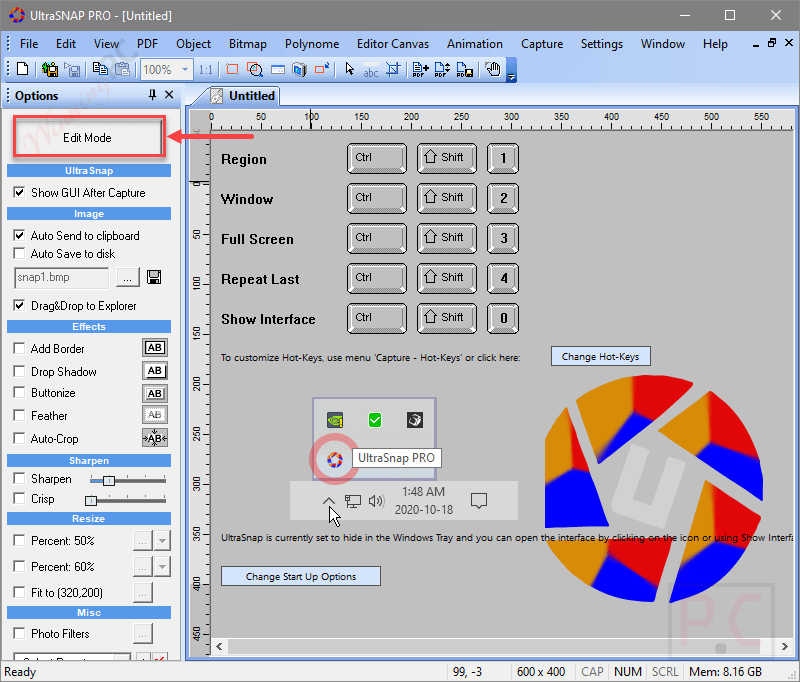
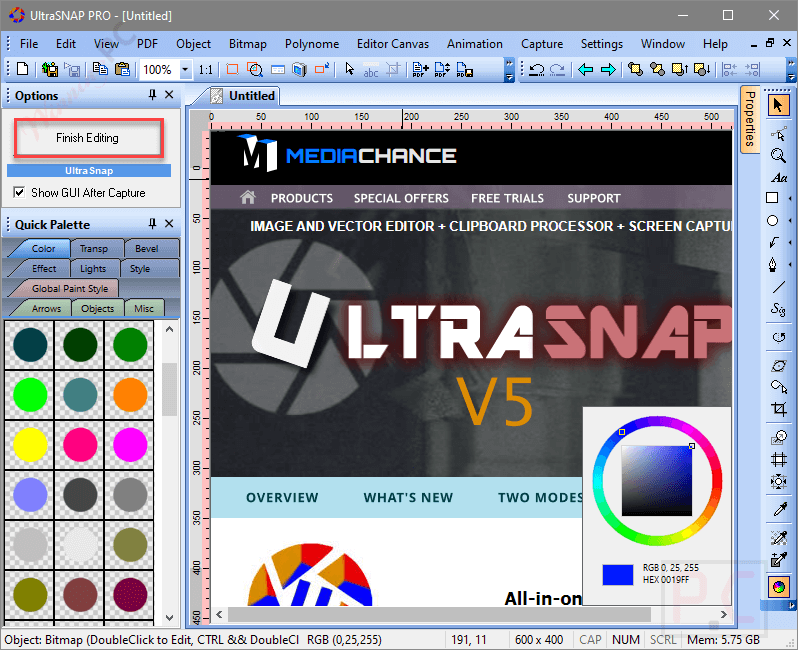
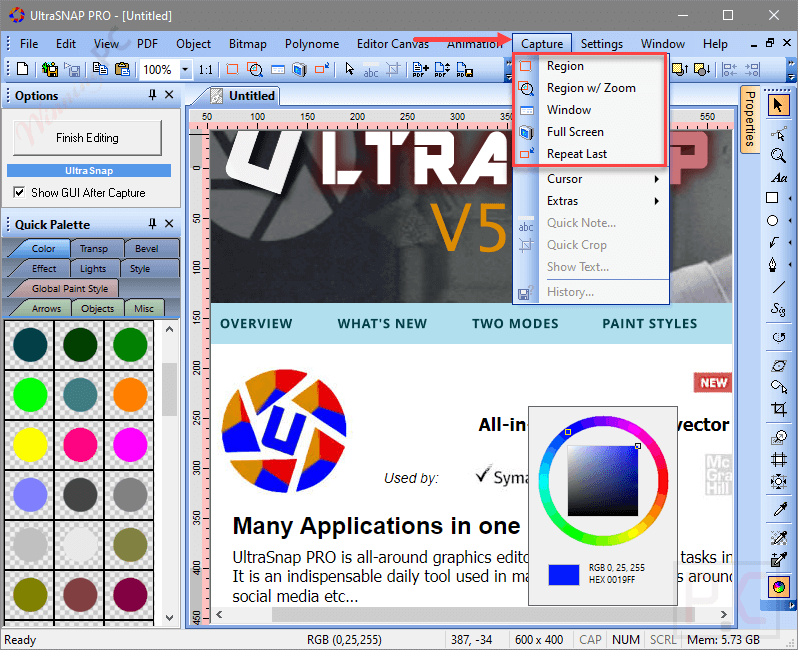
- UltraSNAP PRO provides three different kinds of capture: Full Screen: Recording everything that appears on the screen, Window: Capturing a specific application window; Region: Selecting and capturing a specific area or region of the screen.
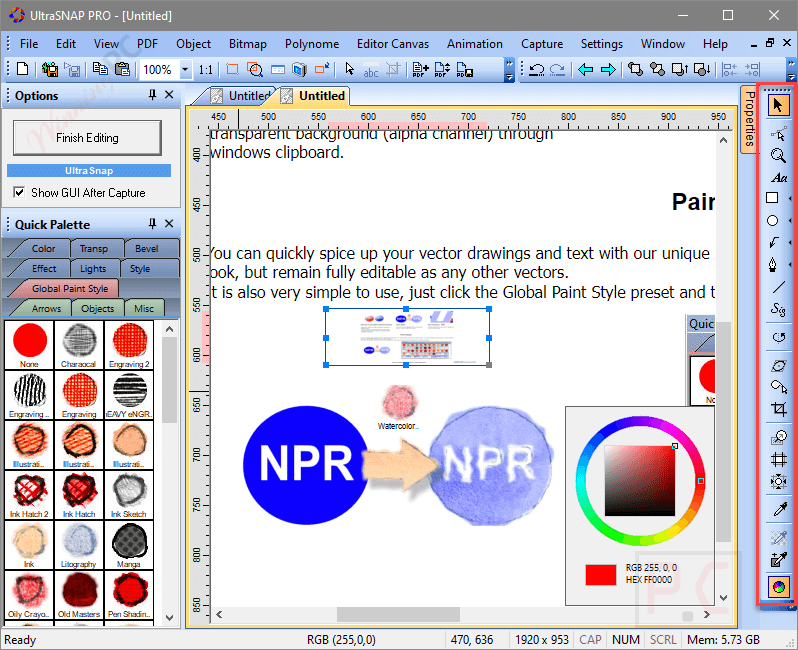
- You can customize the hotkey for various functions such as grabbing a screen region or a window under the cursor, combining multiple captured screens, adding annotations, mouse cursors, arrows, and text, and removing and replacing parts.

- Additionally, you also have the ability to alter vectors. When you enter Editing Mode, nothing can prevent the Vector Editor feature from working. You are free to add more screen grabs, text annotations, arrows, lines, cursors, and other vector objects, as well as your own graphics. You can even use effects, blur, drop shadows, and so on.
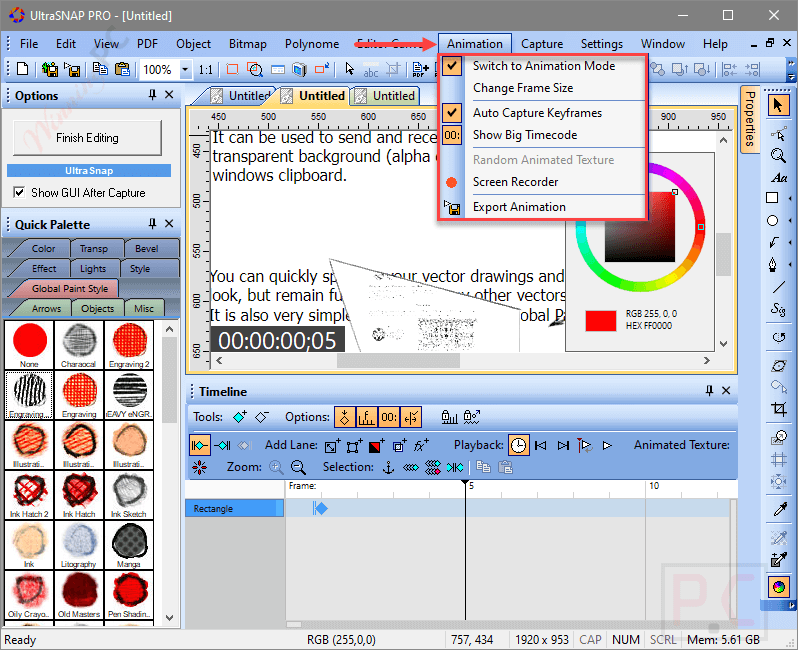
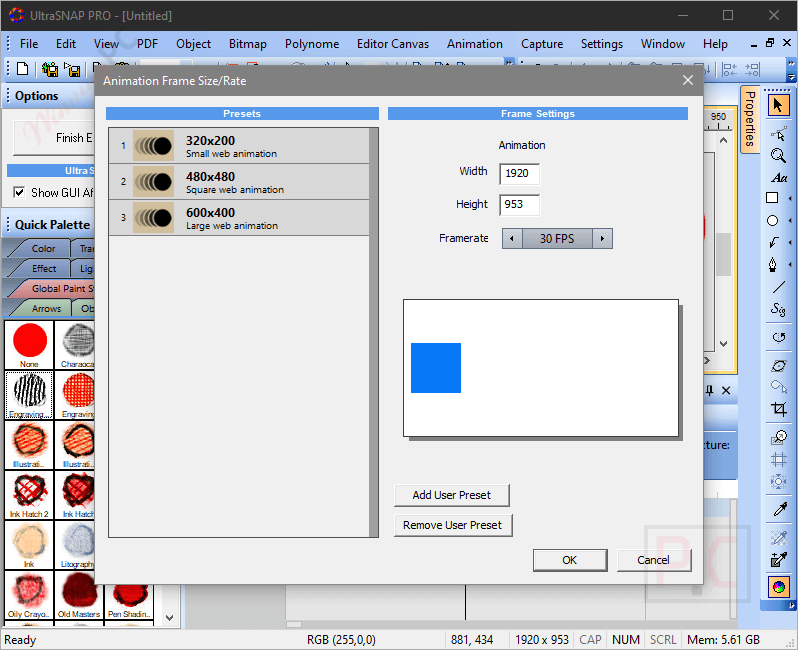
- Using your vectors or images, the Animation Editor function can produce animated GIFs or PNGs. It probably allows users to work with animated content or make basic animations directly within the software by supporting the creation and editing of animations.
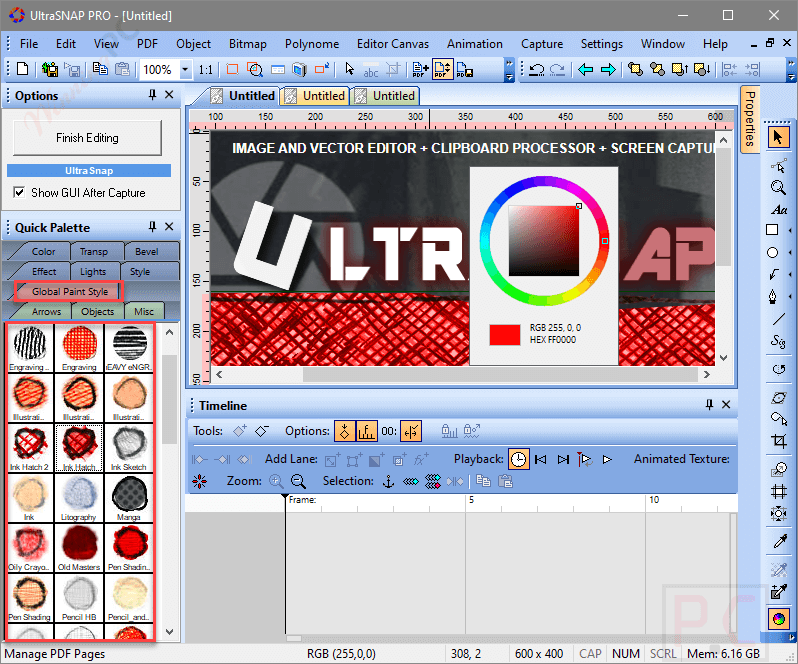
- The paint styles in UltraSNAP PRO software are the next noteworthy feature. Your vector graphics can be freely transformed into a paint job or sketched by hand, and they will still be fully editable like any other vector.
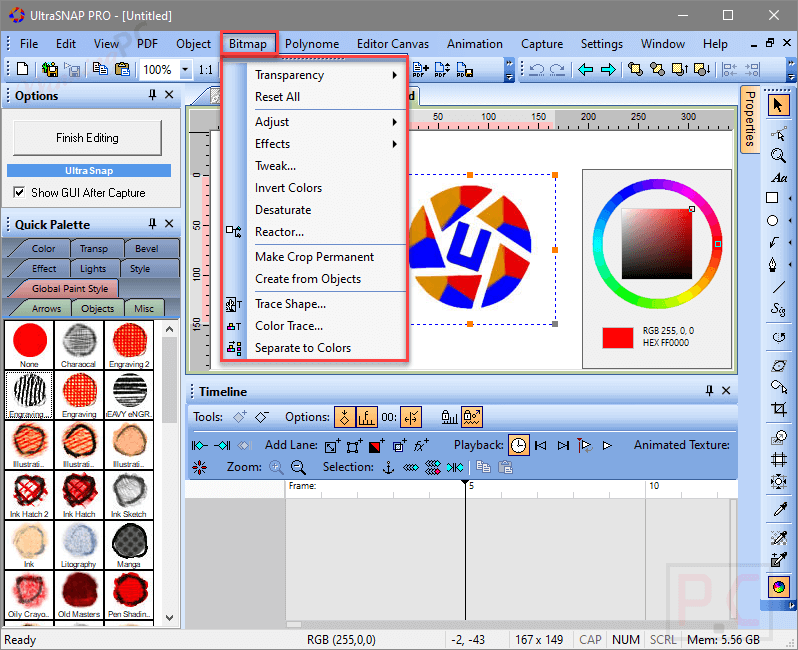
- This app also has the ability to trace bitmap graphics into vector graphics. Some intriguing shapes or graphics that you download from the internet can be turned into editable objects by using the built-in Trace tools. The resultant object will only be a rectangle if the bitmap is opaque (like a regular image).
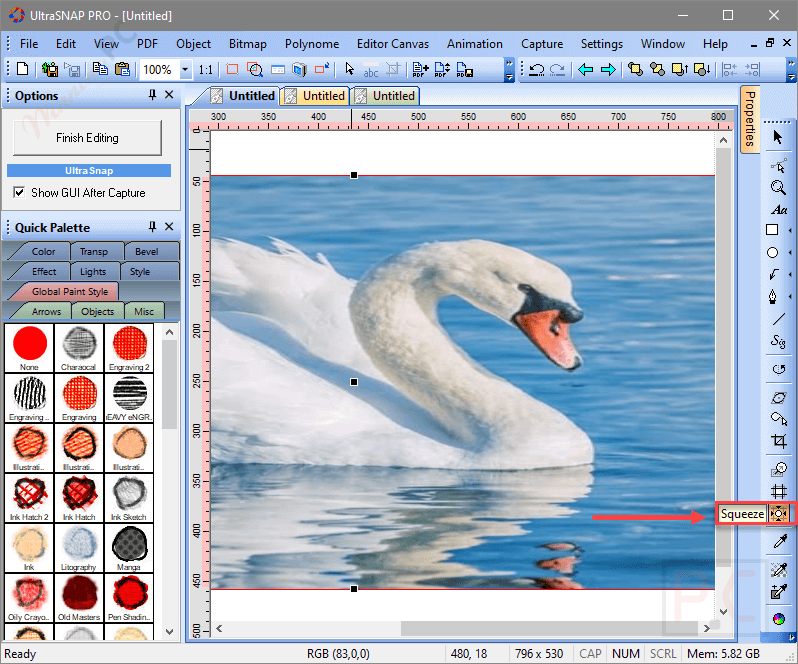
- There are numerous exclusive tools in this potent toolkit that cannot be found anywhere else. For instance, you can use the Squeeze Tool to increase the amount of working space in images or to alter their aspect ratio while preserving key subjects.
Frequently asked questions
Frequently asked questions
Technical Details
| Language Support | English, Français, Italian, Spanish, Swedish, and more… |
| Money Back Guarantee | 30-Day |
| Operating System | Windows Vista, Windows 7, Windows 8/8.1, Windows 10/11 |
| Shipping | Register code will be sent to your email in minutes |
| Subscription | Lifetime |
| Support Services | Tickets |