

On this page
Microsoft Office Coupons & Pricing
Microsoft Office
9 plans · best save 94%
Microsoft Office 2024 Professional Plus for Windows: Lifetime License
84% off in total with the code (deal $49.97, then an extra 20%). Word, Excel, PowerPoint, Outlook, OneNote and Access on 1 Windows 10/11 PC. The license is tied to that device, not to your Microsoft account.
Microsoft Office 2024 Home for Mac or PC: One-Time Purchase
40% off in total with the code (deal $112.97, then an extra 20%), and about half the $179.99 Microsoft charges on its own store today. Word, Excel, PowerPoint and OneNote for 1 PC or Mac, linked to your Microsoft account. Home and school use only.
Microsoft Office 2024 Home & Business for Mac or PC: Lifetime License
30% off in total with the code (deal $219.99, then an extra 20%). Adds Outlook and commercial-use rights on 1 PC or Mac. The same retail edition Microsoft sells.
Microsoft 365 Personal: 1-Year Subscription
44% off in total with the code (deal $69.99, then an extra 20%), roughly $4.67 a month. 1 person, signed in on 5 devices at once, 1 TB OneDrive storage and Copilot in the desktop apps.
Microsoft 365 Family: 1-Year Subscription
38% off in total with the code (deal $99.99, then an extra 20%), around $13.33 per person if you fill all 6 seats. 1 TB cloud storage each. AI features work for the plan owner only.
Microsoft 365 Personal: 1-Month Subscription
36% off in total with the code (deal $7.99, then an extra 20%). Fine for a single project or a trial run of Copilot. Over a full year, the 1-Year plan works out about $20 cheaper.
Microsoft Office Professional 2021 for Windows: Lifetime License
89% off in total with the code (deal $29.97, then an extra 20%). Heads-up: Microsoft ends all Office 2021 support on October 13, 2026, with no paid extension. No security patches after that date.
Microsoft Office Pro 2021 for Windows: Lifetime License + FREE Microsoft Training Bundle
89% off in total with the code (deal $32.97, then an extra 20%). Adds The Microsoft Training Bundle: ZERO to ADVANCED ($20 value). Same Office 2021 caveat: support ends October 13, 2026.
Microsoft Office Professional Plus 2019 for Windows ★ Best Deal
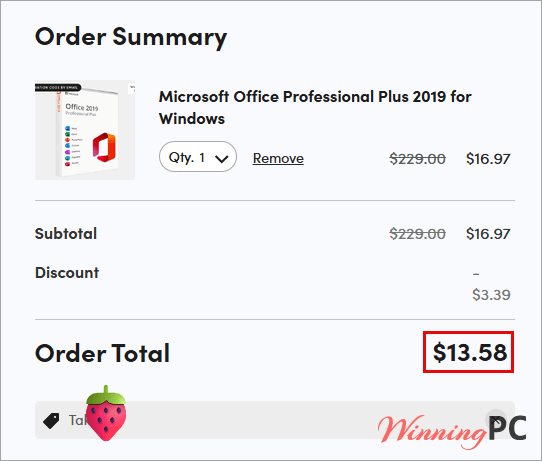
94% off in total with the code (deal $16.97, then an extra 20%), the biggest saving on this page. But Office 2019 support ended October 14, 2025, so it gets no security updates. Only sensible for an offline or low-risk PC.
How to apply the Microsoft Office coupon at checkout
- Decide on the Microsoft Office edition first. Click the Microsoft deal button above to open the listing on StackSocial and add it to your cart.
- Paste Ta**20 into the promo code field at checkout. StackSocial accepts one code per order, so check that the total actually drops by 20% before you pay.
- Complete payment. Your license key and download link appear in your StackSocial account and by email.
Microsoft Office Review & Features
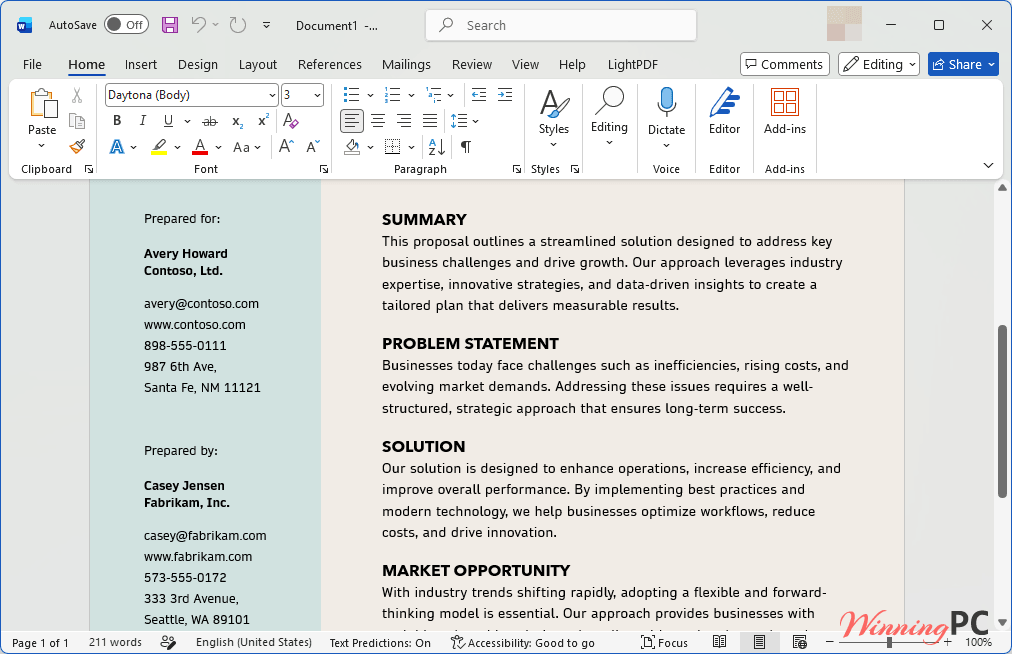
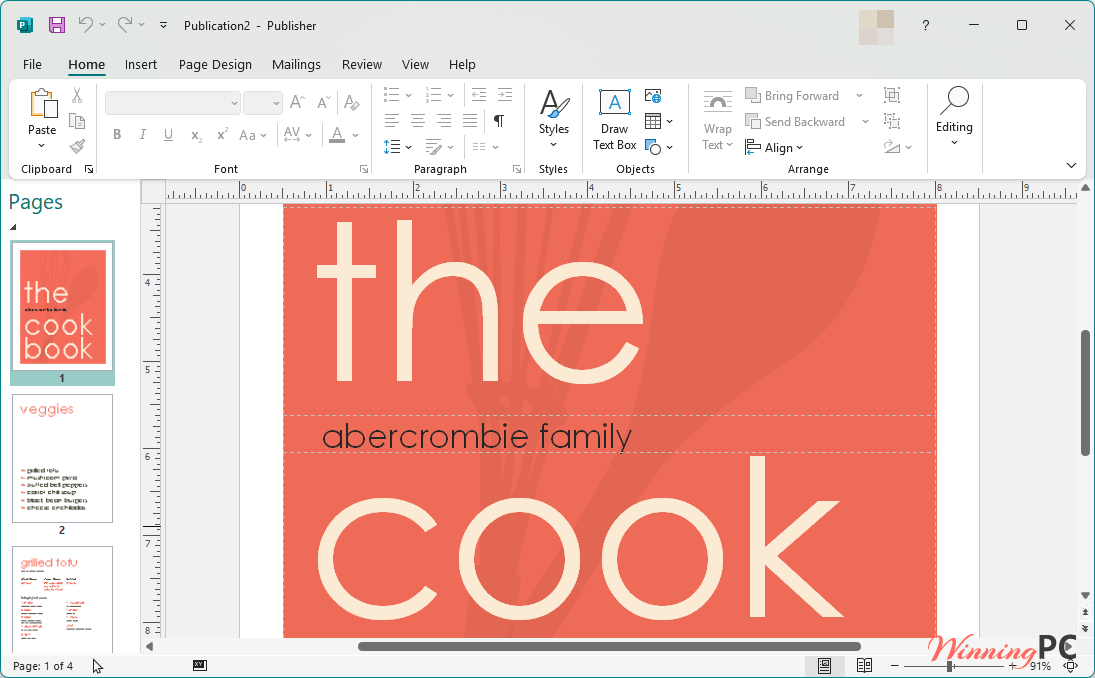
Of everything on this page, Microsoft Office 2024 Professional Plus is the most complete desktop suite you can own outright. It carries six apps where Office Home 2024 stops at four, and it’s built on the current 2024 release rather than the 2021 or 2019 code further down the list. Access is the quiet differentiator. If you track inventory, a client list or anything that has outgrown a spreadsheet, none of the 2024 retail editions give you a real database app, and Access doesn’t exist on Mac at all. The 2024 additions are practical rather than flashy: in-cell pictures alone make product and inventory sheets far easier to scan.
Key features
- Six desktop apps in one install: Word, Excel, PowerPoint, Outlook, OneNote and Access.
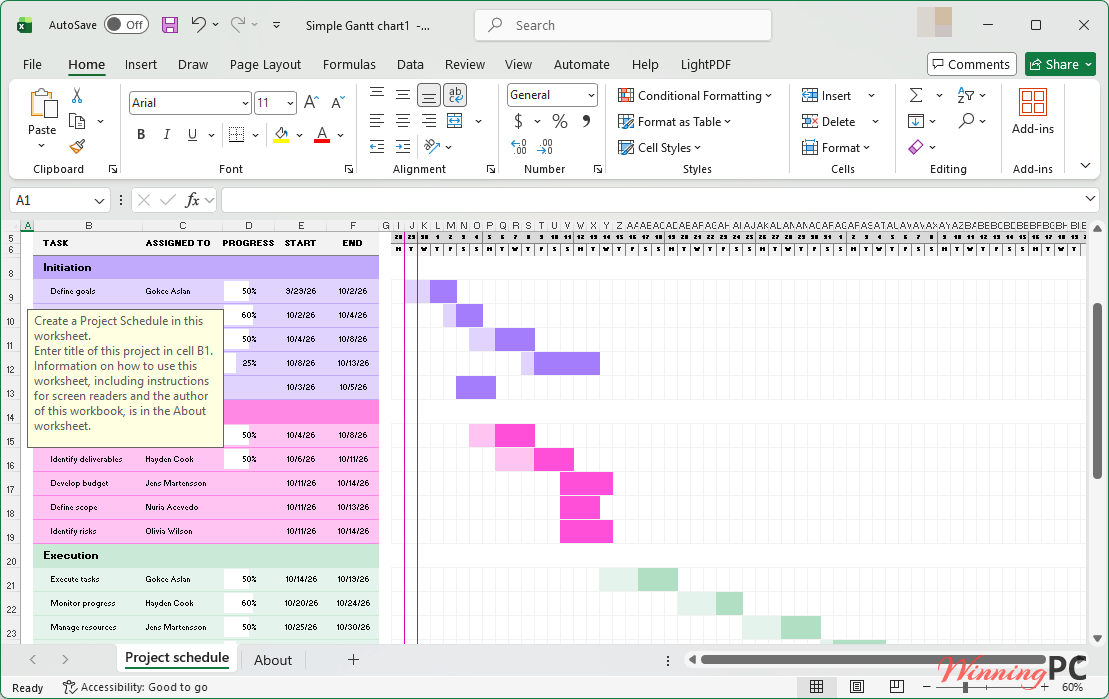
- Pictures inside Excel cells: insert images straight into cells, or convert floating pictures into in-cell ones so they sort and filter with the data.
- Cameo in PowerPoint: drop your live camera feed onto a slide and style it like any other object, so you present from inside the deck.
- Accessibility Checker across Word, Excel, PowerPoint and Outlook, plus sections and subpages in OneNote.
- VBA macros and 32-bit or 64-bit builds, so older workbooks and add-ins carry over.
What we think
Screenshots
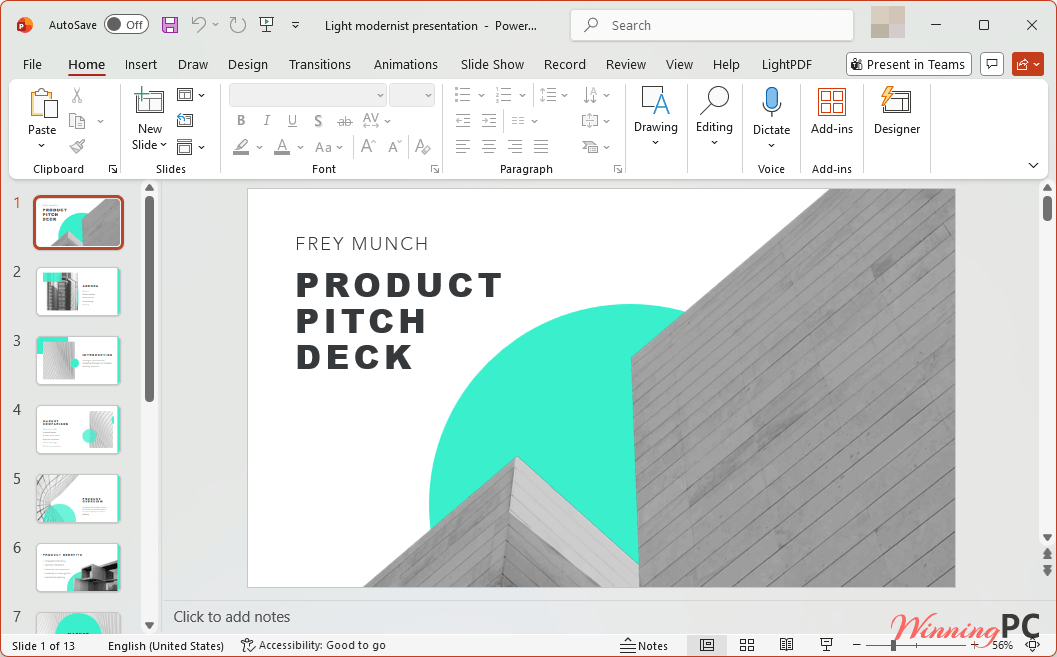
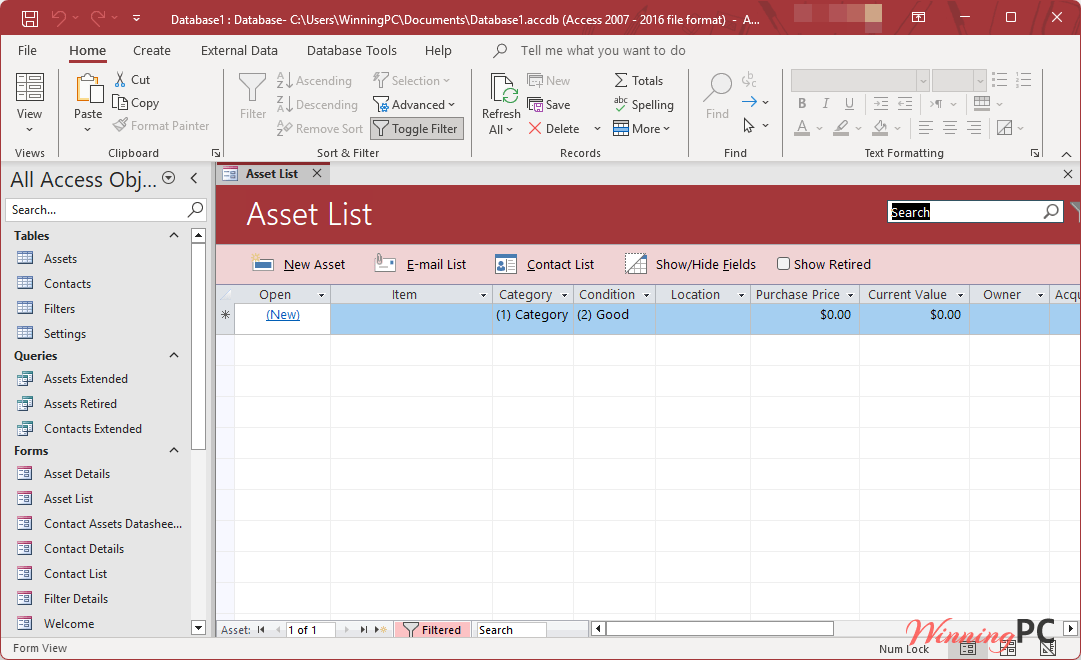
Which Microsoft Office deal should you buy?
| Deal | Price with code | Runs on | License tied to | Microsoft support ends | Best for |
|---|---|---|---|---|---|
| Office 2024 Professional Plus | $39.98 | 1 Windows 10/11 PC | That PC | Oct 9, 2029 | Windows users keeping their current PC |
| Office Home 2024 | $90.38 | 1 PC or Mac | Your Microsoft account | Oct 9, 2029 (Mac); Windows date not published | Mac users, anyone who changes PCs; non-commercial |
| Office Home & Business 2024 | $175.99 | 1 PC or Mac | Your Microsoft account | Same as Home 2024 | Small businesses that need Outlook and commercial rights |
| Microsoft 365 Personal (1 year) | $55.99 | PC, Mac, phone, tablet | Your Microsoft account | Always current while subscribed | Copilot and 1 TB cloud storage |
| Microsoft 365 Family (1 year) | $79.99 | Up to 6 people | Owner’s Microsoft account | Always current while subscribed | Households |
| Microsoft 365 Personal (1 month) | $6.39 | PC, Mac, phone, tablet | Your Microsoft account | Always current while subscribed | One short project |
| Office Professional 2021 | $23.98 | 1 Windows PC | – | Oct 13, 2026 | Skip |
| Office Pro 2021 + Training Bundle | $26.38 | 1 Windows PC | – | Oct 13, 2026 | Skip, unless you only want the course |
| Office Professional Plus 2019 | $13.58 | 1 Windows PC | That PC | Ended Oct 14, 2025 | Offline machines only |
Questions people ask about Microsoft Office deals
Does code Ta**20 work on every Microsoft deal here?
Not guaranteed. StackSocial codes can exclude some items, and only one code works per order. Check that your cart total drops by 20% before paying; if it doesn’t, the regular deal price still applies.
Is Microsoft Office 2021 still worth buying?
No, not anymore. Microsoft ends all Office 2021 support on October 13, 2026, with no paid extension. The apps keep working, but they stop getting security fixes.
Can I move Office 2024 Professional Plus to a new computer?
Probably not easily. The listing says the license is tied to the device, not your Microsoft account.
Can I use Office Home for work?
No. Office Home is licensed for non-commercial use only. For business use you need Office Home & Business, which also adds Outlook.
Does Office work without internet?
Mostly, yes. You need a connection to install, activate, and periodically keep the license active. Stay offline too long and the apps drop into reduced functionality, where you can view and print documents but not edit them.
Is Microsoft 365 Personal cheaper yearly or monthly?
Yearly, by about $20. With the code, twelve months at $6.39 comes to roughly $76.68, against $55.99 for the 1-Year plan. The monthly option only makes sense for a short, one-off need.
System Requirements & Details
| Field | Value |
|---|---|
| Operating system | Windows 11 per Microsoft’s requirements page (store listings also say Windows 10). Mac: the three most recent macOS versions, Home and Home & Business 2024 only. The 2019, 2021 and Professional Plus deals are Windows-only. |
| Processor | Windows: 2-core, 1.1 GHz (support page) or 1.6 GHz (store page). Mac: Intel or Apple Silicon |
| RAM | 4 GB (store page allows 2 GB for 32-bit Office on PC) |
| Disk space | 4 GB on PC, 10 GB on Mac |
| Display | PC: 1280 x 768 (support page) or 1024 x 768 (store page); 64-bit Office needed for 4K. Mac: 1280 x 800 |
| File compatibility | Documents open in Office 2007 and later with no extra steps |
| Other requirements | Internet connection to install and activate; Microsoft account for Home, Home & Business and Microsoft 365; installs only on the system drive (usually C:) |



I wish to end this thread. I will not correspond any more.
The link freezes, or fails. You don’t get whatever is meant to be the next page or site. After a while I gave up.
It may be that your web browser or a third-party app on your PC is blocking the link. Could you try opening it in Incognito/Private mode and see if it works there?
Guess what? The CON about SocialStack NOT ACTIVATING…that happened!
Hi,
Thanks for letting me know. Is the discount code not working, or is there another issue with activating the deal on StackSocial?