On this page
MindManager Coupons & Pricing
MindManager: 67% Off for Students and Educators
Product is available in the United States and Canada. Note: Student validation required

MindManager Professional - Annual Plan
Annual plan for individuals & teams
MindManager Professional - Lifetime License
Lifetime license for individuals
Is this MindManager deal legit?
Yes. The discount runs through MindManager’s own store, so you’re buying the same license you’d get by going direct.
Official source
The prices come from MindManager’s own checkout, not a reseller or a grey-market key site.
No crack or keygen
You install the official MindManager build and activate it with your own account. Nothing is patched or repackaged.
Secure checkout
Payment happens on MindManager’s encrypted store, and your card details never pass through WinningPC.
Business-grade security
MindManager states it is SOC2-certified, and offers single sign-on for organizations.
How to Use the MindManager Coupon Code
- Click the deal link to open MindManager’s official store. The reduced prices are already applied there.
- Pick your plan. If you’re choosing Students & Educators, MindManager will ask you to confirm eligibility through the Proxi.id verification service, using your university credentials or another approved method.
- Check the cart before paying: Professional Annual should show $179; the education plan $59. There’s no coupon field to fill in.
- Complete the payment on MindManager’s checkout.
- Install MindManager for Windows or Mac (or open MindManager Web if you bought Essentials) and sign in to start mapping.
How well does MindManager actually work?
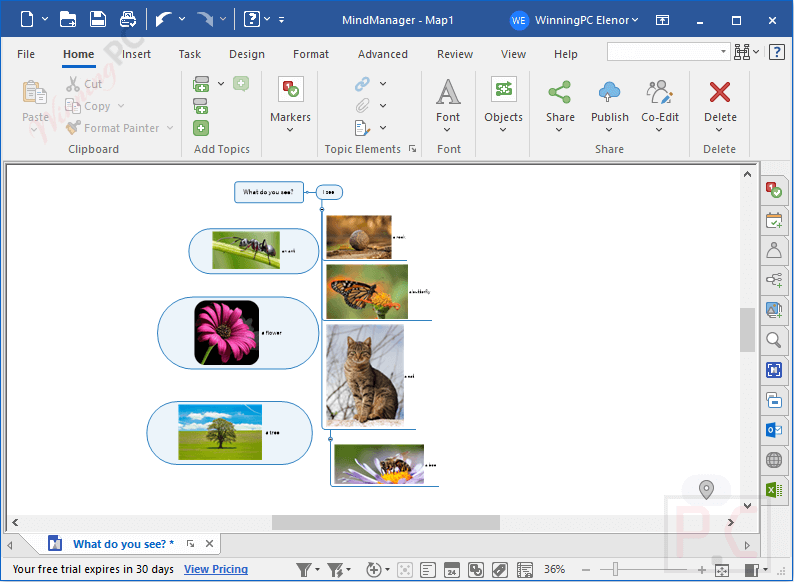
MindManager‘s real strength is that the brainstorm and the project plan are the same file. You can start with a loose map, then attach dates, resources and costs to the same topics until it’s a schedule you can hand to a team, without exporting to a second app. Small touches help a lot here: typing @ or # adds a resource or tag on the fly, which keeps you in flow while ideas are still coming. The flip side is depth. There are a lot of panels, views and rules to learn, and casual users will touch maybe a fifth of it. It’s also clearly built around Microsoft 365, so if your team runs on Google Workspace or Notion, a good chunk of the value doesn’t apply to you.
Key features
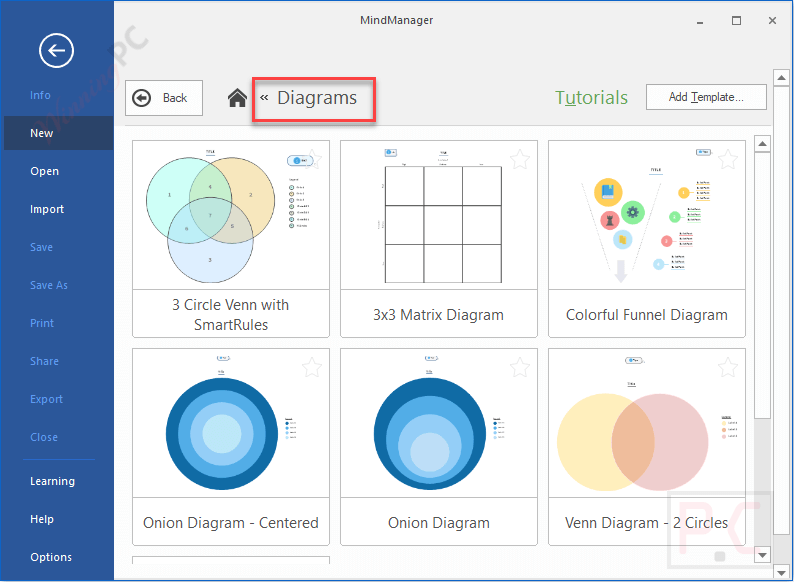
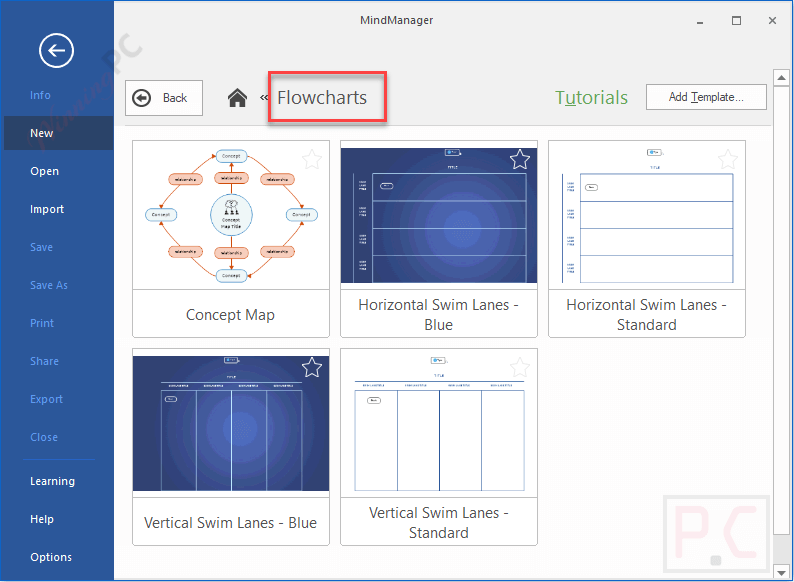
- 10 diagram types you can mix: mind maps, org charts, timelines, flowcharts, concept maps, Venn and onion diagrams, Kanban boards, fishbone, funnel and matrix diagrams, combined in one map when a single type isn’t enough.
- Gantt view and cost tracking: set start and due dates, assign resources, add costs and sum them with one click. Gantt charts export to HTML5 for people without MindManager.
- Microsoft 365 and Jira hooks: connects with Teams, Word, Excel, Outlook, SharePoint, Project, Planner, To Do and Lists, plus Jira Cloud and Jira Data Center tickets.
- SmartRules and formulas: conditional formatting and custom formulas that update the map automatically as task data changes.
- Capture and co-edit anywhere: MindManager Snap grabs ideas from desktop, browser or phone, and real-time co-editing works across platforms, with view, comment or edit links for sharing.
What we think
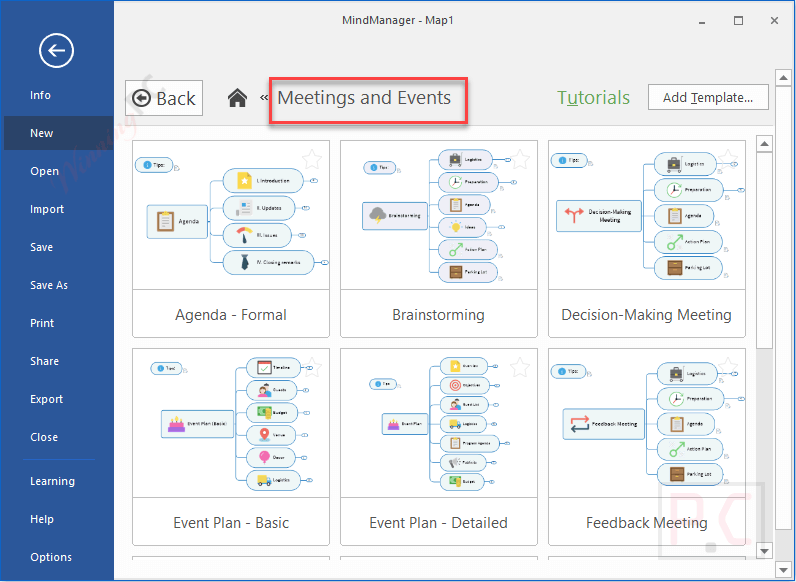
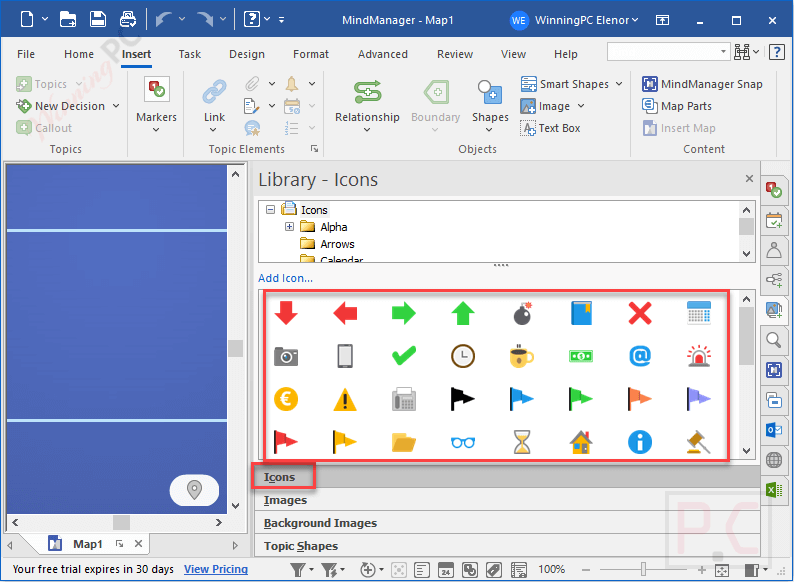
more MindManager Screenshots
Which MindManager plan should you buy?
| Plan | Price with deal | Where it runs | Billing | Best for |
|---|---|---|---|---|
| Students & Educators | $59/year | Desktop app | Annual | Verified students, staff and faculty |
| Essentials | $99/year | Web browser only | Annual | Individuals who just need maps online |
| Professional (Annual) | $179/year | Windows and Mac desktop | Annual | Project managers and small teams |
| Professional Lifetime | $369 one-time | Windows and Mac desktop | One-time | Long-term users who hate renewals |
| Microsoft Teams | $105 | Inside Microsoft Teams (mobile is view-only) | Annual | Teams that work entirely in Teams |
If all you do is sketch ideas, Freeplane or XMind will cover you. MindManager earns its price only when you need the planning, Gantt and Microsoft side.
Frequently Asked Questions
Do I need a MindManager coupon code for this deal?
No. The discount is applied automatically through the deal link, so there’s no code to copy or paste at checkout.
Who qualifies for the 67% student and educator price?
Current students, staff, faculty and alumni in the US and Canada, according to MindManager’s education page. You confirm eligibility through Proxi.id during checkout. If you’re outside those countries, the realistic saving is Professional Annual at $129 (28% off).
Is MindManager a subscription or a one-time purchase?
Both. Essentials, Professional and the education plan are annual subscriptions, while the Professional Lifetime license is a one-time $369 payment. Quick math: if your renewal runs at the $179 list price first year, the lifetime license starts saving you money in year three. Check the renewal price at checkout before deciding.
Does MindManager work on a Chromebook or in a browser?
Yes. MindManager Web runs in the latest Chrome, Firefox, Edge and Safari on Windows, Mac and Chromebook. It doesn’t support touch input yet, so plan on using a mouse or trackpad.
Can I edit maps on my phone?
Not in the Teams app, which only lets you view maps on mobile. You can still use MindManager Snap on your phone to send ideas, links and images to your queue for later.
Does it work with Jira and Microsoft Project?
Yes. MindManager links to Jira Cloud and Jira Data Center tickets, and on Windows it works with Microsoft Project 2016 or later for import, export and sync.
System Requirements & Details
| Windows (MindManager Windows 25) | Windows 11 or 10, 32-bit and 64-bit; 1.6 GHz dual-core CPU; 4 GB RAM; 1.5 GB disk; 1280 x 720 display |
| Mac (MindManager Mac 25) | macOS 14 Sonoma to macOS Tahoe 26; 1 GB disk; 1280 x 800 display |
| Web and Chromebook | Latest Chrome, Firefox, Edge or Safari; Chromebooks on the latest ChromeOS; no touch support |
| Microsoft Teams | Any platform Teams supports; editing not available on mobile |
| Supported input formats | Microsoft Word, Excel and Project files, among others |
| Supported output formats | Microsoft Word, Excel and Project files; Gantt charts as HTML5; published maps as web links |
| Cloud storage | SharePoint, OneDrive, Google Drive, Dropbox, Box, iCloud, MindManager Files |
| Other requirements | Office Professional 2016+ or Project 2016+ for some Windows features; Microsoft Edge WebView2 Runtime; internet connection |