
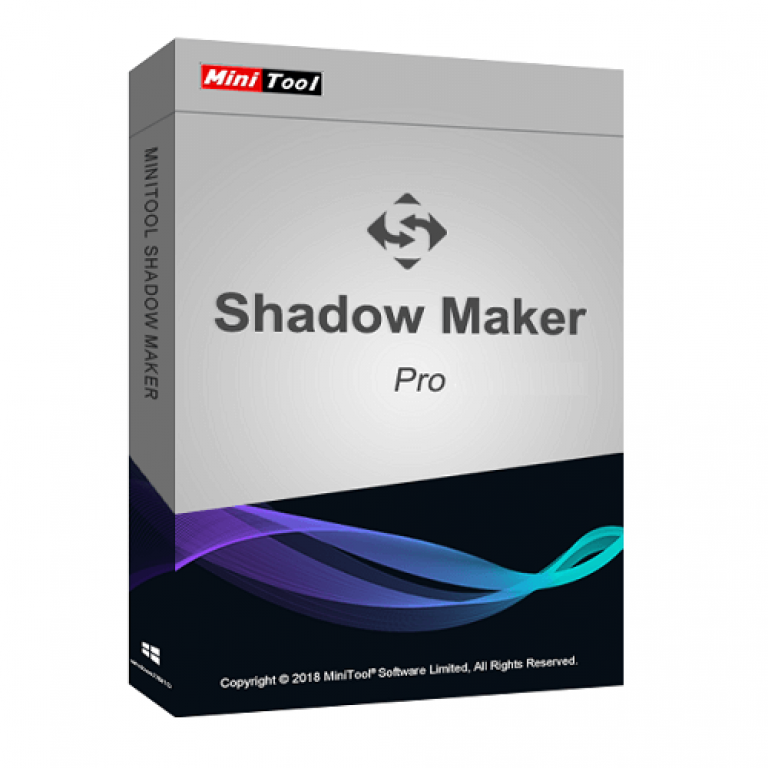

MiniTool ShadowMaker Pro Giveaway
MiniTool ShadowMaker Pro
Reliable data protection and disaster recovery solution for Windows 11/10/8/7. Complete, easy and safe to use.
- Product
- MiniTool ShadowMaker Pro
- Website
- minitool.com
- License
- 6-month
- Platform
- Windows 7/8/8.1/10/11 all editions
- Use
- Non-commercial use
- Updates
- No free updates
- Support
- No free tech support
- Note
- Register before all activation slots are taken
- Updated
- 2026-06-17
Get your unique code by email
License key delivered free to your inbox within minutes.
Protected by Cloudflare Turnstile · Email quality checked by Reoon
All codes have been claimed or the giveaway has closed.
MiniTool ShadowMaker Pro Coupon Codes Oct 2026
MiniTool Disk Utilities Ultimate Bundle: 50% Off
With discounts of up to 50%, the MiniTool Special Deals on the Disk Utilities Ultimate Bundle make managing, backing up, and recovering your data easier than ever. Get yours today!
MiniTool ShadowMaker Pro for Windows
3 plans · best save 70%
Annual Subscription ★ Best Deal
1 license for 2 PCs | 1-year free upgrade
MiniTool ShadowMaker Business for Windows
2 plans

MiniTool Software Sitewide Coupon
15% off all MiniTool Software at MiniTool Solutions
📄 Licensing & Support Details
- License Types: Monthly Subscription, Annual Subscription, and Perpetual License.
- Support: 24/7 Technical Support.
- Guarantee: 30-Day Money-Back Guarantee.
📝 How to apply
- To grab this deal, click the “Copy” button in the coupon box above.
- You will be redirected to the checkout page, where you can get your discounted price, no coupon required.

Is this ShadowMaker giveaway safe to use?
Yes. This is a genuine license from MiniTool, applied to the publisher’s own installer, so nothing on your PC is patched or cracked.
Official build, real key
You install ShadowMaker straight from minitool.com and activate it with a legitimate license. No keygen, no modified files.
Straight from the publisher
The giveaway and the coupon both run through MiniTool itself, not a reseller or a grey-market key shop.
Secure checkout
If you buy a paid plan, payment happens on MiniTool’s official HTTPS store. Your card details never pass through WinningPC.
30-day money-back on paid plans
Paid licenses are refundable within 30 days. The giveaway key costs nothing, so there’s no risk either way.
How to Get The MiniTool ShadowMaker License Key Free?
- Download MiniTool ShadowMaker from the official MiniTool website (minitool.com).
- Run the installer and finish the setup as usual.
- Open ShadowMaker and choose to register or upgrade the program.
- Paste the giveaway license key above into the registration box and confirm.

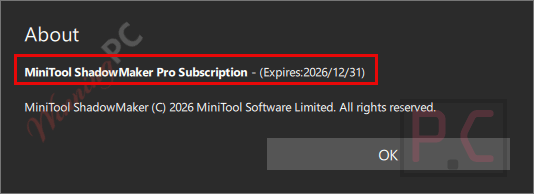
MiniTool ShadowMaker Pro Review & Features
MiniTool ShadowMaker Pro‘s most important feature isn’t the backup button. It’s recovery. ShadowMaker’s WinPE rescue media lets you boot a PC that won’t start and roll it back to a saved image, which covers the ugly cases: a blue screen after an update, a ransomware infection, a drive that’s failing. Universal Restore is the other quiet strength.

Move your system image to a machine with a different motherboard or chipset and it should still boot, which is exactly what you need after a hardware failure. The backup scheme is sensible too, cycling full, incremental and differential images and deleting old versions so your backup drive doesn’t fill up silently. The limit is scope. It’s Windows only, and the interface is functional rather than friendly if you’re new to imaging.
Key features
- Three ways to back up: files and folders (even while open), the whole Windows system, or full disks and partitions, including NTFS partitions with cluster sizes from 512 bytes to 2 MB.
- Bootable rescue media: a WinPE USB or disc restores your PC even when Windows refuses to load.
- Disk Clone: copy basic or dynamic disks in a few clicks, handy when you move from an old HDD to an SSD.
- Automatic schedules: back up daily, weekly, monthly, or at sign-in and sign-out.
- Encryption and passwords: protect image files with a password plus a choice of two encryption methods.
What we think
More MiniTool ShadowMaker screenshots!


ShadowMaker Pro vs other backup tools
| Tool | Main focus | System image + bare-metal restore | Disk clone | Free option | Best for |
|---|---|---|---|---|---|
| MiniTool ShadowMaker Pro | Full PC imaging and recovery | Yes | Yes | Yes (Free edition) | Home users who want backup, clone and rescue media in one tool |
| AOMEI Backupper Professional | Full PC imaging and recovery | Yes | Yes | Yes (Standard edition) | The closest like-for-like rival |
| Nero BackItUp | File and device backup | Limited | No | Trial only | Backing up files and phone data, not whole systems |
| Isoo Backup | One-click system backup | Yes | No | Yes | Fast system snapshots with minimal setup |
| Veeam Agent for Windows Free | Free full PC imaging | Yes | No | Fully free | Anyone who just needs reliable images at no cost |
Frequently Asked Questions
Where can I find valid promotional offers or discount codes for MiniTool ShadowMaker Pro?
You can discover verified deals and special pricing for this software right here on WinningPC, alongside MiniTool’s official campaigns. We constantly update our site to give you the most active and working offers.
What is the biggest price drop or lowest rate currently active for MiniTool ShadowMaker Pro?
Right now, the top savings you can grab is an impressive 70% OFF the Annual Subscription via WinningPC. There are also great markdowns like 50% OFF the Perpetual License and 35% OFF the Monthly plan.
Can I back up a file that I am currently working on?
Absolutely. The software allows you to back up or synchronize open files and folders without needing to close your applications first.
Can ShadowMaker clone an HDD to an SSD?
Yes. Disk Clone copies basic and dynamic disks in a few clicks, which is the usual way to move Windows onto a new SSD without reinstalling.
How does the backup scheme save disk space?
By enabling the backup scheme, the software automatically performs full, incremental, or differential tasks and deletes older backup image versions, preventing your storage drive from filling up.
What kinds of file systems does it work with?
It supports a wide variety of file systems including ReFS, exFAT, FAT16, FAT32, NTFS (ranging from 512 byte to 2 MB cluster size), and Ext2/3/4.
Can MiniTool ShadowMaker rescue a PC that refuses to boot up?
Yes, you can use the WinPE bootable rescue media builder. This tool helps get your operating system back to normal if a system crash, natural disaster, or blue screen error stops it from starting.
Can I restore a backup to a different computer?
Yes. Universal Restore is built for restoring a Windows system image to a PC with a different processor, motherboard or chipset, so the restored system still boots.
Can I back up to a NAS?
Yes. ShadowMaker supports Network Attached Storage and home file servers, as well as internal drives, USB disks and hardware RAID.
System Requirements & Details
| Feature | Specifications |
|---|---|
| Language Support | English, Japanese, & German. |
| Operating System | Windows 7/8/8.1/10/11 (All editions), Windows Server, Workstation |
| Processor | Pentium 1 GHz or higher |
| RAM & Storage | 1 GB RAM (32-bit), 2 GB RAM (64-bit), 1.5 GB free disk space |
| Supported Input | Files, folders, system images, disks, partitions, NTFS/ReFS/exFAT/FAT16/FAT32/Ext2/3/4 volumes |
| Supported Output | Backup images, cloned disks, synchronized files/folders, recovery media |
| Supported File Systems | ReFS, exFAT, FAT16, FAT32, NTFS, Ext2/3/4 |
| Supported Storage Media | HDD, SSD, USB External Disks, Hardware RAID, NAS, Home File Server |


Oops, typo! That is all there is to it.
Another one of my favorites is ATI 2021. Completely and forever free.
To get it, go to Internet Archives. Then download ATI 2021.iso created by Xemulated. Extract the files to a USB drive.
Next, boot up from USB. You can do this offline. The ATI window will appear prompting you to either back up or restore the Windows System Image. You can unplug your USB drive at this point and connect to your external drive or whatever.
Choose your option and then the source or destination which probably is your external drive.
Proceed as instructed. There is all there is to it.
Thanks so much 😀
I suggest you give Drive Snapshot a try then. Great image backup software, small window and it is free if you know how to get it.
I can show you how to create a USB rescue disk if you want.
Thank you. I have taken a look here: http://www.drivesnapshot.de/en/view.htm and will try this software.
Screen is too wide on my laptop and the right side is cut off and it’s slow
imtrying to get this then i will see how it works