On this page
Moonlock Coupons & Pricing
Moonlock Monthly
3 plans
Moonlock Yearly
3 plans · best save 67%
1 Mac + 1 iOS ★ Best Deal
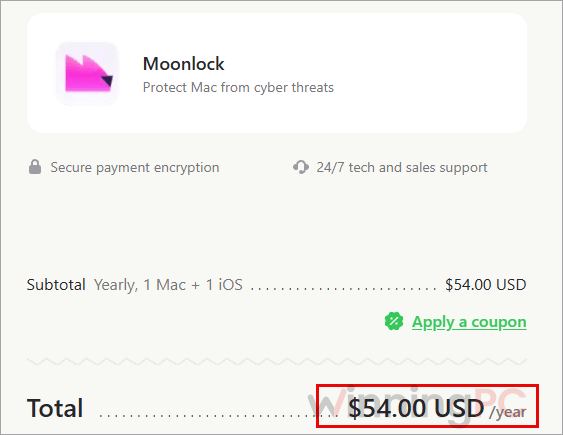
Secure payment encryption | 24/7 tech and sales support
Moonlock Lifetime
3 plans
Is this Moonlock deal legit?
Yes. The deal runs through MacPaw, the company that makes Moonlock, and you pay on its own store.
Official MacPaw order page
The “Get deal” link opens MacPaw’s checkout directly, so you get a genuine license, not a reseller or grey-market key.
Notarized and lab-tested
Apple has checked and notarized Moonlock, and AV-TEST has certified its malware detection in independent testing.
Encrypted payment
MacPaw processes checkout with secure payment encryption, and your card details never pass through WinningPC.
Two safety nets
Start with the free 7-day plan to see Moonlock working on your own Mac, and if you buy and change your mind, MacPaw’s 30-day money-back guarantee has you covered.
How to Use the Moonlock Coupon Code
Pick your plan (Monthly, Yearly or Lifetime) in the Moonlock pricing table above and click the “Get deal” button. This opens MacPaw’s official Moonlock order page.
Check the device count on the order page. The discounted Yearly price ($54, $84 or $168) should already be showing.
Got a separate coupon code? Click “Apply a coupon” on the MacPaw order page and enter it to see the reduced total.
Complete payment, then follow MacPaw’s instructions to download Moonlock and activate it on your Mac.
Moonlock Review & Features
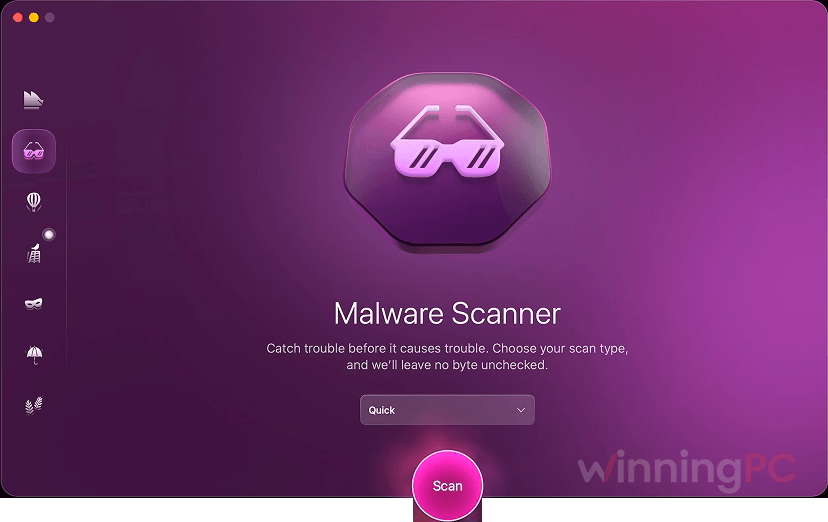
Moonlock‘s strongest card is that its detection claims hold up outside MacPaw’s own marketing. In AV-TEST’s macOS testing it caught 99.75% of malicious samples with zero false detections, and that second number matters: a scanner that keeps flagging your legitimate apps gets switched off fast. Real-time protection checks files as you open, download, move or rename them, and it keeps watching in the background after you quit the app.
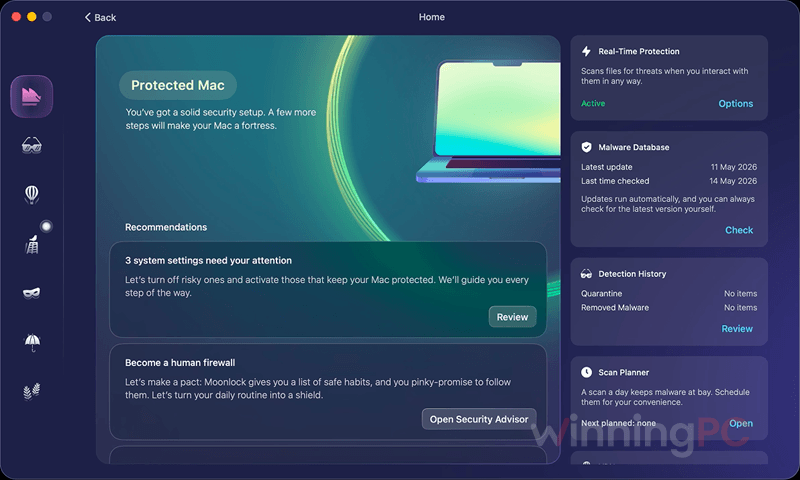
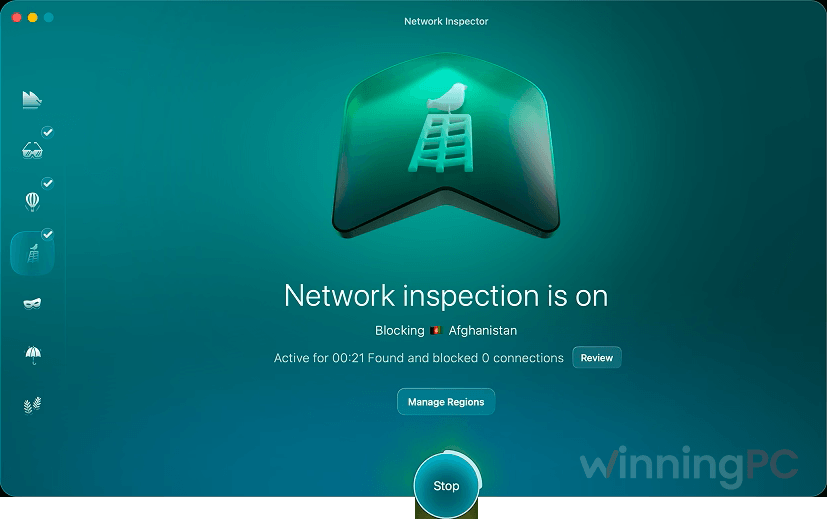
The design choice I like most is restraint. Threats go into Quarantine with a plain explanation of what they are and what to do next, instead of a vague “threat resolved” and a file that’s suddenly gone. The trade-off is scope. With 10 tools on one dashboard, it’s more than a pure antivirus, and the Network Inspector is a blunt instrument: block a country and every app talking to servers there loses its connection too.
Key features
- Malware Scanner, 7 ways: drag a single file onto the window, schedule scans, or run deep sweeps of system folders, ZIP archives, USB drives and Mail attachments.
- Quarantine and detection history: see exactly what tried to get in, and look it up later so you know which sites to avoid.
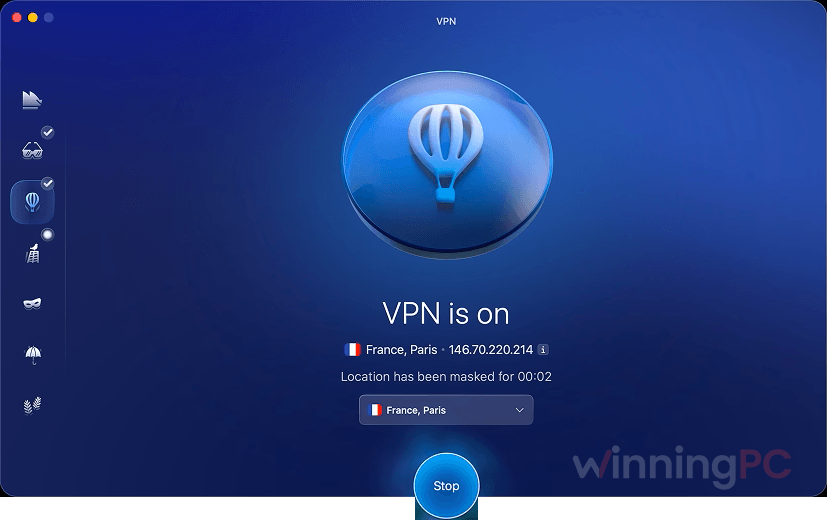
- VPN with Kill Switch: pick a country or let Moonlock choose the best server, and your connection cuts out if traffic stops being encrypted.
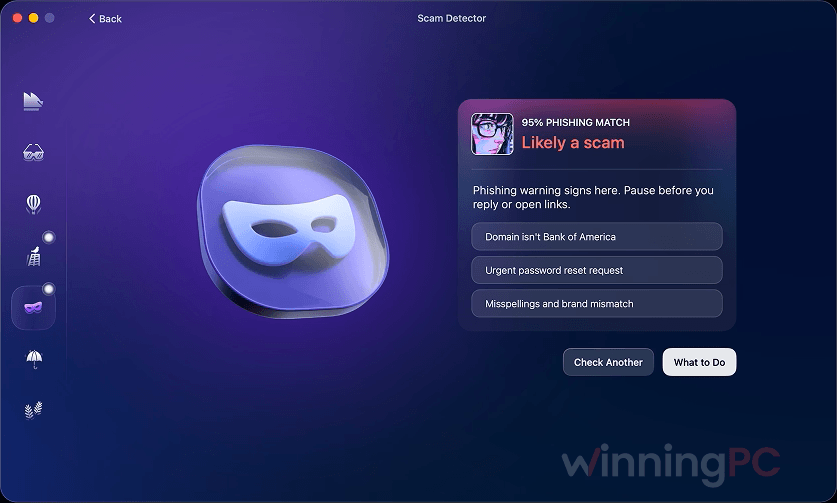
- AI Scam Detector: paste a suspicious text or email and get a read on phishing patterns and fake urgency.
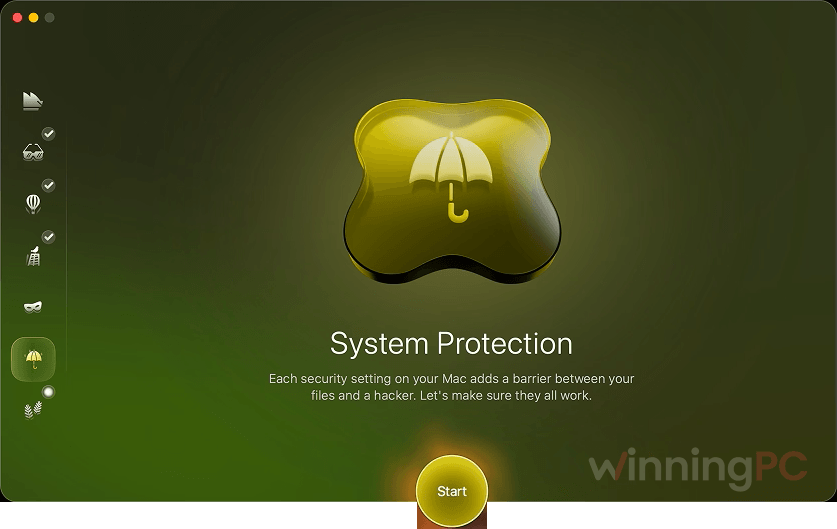
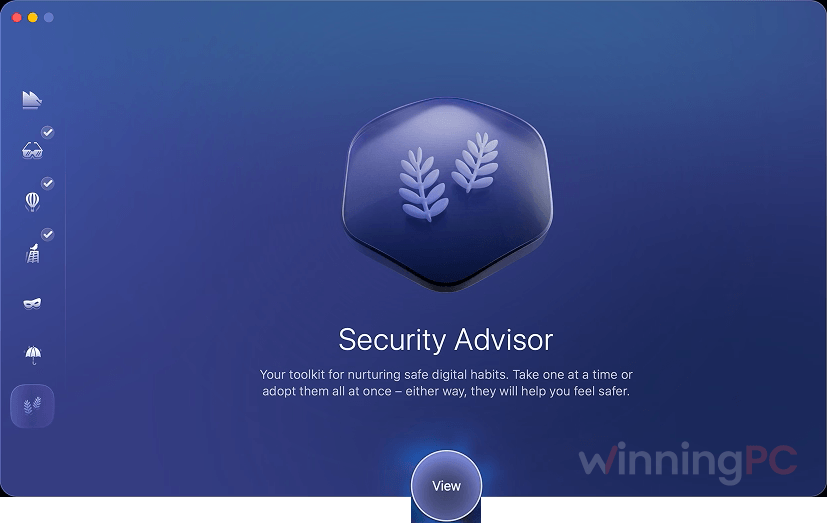
- System Protection and Security Advisor: guided setup for 24 built-in macOS protections, plus a protection score that rises as you close gaps.
What we think
Screenshots
Which Moonlock Plan Should You Buy?
| Devices | Monthly | Yearly (deal) | Yearly cost per Mac | Lifetime (Mac only) | Lifetime pays off after |
|---|---|---|---|---|---|
| 1 Mac (+1 iOS on subscriptions) | $13.50/mo | $54/yr | $54 | $150 | about 2.8 years |
| 2 Macs (+2 iOS on subscriptions) | $20/mo | $84/yr | $42 | $240 | about 2.9 years |
| 5 Macs (+5 iOS on subscriptions) | $40/mo | $168/yr | $33.60 | $480 | about 2.9 years |
Short version: Monthly only makes sense for a few months of cover, since the 7-day trial already lets you test it free. Yearly is the best value for most people and keeps iPhone coverage. Lifetime is worth it only if you’re confident you’ll still use Moonlock in three years and you don’t need it on iOS.
Moonlock vs the alternatives (including the free one)
| Tool | Starting price | Covers | Built-in VPN | Best for |
|---|---|---|---|---|
| Moonlock (our pick) | $54/yr (standard yearly price) | 1 Mac + 1 iOS | Yes | Mac-first users who want antivirus and privacy tools in one easy app |
| Intego ONE | $21.99/first yr/1Mac | Mac; Complete adds 1 iPhone | Complete plan only | Mac users who also want a two-way firewall |
| Bitdefender Premium Security | $64.99/Yr/5 Devices | 5 devices: Windows, Mac, Android, iOS | Yes, unlimited | Households mixing Macs with Windows PCs and Android phones |
| Malwarebytes Premium | $24.74/yr | 3 devices: Windows, Mac, Android, iOS | Plus plan only | Mixed-device users who want a light, no-frills scanner |
| Trend Micro Antivirus for Mac | $29.95/yr/1Mac | 1 Mac | No (sold separately) | The cheapest single-Mac antivirus with a long free trial |
| macOS built-in (Gatekeeper + XProtect) | Free | Every Mac | No | Light users who install apps only from the App Store |
Frequently Asked Questions
Is Moonlock a subscription or a one-time purchase?
Both. Monthly and Yearly plans are subscriptions that cover Macs plus iPhones or iPads, while Lifetime plans are a single payment for 1, 2 or 5 Macs. Check the renewal terms on the order page before you pay, so year two doesn’t catch you off guard.
Does Moonlock work on iPhone and iPad?
Yes, on the Monthly and Yearly plans, which include 1, 2 or 5 iOS devices alongside the same number of Macs. The Lifetime plans are Mac-only, so pick a yearly plan if iPhone coverage matters to you.
Do I need antivirus if macOS already has XProtect?
Not everyone does, but macOS leaves one clear gap: it has no on-demand malware scanner. Gatekeeper, XProtect and permission prompts handle known threats automatically, yet you can’t point them at one file and ask whether it’s safe. Moonlock Lab also reports that up to 20% of the malware it saw in the first half of 2026 carried an Apple notarization certificate anyway. If you stick to App Store apps, the built-in tools may be enough. If you regularly download software from the web, an extra layer is worth having.
Can I try Moonlock before buying?
Yes, there’s a 7-day free trial. Go to pay.macpaw.com/moonlock, sign in or create a Setapp account to download the app, then follow the activation prompts. If you already pay for Setapp, check your library first before buying Moonlock separately.
Will Moonlock delete my files without asking?
No. Anything risky goes into Quarantine, where it can’t run or spread, and gets logged in your detection history. You decide whether to remove it.
How do I contact Moonlock support?
Use MacPaw’s live support at macpaw.com/support/moonlock; every plan lists 24/7 tech and sales support. To send feedback, open Moonlock and choose Help > Provide Feedback in the menu bar.
System Requirements & Details
| Field | Value |
|---|---|
| Operating system | macOS 13.0 or later |
| Disk space | 515 MB |
| Display | Minimum 1200 × 800 px |
| Processor / RAM | Not specified |
| iOS devices | Included on Monthly and Yearly plans (supported iOS version not specified) |
| Other requirements | A Setapp account to download the app (per MacPaw’s trial instructions) |