
 Laura Marano

Create ID photos easily with My IDPHOTO. This professional ID photo app allows you to create professional and compliant ID photos with ease. It meets your needs to help you create a photo for a passport photo, visa photo, or any other type of ID photo. My IDPHOTO supports ID photo standards for over 200 countries and regions around the world, including passports, visas, ID cards, driver’s licenses, etc., making it a reliable choice for international travelers and expatriates. It is easy to use, you just select your country, choose the type of ID photo you need, and upload your picture. This advanced tools ensure your photo meets the required standards effortlessly.
My IDPHOTO provides advanced photo editing tools to help you change background color, modify outfit, crop photo, resize KB of photos, and test compliance. With the help of these tools, you can alter your images to satisfy particular requirements, guaranteeing that the appropriate authorities will approve them. Additionally, My IDPHOTO offers various print sizes and formats, so you can use your photos for different purposes, such as passports, visas, driver’s licenses, and more.
My IDPHOTO – Make Passport Photos Online Giveaway
- Product name: My IDPHOTO
- Website: https://idphoto.my/
- License type: First 10,000 photos
- Platform: Windows
- Download: n/a
- Giveaway (last updated: Mar 10, 2025): My IDPHOTO giveaway link
How to get the My IDPHOTO for Free?
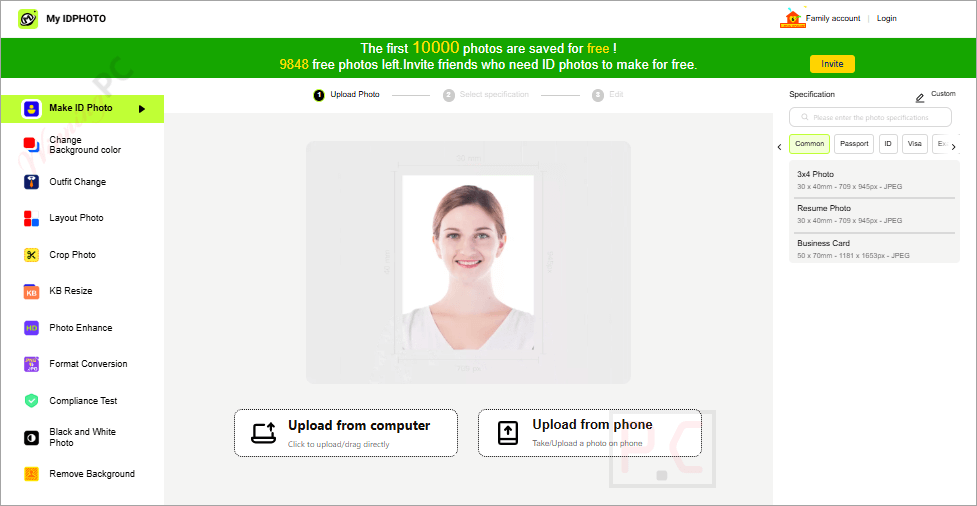
Visit the giveaway page & choose the task you want: make ID photos, change background color, change outfit, etc. The first 10000 photos are saved for free!

Main Features
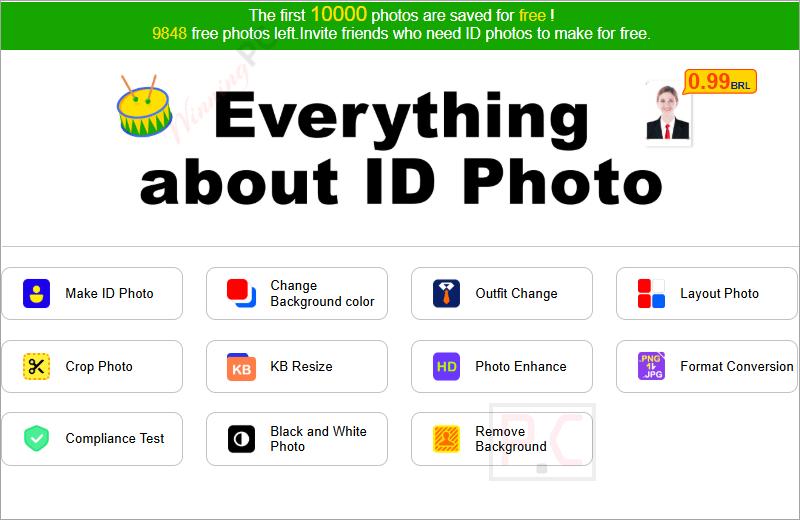
- ID Photo specification: Hundreds of ID photo specifications from more than 200 countries and regions worldwide, including passports, visas, ID cards, driver’s licenses, etc.
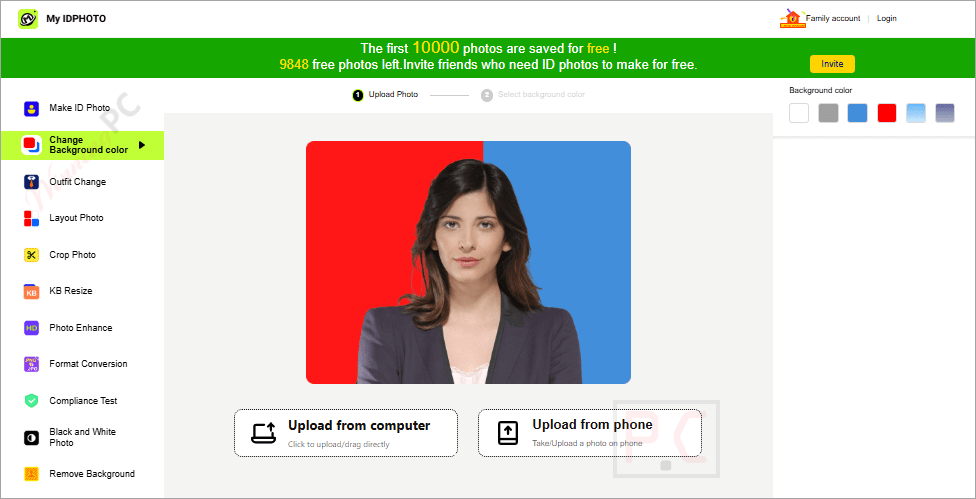
- Change Background color: One-click modification of passport, visa, ID card and other ID photo background to white, gray, blue, etc.
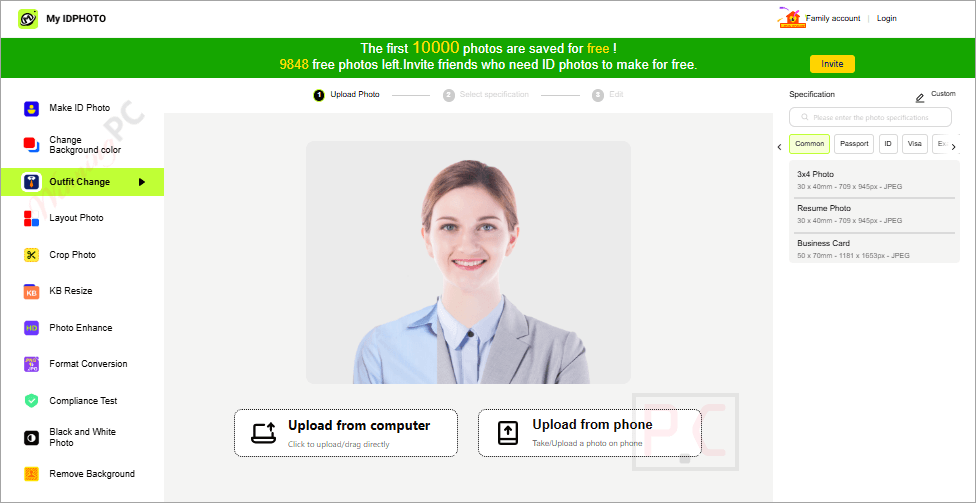
- Outfit Change: With one click, you can change a set of clothes, choose the appropriate clothes according to your needs.
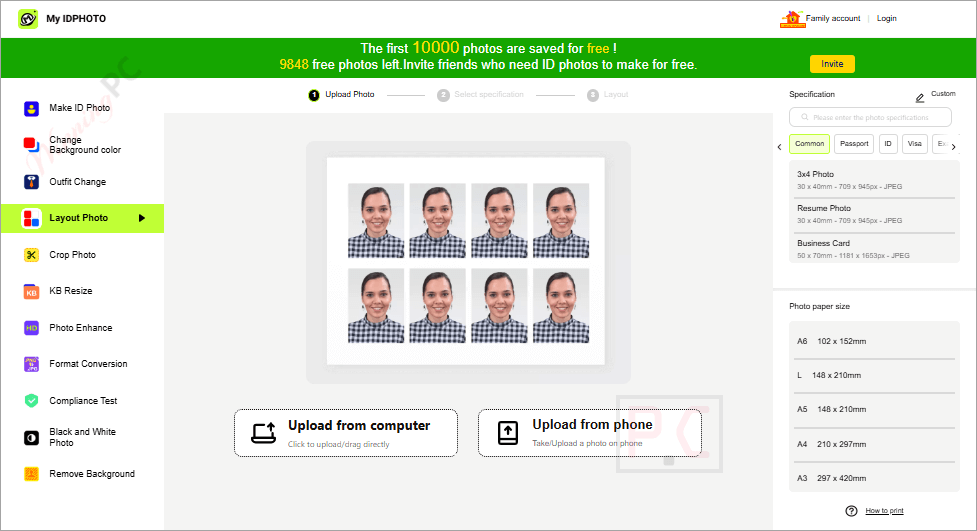
- Layout Photo: You can easily lay out photos for easy printing.
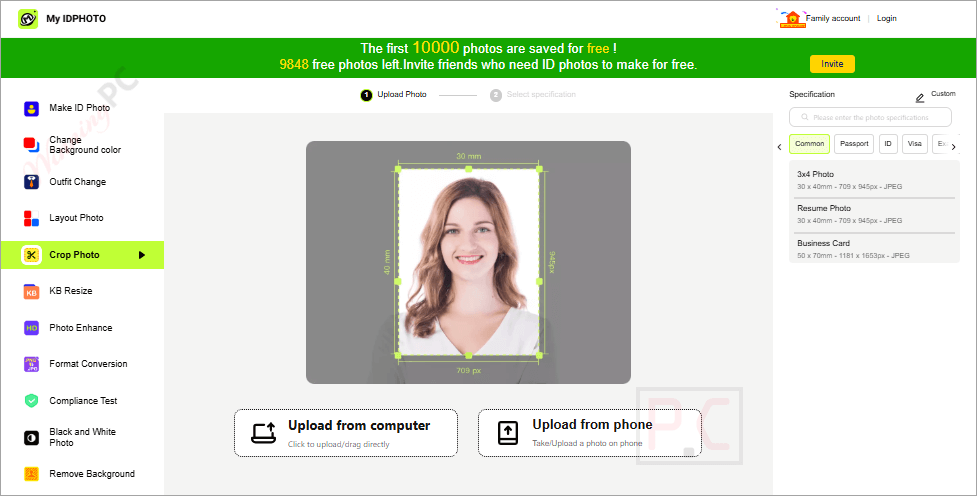
- Crop Photo: AI will adjust the photo to the size of the selected specification with the face as the center.
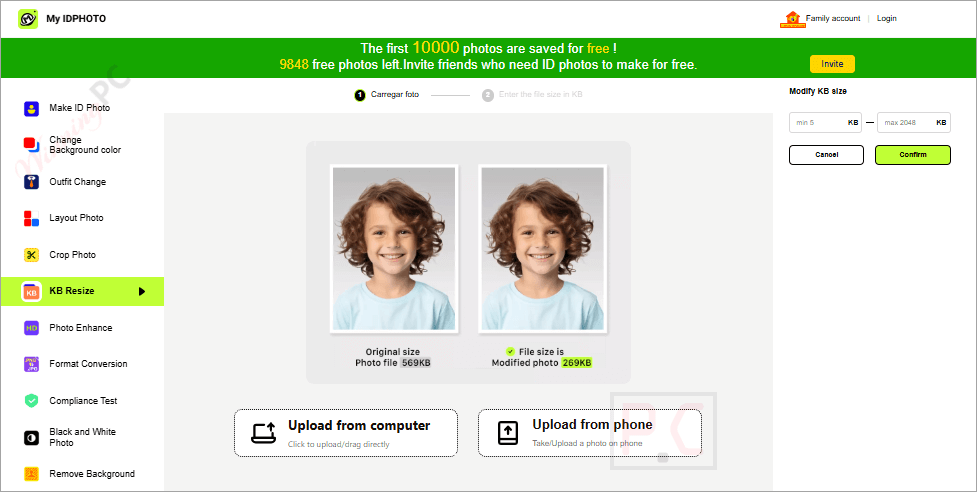
- KB resize: The photo KB conversion process can be finished in a matter of seconds, regardless of whether you wish to increase or decrease the photo’s size in KB.
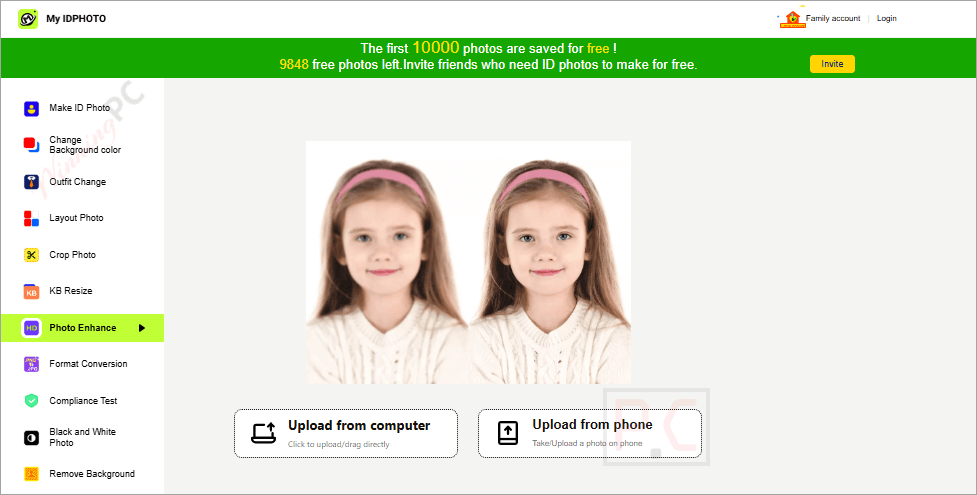
- Photo Enhancer: It uses advanced AI to fix blurry ID photos. You can instantly experience blurry photos becoming clearer, making your ID photos appear in the best state.
- Format Conversion: You can easily change the format of your ID photo from/to JPG or PNG.
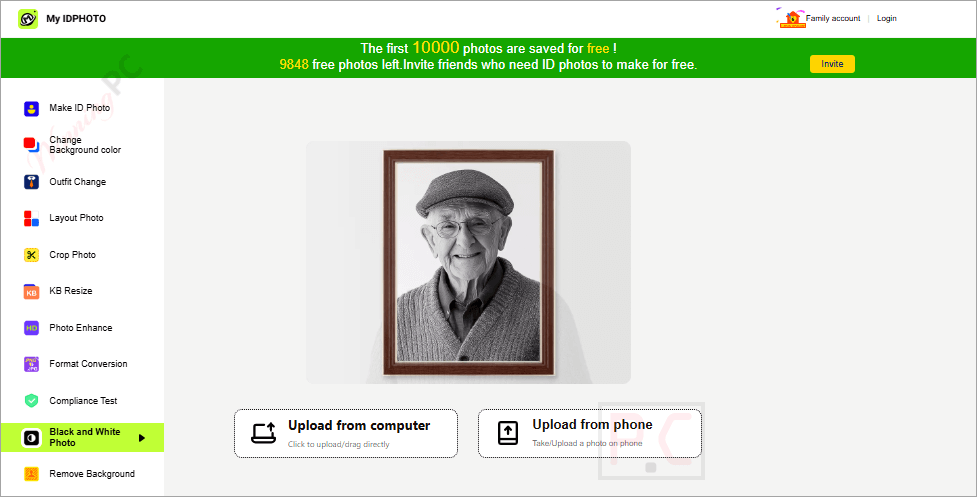
- Black and White Photo: The colour photo will turn to black and white photos in seconds, just upload the photo, no other operations are required.
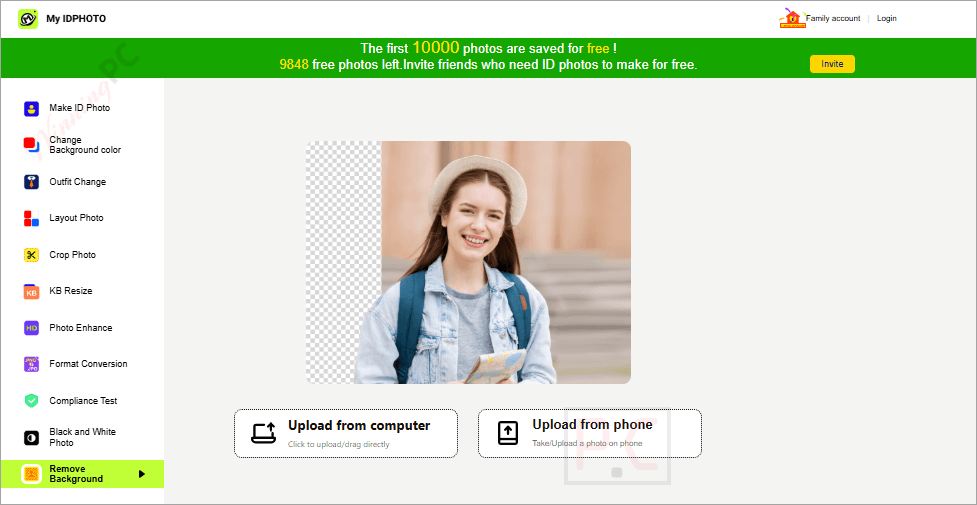
- Remove Background: AI will automatically recognize the face and remove the background.
Technical Details
| Language Support | English, Français, Italian, Spanish, Swedish, and more… |
| Money Back Guarantee | 30-Day |
| Operating System | Windows Vista, Windows 7, Windows 8/8.1, Windows 10/11 |
| Shipping | Register code will be sent to your email in minutes |
| Subscription | Lifetime |
| Support Services |





