Laura Marano

One of the tools that we want to bring to Windows users is Ondesoft Spotify Music Converter for Windows. Ondesoft Spotify Music Converter for PC software will help users download and convert Spotify songs and playlists to MP3, M4A, WAV, and FLAC easily. Not only that, this tool also has 5X conversion speed on Windows PCs without changing the original quality 100%.
If you are familiar with how to listen to “old-style” music on offline music players (search and play songs) then you will certainly not be disappointed with Spotify. Using the Spotify service will help you free up a huge amount of memory to replace it with a quality music store. Spotify is the paradise of copyrighted music. With a total of over 40 million songs, it is one of the world’s largest user-accessible public music archives and archives. If you are a user who loves Spotify, surely you can not ignore one of the support tools in converting songs from Spotify to popular MP3 formats.
Top Spotify Music Converter Coupon Code Oct 2026
MusicFab Spotify Converter (1 Year)
15% off coupon code: regular price $65.99, discounted price $55.99
MusicFab Spotify Converter (Lifetime)
11% off coupon code: regular price $89.99, discounted price $79.99
MusicFab Spotify Converter for Mac (1 Year)
15% off coupon code: regular price $65.99, discounted price $55.99
MusicFab Spotify Converter for Mac (Lifetime)
11% off coupon code: regular price $89.99, discounted price $79.99
MuConvert Spotify Music Converter One-Year
63% Off: regular price $159.95, discounted price $59.96

Ondesoft Spotify Music Converter License Key Free
- Product name: Ondesoft Spotify Music Converter version 4.8.6
- Website: https://www.ondesoft.com/
- License type: 1-year
- Platform: Windows
- Download: odspotifyconverter.exe
- Giveaway link: Ondesoft Spotify Music Converter giveaway – last updated: Jul 03, 2024
How to get the license key?
To get your free one-year license code, just click the “GET LICENSE” button on the Ondesoft Spotify Music Converter giveaway page after entering your email address.

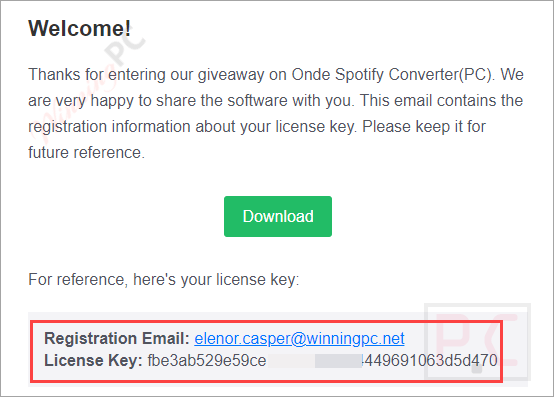
To begin the PC software installation process, click the download link above. Launch it after the installation is complete. To activate the software, click the key symbol on the main window. Then, copy and paste the license key from above into the appropriate fields.
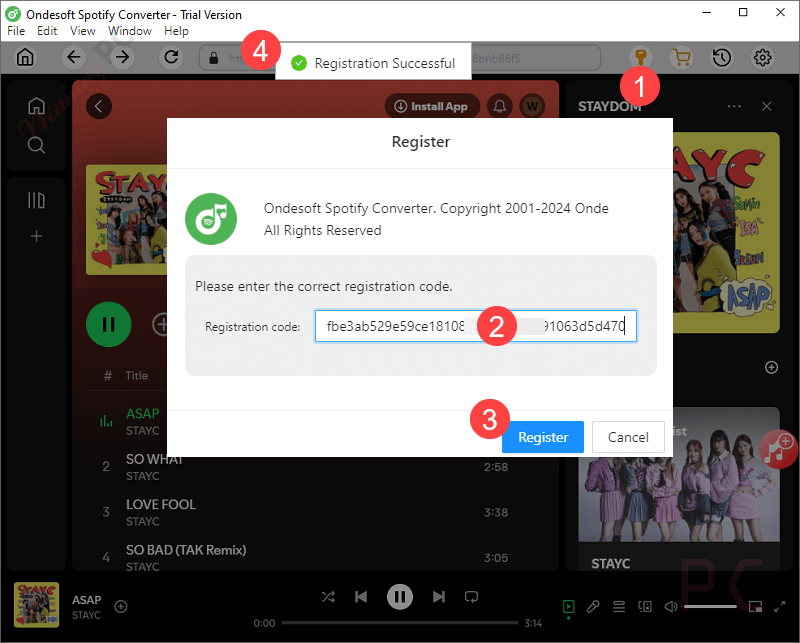
Got it for 1 year free.
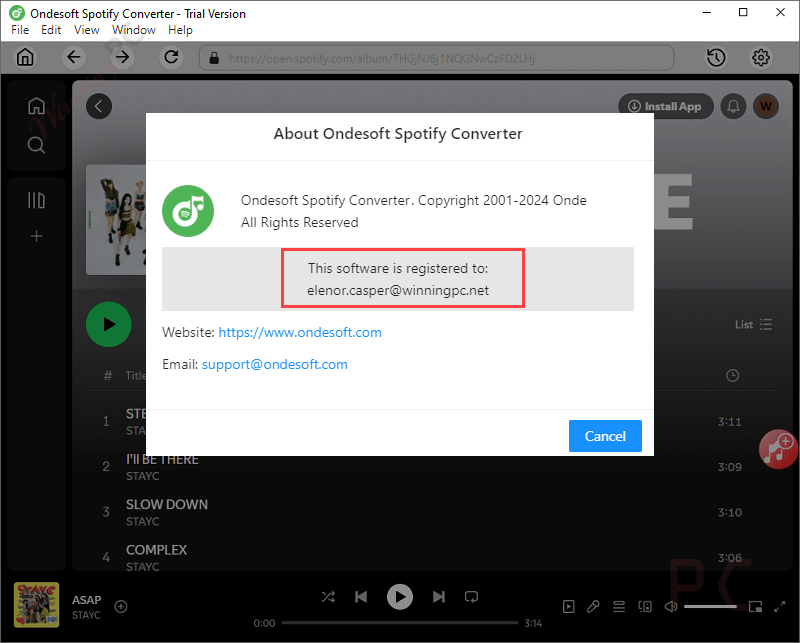
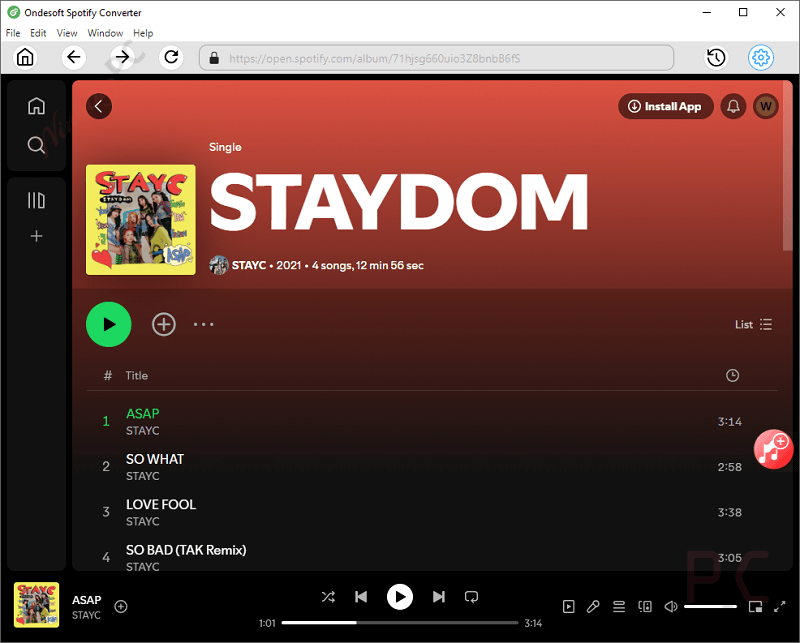
Ondesoft Spotify Music Converter main screenshot!
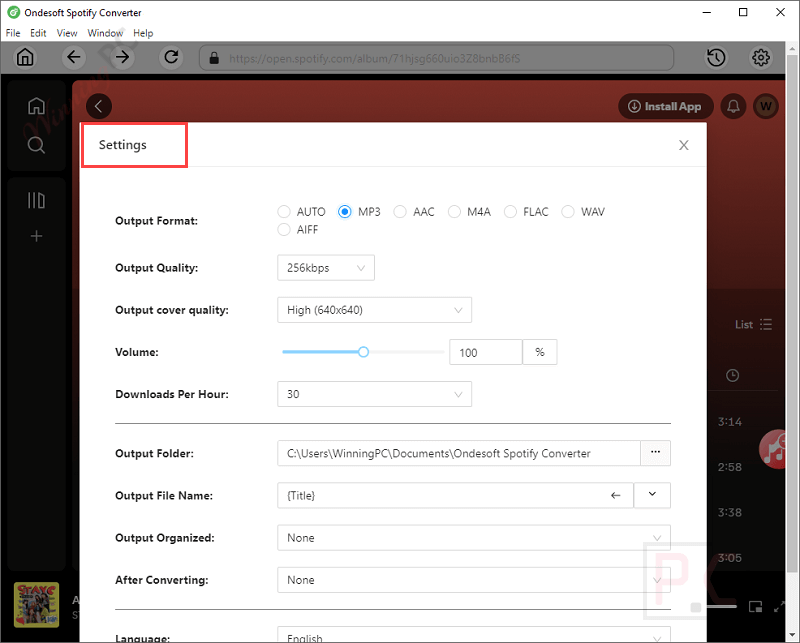
Settings
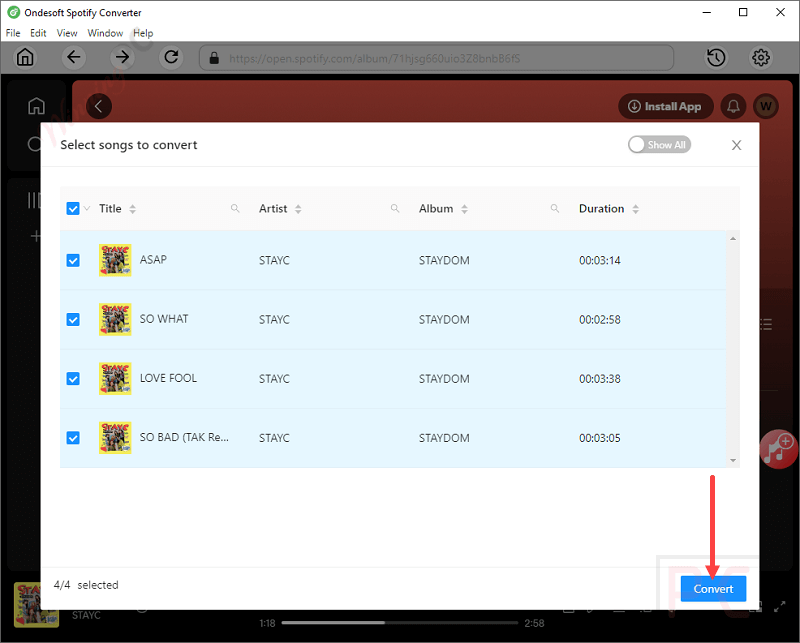
Select songs to convert
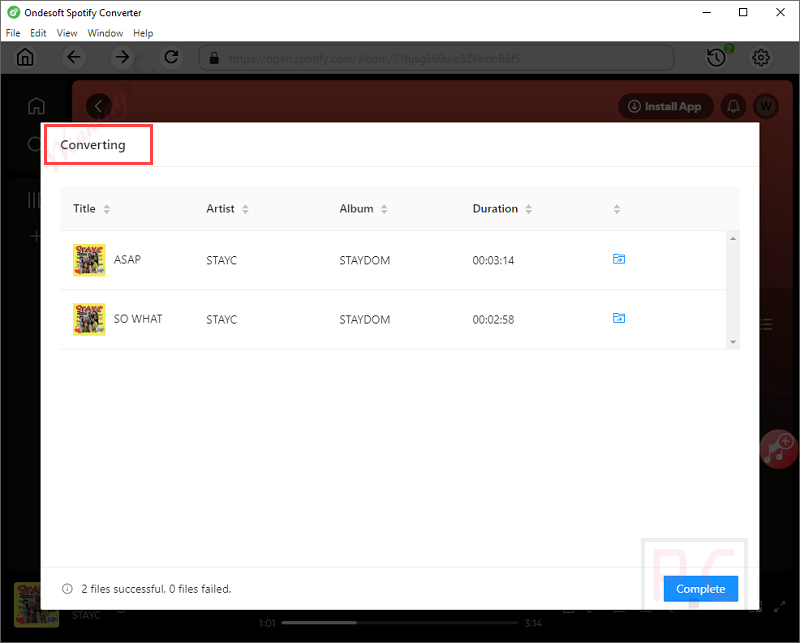
Converting
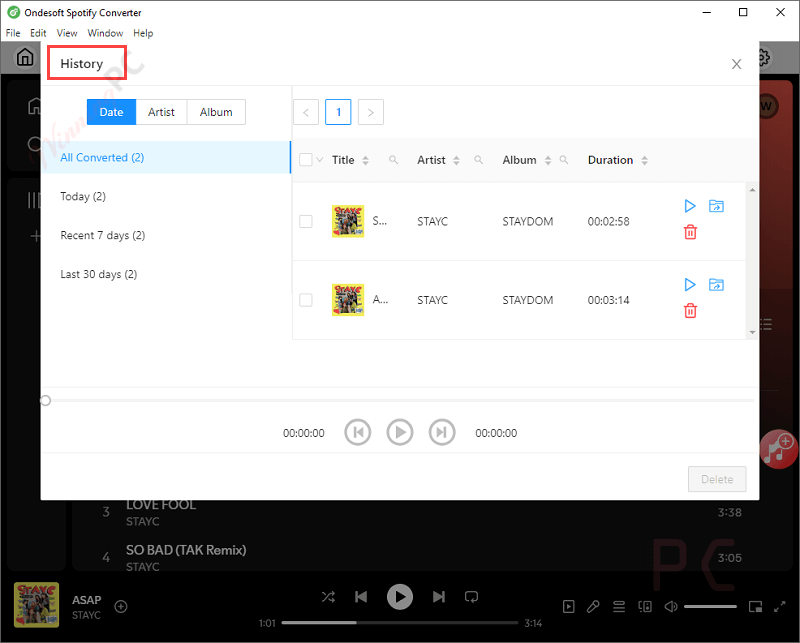
History
Main Features
- Convert music to MP3 / M4A / WAV / FLAC 5 times faster: As the name of Ondesoft Spotify Music Converter for PC products, the main feature of Music Converter for Windows is that it supports users in downloading and converting songs and playlists to MP3, M4A, WAV, and FLAC. However, one thing that distinguishes this tool from many other products is its ability to convert extremely quickly with 5 times the speed. This will make it possible for you to play your favorite songs on any music player comfortably.
- Record songs with 100% sound quality: Spotify Music Converter for PC software from Ondesoft allows users to download any song/album/playlist by recording it in 100% original quality. With Spotify Music Converter for PC, you can also record online music and export songs to simple formats that can be played offline on any device.
- User-friendly and keep ID3 tags after converting: Ondesoft Spotify Music Converter for PC software scores in the hearts of users thanks to its simple, friendly, and easy-to-use user interface, even for non-IT professionals. In addition, the Ondesoft Spotify Music Converter for PC has a useful feature that preserves ID3 tags. With all ID3 tags preserved, users will never worry about losing the titles, artists, albums, artwork, etc., of each song.
- Customize the sound quality as you like: Ondesoft Spotify Music Converter for PC is considered a well-designed music converter for Windows users. It allows users to set the bit rate and sample rate for DRM-free music output according to their preference.
This useful tool allows you to download Spotify music as MP3, regardless of whether you are a free or a paid subscriber. Plus, you can transfer your Spotify MP3 songs to wherever you like after downloading. Moreover, the Ondesoft Spotify Music Converter for PC also gives users many useful features such as 5X faster conversion speed, 100% original sound quality, ID3 tag information preservation, etc.
Technical Details
| Language Support | English, Français, German, Italian, Spanish, Swedish, and more… |
| Money Back Guarantee | 30-Day |
| Operating System | Windows |
| Shipping | Instantly receive the latest Full Version download link and license code |
| Subscription | 1-Month, 1-Year, Lifetime |
| Support Services |