Laura Marano
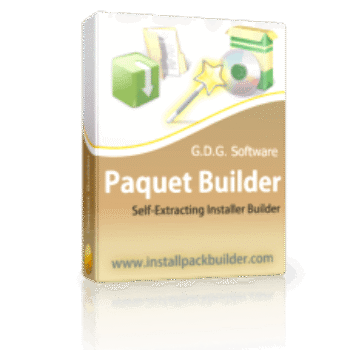
Paquet Builder allows you to create professional Windows installers, self-extracting archives, and setup packages without writing a single line of script. It combines an intuitive interface with an AI assistant, built-in code signing, and over 60 custom actions to help you quickly compress, design, and ship your software directly to your users.
Paquet Builder - Professional Edition
Lifetime license on 2 PCs | 12-month free upgrades & support
Paquet Builder - Ultimate Edition
One end-user lifetime license | Activation on 2 PCs
📄 Licensing & Support Details
- License Type: One end-user lifetime license (activates on 2 PCs).
- Upgrades: Includes 12 months of free upgrades.
- Refund policy: 30-day money-back guarantee.
- Support: Technical support (tickets, email, forum)
📝 How to apply
- To grab this deal, click the “Copy Code” button in the coupon box above.
- The code will be applied automatically, and you will be redirected to the checkout page, where you can apply it to secure your discounted price.
Paquet Builder: In-Depth Review & Features
Key Features
- Universal Packaging: Bundle documents, binaries, databases, prerequisites, and MSI/MSP setups into one distributable file.
- High-End Compression: Leverage LZMA2, BCJ2, and PPMD algorithms with multi-core processing to achieve the smallest possible file sizes, or convert .7z archives into self-extracting EXEs.
- Visual UI Designer: Shape welcome pages, progress monitors, themes, and branded dialogs that scale perfectly on high-DPI displays.
- Custom Action Chains: Read the registry, modify XML and INI files, manage Windows services, and execute programs using visual flow control rather than code.
- Global Reach: Translate your user interface with 11 built-in languages featuring full Unicode support and automatic locale detection.
- Headless Automation: Drive your builds from command-line directive files or use the free MCP server to connect batch jobs, CI/CD pipelines, and AI coding agents.
Pros & Cons
More Paquet Builder screenshots
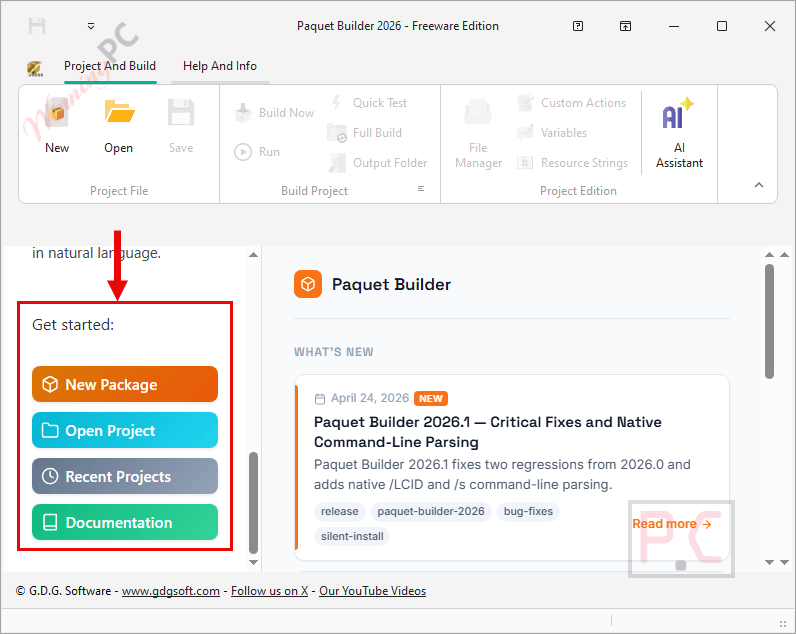
Project And Build

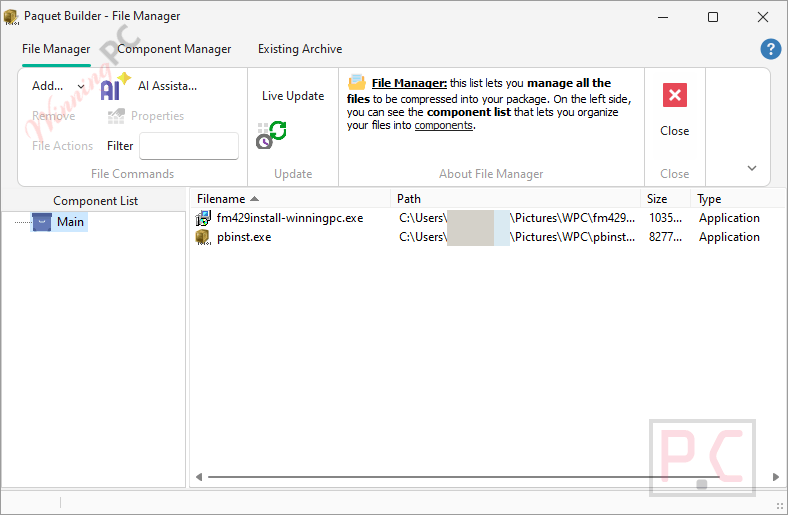
File Manager
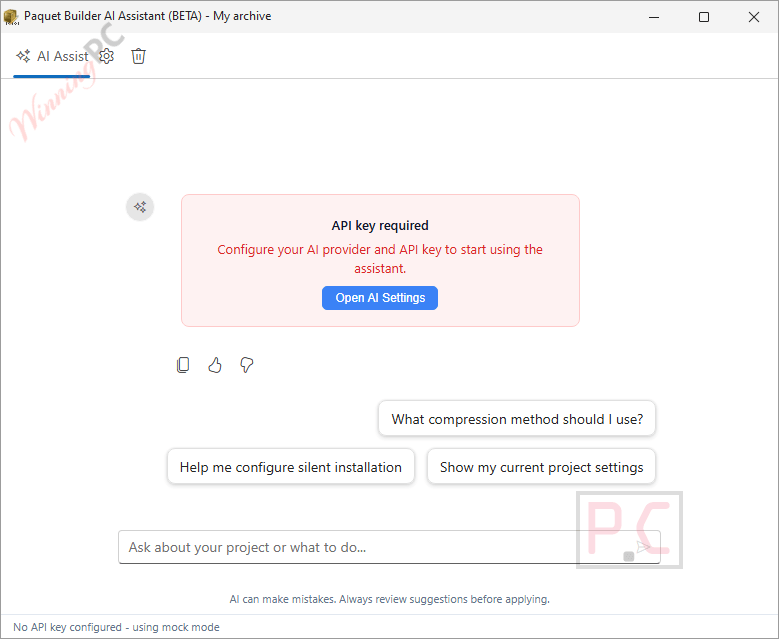
AI Assistant
Frequently Asked Questions
Where can I find a coupon or deal for Paquet Builder?
The latest and best deals can be found on WinningPC.
Which Windows architectures can I target?
You can build packages for x86 (32-bit), x64 (native 64-bit), and ARM64 (Windows on ARM) environments.
How does the AI assistant work?
The built-in AI assistant lets you configure your project settings using natural language. It can connect to cloud providers like OpenAI and Gemini or local models, proposing changes as reviewable action cards so it never alters your project without permission.
Can I automate my installer builds?
Yes. The Ultimate edition includes a portable Console Compiler that compiles projects without the GUI, making it ideal for integration into CI/CD environments.
Does it allow for silent installations?
Absolutely. You can define your own custom command-line switches to activate silent mode, suppressing all wizard dialogs for unattended setups.
Can I wrap existing MSI installers?
Yes. You can wrap an MSI or MSP setup into a single self-extracting EXE, adding your own branded wizard on top and triggering advanced MSI operations via custom actions.
How do I remove the branding from my installers?
To remove the “Built with Paquet Builder” text from your executable files, you will need the Ultimate edition, which includes the No Branding Option.
Can I control the software using an external AI tool?
Yes. Paquet Builder ships with an MCP Server that exposes the project engine. This allows you to control the builder headlessly from MCP-compatible clients like Claude Code, Cursor, or Windsurf.
System Requirements & Details
| Feature | Specifications |
|---|---|
| Language Support | 11 built-in languages, over 30 translated strings, full Unicode support |
| Operating System | Windows 10 or 11 (Windows 7/8 still supported) |
| Processor | x86 (32-bit), x64 (64-bit), ARM64 |
| Supported Input | Files, applications, MSI, MSP, .7z archives, XML, .ini |
| Supported Output | Windows EXE installers, self-extracting archives |