
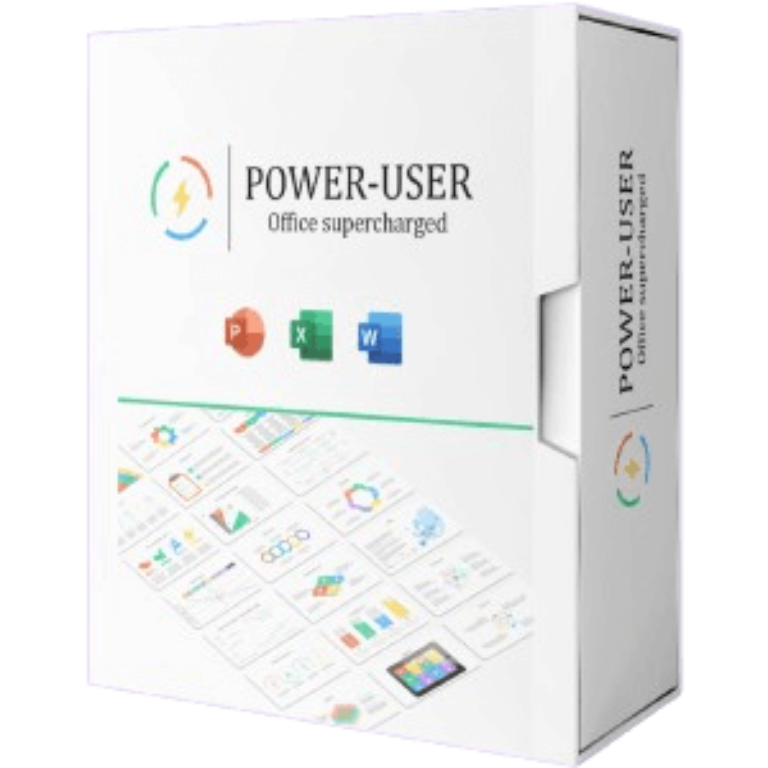

Power-user Premium Giveaway Download
Power-user Premium Giveaway
your smart tool to supercharge Microsoft 365
- Product
- Power-user v1.7.83
- Website
- powerusersoftwares.com
- License
- 1-year
- Platform
- Windows
- Installer
- Power-user.exe
- Updates
- Free upgrades for one year
- Support
- Free support for one year
- Usage
- Non-commercial only
Get your unique code by email
License key delivered free to your inbox within minutes.
Protected by Cloudflare Turnstile · Email quality checked by Reoon
All codes have been claimed or the giveaway has closed.
How to Get the Power-user Premium Key for Free
WinningPC has partnered with Power-user to give away a 1-year license for Power-user Premium for free. Please enter your email address on the giveaway form above to get your free license code.
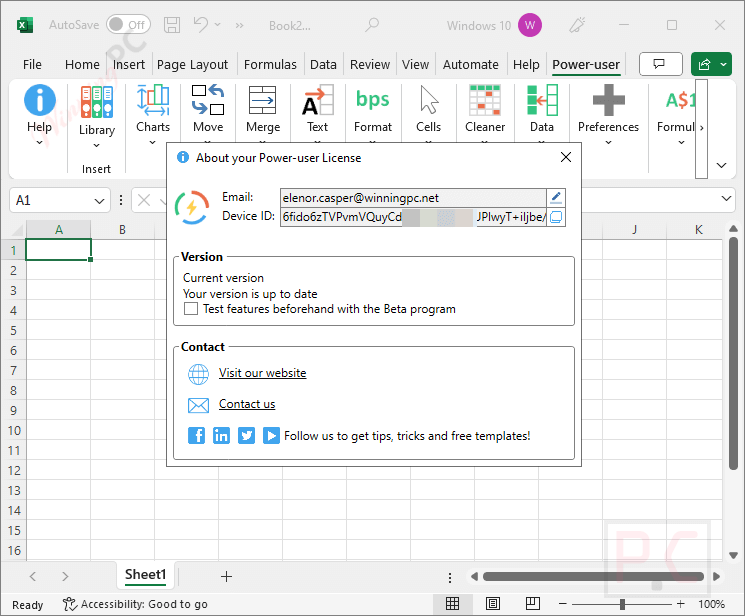
Install the Power-user add-in on your computer, then launch Microsoft Office. In this instruction, I open the PowerPoint application. Open the “Power-user” tab, choose the “Insert License Key” button then enter your email address and the above Power-user add-in Premium license key:

Now you can enjoy it for free:
Top Office Productivity Tool Coupon Codes Oct 2026

ExtendOffice Kutools for Outlook
Lifetime license | Free upgrades & support for 2 years

Kutools for Excel
Lifetime Use | Free Updates & Technical Support for 2 Years


Power-user add-in Premium Review & Features
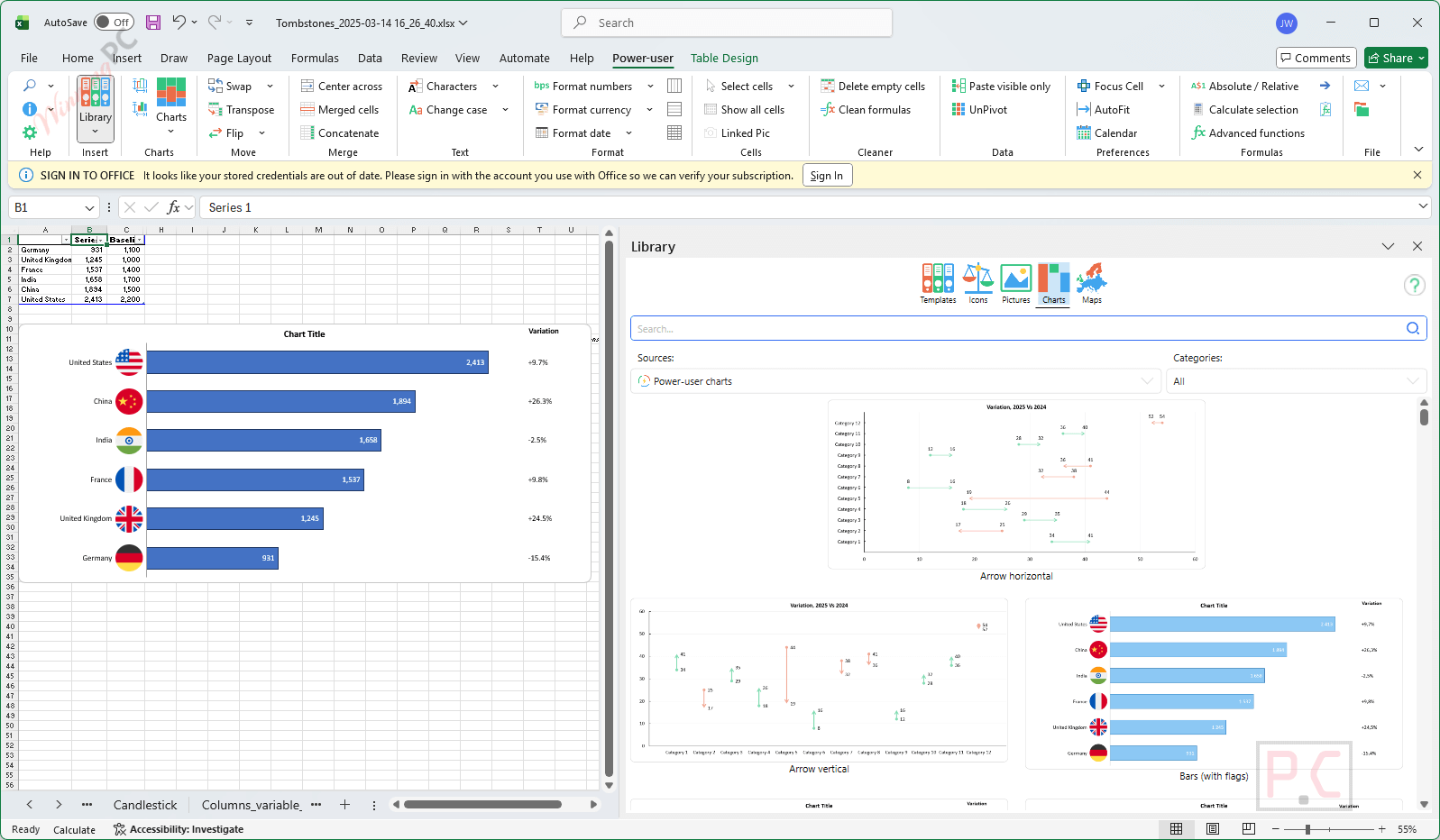
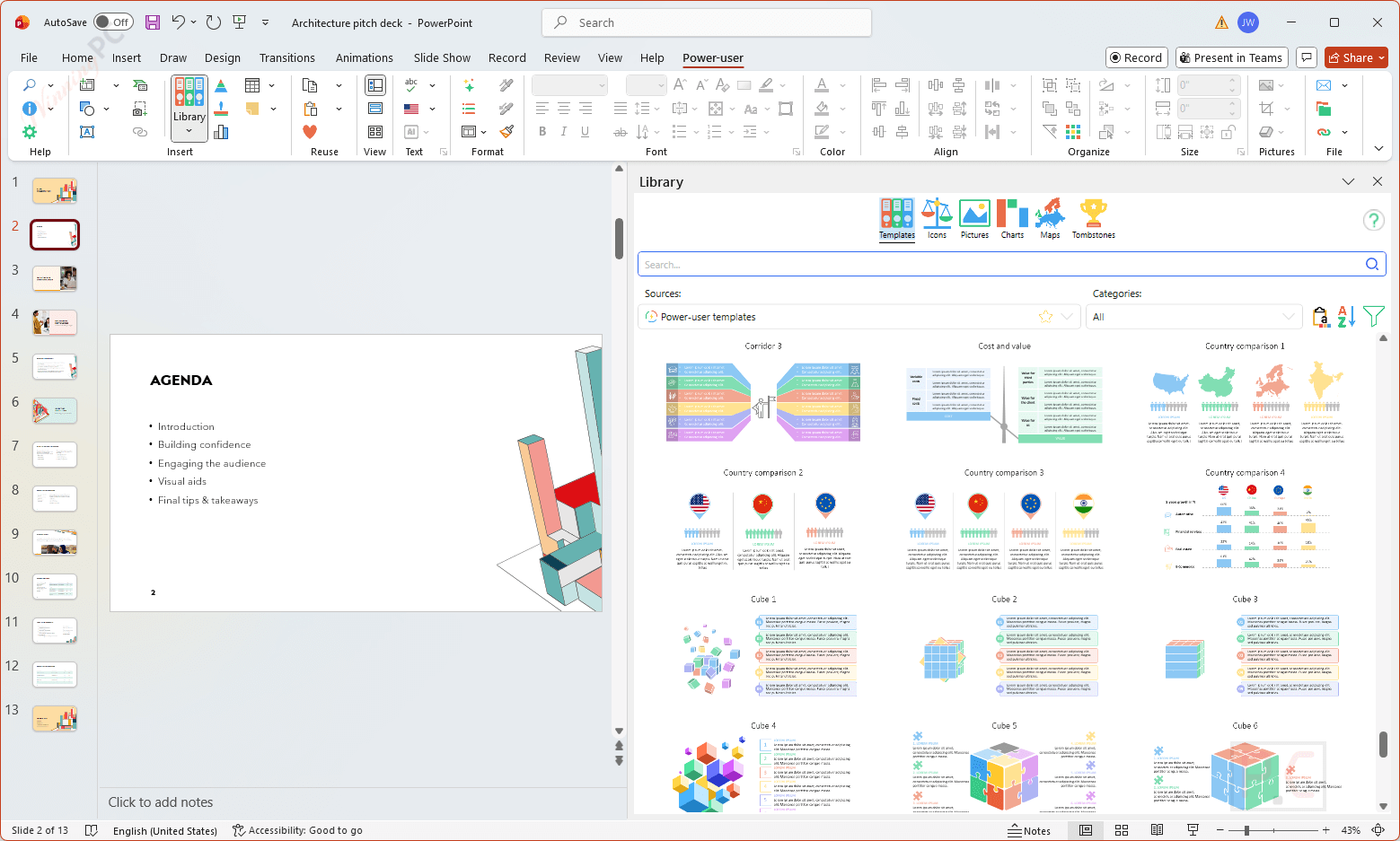
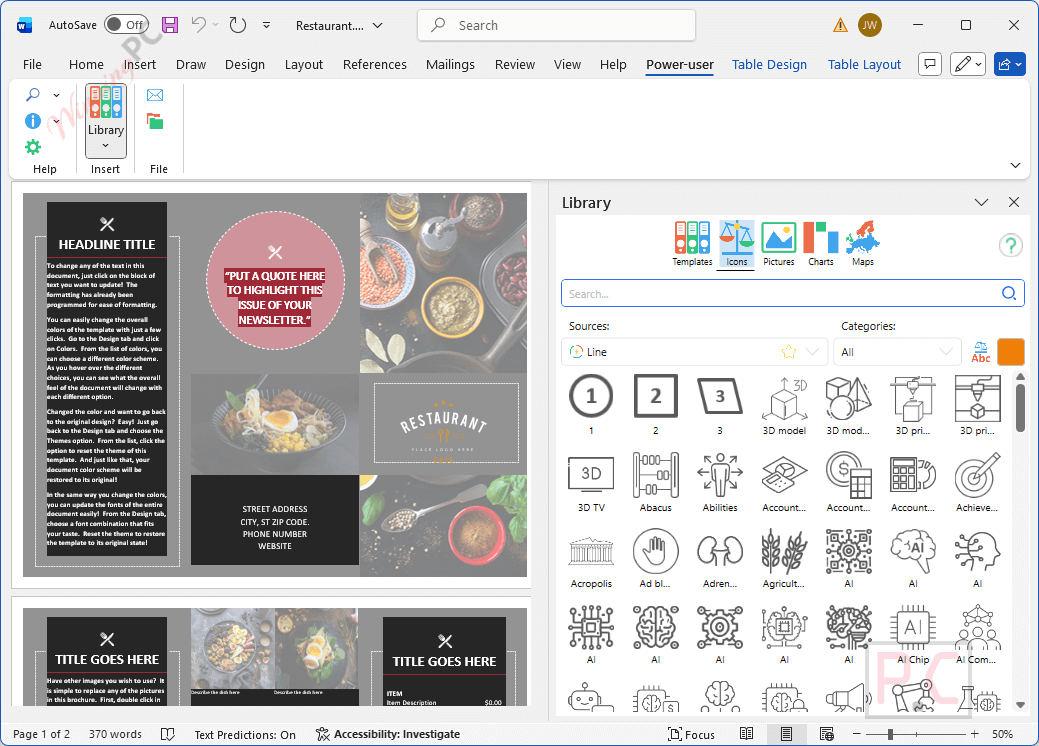
Power-user add-in Premium is a smart tool that provides you with a huge number of templates, icons, charts, maps, and diagrams, accompanied by a variety of styles, to help you unleash your creativity and save time and effort when making slides for PowerPoint presentations or Excel spreadsheets. Besides, this Office add-in comes with advanced tools to automate the update of presentations from Excel data, to find and fix inconsistencies, or to structure a presentation with a table of contents.

Key features
- 1000 pre-designed slide templates for business, strategy, and marketing.
- Access to 8000 + icons and flags to enhance visual storytelling.
- Access more than 10 million pictures and logos to insert and use without any copyright issues.
- Advanced charts like Waterfall, Gantt, Sankey, and more.
- Excel-PowerPoint links to automate presentation updates.
- An AI Assistant to correct, rephrase, or translate text in PowerPoint.
- An alignment toolbar to work faster.
- An Agenda Builder.
- A Cleaner to find and fix formatting issues in the presentation.
- 350 data maps to insert editable maps for countries, regions, and continents.
- Dynamic diagrams.
- The Tombstones feature automates the creation of credential slides showcasing deals, projects, or case studies.
- Excel templates.
- Copy-paste visible cells only.
- Merged cells manager.
More Screenshots


System Requirements & Details
| Language Support | English, Français, Italian, Spanish, Swedish, German, Japanese, Chinese, and more… |
| Money Back Guarantee | 30-Day |
| Operating System | Windows |
| Shipping | Instant Delivery by Email |
| Subscription | 1-Months, 1-Year, Lifetime |
| Support Services | Tickets |





ITS WORKING GUYS. THANK YOU SO MUCH ❤️❤️❤️❤️❤️❤️❤️
my computer is installation error found this software POWER USER..Please help
Hi,
I’m sorry to hear you’re experiencing an installation error. Could you please provide more details about the error message you’re seeing?
It is really useable for any serious Microsoft Office user, a must have !
Very impressive tool for PowerPoint
Thank you.
Hello! Can´t see the full Code, where can I find that to use it?
Thank you!
F05F45CE-2CB0-DB81-2CFD-8C0E7346407E