Chris Bruner
If you’re working in production, you know the frustration of guessing material costs because CorelDraw doesn’t natively give you precise ink density or overlapping area data. Paying full price for specialized plugins hurts, but manual calculation errors hurt your bottom line even more.
We’ve partnered with ReproScripts to bring you a verified discount on ReproScripts Info, helping you automate your technical data extraction without breaking the bank.
Status: ✅ Active & Verified
Last Checked: October 2026
Offer: 20% Off

ReproScripts all libraries bundle
62% Off: regular price $830, discounted price $316.00
Price Comparison Table
| Plan Name | Official Price | WinningPC Price | You Save |
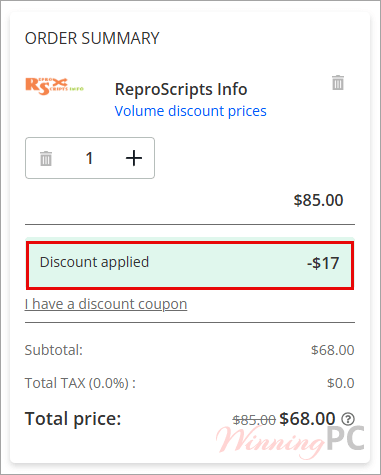
| ReproScripts Info (Single) | $85.00 | $68.00 | $17.00 |
| All Libraries Bundle | $830.0 | $316.00 | $514.0(62% Off) |
Redemption Guide
- Use our exclusive activation link to trigger the discount.
- Look for the price drop from $85 to $68 automatically.
- If the discount isn’t there, ensure you haven’t cleared your cookies. Enter your details and receive your license key instantly.
What is ReproScripts Info?
ReproScripts Info is a technical library for CorelDraw designed specifically for the production floor. It automates the extraction of critical data—like object perimeters, exact areas, and ink coverage density—needed to calculate material costs and resource requirements.
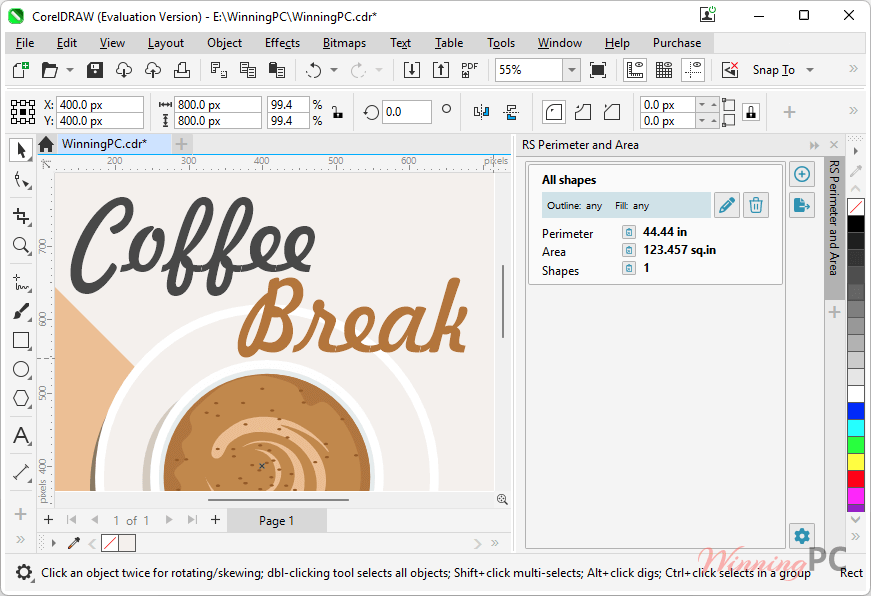
Whether you are in offset, flexographic, or digital printing, this tool removes the guesswork from estimating toner and ink consumption. It’s built for professionals who need to export this data into XML for automated workflows or production planning.
In-Depth Review & Features
Based on the raw technical data, ReproScripts Info isn’t just a simple measurement tool; it’s a data extraction powerhouse for CorelDraw users.
- Advanced Perimeter and Area Calculation
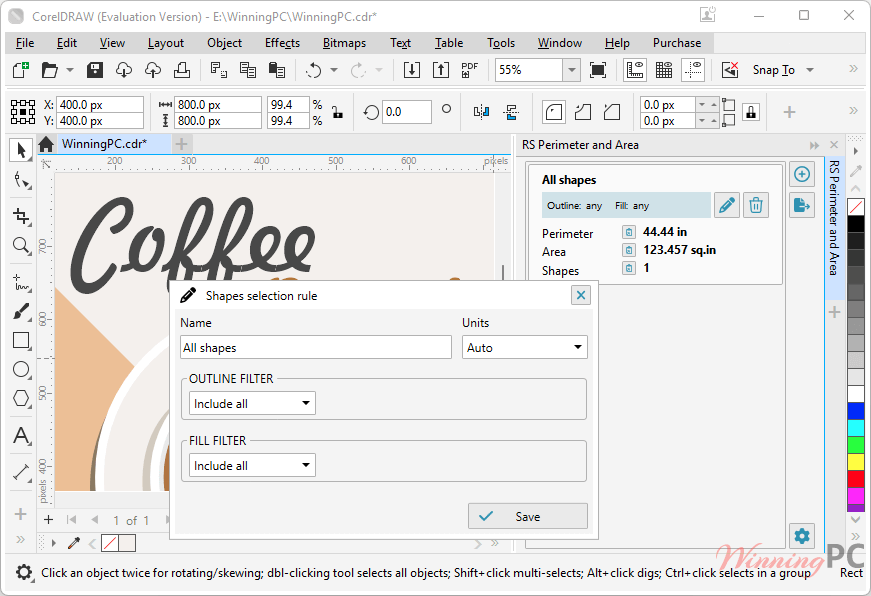
Unlike basic tools, this plugin lets you set specific criteria. For example, you can calculate the perimeter for objects with a red stroke separately from those with a black stroke. This is vital for different machining or cutting paths that have different costs. - Precise Inks Coverage Analysis
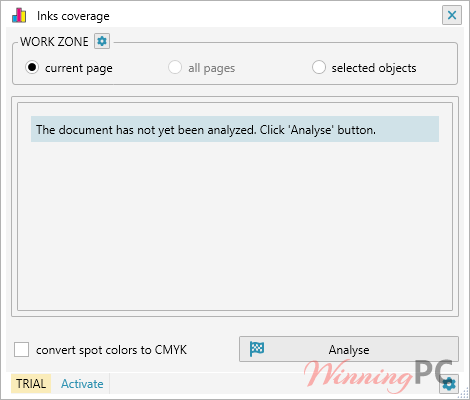
This is the “money saver.” It analyzes the document and calculates the percentage of filling for every ink/color used on a page. - “Evaluate Filled Area” (The Smart Tool)
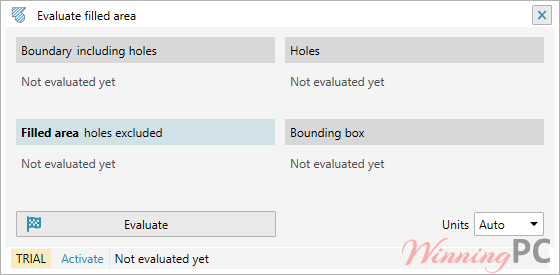
Standard area tools often fail when objects overlap or have holes. This plugin performs an approximate assessment that accounts for: Overlapping shapes, Holes and outlines, and Non-vector images (approximate assessment).
Pros & Cons
More screenshots
Frequently Asked Questions
What is the best coupon for ReproScripts Info?
WinningPC currently offers the highest discount rate available (20% off individual libraries and 62% off the bundle) on the market for this software.
Can I use this for digital printing?
Absolutely. The “Inks Coverage” plugin is specifically designed to help digital printers estimate toner consumption based on sheet density.
Does it work with CorelDraw 2026?
Yes, the latest release supports CorelDraw Graphics Suite and Technical Suite up to the 2026 versions.
How do I access the plugins after installation?
Once installed, they appear as dockers under Windows > Dockers > ReproScripts.
Does it calculate the area of overlapping objects correctly?
Yes, the “Evaluate Filled Area” plugin is designed to handle overlaps and holes, which standard area tools usually miscalculate.
Technical Specifications
| Supported CorelDraw Versions | Graphics Suite: 2017 to 2026. Technical Suite: 2017 to 2026. Standard Edition: Versions X6 through X8. |
| Output Formats | XML (for data transfer) |
| Shipping | Register code will be sent to your email in minutes |
| Subscription | Lifetime |