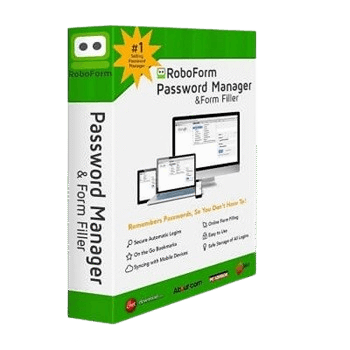
RoboForm Premium is a secure password manager that automatically generates, saves, and fills your login credentials across all your devices. It uses a zero-knowledge architecture to protect your data while offering modern features like cross-device syncing, secure sharing, and passkey support.
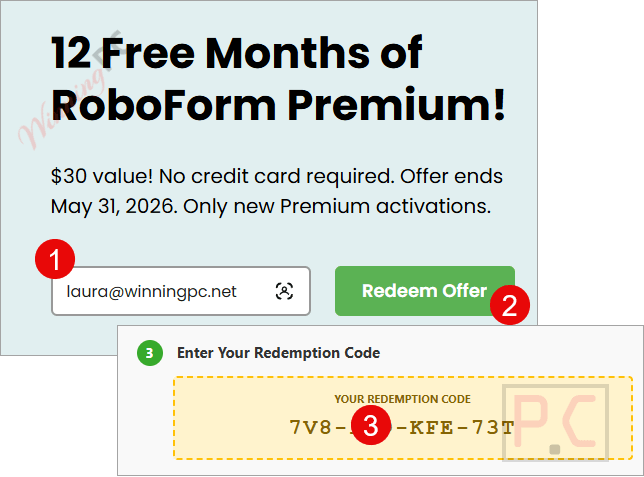
On the Roboform Premium giveaway page, enter your email address to get your free license:
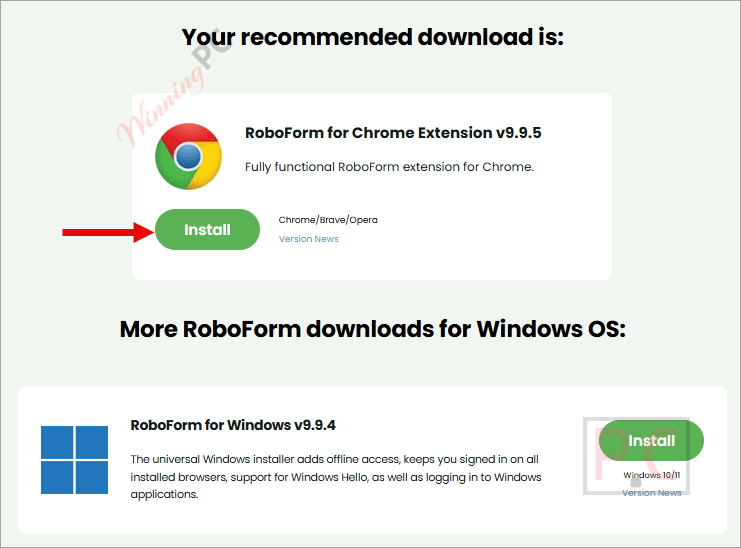
Download/intsall the software by clicking on the download link above.
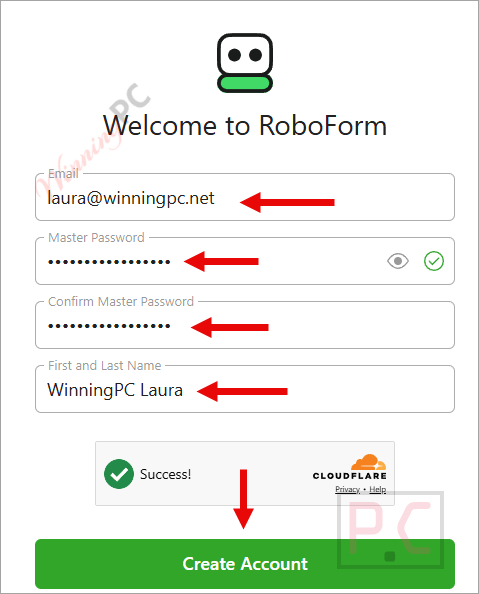
Please enter your email address and password to create a new account for
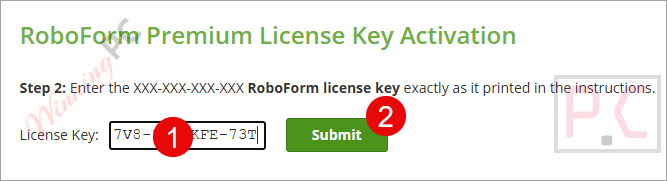
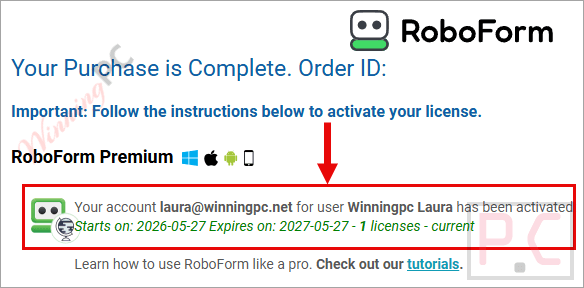
To activate your premium account, go to the activation page and sign in using the profile you just made, then enter your license code to activate the software.
Got it for 1-year free!
In-Depth Review & Features
Key Features
Unlock your vault without a password using face ID, fingerprint, or a device PIN.
Monitor up to five email addresses for data breaches and receive alerts if your information is exposed.
Generate TOTP verification codes directly within the built-in authenticator app.
Log into actual Windows desktop applications, not just websites.
Grant Emergency Access to specific trusted contacts.
Back up your account data securely to local storage or the cloud.
Review a Security Dashboard to spot weak, reused, or compromised passwords.
Pros & Cons
PROS
Zero-knowledge infrastructure ensures the company never sees your Master Password.
Works perfectly even when browsing in incognito or private mode.
Easily imports existing credentials from CSV files and major browsers.
Utilizes strong AES256 bit encryption with PBKDF2 SHA256 to block brute-force attacks.
CONS
Some advanced features may be unnecessary for casual users.
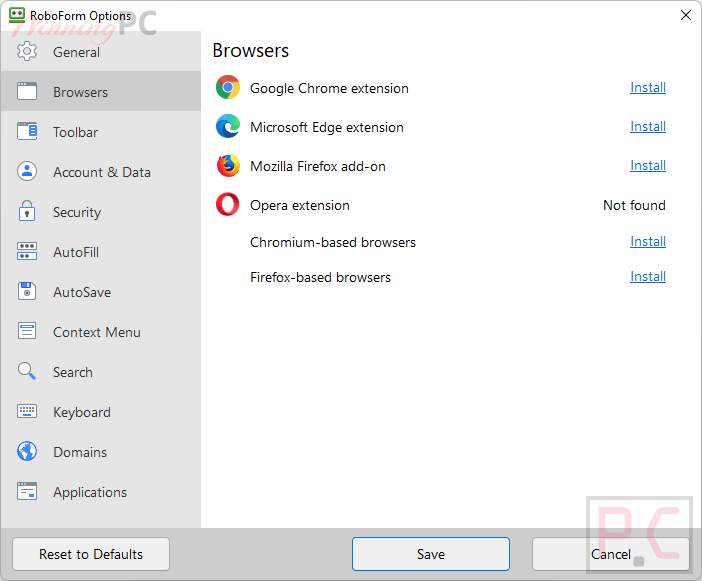
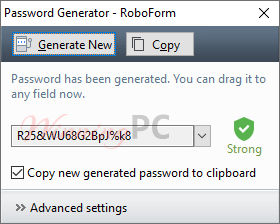
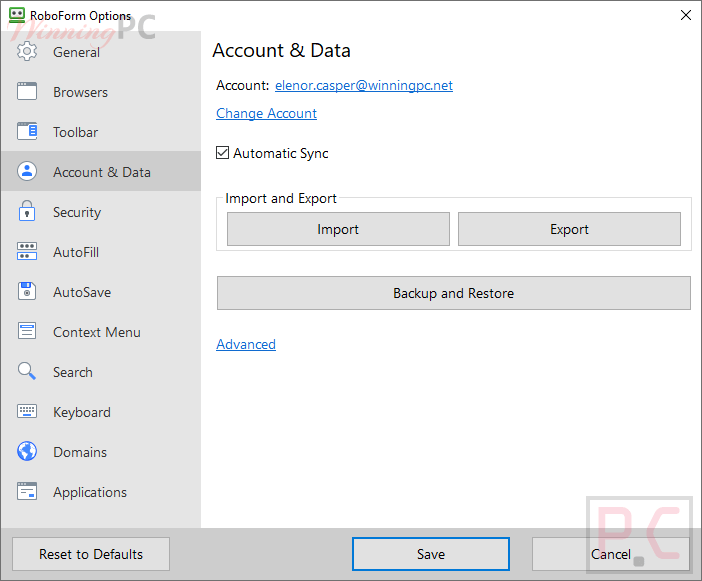
More RoboForm Premium screenshots!
System Requirements & Details
Feature
Specifications
Language Support
English, Français, Italian, Spanish, Swedish, and more…
RoboForm is one of the oldest and most established password managers on the market, but it certainly hasn’t fallen behind. It has successfully integrated modern security demands, like passkeys, hardware security keys, and passwordless unlock, keeping it highly competitive. Its form-filling engine is arguably still one of the most accurate in the industry. Considering the 33% discount, it provides top-tier security (AES-256 and zero-knowledge architecture) at a fraction of the cost of pricier competitors like 1Password or Dashlane. If you want a reliable, no-nonsense tool that simply works across every device you own, RoboForm Premium is absolutely worth the investment. (Review by Chris Bruner – tech writer and software reviewer at WinningPC)
Overall
8
Functionality
7.8
Ease-of-use
7.9
Customer Support
8
5/5 - (30 votes)
Affiliate Disclosure: Some links on WinningPC are affiliate links. If you purchase through them, we may earn a small commission at no extra cost to you. This helps support our site and keeps our content free.
Chris Bruner is a Senior Software Reviewer at WinningPC with a strong background in software analysis and technical writing. He has spent 5+ years testing applications across various categories, including antivirus, multimedia, and backup tools, providing readers with objective, in-depth insights.
Chris’s reviews stand out for their accuracy, transparency, and real-world testing approach, making them a trusted resource for both beginners and tech-savvy users.
Beyond reviewing software, Chris works closely with developers to secure exclusive coupons, ensuring users get authentic discounts on premium tools.

 Chris Bruner