
 Laura Marano

Rofiles.io is a Windows file automation application designed for IT professionals. Operating strictly as a background service, it monitors specific local or network folders and automatically executes custom scenarios upon detecting new files. The software processes triggered actions including converting files to PDF, extracting text, triggering direct printing, and utilizing AI to generate translations and summaries.
- Product name: Rofiles Starter
- Publisher: Namtuk Software
- Homepage: https://www.rofiles.io/
- License type: 1-year
- Price:
$60$0.0 - Platform: Windows PC/Server
- Giveaway link & download – last updated: Apr 18, 2026
Click here...
Unlocking content...
📝 Note: Please follow the Activation Guide to successfully claim your license.
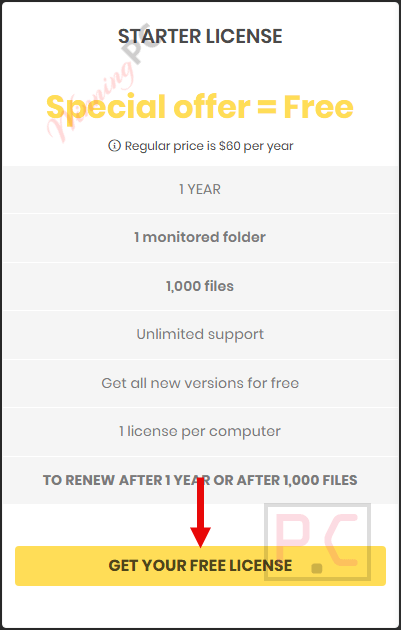
The giveaway version usually comes with 1 monitored folder & 1,000 files. If you want to use Rofiles with unlimited monitored folders & unlimited files, we highly recommend the lifetime deal below.

Please follow the instructions below to obtain your Rofiles license key. If you have any questions or need help, feel free to leave a comment at the bottom of this post.
Go to the Rofiles giveaway page above, choose “STARTER LICENSE” then click on the “GET YOUR FREE LICENSE” button.
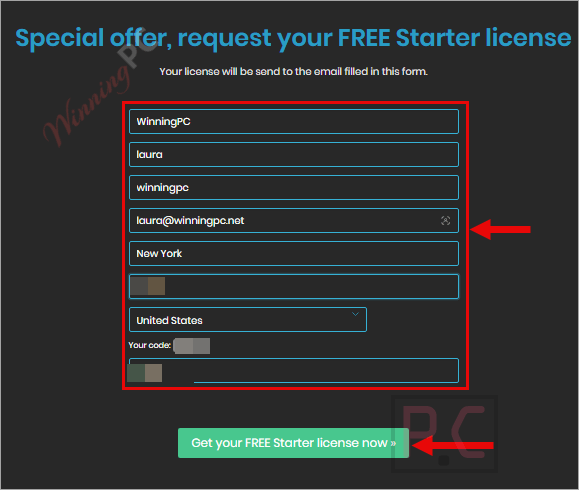
Fill in the blanks with your information to get your FREE Starter license
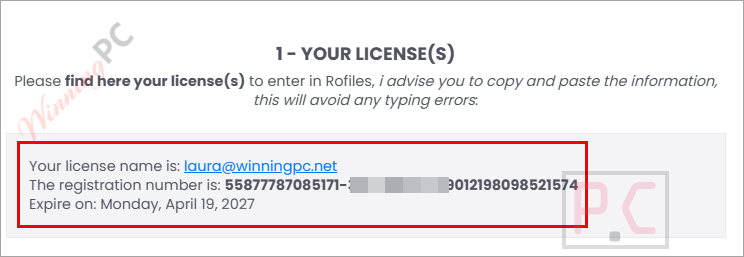
Your license will be sent to your mailbox after that.
Download and install the software on your computer, then use the license code above to access the software for 1 year free!
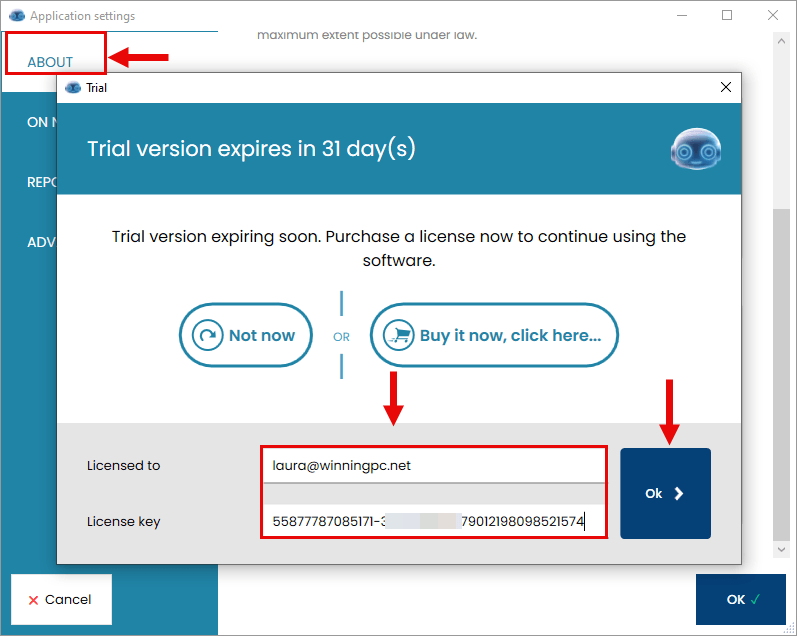
Got it for 1-year free!
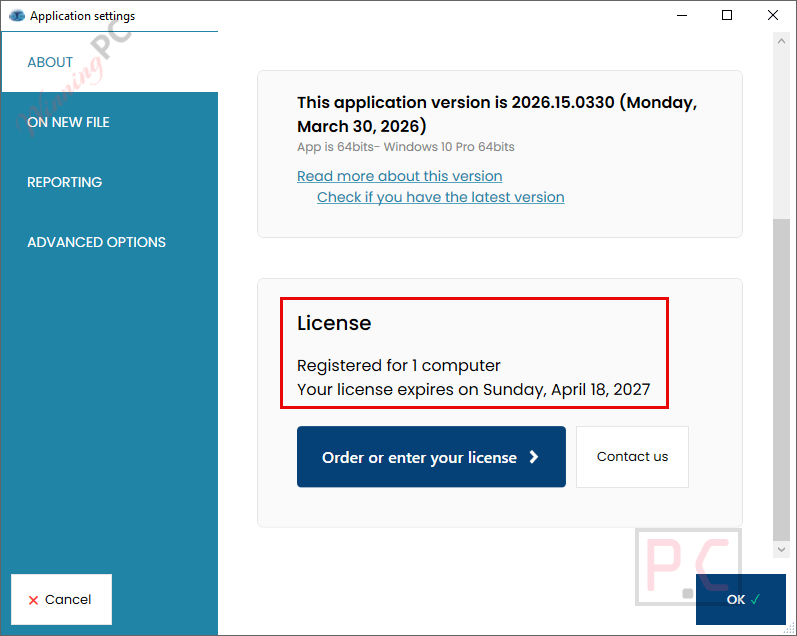
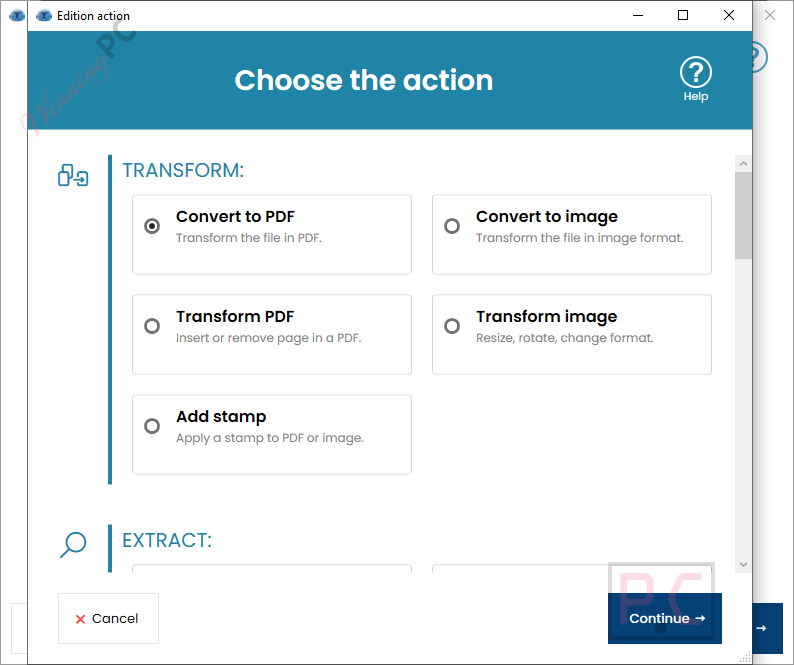
Rofiles main screenshot!
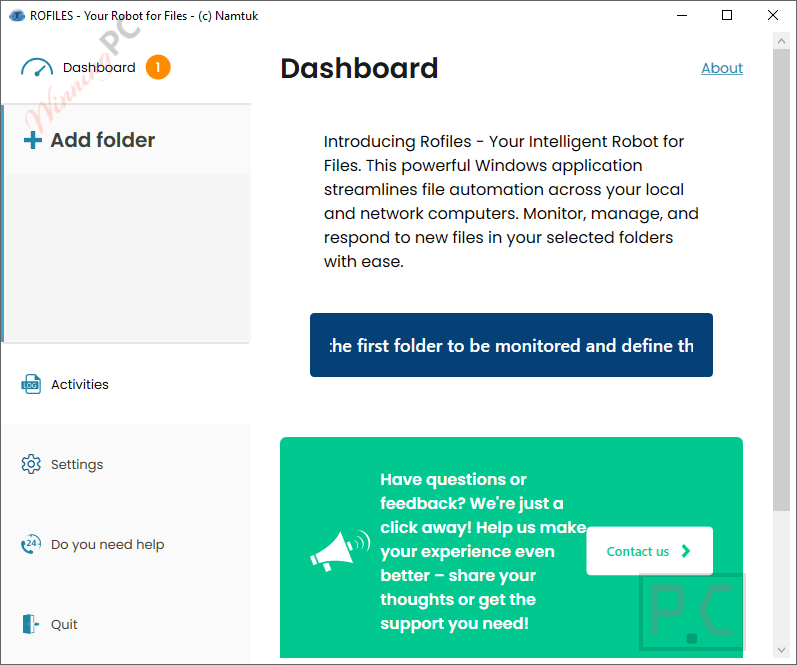
Key Features & Screenshots
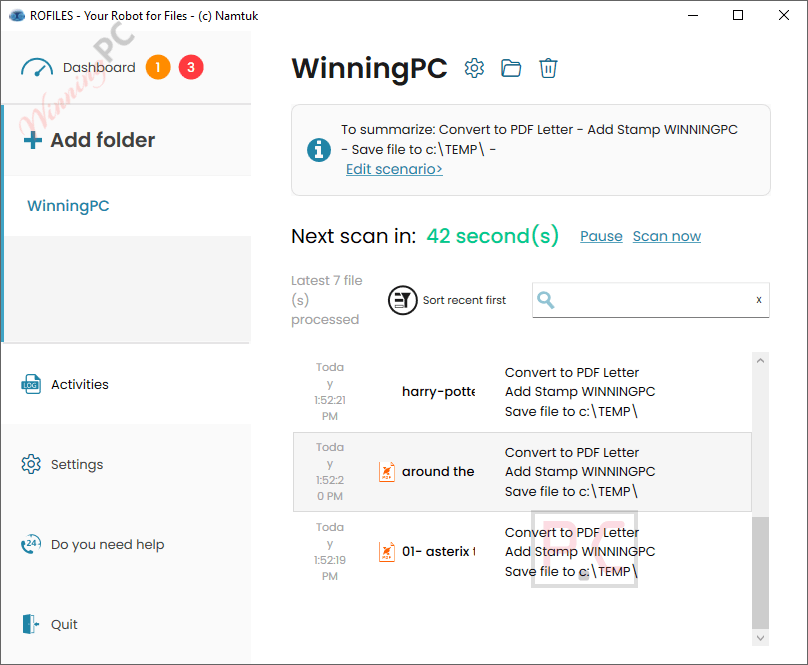
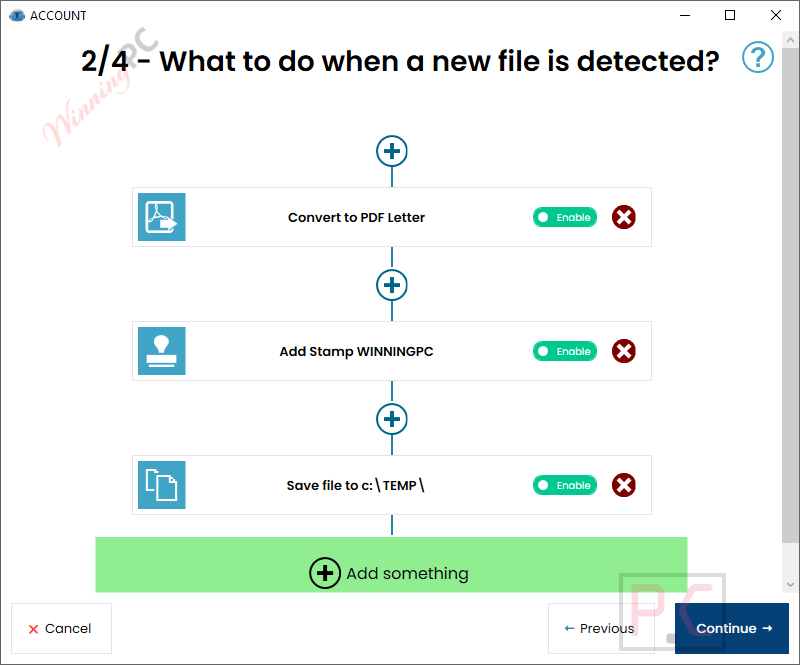
In my experience setting up Rofiles, the installation and configuration were incredibly straightforward. I found that creating a “scenario” is as simple as picking a folder and telling the software what to do when a file lands there.
What I appreciate most is the focus on Local Processing. By default, Rofiles processes your file conversions (like turning Word docs to PDFs or resizing images) locally on your machine. Temporary files are securely deleted, and your sensitive data never leaves your environment. However, the real magic happens when you connect it to an AI API. I tested the AI transformation features, and it is brilliant: I dropped a document into a folder, and Rofiles automatically generated a translated text summary and sent it straight to my Slack channel.
Here are the standout features I tested:
- File Conversion & Transformation: Instantly converts Word, Excel, PowerPoint, XML, and images to PDF or image formats (PNG, JPG, TIFF). You can also automatically add/remove pages, merge files, or apply custom stamps and watermarks.
- AI-Powered Actions: Connect your Google Gemini or OpenAI ChatGPT API key to automatically summarize documents, translate text, transcribe audio, generate MP3 text-to-speech files, or even generate images from text.
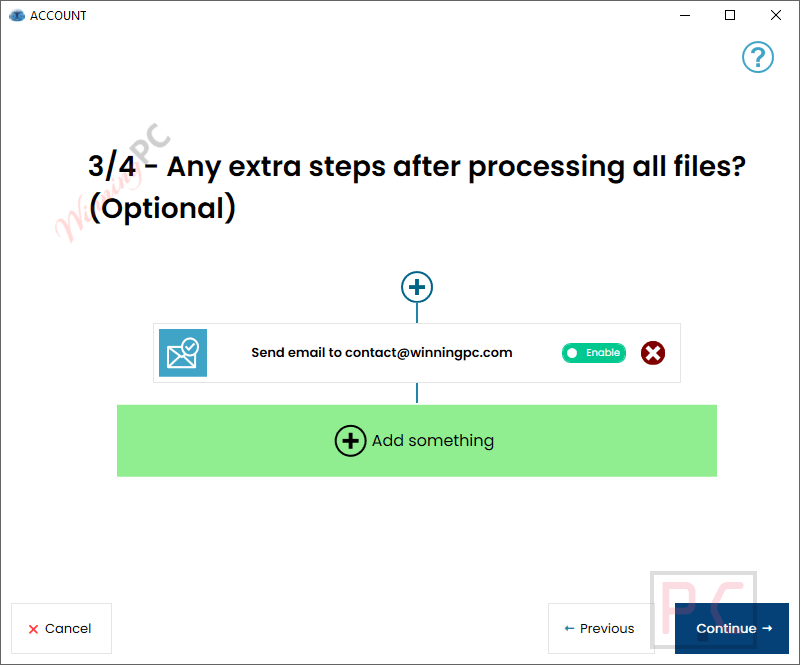
- Massive Distribution Options: Once processed, Rofiles can push your files anywhere: local/network drives, FTP, local printers, Email (via SMTP), Microsoft Teams, Slack, Telegram, or even straight to your phone via Pushover.
- Web API & Script Execution: For advanced users, it can export data to CSV, trigger an external script, or send processed files directly to your ERP/CRM via HTTP API calls.
More Rofiles screenshots:
Frequently Asked Questions
What exactly does Rofiles do?
Rofiles monitors local or network folders and applies automatic actions to files placed inside them, such as conversion, printing, or AI summarization.
Where can I find the best coupon code for Rofiles?
WinningPC is currently the best place to find the verified coupon code (15% off) for this product, offering the highest discount rate on the market.
Does Rofiles need to be open on my screen to work?
No. Rofiles operates as a background Windows service. It runs continuously, even on servers, eliminating the need for a user to remain actively signed in to Windows.
Is my sensitive data safe with Rofiles?
Yes. All non-AI actions are processed locally on your computer, meaning your data isn’t handled by third parties. Additionally, the software securely deletes temporary files created during processing.
How do the AI features work?
To use features like summarization, translation, or audio transcription, you must provide your own API key for Google Gemini or OpenAI ChatGPT. Note that these specific actions will send your data outside your local network for processing.
Can Rofiles merge multiple documents?
Yes! You can set up a scenario to take multiple documents or images, convert them, and merge them into a single PDF or text file automatically.
Can I use Rofiles to print documents automatically?
Absolutely. You can drop documents into a monitored folder, and Rofiles will send them directly to any local or network printer, applying configurable conditions based on file content.
Does Rofiles help with accessibility?
Yes, it has a great Text-to-Audio feature. You can drop a text document into a folder, and Rofiles will use AI to generate an MP3 audio file, which is perfect for visually impaired users.
System Requirements & Details
| Feature | Specifications |
|---|---|
| Supported OS | Windows (Desktop and Server environments). |
| Supported Input Formats | Word, Excel, PowerPoint, XML, Text, Email files, Audio, Images. |
| Supported Output Formats | PDF, PNG, JPG, TIFF, MP3 (AI Audio), CSV (Data Export). |
| Integrations & Protocols | SMTP (Gmail, O365, Exchange, IMAP, POP), FTP, Microsoft Teams, Slack, Telegram, Pushover, HTTP Web API. |
| AI Integrations | Google Gemini, OpenAI ChatGPT (API key required). |





The file E:\Program Files\Namtuk\Rofiles\ROFILESWorker.dll is infected with IL:Trojan.MSILZilla.245774 and was moved to quarantine. It is recommended that you run a System Scan to make sure your system is c
This is what bitdefender total security says I hade to uninstall the Application
Don’t forget there is a fixed 1000 file limit that can expire well before the 1 year expiring license expires!
Actually this is NOT a winingpc exclusive giveaway of a commercial grade license! You get to it just by clicking the pricing link on their website and it the always free starter package not a giveaway of a years commercial license which does not have the 1000 files limit or the single folder monitor limit that this always free trial license offers
Esta mientera no year