
 Chris Bruner

SoftOrbits Sketch Drawer Pro transforms digital photos into realistic pencil sketches. Instead of requiring manual drawing, the software applies advanced filters to process standard images. It offers three core conversion styles: Realistic, Detailed Sketch, and Classic.
Official Giveaway Details
The limited-time giveaway!
- Product name: SoftOrbits Sketch Drawer v12.x
- Publisher: SoftOrbits
- Website: https://www.softorbits.com/
- License type: lifetime
- Price:
$49.99$0.0 - Platform: Windows 7/10/11
- Download: SketchDrawer.exe
- SoftOrbits Sketch Drawer giveaway link – last updated: May 17, 2026
Click here...
Unlocking content...
📝 Note: Please follow the Activation Guide to successfully claim your license.
Top Sketch Drawer Software Coupon Codes in Oct 2026

AKVIS Sketch Home Plugin
10% off coupon code: regular price $72, discounted price $64.80
−10%
AKVD•••Copy → AKVIS Sketch Home Standalone
10% off coupon code: regular price $72, discounted price $64.80
−10%
AKVD•••Copy → Activation Guide: SoftOrbits Sketch Drawer Free License Key Download
To get the SoftOrbits Sketch Drawer Pro license key, visit the above giveaway page and enter your email address:
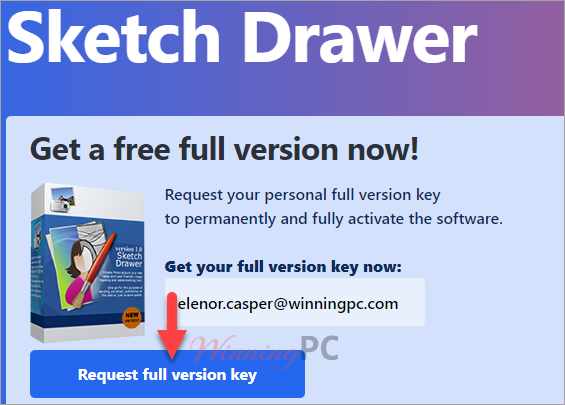
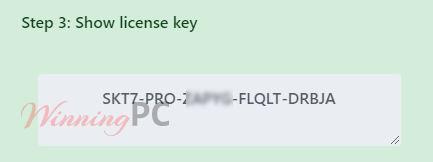
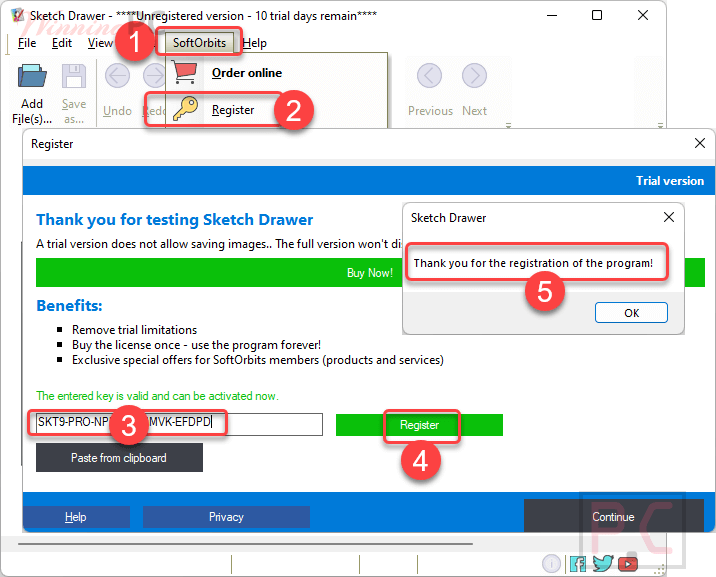
Install the software on your PC. Register with your license key and get it!
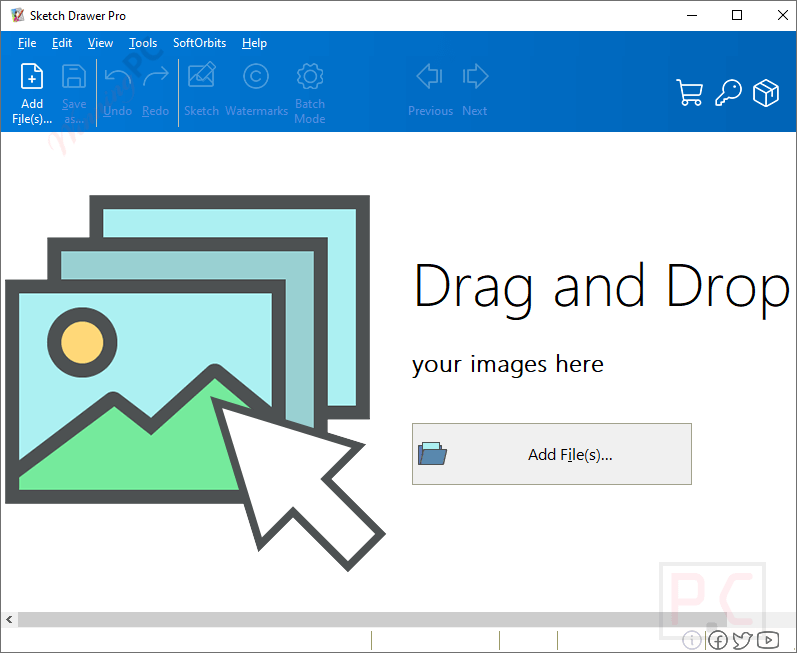
Sketch Drawer Pro Screenshot
Sketch Styles
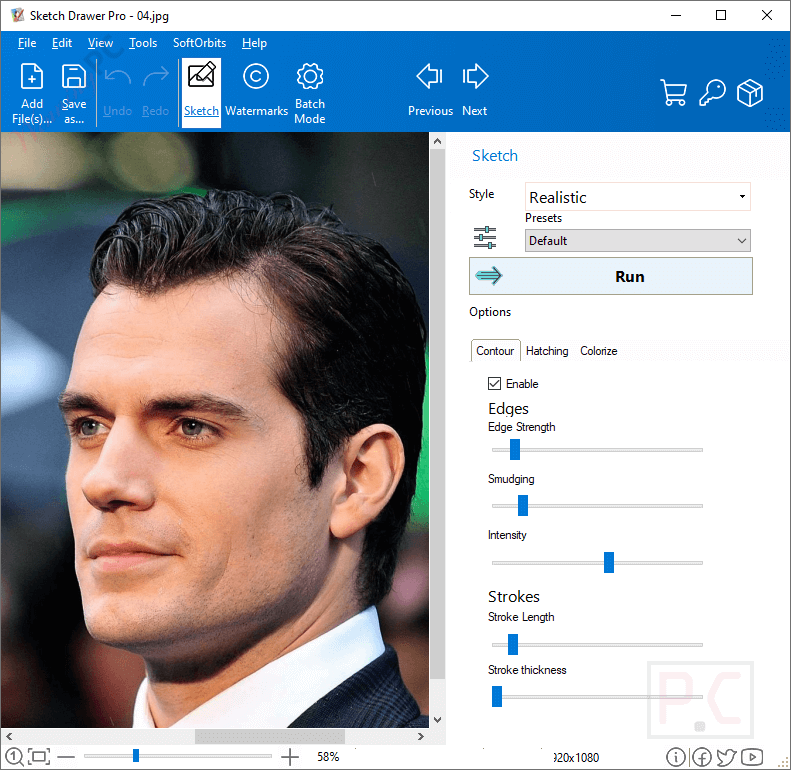
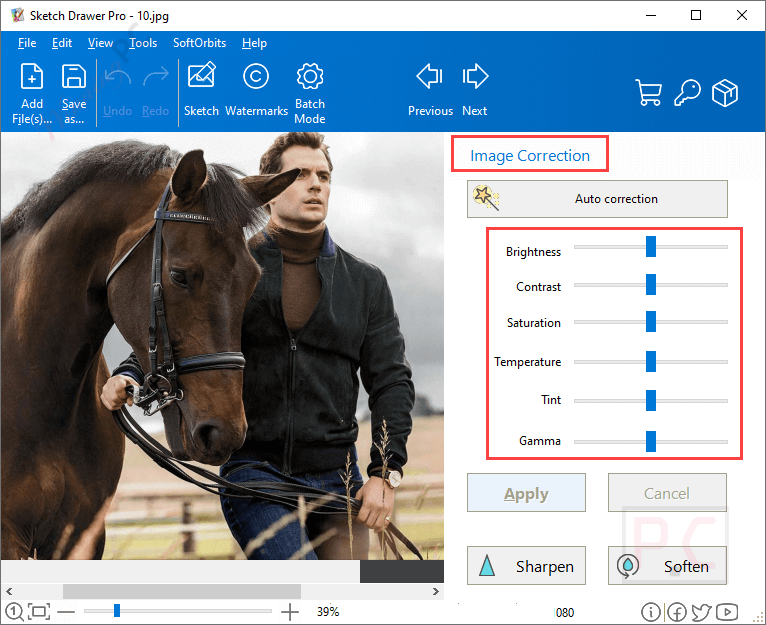
Image Correction
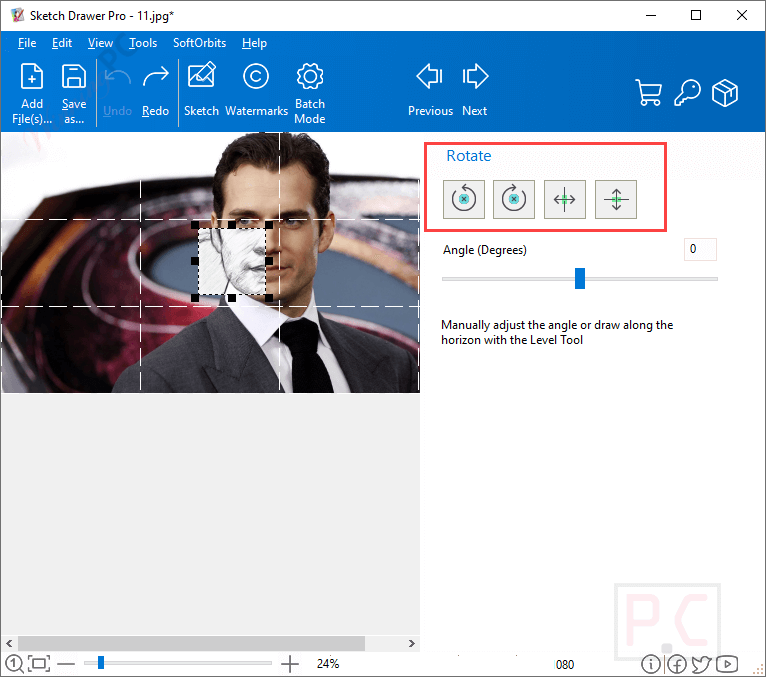
Rotate
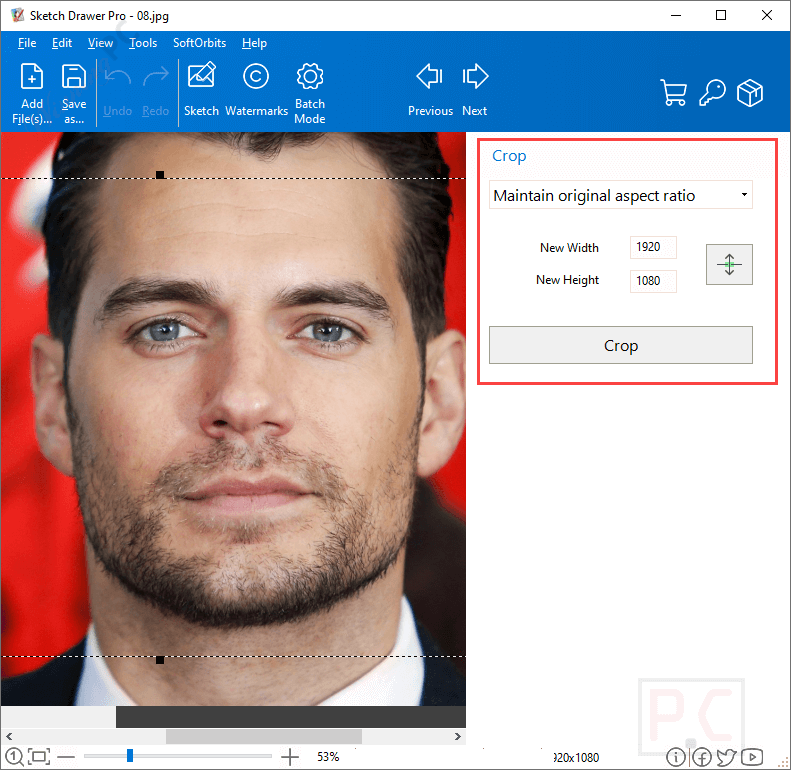
Crop
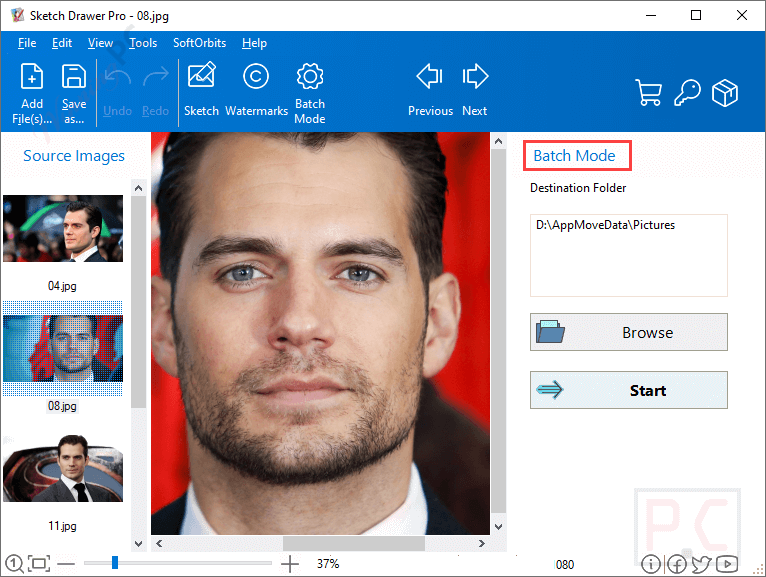
Batch Mode
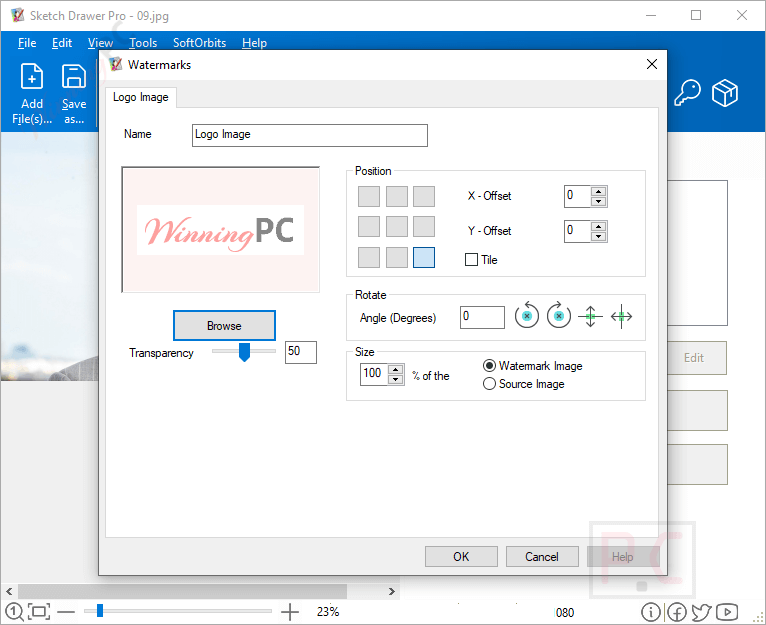
Watermarks
Key Features
- This tool allows you to turn your picture into beautiful pencil drawings.
- It is easy to use presets for different sketch types.
- There are three different conversion styles, including Realistic, Detailed Sketch, and Classic
- This picture-to-drawing converter tool helps you make amazing art out of your photographs.
- You can use the Pen or Felt-tip preset to create the stencil if you want to create a stencil from your photo
- You can use it to convert photos to a line drawing app by outlining the image.
- It has different types of drawing styles, including pencil sketches, color sketches, outline drawings, and more.
- The batch mode allows getting similar sketches from your photos
Technical Details
| Language Support | English, Français, Italian, Portuguese, Russian, Spanish, Swedish, and more… |
| Money Back Guarantee | 30-Day |
| Operating System | Windows 7/10/11 |
| Shipping | Instant Delivery by Email |
| Subscription | Lifetime |
| Support Services | Email, Tickets |





Is this any different from the last giveaway a few months ago ?
Looks like the same
1, open the registration page
2, enter email
3, enter your personal data or skip
4, copy the -code-
5. download the installation
6. install (it is installed in c:)
7. open the program
8. register (the key-symbol) with the -code-
9. close the program
10. start the program, it is registered now
Replacement code works a treat, it’s quite interesting seeing how software gets better and better at turning “realistic” images (like photos or 3D renders) into approximations of sketches.
But above all – excellent customer services – even on a Sunday! ????
Activation error. The licence key was blocked.
Thank you for submitting your report. We have added a new giveaway code.
The Registration key works. You need click the key icon after opening the program and copy the Key and paste it using the option “paste from clipboard”.
Unfortunately the program can’t display all the options in my 1366×768 monitor ( some of the options can’t fit on the screen and it’s almost impossible to access them (Bad scaling)); however I have found a workaround, You can flip your screen by holding “ctrl + alt + arrow keys”. This way you can see all the options.
You can make great black and white sketches with this software, increase or decrease the details, You can also make colorized sketches that looks good.
Rendering the picture and effects taking place is slow though. Pictures should be rendered first and then you can save them as your desired file format.
I don’t know about customer support so I gave it a zero.
Thanks.