On this page
Streamster Coupons & Pricing
Streamster
4 plans · best save 50%
LITE Monthly ★ Best Deal
Streaming channels: 4 | Bitrate limit (each channel), Kbps: 7 000 | Recommended maximum FPS: 30
REGULAR Monthly
Streaming channels: 6 | Bitrate limit (each channel), Kbps: 10 000 | Recommended maximum FPS: 60
PROFESSIONAL Monthly
Streaming channels: 8 | Bitrate limit (each channel), Kbps: 15 000 | Recommended maximum FPS: 60
PREMIUM Monthly
Streaming channels: 10 | Bitrate limit (each channel), Kbps: 25 000 | Recommended maximum FPS: 60
How to Use the Streamster Coupon Code
- Create a free Streamster account at app.streamster.io, or sign up inside the desktop or mobile app.
- Log in and open the pricing page in your dashboard, choose a plan.
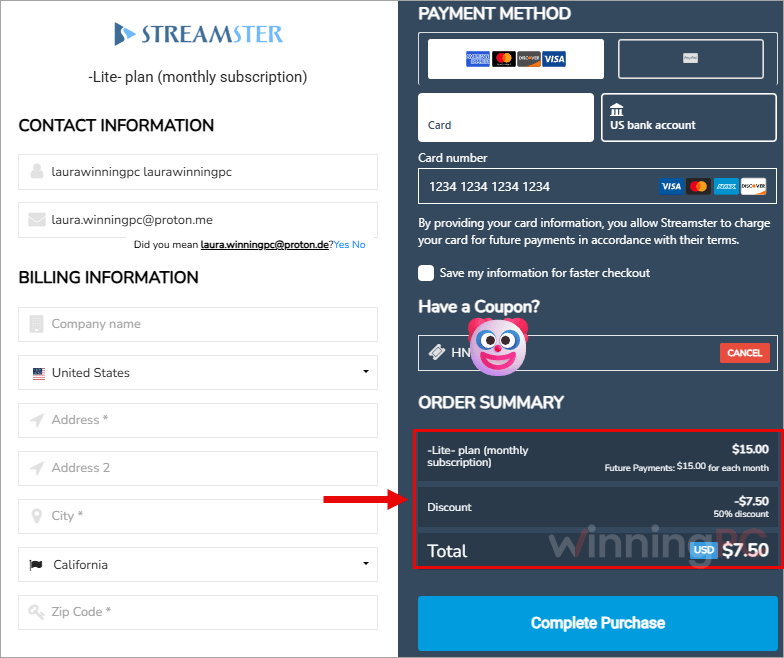
- Paste the code into the coupon field and check that the total is halved. Regular, for example, should show $15.
- Complete payment. Your new channel limit applies everywhere you’re logged in, since the Streamster desktop, web and mobile apps share one account.
Streamster Review & Features
The cloud trick is the whole point, and Streamster delivers. As a multistreaming platform, it lets you broadcast to two platforms or eight while your PC encodes and uploads a single stream, so CPU load and upload traffic stay at single-stream levels. That matters most on a mid-range gaming rig or a shaky home connection, where three direct uploads can wreck both your game and your stream.
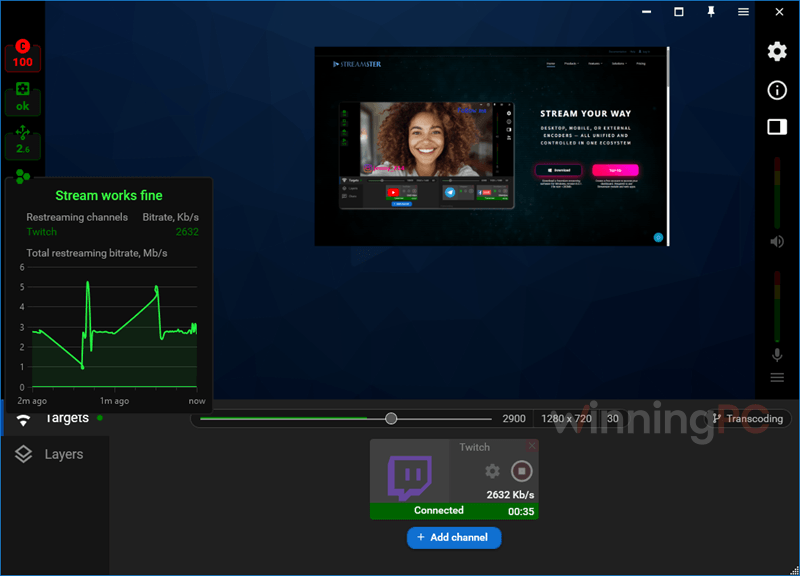
The free tier is also unusually honest: no watermark, no ads, no time cap. Where it falls short is outside Windows. There’s no Mac desktop app yet, so Mac users run OBS or Ecamm and use Streamster purely as the restream server. And transcoding only changes quality settings per platform, not the content itself.
Key features
- Cloud multistreaming to 50+ platforms, plus any custom RTMP endpoint, including Twitch, YouTube, Facebook Live, Kick and DLive.
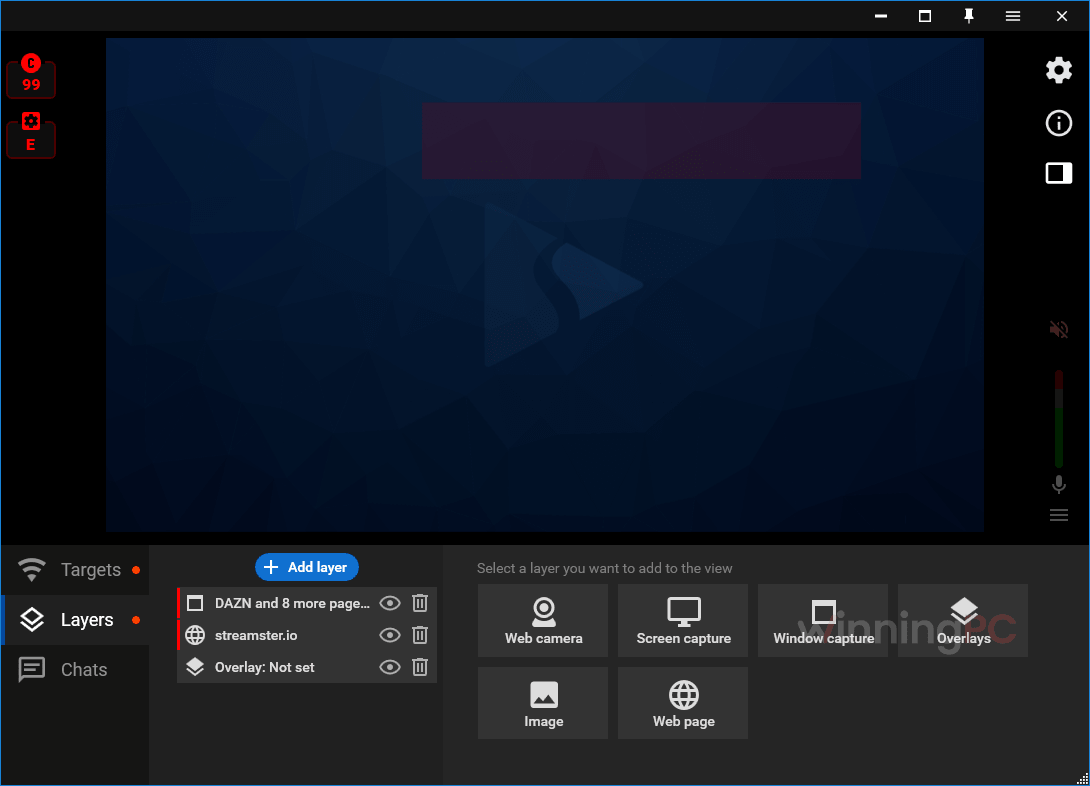
- Multiple sources in one scene: several webcams, screen or window capture, images and GIFs, mic plus desktop audio, and preloaded or custom LUT filters.
- On-server transcoding (Regular and up): up to 4K/60 FPS on original channels and 1080p/60 FPS on transcoded ones, with under one second of added latency.
- Multi-device control: use an Android or iOS phone as a second camera or a remote, switching sources mid-stream without stopping the broadcast.
- Browser overlay editor: social and monetization badges, DMCA badges, QR codes, stickers and custom text, also usable in OBS.
What we think
More Streamster Screenshots
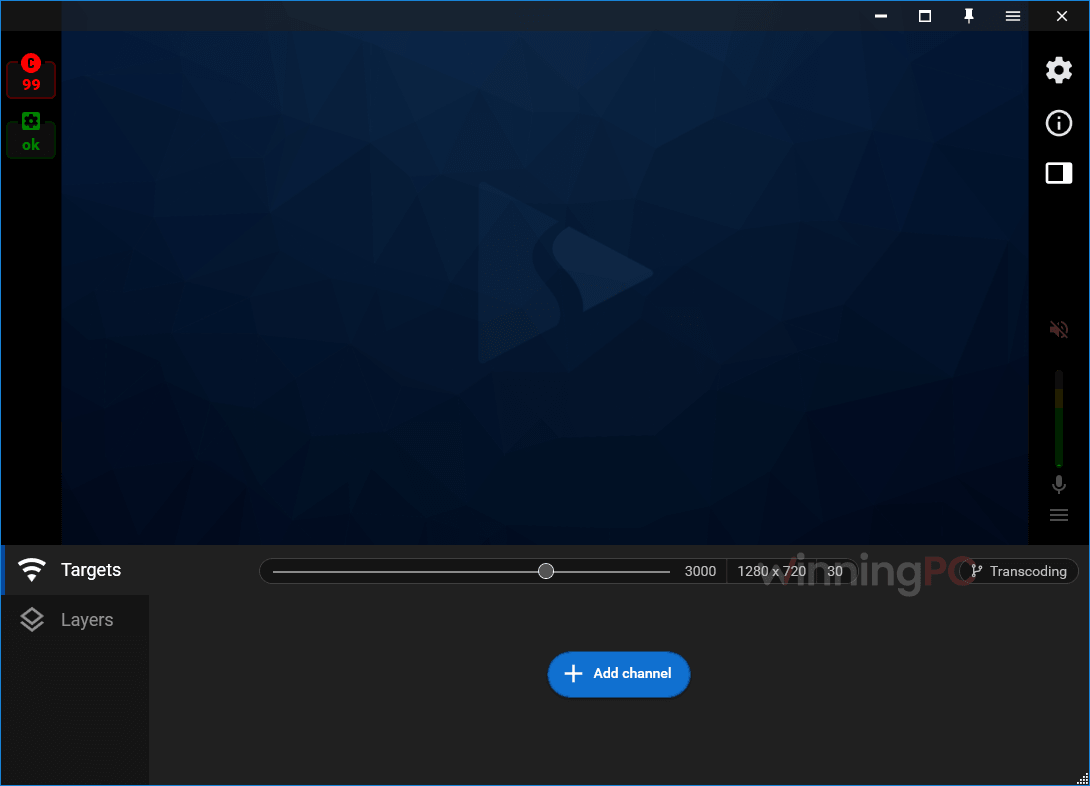
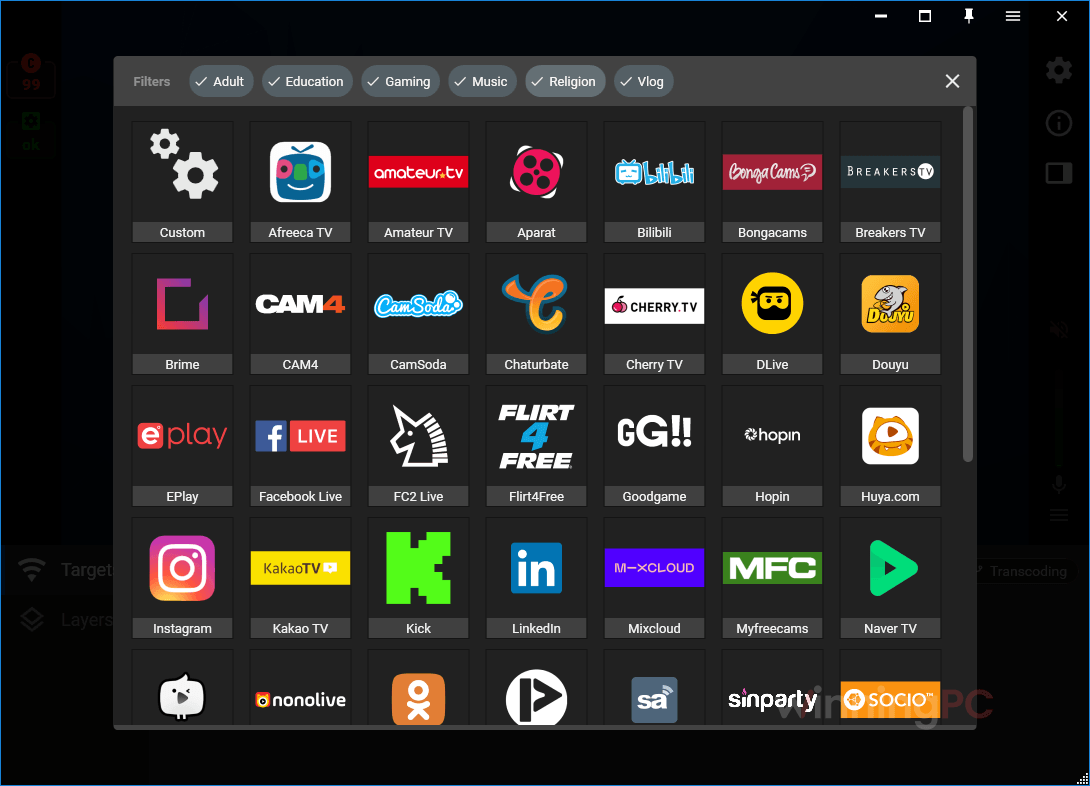
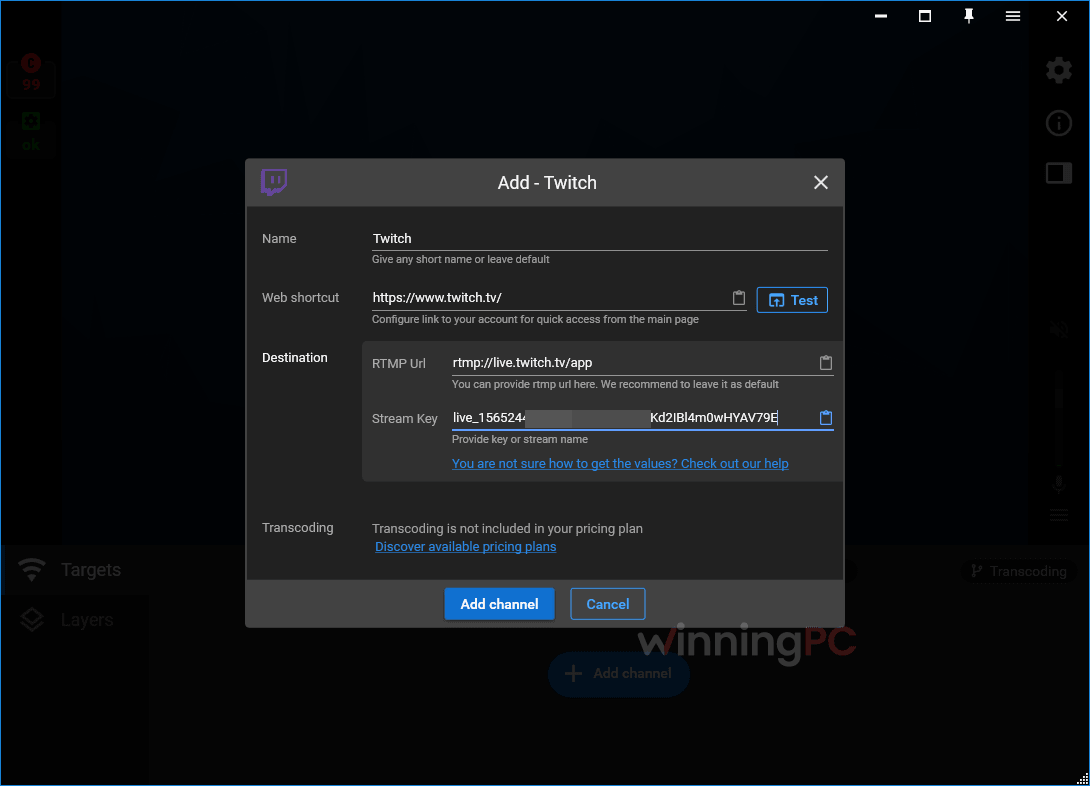
Is the Streamster coupon legit?
Yes. HN***13 is applied to Streamster’s own plans inside your Streamster account, so nothing passes through a third-party key seller.
Official source only
You upgrade on app.streamster.io, the same dashboard you use to set up channels. No reseller codes, no grey-market accounts.
Open-source desktop app
Streamster says its Windows app is released under the GNU GPL license, so the code isn’t a black box.
No reason to hunt for cracks
The free tier already covers two platforms legally, so a “cracked” Streamster would only expose you to malware for nothing.
Test before paying
Set up your scenes and channels on the free plan first, then apply the code only when you actually need more platforms.
Which Streamster plan should you buy?
| Plan | Price with code | Simultaneous channels | Max bitrate per channel | Transcoding | Best for |
|---|---|---|---|---|---|
| Free | $0 | 2 | 4,000 kbps | No | Trying it out, 2 platforms at 720p |
| LITE | $7.50/mo | 4 | 7,000 kbps | No | 3–4 platforms at 1080p30 |
| REGULAR | $15/mo | 6 | 10,000 kbps | Yes | Per-platform quality settings |
| PROFESSIONAL | $25/mo | 8 | 15,000 kbps | Yes | 2K streams, bigger channel lists |
| PREMIUM | $37.50/mo | 10 | 25,000 kbps | Yes | 4K/60 FPS originals |
How Streamster compares to ManyCam and Edimakor
| Tool | Platforms | Free plan | Paid from | How it multistreams | Best for |
|---|---|---|---|---|---|
| Streamster (our pick for multistreaming) | Windows app; web app on PC & Mac; Android & iOS | Yes: 2 platforms, no watermark | $7.50/mo (LITE, with HN***13) | One upload to the cloud, servers copy it to each platform | Going live on 3+ platforms without extra CPU or upload load |
| Edimakor Screen Recorder | Windows, Mac | Not specified | $6.99/mo | Streams from your own PC to 30+ platforms | Recording tutorials, lectures and gameplay with green screen and stickers |
| ManyCam | Windows, Mac | Yes, with watermark | $44.25/year (Standard) | RTMP streaming from your own PC | Virtual webcam effects for calls, classes and streams |
| OBS Studio | Windows, Mac, Linux | Free, open source | n/a | One destination natively; more needs a plugin or a restream service | Full control over scenes, single platform |
These tools aren’t strictly either/or. ManyCam and Edimakor are built around the camera, effects and recording side, while Streamster’s strength is the distribution side. If you already like one of them for building your stream, you can usually point its custom RTMP output at Streamster’s server and let the cloud handle the extra platforms. The catch: on a Mac, ManyCam and Edimakor both run natively, while Streamster’s desktop app doesn’t.
Frequently Asked Questions
Is Streamster really free?
Yes, for up to two platforms at once. There’s no watermark, no ads and no time limit. You only pay when you want three or more simultaneous channels or extras like transcoding and the built-in VPN.
Does Streamster work on Mac?
Partly. The desktop app is Windows only (a Mac version is planned), but the browser-based web app works on Mac. You create the stream in OBS Studio, Streamlabs or Ecamm Live, then point it at Streamster’s RTMP server to multistream.
Which plan do I need for on-server transcoding?
REGULAR or higher. LITE doesn’t include it. With REGULAR you can, for example, send 1080p to one platform and a lighter 720p version to another without extra load on your PC.
Can I send different content to different platforms?
No. Transcoding only lets each platform get different quality settings (resolution, FPS, bitrate). Every channel shows the same live content.
How do I use Streamster with OBS?
Copy the RTMP URL and stream key from app.streamster.io and paste them into OBS under Settings, then Stream. Start streaming to the Streamster server, then switch each platform on or off from the web app.
Is pay-per-use cheaper than a monthly plan?
It can be if you rarely go live. You top up from $1 and are charged only for streaming time. At roughly $0.48 an hour for LITE-level features, the $7.50 coupon price breaks even at about 15 hours a month, so anyone streaming more than that should take the monthly plan.
Can I record my streams?
On the Windows desktop app, yes: it records alongside or instead of streaming. The mobile app currently can’t record.
System Requirements & Details
| Field | Value |
|---|---|
| Operating system | Windows 7–11, 64-bit (desktop app) · Android 6.0+ · iOS 13.4+ · web app in any browser on PC or Mac |
| Processor / RAM / disk | 200 MB free disk space (installer 262 MB, v8.5.1); CPU/GPU depends on your stream quality |
| Encoders | Intel Quick Sync Video, NVIDIA NVENC, or x264 software encoder |
| Supported inputs (sources) | Webcams (multiple), screen and window capture, images/GIFs, browser source, mic + desktop audio, external RTMP encoders (OBS, Wirecast, XSplit, Streamlabs, GoPro HERO7+) |
| Supported outputs | RTMP to 50+ listed platforms or any custom RTMP endpoint; up to 4K/60 FPS original, 1080p/60 FPS transcoded; local recording (desktop app) |
| Other requirements | Free account needed for web and mobile apps; GoPro streaming needs ≥5 Mbps upload on the phone; interface in English only |