Chris Bruner
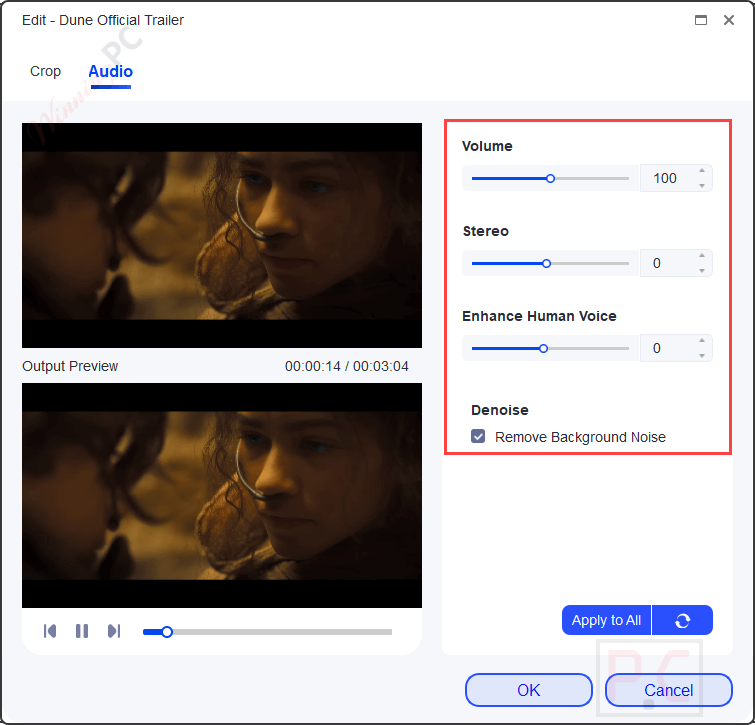
UniFab Audio Upmix AI converts stereo or low-channel audio into multi-channel surround formats such as EAC3 5.1 and DTS 7.1. It uses GPU acceleration, including NVIDIA CUDA, AMD, and Intel Quick Sync, to process audio up to 50× faster. The software also includes basic audio editing tools. Users can trim videos, remove unwanted sections, split clips into multiple outputs, edit specific parts of a video, crop frames, and adjust audio to match their project requirements.
UniFab Audio Upmix AI Plans & Coupon Codes (100% Working)


UniFab All-In-One (Lifetime)
82% Off coupon code: regular price $1,739.85, discounted price $319.99

UniFab All-In-One for Mac (Lifetime)
74% Off coupon code: regular price $879.92, discounted price $229.99
Key Features and Screenshots
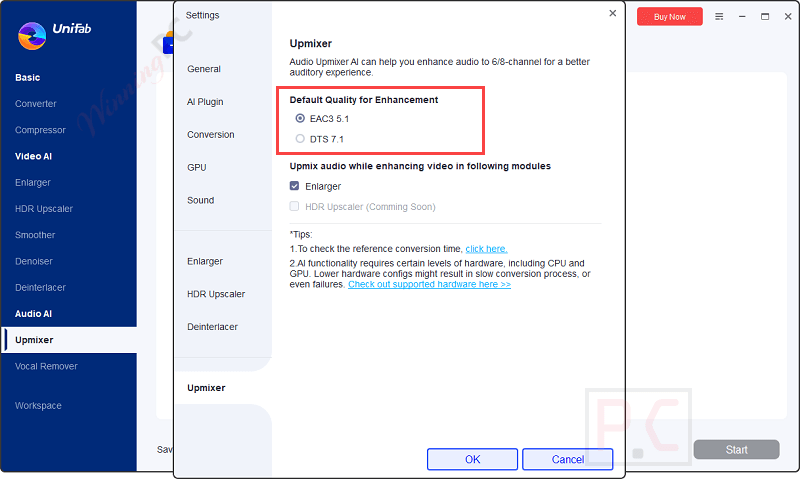
- AI-Powered Upmixing: uses AI algorithms to convert audio tracks into EAC3 5.1 or DTS 7.1 surround sound for richer playback.
- Batch Processing: processes multiple audio tracks or videos at the same time to reduce manual work on large projects.
- User-Friendly Interface: features an intuitive interface that simplifies audio upmixing for users without advanced technical experience.
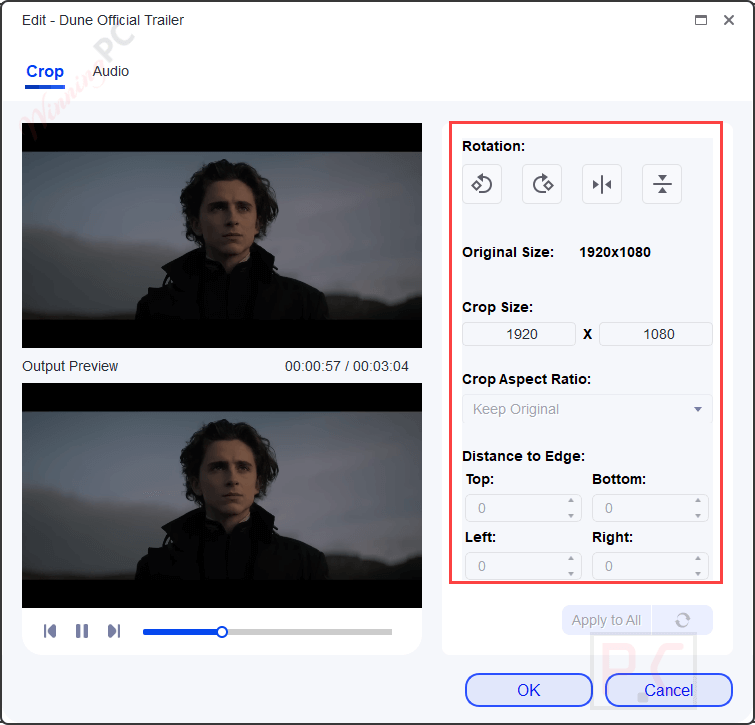
- Comprehensive Video Editing Tools: provides trimming, cropping, and audio adjustments to help refine video content with precise control.
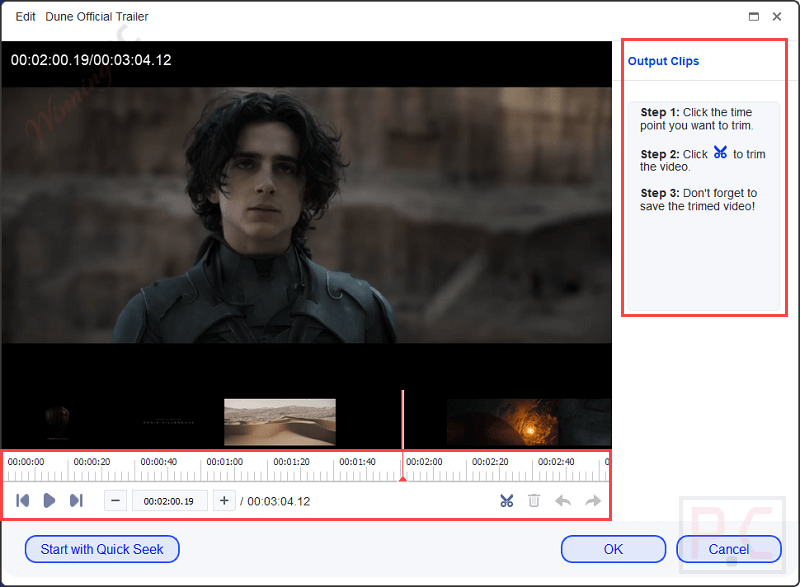
- Efficient Trimming Function: cuts unwanted video segments and divides frames into separate sections for creating multiple output files.
- GPU Acceleration: supports NVIDIA CUDA, AMD, and Intel Quick Sync hardware acceleration to significantly reduce audio and video processing time.
- Integration with DVDFab and StreamFab: allows direct video imports from DVDFab and StreamFab for convenient audio upmixing within the same workflow.
More Screenshots:


Frequently asked questions
How does the AI-powered upmixing work?
The AI algorithms automatically analyze and distribute audio across different channels, creating an immersive sound experience without requiring manual adjustments.
Is UniFab Audio Upmix AI easy to use?
Absolutely! The software features a simple and clear interface designed for users of all skill levels to easily upmix audio with just a few clicks.
What video editing tools are included?
UniFab Audio Upmix AI includes tools for trimming, cropping, and customizing audio, providing comprehensive control over your video content.
Can I directly import videos from DVDFab or StreamFab?
Yes, you can directly import videos from DVDFab or StreamFab for seamless upmixing, integrating smoothly into your existing workflow.
Are there any discounts or coupon codes available for UniFab Audio Upmix AI?
Yes, you can use the coupon code provided by WinningPC to save a big discount on your purchase. Check the website for additional offers or time-limited discounts.
Technical Details
| Language Support | English, Français, Italian, Spanish, Swedish, and more… |
| Money Back Guarantee | 30-Day |
| Operating System | Windows 11/10/8.1/8/7 |
| Shipping | Register code will be sent to your email in minutes |
| Subscription | 1-Year, Lifetime |
| Support Services | Forums, Tickets |