WinningPC

UniFab Denoise AI removes noise from video footage using AI analysis while keeping details clear. It processes videos to reduce grain caused by low light, camera sensors, or compression. The program also includes tools for trimming clips, cropping frames, and adjusting audio. Batch processing allows multiple videos to be processed at once. GPU acceleration helps handle high-resolution videos faster. Suitable for cleaning up recorded footage before sharing, publishing, or editing video.
UniFab Denoise AI Plans & Coupon Code (100% Working)


UniFab All-In-One (Lifetime)
82% Off coupon code: regular price $1,739.85, discounted price $319.99

UniFab All-In-One for Mac (Lifetime)
74% Off coupon code: regular price $879.92, discounted price $229.99
Key Features and Screenshots
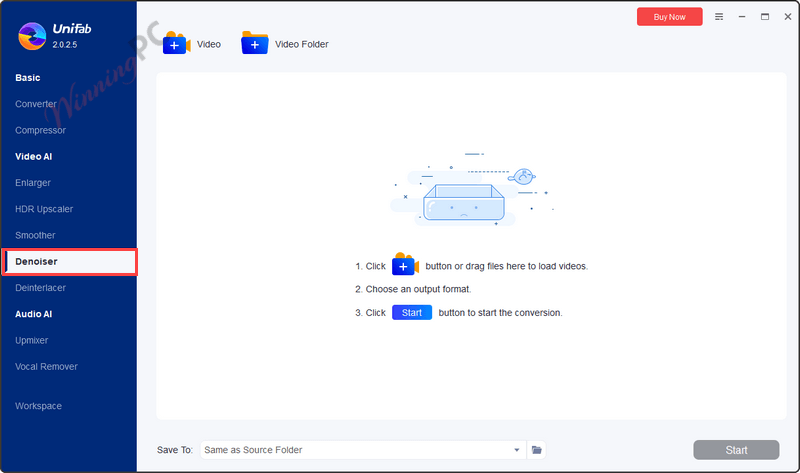
- AI-Powered Noise Reduction: uses deep learning to detect and remove video noise from low-light footage and high-ISO recordings.
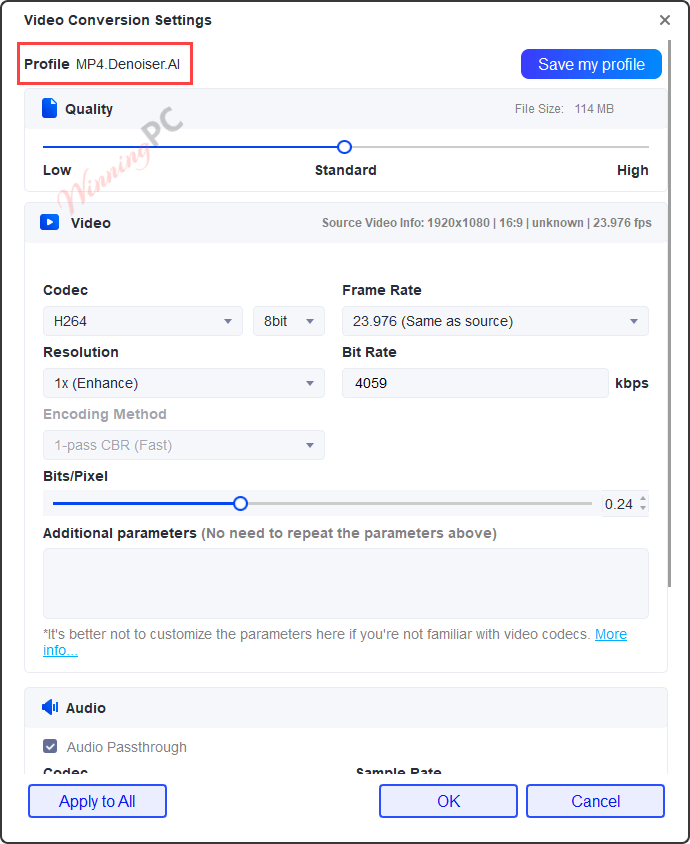
- Enhanced Video Clarity: improves fine details while reducing noise, producing clearer visuals and better overall video appearance.
- Simple One-Click Operation: improves video quality with a single click, eliminating complicated settings or the need for professional editing skills.
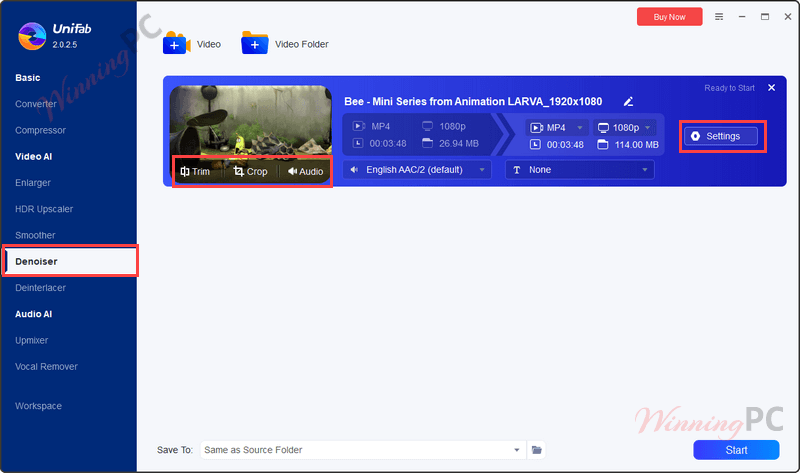
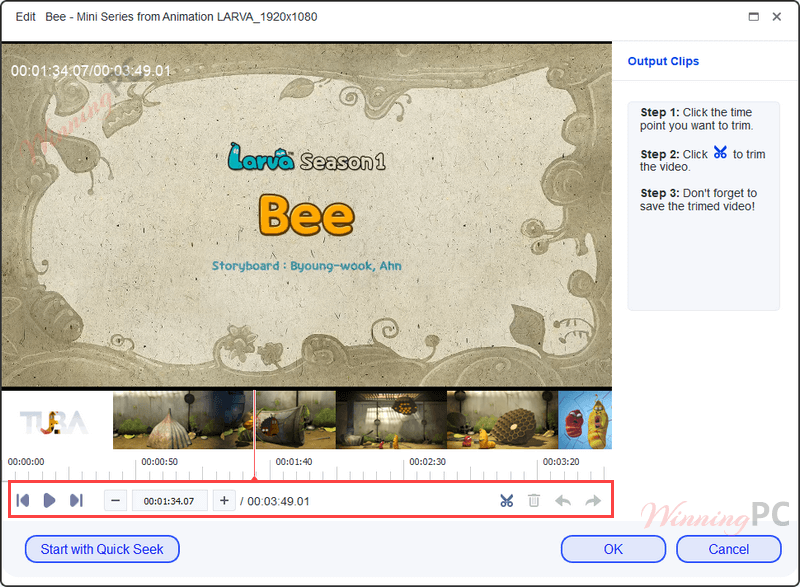
- Efficient Video Trimming: cuts unnecessary segments quickly, helping create shorter and more focused video content.
- Flexible Editing Tools: includes cropping and audio customization tools that allow adjustment of framing and sound within the video.
- GPU-Accelerated Processing: supports NVIDIA CUDA, AMD, and Intel Quick Sync to deliver up to 50× faster video processing speeds.
- Wide Video Format Support: handles many common video formats, making it suitable for different recording sources and project requirements.
- Batch Video Processing: processes multiple videos in one session, reducing repetitive work and saving time during large editing tasks.
- Real-Time Preview: displays noise reduction changes instantly so users can review results before exporting the final video.
More Screenshots:
Frequently asked questions
What types of noise can UniFab Denoise AI remove?
UniFab Denoise AI can remove various types of noise, including grainy noise from low-light conditions, noise from high ISO settings, and noise caused by signal interference during video transmission or compression.
Is there a trial version of UniFab Denoise AI available?
Yes, UniFab Denoise AI offers a free version that allows you to denoise up to five videos. For unlimited use and access to all features, you need to purchase a paid plan.
How does UniFab Denoise AI utilize GPU acceleration?
The software leverages cutting-edge GPU acceleration technologies like NVIDIA CUDA, AMD, and Intel Quick Sync to provide up to 50x faster processing speeds, significantly reducing the time required for video denoising.
How can I use the WinningPC coupon code for UniFab Denoise AI?
Enter the coupon code during checkout on the UniFab store to save money on your purchase.
Technical Details
| Language Support | English, Français, Italian, Spanish, Swedish, and more… |
| Money Back Guarantee | 30-Day |
| Operating System | Windows 11/10/8.1/8/7 |
| Shipping | Register code will be sent to your email in minutes |
| Subscription | 1-Year, Lifetime |
| Support Services | Forums, Tickets |