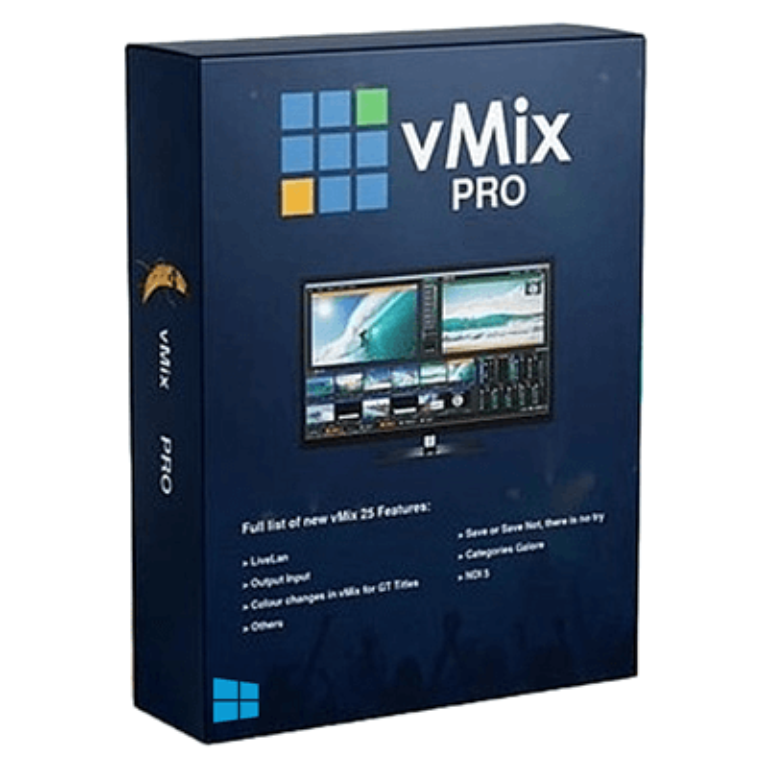

Virtualsetworks vMix Pro Coupons & Pricing

You may also like:

vMix HD Plus Virtual Set Pack One for vMix
Includes Studio 200, 148, 159, 164, 180, 181, and 186 for vMix from Virtualsetworks, HTTP Matrix 1.0 automation scheduler, and 4 introductory
Virtual Set Pack One for vMix
Come in 2880 x 1620 (2.5K) resolution, slightly more than 1920 x 1080 to allow for virtual pans and zooms
vMix 4K with HTTP Matrix vMix Automation
Trigger up to a 100 commands by http
vMix 4K with HTTP Matrix vMix Automation Bundle
Bundle content: vMix 4K & HTTP Matrix 2
How to Use the vMix Pro Coupon Code
- Click the Copy code button for vMix Pro.
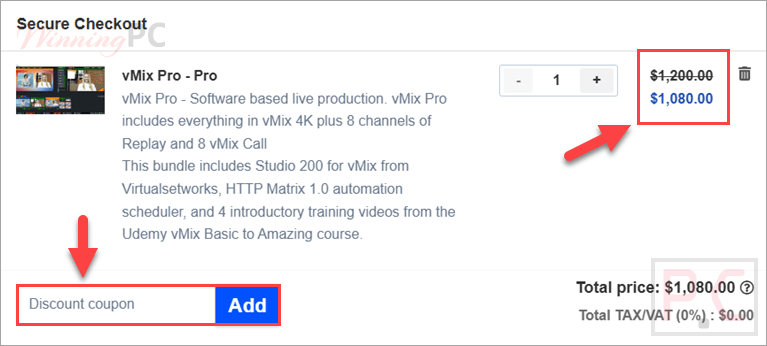
- A new WinningPC checkout tab opens, and the code WIN***PC10 is copied to your clipboard automatically.
- On the checkout page, paste WIN***PC10 into the coupon field.
- Confirm the price update from $1,200 to $1,080 (10% off), then complete your payment to get the vMix Pro bundle.
Is this vMix Pro deal safe to use?
Yes. This is a discount on a genuine vMix Pro license, not a cracked or grey-market key.
No crack or keygen
You install vMix’s own official build and activate it with a legitimate key. Nothing is patched or repackaged.
Authorized vMix reseller
Virtualsetworks is an official vMix partner store, not a grey-market key seller.
Secure checkout
Payment is handled on the store’s encrypted checkout page; your card details never pass through WinningPC.
A discount, not a subscription trap
The code simply lowers the one-time purchase price. There’s no hidden auto-billing tied to the coupon itself.
vMix Pro Review & Features

vMix Pro is live video production software for Windows that lets you mix, switch, record, and stream SD, HD, and 4K video. It supports live guests, NDI, videos, images, desktop capture, titles, SRT, and multiple input sources from one interface. You can stream to YouTube, Facebook Live, Twitch, and custom RTMP servers. It also includes transition effects, network-based video and audio over NDI, image snapshots, and local capture from displays on your network.
Key features
- Multi-Source Input Handling: supports up to 1000 video inputs, including cameras, media files, NDI, IP, Zoom, and vMix Call guests.
- High-Resolution Support: streams and records up to 4096 × 2160 (4K UHD) while outputting to professional recording decks and monitors.
- Advanced Mixing and Switching: mixes multiple video and audio sources using 13 transition effects and up to four custom stinger transitions.
- NDI Integration: sends and receives NDI sources across compatible devices for high-quality, low-latency video and audio transmission.
- Professional HD Production: optimizes 3D acceleration and hardware encoding to handle multiple HD sources efficiently on modest PC hardware.
- Animated Graphics and Titles: includes over 100 built-in titles, scoreboards, and tickers with GT Designer support for custom static and animated graphics.
- Desktop Capture: captures local displays and remote desktop screens to integrate applications such as PowerPoint, Skype, and Zoom.
- vMix Call: adds up to eight remote guests through a browser and webcam in supported HD, 4K, and Pro editions.
- Direct Zoom Meeting Integration: imports multiple Zoom participants in up to 1080p HD with flexible assignment for cameras and screen sharing.
- Instant Replay: delivers eight-camera slow-motion replay with Mark In, Mark Out, and preset clip buttons for faster playback control.
- Web Browser Input: displays websites directly with mouse interaction, page scrolling, and HTML5 video playback support.
- Built-In Audio Mixer: manages every audio source with auto mixing, delay, EQ, compressor, noise gate, and mute controls.
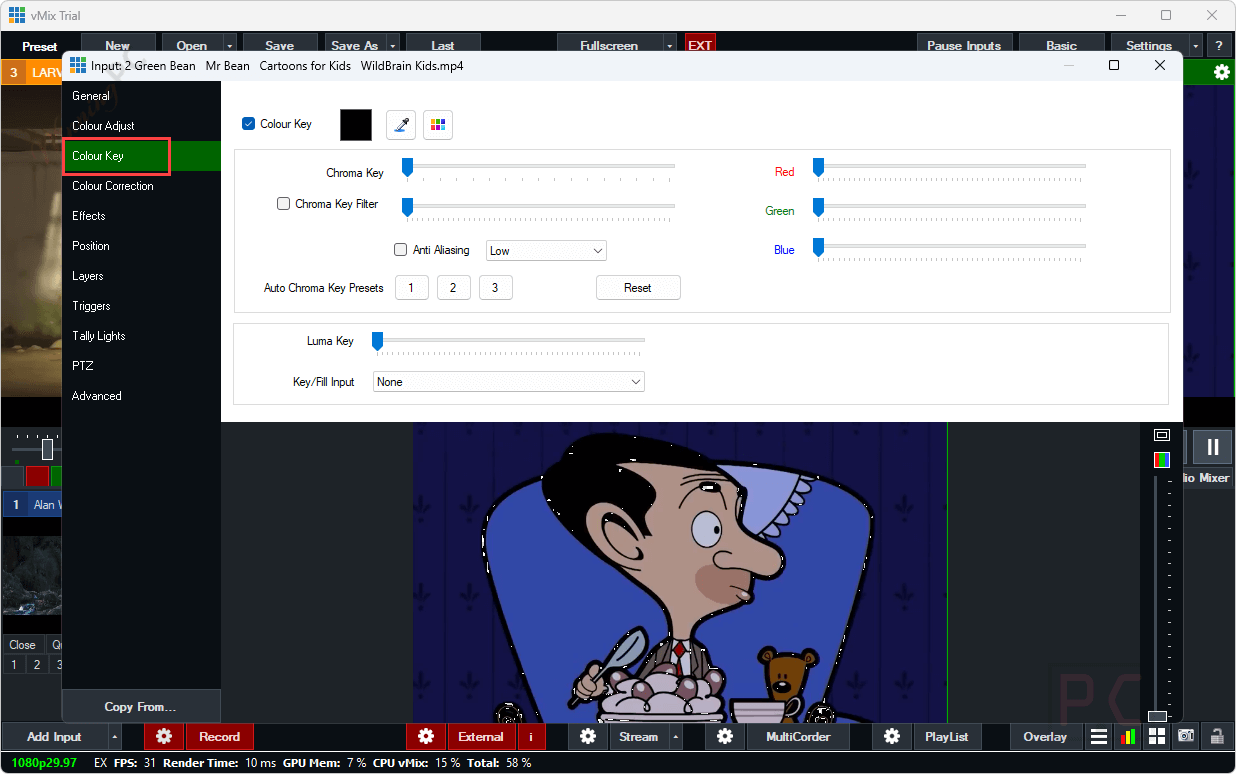
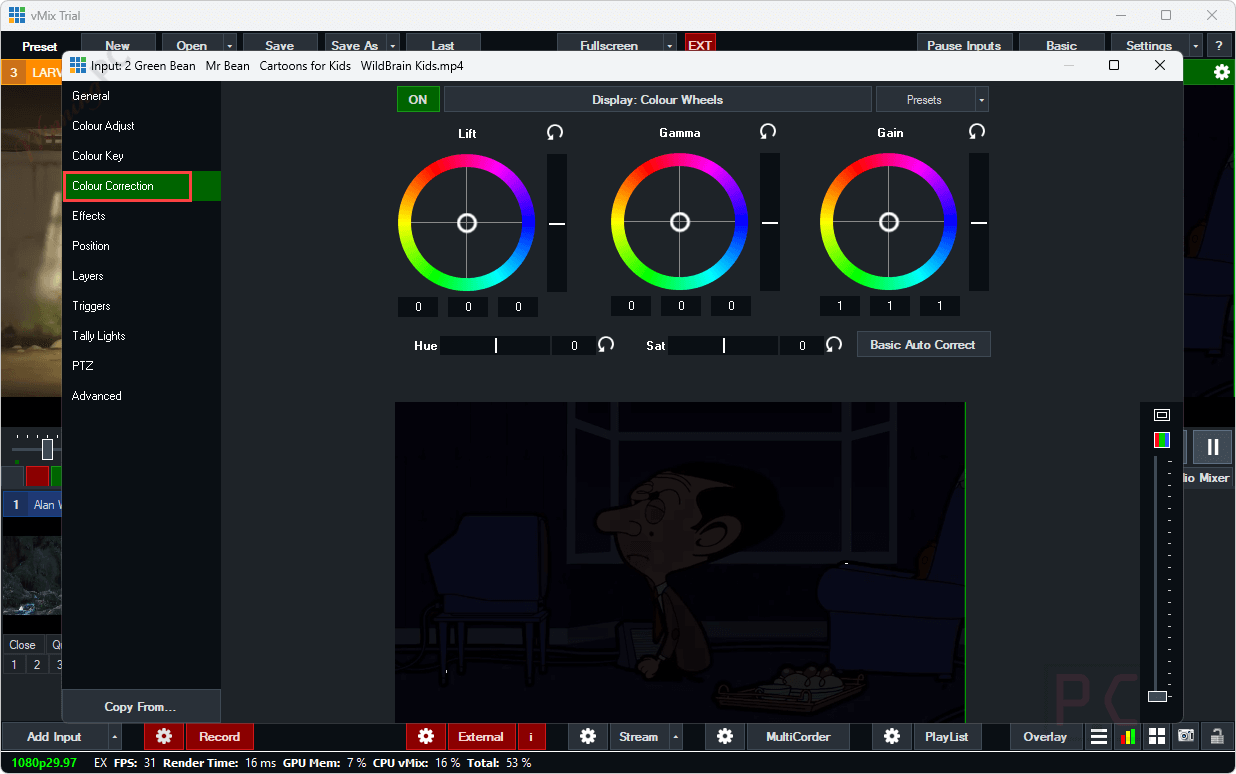
- Live Video Effects and Filters: applies real-time color correction, keying, cropping, zoom, rotation, panning, and deinterlacing during live productions.
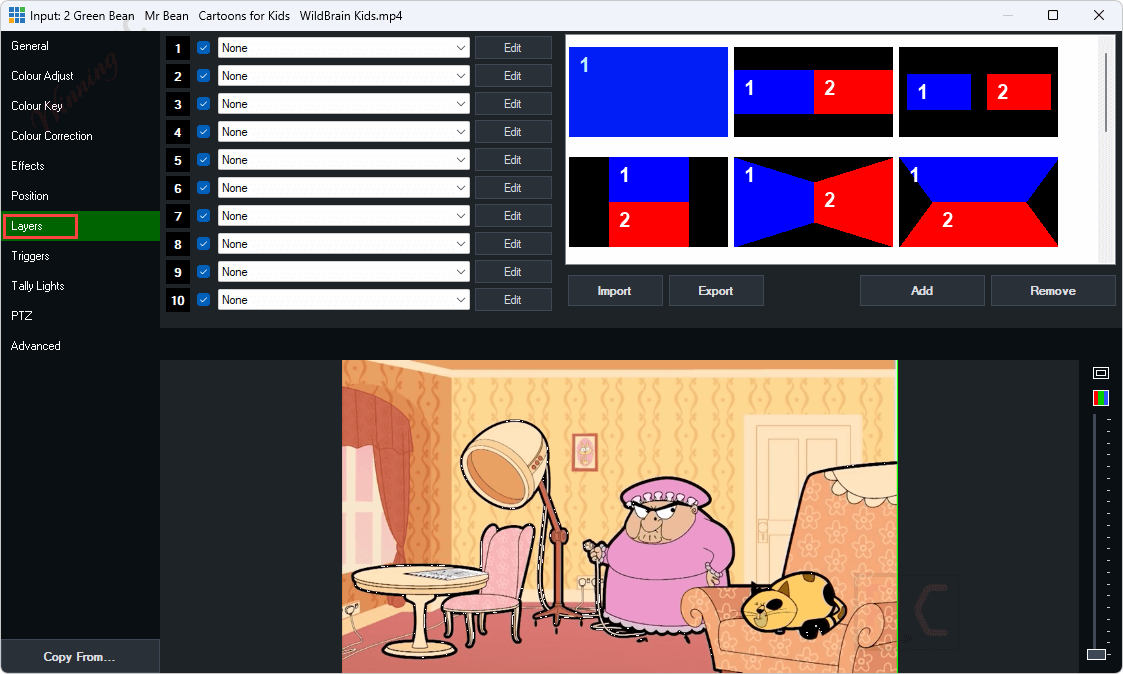
- MultiView and Output Enhancements: provides a second configurable MultiView output and Layer Designer for precise layer positioning adjustments.
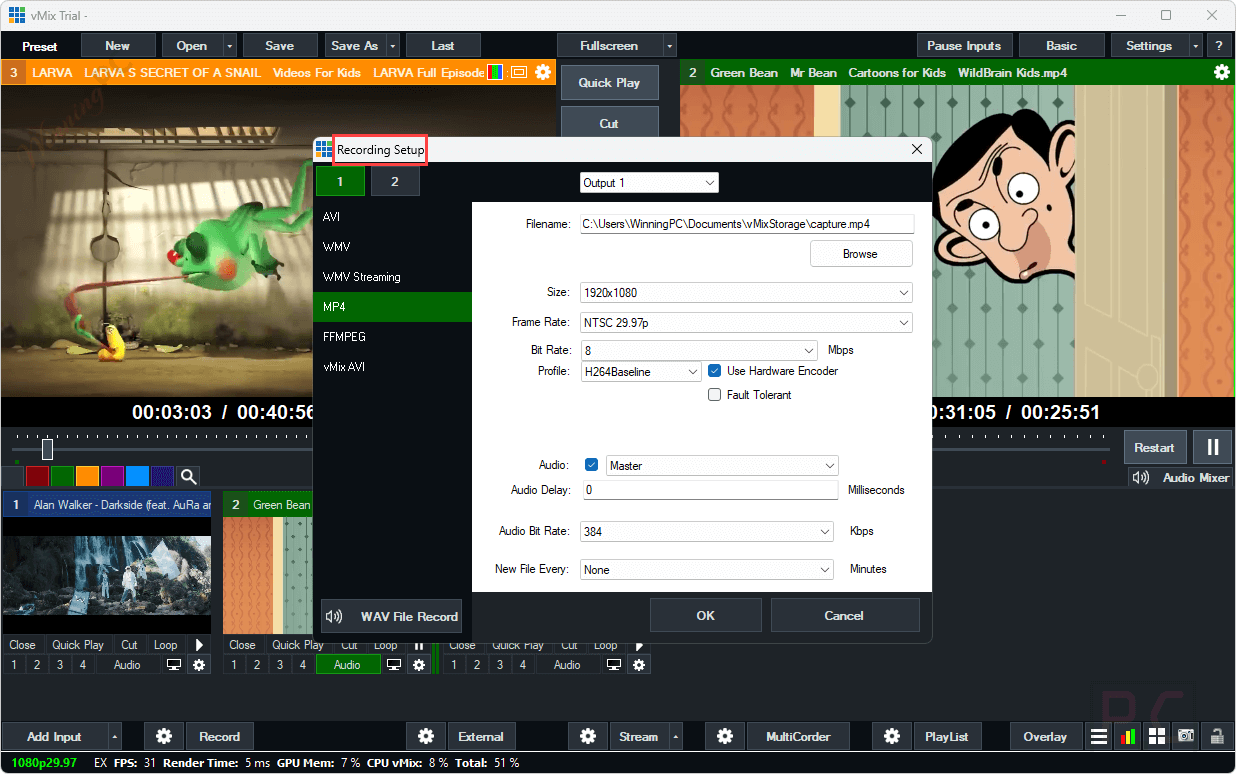
- Efficient Hardware Utilization: uses NVIDIA hardware encoding to improve performance for MP4 recording, streaming, SRT, and other supported outputs.
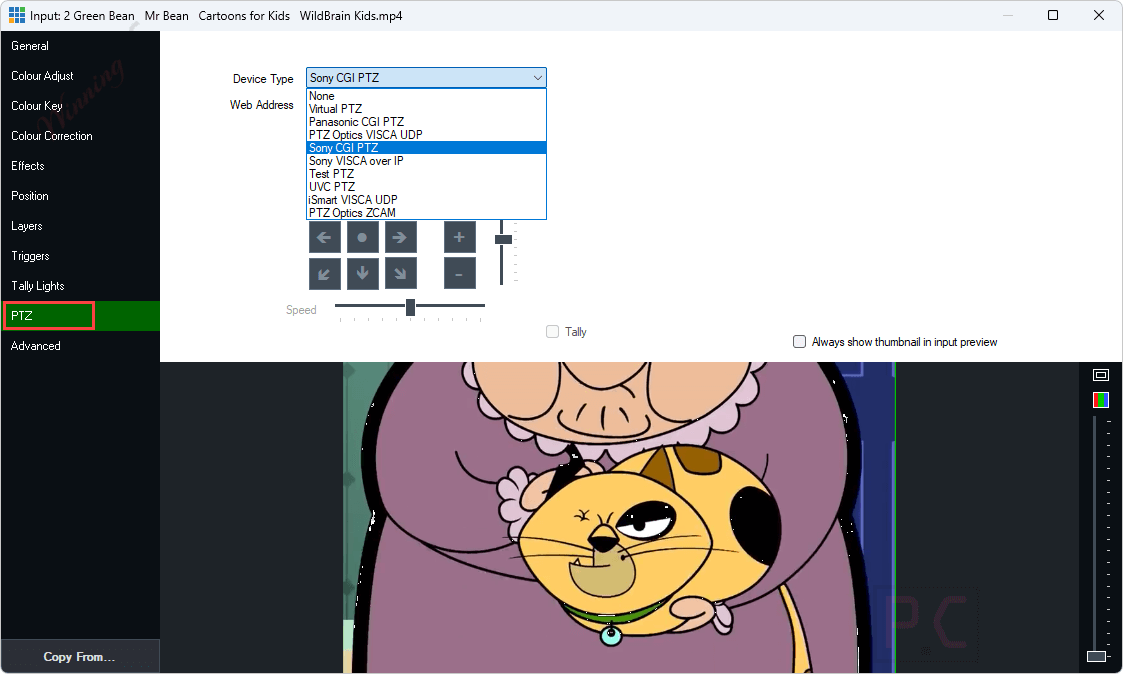
- PTZ Camera Control: controls compatible PTZ cameras with built-in pan, tilt, and zoom functionality for manual or automated movement.
- Web Telestrator and Monitor: enables presenters to draw and annotate over live video from tablets through supported web browsers.
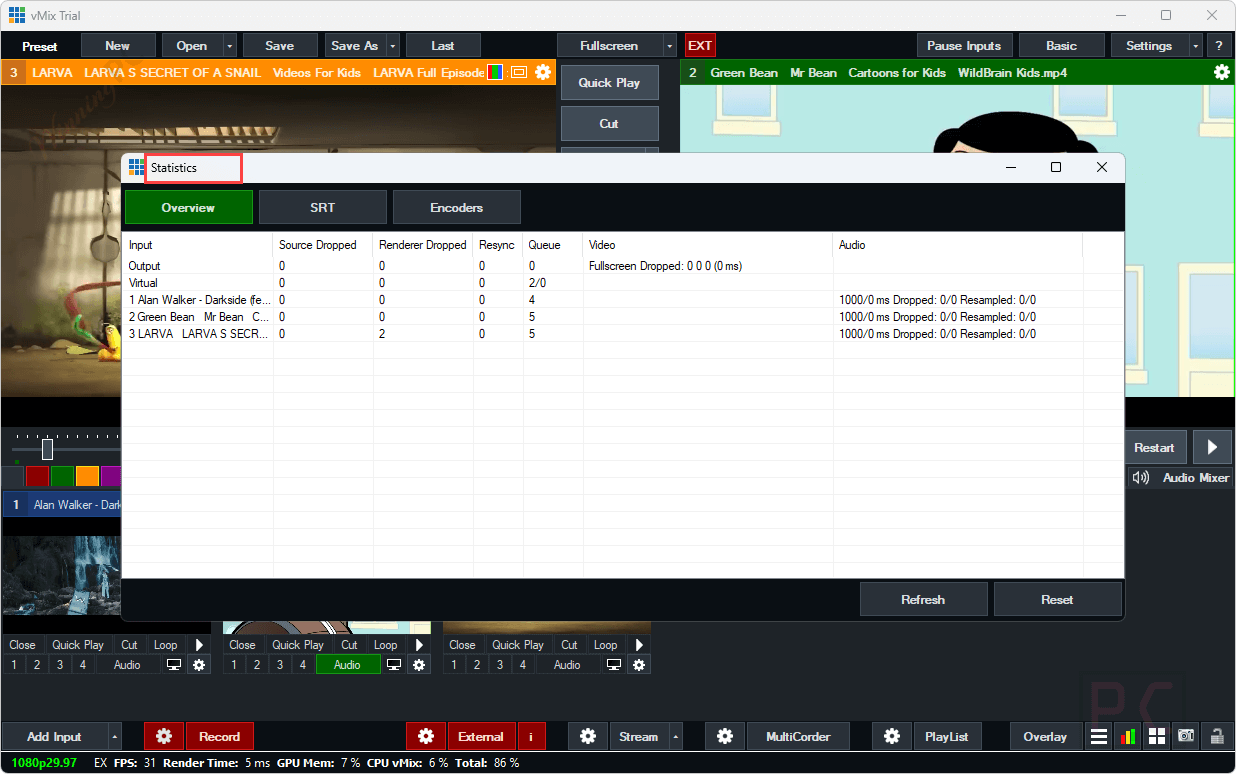
More Screenshots





Frequently asked questions
What types of sources can I use with vMix Pro?
You can use cameras, webcams, IP cameras, capture cards, audio devices, video files, images, NDI, SRT, virtual sets, titles, instant replay, video calls, and Zoom meetings as inputs.
Can I stream to multiple platforms at once?
Yes, vMix Pro allows you to stream to up to five destinations simultaneously, including major platforms like Facebook, YouTube, Twitch, and Vimeo.
Is remote guest integration possible with vMix Pro?
Yes, vMix Call allows for up to 8 remote guests to join your production via a web browser, facilitating interviews and panel discussions.
What is vMix Call?
vMix Call is a feature that allows you to add remote guests to your live production. It supports up to eight callers, making it ideal for interviews and panel discussions.
What is NDI and how does vMix Pro use it?
NDI (Network Device Interface) is a technology that allows video and audio to be transmitted over a local network with low latency. vMix Pro integrates with NDI to facilitate multi-camera setups and remote productions.
How can I get a discount on vMix Pro?
You can use the coupon code WINNI***C10 to get a 10% discount on your purchase of vMix Pro.
System Requirements & Details
| Language Support | English, Français, Italian, Spanish, Swedish, and more… |
| Money Back Guarantee | 30-Day |
| Operating System | Windows Vista, Windows 7, Windows 8/8.1, Windows 10/11 |
| Shipping | Register code will be sent to your email in minutes |
| Subscription | Lifetime |
| Support Services | Email, Ticket |