On this page
VSPL VCF to PST Converter Coupons & Pricing
VSPL VCF to PST Converter
3 plans · best save 68%
Personal License ★ Best Deal
Home or Personal Use Only | Yearly - Auto Renewal - OFF | Limits 2 PCs
Technician License
Company & Business Users | Lifetime | Limits 10 PCs
Can you trust this deal?
Yes. This is a straight discount on software from Vartika Software Pvt. Ltd. (VSPL), bought through the publisher’s own checkout.
No crack or keygen
You download the official build and unlock it with a genuine license key. Nothing is patched.
Official source
The code runs through VSPL’s own store, not a reseller or a grey-market key site.
Try before you pay
The free version scans and previews all your contacts and saves 10 items from each folder, so you can confirm it reads your file first.
10-day money-back
If the paid version doesn’t work out, VSPL’s policy gives you 10 days to ask for your money back.
How to Use the VSPL VCF to PST Converter Coupon Code
Click the VSPL VCF to PST Converter coupon link on this page.
VSPL’s checkout opens with the WinningPC code already applied. There’s nothing to copy or paste.
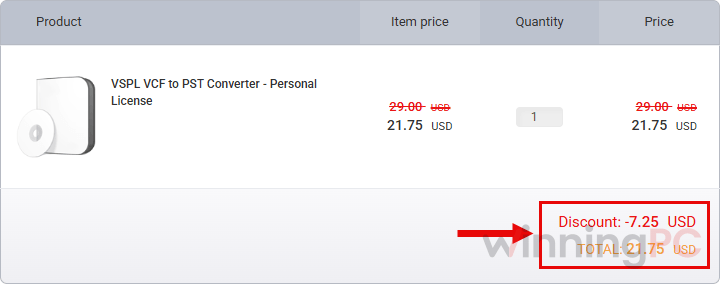
Before you pay, check that your plan shows the discounted price: $21.75 for Personal, $74.25 for Corporate or $149.25 for Technician.
Complete the purchase, then enter the license key in the software to unlock the full version.
How well does VSPL VCF to PST Converter work?
VSPL VCF to PST Converter‘s real selling point is that it reads multi-contact VCF files properly. Outlook’s own import stops after the first contact in a file like that, which is exactly the file an iPhone, Android or Google Contacts export gives you. VSPL also doesn’t need Outlook installed to build the PST, so you can prepare the file on one PC and open it on another.
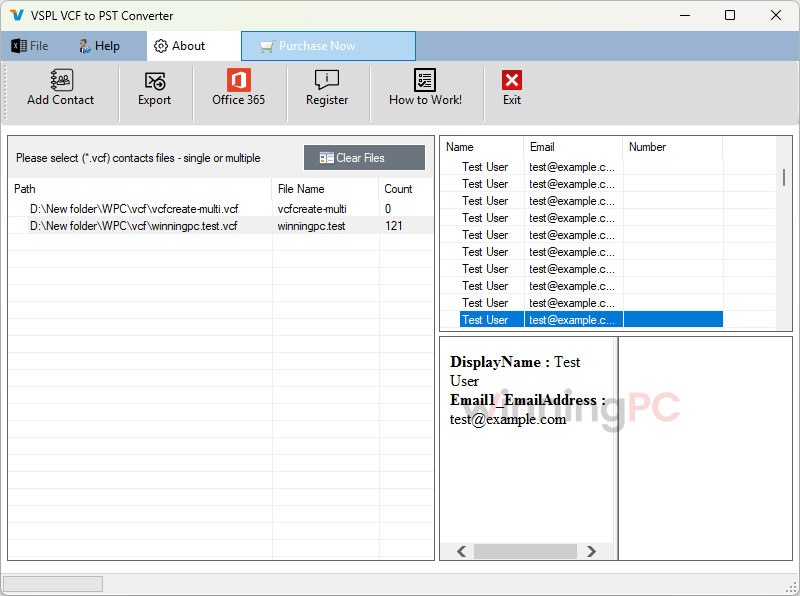
The preview step matters more than it sounds. You see every contact’s details before anything is saved, so you catch a broken or half-empty export before it lands in your address book. The weak spot is the vendor’s documentation, which is thin and a little sloppy (one page lists Outlook “20121”). The software itself is straightforward, but don’t expect a detailed manual.
Key features
- Batch conversion: load many VCF files at once, or one file holding hundreds of contacts, and pick only the ones you want.
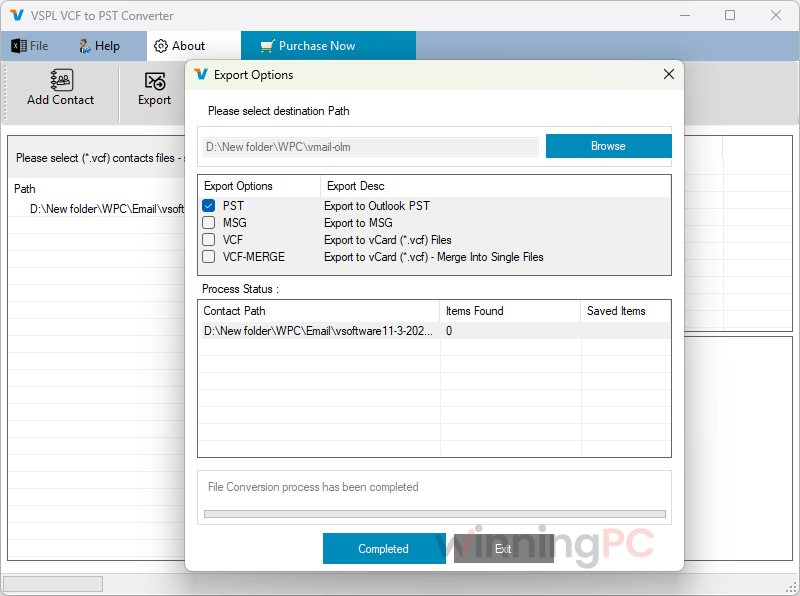
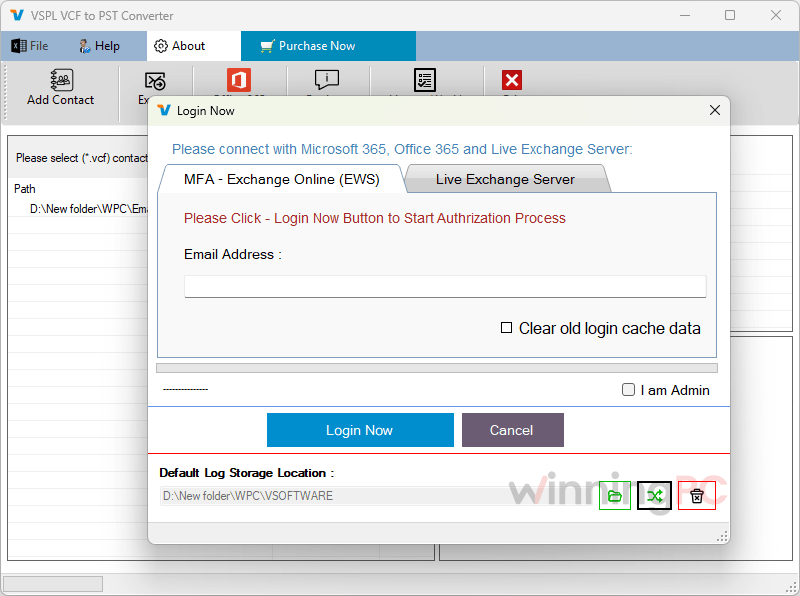
- Several destinations from one tool: save to PST or MSG, or send contacts straight into Office 365, Live Exchange Server or Gmail.
- Handles vCard 2.1, 3.0 and 4.0, so older phone exports and newer iCloud files both open.
- Merge option: combine all contacts into a single PST, or into a single VCF if you just want one tidy file.
- Unicode PST output, which keeps non-English names and characters intact.
What we think
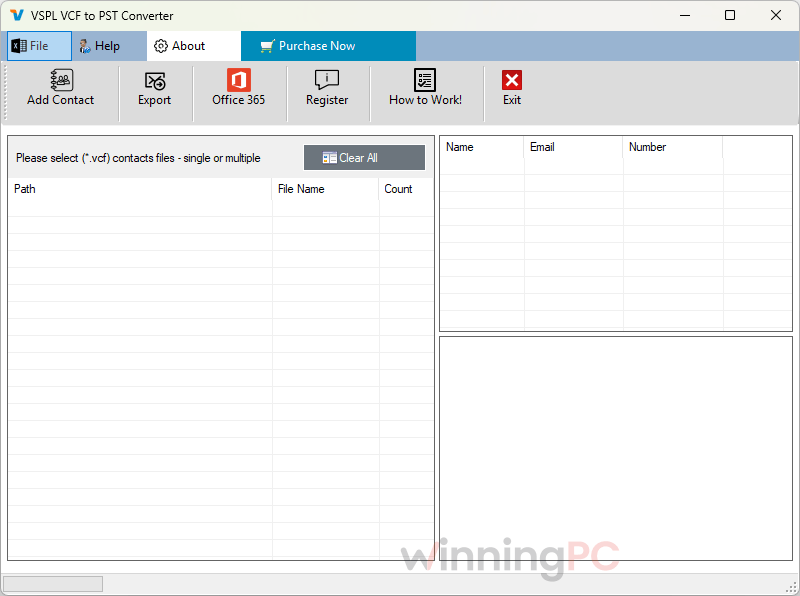
More VSPL VCF to PST Converter Screenshots
Which VSPL VCF to PST Converter Plan Should You Buy?
| Plan | Who it’s for | Term | PCs | Price with code | Cost per PC |
|---|---|---|---|---|---|
| Personal | Home or personal use only | 1 year, auto-renewal off | 2 | $21.75 | $10.875 |
| Corporate | Professional users | Lifetime | 5 | $74.25 | $14.85 |
| Technician | Companies and businesses | Lifetime | 10 | $149.25 | $14.925 |
Most people convert their contacts once, so the Personal plan covers a one-off migration. If the contacts belong to a business, the Personal license doesn’t allow it, so start at Corporate.
Is there a cheaper or free option?
| Tool | Entry price | Saves to | Best for |
|---|---|---|---|
| VSPL VCF to PST Converter | $21.75 with code (Personal, 1 year, 2 PCs) | PST, MSG, VCF, Office 365, Exchange, Gmail | Moving contacts to more than one destination |
| vCard to Outlook Transfer | $19.95/Home license/yr | Outlook directly, or a standalone PST | A simple bulk import into desktop Outlook |
| 4n6 vCard Converter | $21.75/Standard license/life | PST, CSV, HTML, PDF, vCard, Text | When you also need CSV or a printable PDF |
| Google Contacts (free route) | $0 | Outlook CSV, then imported into Outlook | A one-off move of a single address book |
The free route is worth knowing about. Import your VCF into Google Contacts, export it as an Outlook CSV, then bring that CSV into Outlook. It takes about ten minutes and costs nothing. A paid tool earns its price when you have many files, want a PST you can archive, or need to preview and pick contacts first.
Questions people ask about VSPL VCF to PST Converter
Do I need Outlook installed to use VSPL VCF to PST Converter?
No. The converter builds the PST on its own. You’ll only need Outlook later, on whichever PC you want to open the file.
Will it import every contact from my iPhone or Android VCF export?
Yes. It supports VCF files that hold many contacts, which is how phones and Google Contacts export. Outlook’s built-in import only reads the first contact in a file like that, which is the main reason people buy a tool like this.
Will the Personal license charge me again next year?
No. VSPL VCF to PST Converter Personal is a 1-year license with auto-renewal switched off, so there’s no surprise charge. What the software does after the 12 months isn’t stated, but for a one-time migration that rarely matters.
Can I use the Personal license for work contacts?
No. Personal is for home or personal use only. Business contacts need the Corporate license (5 PCs, lifetime) or the Technician license (10 PCs, lifetime).
Is the 68% discount real?
Yes, measured against the $69 list price of the Personal plan. VSPL’s own product page shows the full version at $29, and the WinningPC code brings it down further to $21.75. Corporate and Technician get 50% off.
What does the free version let me do?
VSPL VCF to PST Converter scans your VCF files, previews every contact and saves the first 10 items from each folder. That’s enough to confirm the tool reads your export correctly before you pay.
Which Outlook versions can open the converted PST?
Outlook 2021, 2019, 2016, 2013, 2010, 2007 and 2003. If you’re moving contacts into Microsoft 365, the tool can also export straight to Office 365 instead of using a PST.
System Requirements & Details
| Field | Value |
|---|---|
| Operating system | Windows 11, 10, 8.1, 8, 7, Vista |
| Processor / RAM / disk | Pentium-class CPU, 4 GB RAM minimum, 500 MB for installation plus space for the output |
| Outlook compatibility | Outlook 2021, 2019, 2016, 2013, 2010, 2007, 2003 (Outlook doesn’t need to be installed to convert) |
| Supported input formats | VCF / vCard 2.1, 3.0, 4.0, as single-contact or multi-contact files, from Google Contacts, Outlook, iCloud, Skype or G Suite |
| Supported output formats | PST (including Unicode PST), MSG, VCF (merged), Office 365, Live Exchange Server, Gmail |
| Other requirements | Login details for the target account when exporting to Office 365, Exchange or Gmail |