Weblium Coupons & Pricing
Weblium Monthly billing
2 plans
Starter
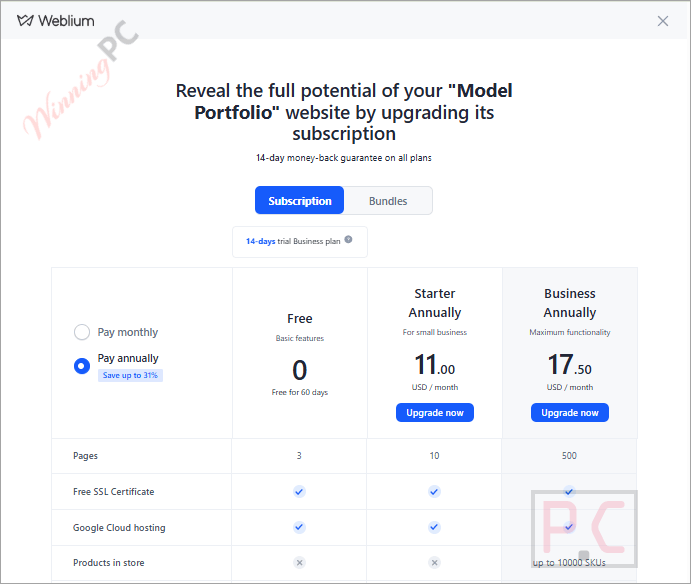
Up to 10 pages per site | 3 GB media storage | 5 GB bandwidth | No Weblium branding
Weblium Starter Annual
4 plans · best save 59%1 site
Up to 10 pages per site | 3 GB media storage | 5 GB bandwidth | No Weblium branding
5 sites
Up to 10 pages per site | 3 GB media storage | 5 GB bandwidth | No Weblium branding
10 sites
Up to 10 pages per site | 3 GB media storage | 5 GB bandwidth | No Weblium branding
15 sites ★ Best Deal
Up to 10 pages per site | 3 GB media storage | 5 GB bandwidth | No Weblium branding
Weblium Business Annual
4 plans · best save 58%5 sites
Up to 500 pages per site | 10 GB media storage | 20 GB bandwidth
10 sites
Up to 500 pages per site | 10 GB media storage | 20 GB bandwidth
15 sites ★ Best Deal
Up to 500 pages per site | 10 GB media storage | 20 GB bandwidth
Can you trust this Weblium deal?
Yes. There’s no code to expire and no third-party reseller involved, so the main risk with coupon pages simply doesn’t apply here.
Official pricing
The $132 and $210 annual prices come from Weblium’s own plans, purchased in your own Weblium account.
Nothing to fail at checkout
With no code to paste, the discount can’t be “invalid” or “expired”. It shows the moment you pick annual billing.
Secure checkout
Payment happens on Weblium’s site. Your card details never pass through WinningPC.
Try before you pay
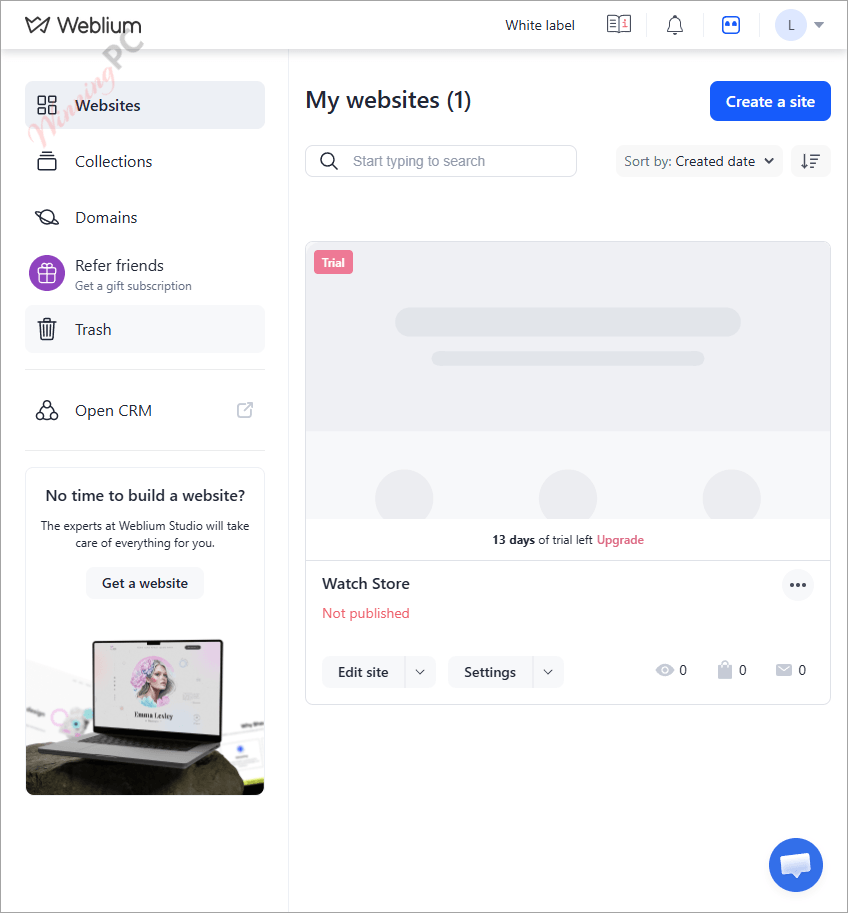
The 14-day trial needs no credit card, and if you don’t upgrade, your project is saved and keeps working on the Free plan.
How to get the Weblium discount
- Open Weblium through the deal link on this page and create a free account.
- Pick a template and start building. Paid features are unlocked for the 14-day trial, and you don’t need a card yet.
- When you’re ready to publish properly, go to your Weblium profile and choose Starter or Business.
- Switch billing to Annual. Monthly billing shows the full $16 or $25 price with no discount.
- Building several sites? Pick the 5, 10 or 15-site bundle instead of a single site. This is where the discount climbs from about 30% to as much as 59%.
- Check the total at checkout (for example, $132 for one Starter site or $1,188 for 15) and pay.
Weblium Review & Features
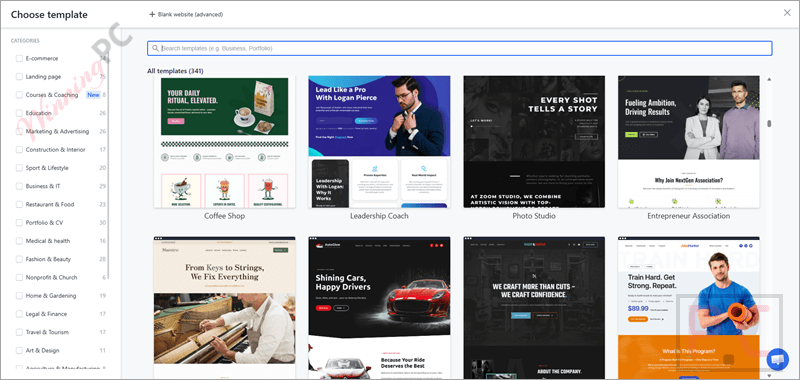
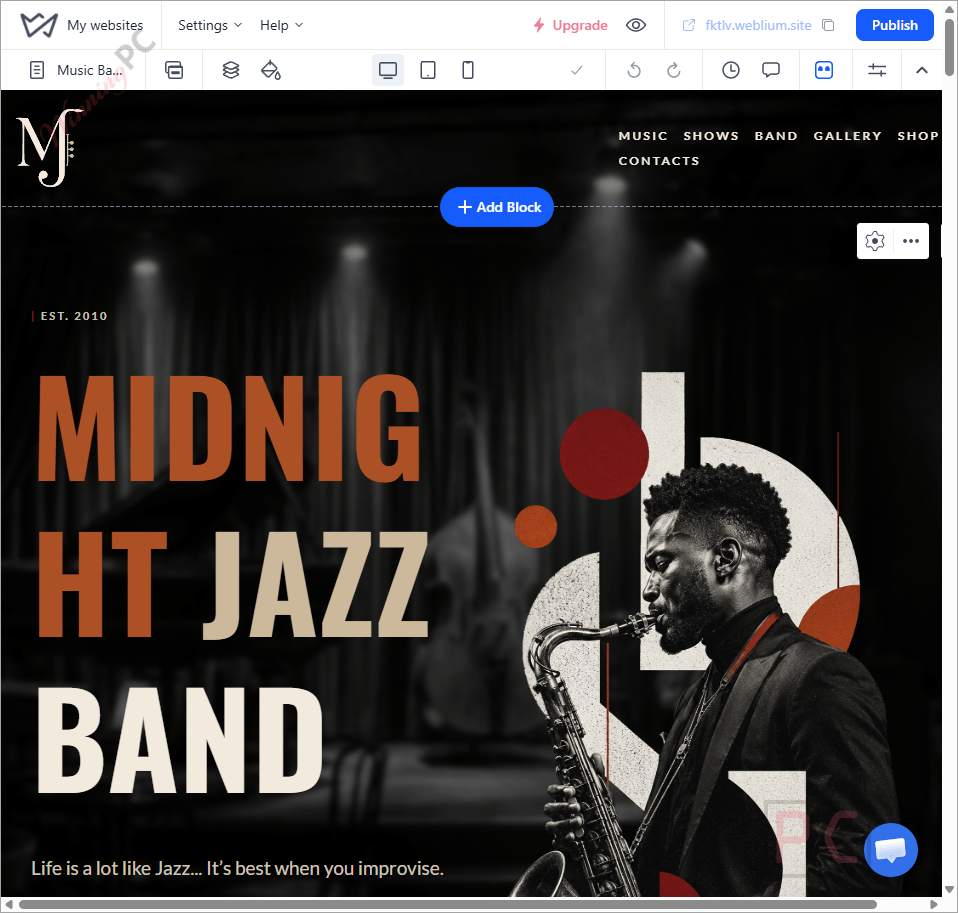
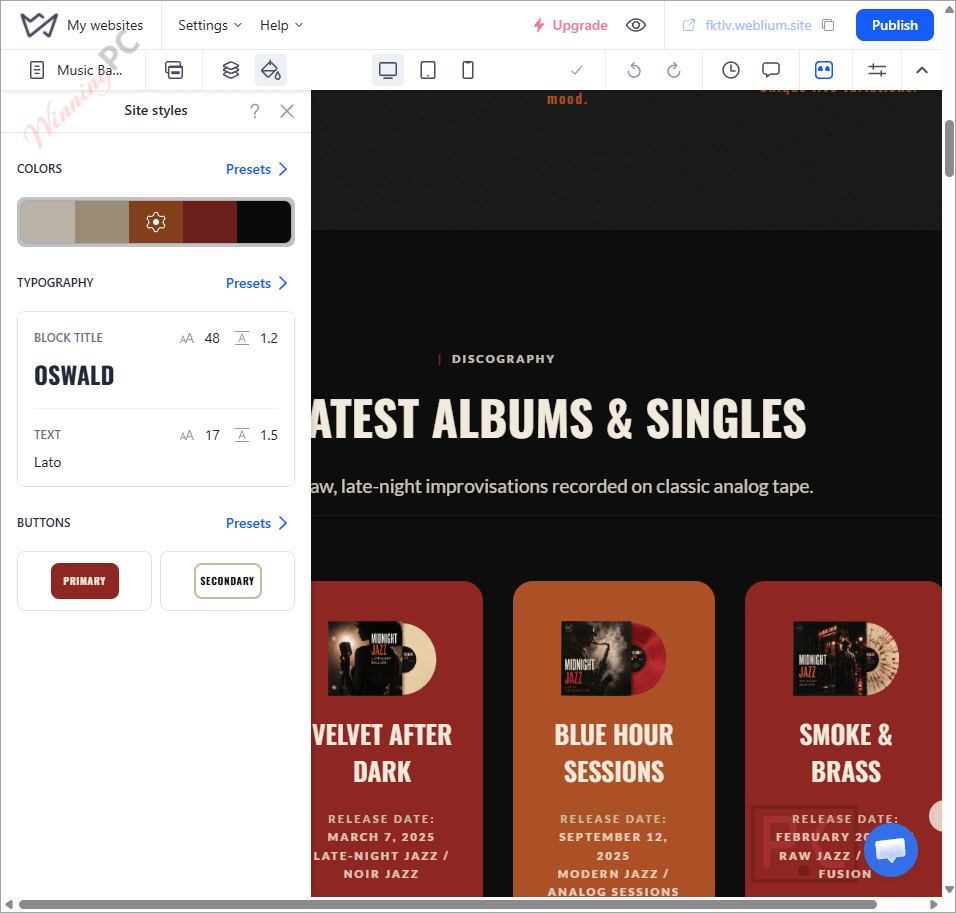
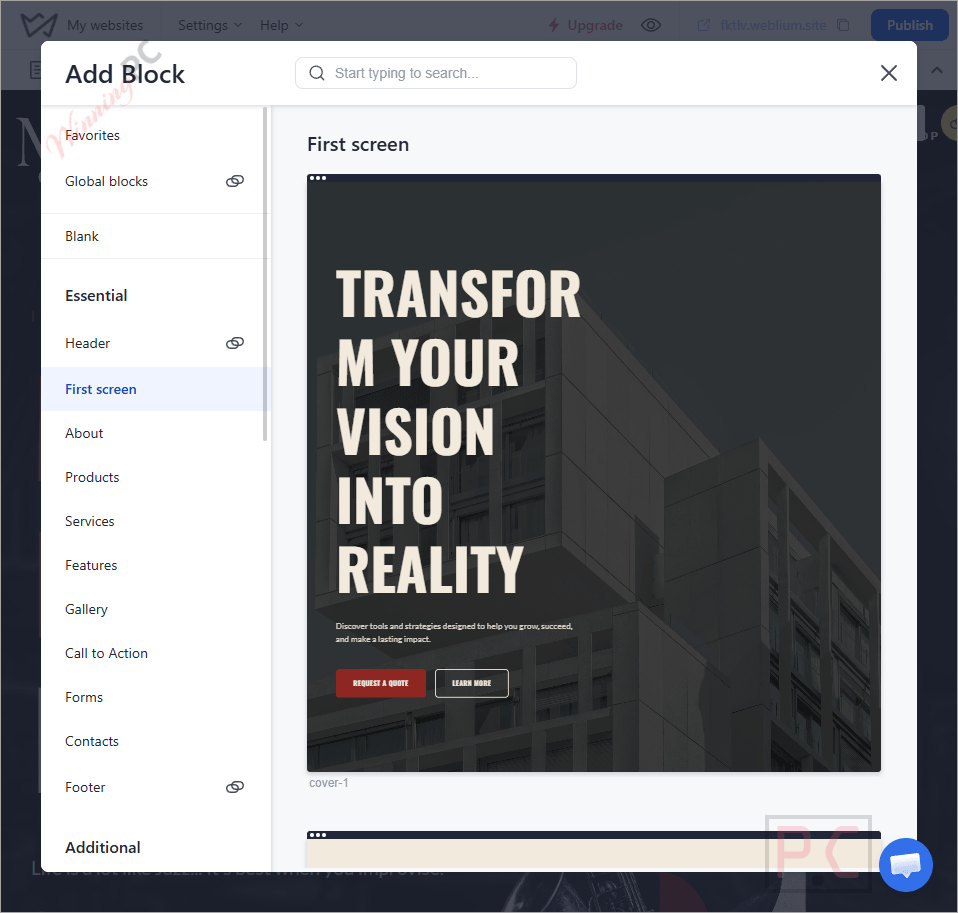
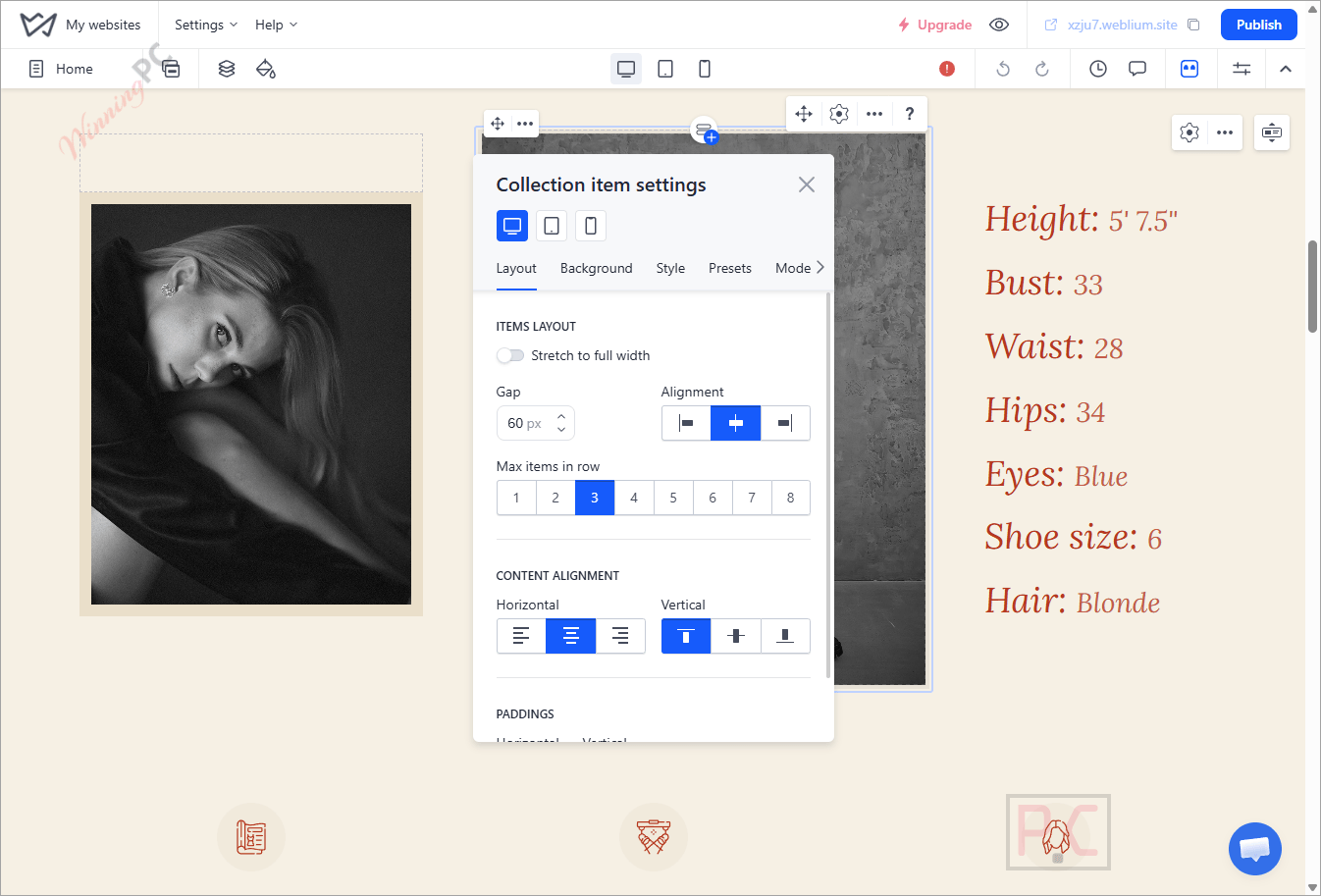
Weblium‘s real strength is that the editor stays out of your way. Templates come pre-built in blocks, and the Flex block lets you drag elements anywhere, even stack them on top of each other, which is the bit that keeps a Weblium site from looking like every other template site. Separate mobile and tablet editors are a nice touch, since you can fix a cramped phone layout without breaking the desktop version. Support is another plus: Weblium says it runs 24/7 chat and email with real people, no bots. The limits show up in the plan structure rather than the editor. The Free plan isn’t open to search engine indexing, and Starter has no store or blog, so the tool you test during the trial isn’t always the tool you end up paying for.
Key features
- Template-based editor: 300+ responsive templates, plus mobile and tablet editing modes for fine-tuning each screen size.
- Online store (Business plan): up to 10,000 products, built-in CRM for orders and leads, promo codes, product filters, and PayPal, Stripe or Square payments.
- Evo AI assistant: ChatGPT-powered writing inside the editor, handy for a first draft of your “About” or product copy.
- SEO and marketing tools: meta titles and descriptions, breadcrumbs, redirects, custom 404 pages, plus integrations like Google Analytics, Mailchimp and Zapier.
- Hosting included: your site sits on Weblium’s servers, so there are no plugins to update or servers to manage.
What we think
more Weblium Screenshots
Which Weblium Plan Should You Buy?
Starter, annual billing
| Sites | Regular | With deal | Per site / year | Per site / month | You save |
|---|---|---|---|---|---|
| 1 site | $192 | $132 | $132 | $11.00 | 31% ($60) |
| 5 sites | $960 | $495 | $99 | $8.25 | 48% ($465) |
| 10 sites | $1,920 | $858 | $85.80 | $7.15 | 55% ($1,062) |
| 15 sites | $2,880 | $1,188 | $79.20 | $6.60 | 59% ($1,692) |
Business, annual billing
| Sites | Regular | With deal | Per site / year | Per site / month | You save |
|---|---|---|---|---|---|
| 1 site | $300 | $210 | $210 | $17.50 | 30% ($90) |
| 5 sites | $1,500 | $787.50 | $157.50 | $13.13 | 48% ($712.50) |
| 10 sites | $3,000 | $1,365 | $136.50 | $11.38 | 55% ($1,635) |
| 15 sites | $4,500 | $1,890 | $126 | $10.50 | 58% ($2,610) |
Both paid plans include a 14-day free trial, no credit card required.
Weblium vs desktop website builders
| Tool | How it works | Platform | Price | Hosting | Best for |
|---|---|---|---|---|---|
| Weblium | Online builder (browser) | Any OS | Free; Starter $132/year, Business $210/year | Included | Small businesses that want zero maintenance |
| WebSite X5 Pro | Desktop app, step-by-step wizard | Windows | €199.95 one-time | 12 months included | Users who like a guided workflow with a built-in store |
| WYSIWYG Web Builder | Desktop app, free-position drag and drop | Windows | $59.95 one-time ($99.95 with extension bundle) | Bring your own | Power users who want pixel-level control |
| Quick ‘n Easy Web Builder | Desktop app, lighter sibling of WYSIWYG Web Builder | Windows, macOS, Linux | One-time license | Bring your own | Mac and Linux users who want the same approach |
| Mobirise | Desktop app with block-based pages | Windows, macOS | Free core app; premium Kit from $199 | Included with the Kit | Budget users happy with simple static sites |
The big split here is subscription vs one-time purchase. The four desktop builders cost less over a few years, especially if you already pay for hosting, but you handle publishing, backups and updates yourself, and they mostly produce static sites. Weblium costs more per year, yet hosting, security, a built-in store with CRM, and 24/7 support come with it. If your budget is zero, Mobirise’s free app is the honest starting point.
Frequently Asked Questions
Is there a Weblium coupon code?
No, and you don’t need one. The up-to-31% saving comes from paying annually instead of monthly, and it applies automatically at checkout.
Is Weblium really free?
Yes, the Free plan costs nothing and needs no credit card. But it’s limited to 3 pages and 100 MB, runs on a Weblium subdomain, and isn’t opened for search engine indexing. Fine for testing a layout, not for a business site you want people to find on Google.
Which Weblium plan do I need to sell products?
Business. Starter has no online store or blog, so if you plan to take orders, the $210/year Business plan is the minimum.
What happens when the 14-day trial ends?
If you don’t upgrade, nothing is lost. Weblium keeps your project saved and working on the Free plan, minus the paid features. You can upgrade later from your profile.
Can I really get 59% off Weblium?
Yes, but only on the 15-site Starter bundle, which costs $1,188 a year instead of $2,880. If you need just one website, the best you’ll get is 31% off with annual Starter ($132) or 30% off with annual Business ($210).
Does one subscription cover multiple websites?
No, every plan is priced per site. Weblium sells 5, 10 and 15-site bundles that lower the per-site cost, down to $79.20 a year for Starter and $126 for Business at 15 sites.
Can Weblium build my website for me?
Yes, through Weblium Studio, its paid in-house design team. It builds anything from landing pages (about 10 days of work) to full online stores, and you still get editor access afterwards to make your own changes.
Do I need a separate hosting plan?
No. Hosting is included on every plan, including Free, with content served from servers around the world.
System Requirements & Details
| Platform | Web-based, nothing to install |
| Operating system | Any OS with a modern web browse (Windows, macOS, Linux, ChromeOS) |
| Supported browsers | Not specified |
| Editing modes | Desktop, tablet and mobile editors |
| Account | Free Weblium account; no credit card for the trial |
| Store payment providers | PayPal, Stripe, Square and others (Business plan) |
| Custom domain | Paid plans only (Starter or Business) |