
On this page
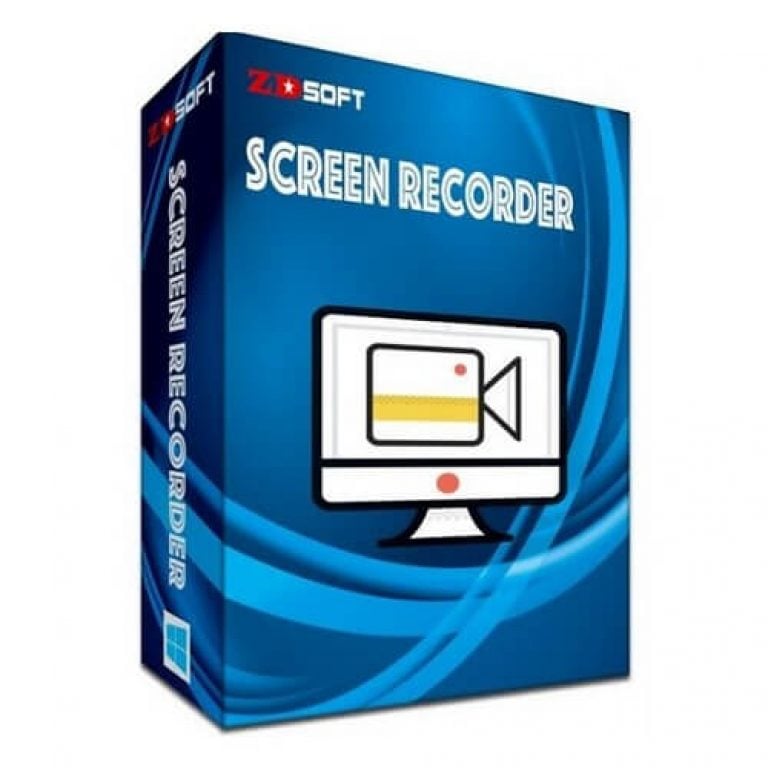
ZD Screen Recorder Free License Download
- Product name: ZD Screen Recorder 12.0.9
- Website: http://www.zdsoft.com/
- License type: lifetime
- Platform: Windows
- Download installer: SRSetup.exe
- License code
Click here
D1H2A-1NHL1-2NE5B-CBBT2-22290
How to get the license key?
Download the installer by the download link above and install it. Launch the ZD Screen Recorder and then activate it using the name/email and the license code in the giveaway section.
Done!


Got it for free!

Top Screen Recorder Coupon Codes Oct 2026

TechSmith Snagit 2025 - 1 Year License
10% discount code: regular price $39.0, discounted price $35.10

Edimakor Screen Recorder - Lifetime License
61% off promo code: regular price $89.99, discounted price $34.99

EaseUS RecExperts (Lifetime Upgrades)
50% Off coupon code: regular price $69.95, discounted price $34.97

HyperCam 6 Home Edition (1-year subscription)
30% Off coupon code: regular price $39.95, discounted price $27.96

iTop Screen Recorder - Lifetime
70% off coupon code, regular price $119.99, discounted price $35.99.

PassFab Screen Recorder - Lifetime License
61% off promo code: regular price $89.99, discounted price $34.99
Tipard Screen Capture - Lifetime
50% Off coupon code: regular price $73.75, discounted price $36.87 for Windows version
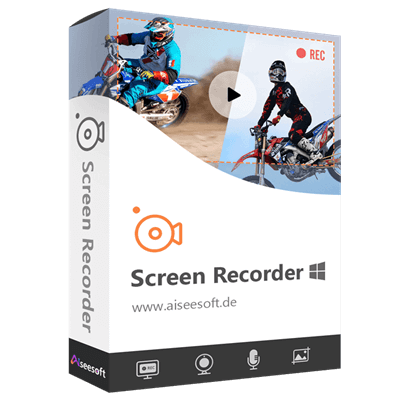
Aiseesoft Screen Recorder – Lifetime/1 PC
50% discount code: regular price $62.45, discounted price $31.22
ZD Screen Recorder Review & Features

Main Features
- High-Performance Screen Recording: ZD Screen Recorder captures your entire desktop, a specific window, or any custom region with smooth, high-quality video output. Perfect for tutorials, demonstrations, and gameplay.
- Live Audio Recording: Record system sound, microphone input, or both simultaneously, ideal for narrations, webinars, and online meetings.
- Webcam Overlay: Add a webcam feed to your screen recordings to create picture-in-picture videos, great for creating engaging presentations or reaction videos.
- Game Recording Mode: Optimized to capture full-screen DirectX/OpenGL games at high frame rates without lag, suitable for gamers and streamers.
- Live Streaming Support: Stream your desktop, gameplay, or webcam live to popular platforms like YouTube, Twitch, and more with ease.
- Real-Time Video Compression: Generates high-quality videos in real-time with small file sizes, eliminating the need for lengthy post-recording encoding.
- Scheduled Recording Tasks: Set up and schedule recording tasks to start and stop automatically, even when you’re away from your PC.
- On-Screen Drawing Tools: Draw lines, shapes, text, and highlights on your screen during recording to emphasize key points in real-time.
- Customizable Hotkeys: Control recording, pausing, and other functions conveniently with user-defined keyboard shortcuts.
- Lightweight & Low CPU Usage: Engineered to deliver excellent performance while consuming minimal system resources, even on modest hardware.
- Multiple Output Formats: Save your recordings in popular formats like MP4, AVI, FLV, and more, compatible with all major media players and editors.
- Multi-Monitor Support: ZD Screen Recorder records across multiple monitors seamlessly or targets just one display when using a multi-screen setup.


System Requirements & Details
| Language Support | English, Français, Italian, Spanish, Swedish, German, Japanese, Chinese, and more… |
| Money Back Guarantee | 30-Day |
| Operating System | Windows |
| Shipping | Full version license code will be sent to you within minutes |
| Subscription | Lifetime |
| Support Services | Tickets |



thank you so much. One of the best screen recorders! …
the key dosen’t work for me …
or i did something wrong?
I’m afraid that the giveaway is over.
Hi Sabina,
A new giveaway for ZD Soft Screen Recorder is available now.
Just Awesome!! This is the most simplest and easiest screen recorder I’ve found and all the thanks to Winning PC guys so that now I can have access to it. Kudos to you people!!
One of the best screen recorder!…
Thanks for your feedback ????