WinningPC

Designed to help IT administrators and organizations centralize control over Windows-based computers within a local network, EMCO Remote Shutdown allows you to perform a variety of power management tasks, including shutting down, restarting, waking up (using Wake-on-LAN), hibernating, and locking/unlocking remote PCs. This network management tool has the ability to manage user sessions remotely to enhance network management capabilities and reduce energy consumption. The tasks can be remote and can be executed manually on demand or scheduled, which means they can run automatically at specified times with options for daily, weekly, or monthly recurrence, allowing for streamlined and efficient management of networked systems.
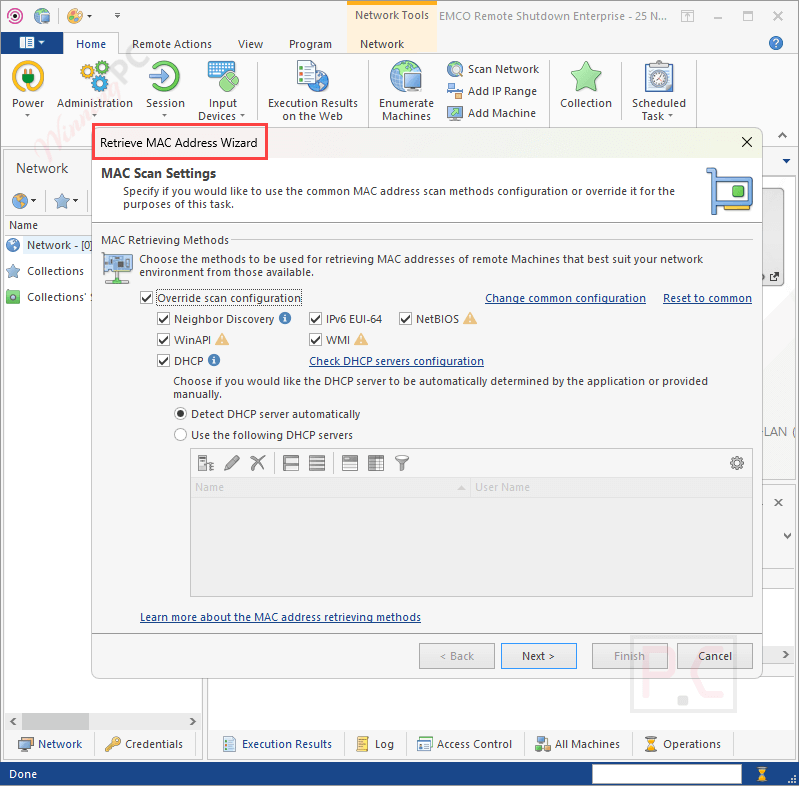
EMCO Remote Shutdown has the ability to manage PCs across multiple domains and workgroups without requiring manual agent installation on each remote machine. That means it can efficiently manage thousands of machines simultaneously to simplify the deployment process and ensure seamless integration into existing network infrastructures. Administrators can set up the program to deliver these statuses by email in order to control the activities without opening the client. Additionally, the software gathers statuses from all target workstations to verify whether the operation was completed properly.
EMCO Remote Shutdown Coupon Code Oct 2026 (100% Working)
EMCO Remote Shutdown Professional (Single Copy)
15% discount code: regular price $549, discounted price $466.65
EMCO Remote Shutdown Professional (Unlimited Copies)
15% discount code: regular price $1,295, discounted price $1,100.75
EMCO Remote Shutdown Enterprise (Single Copy)
15% discount code: regular price $899, discounted price $764.15
EMCO Remote Shutdown Enterprise (Unlimited Copies)
15% discount code: regular price $2,155, discounted price $1,831
Key Features and Screenshots
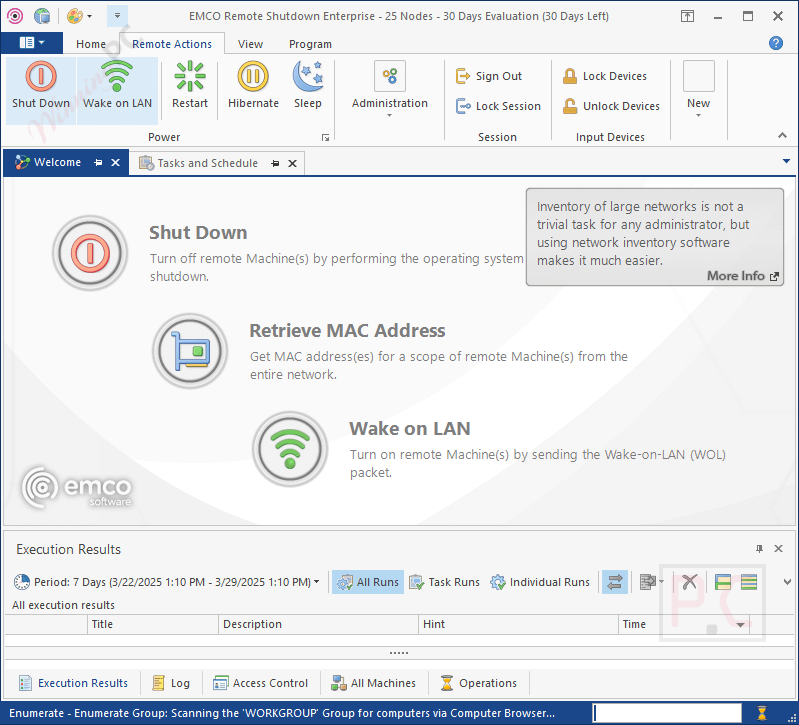
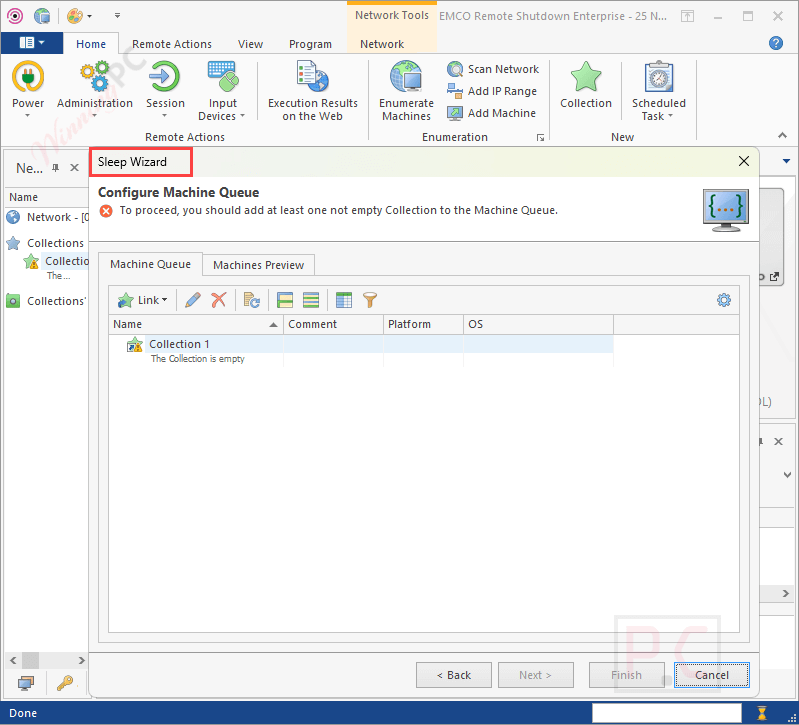
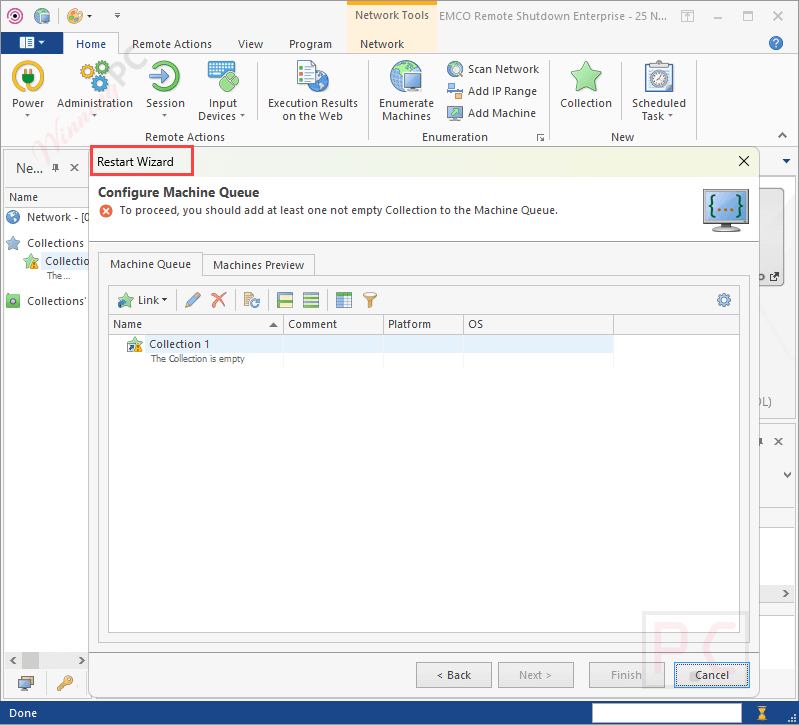
- Remote Power Management: EMCO Remote Shutdown allows administrators to remotely shut down, restart, wake up (using Wake-on-LAN), hibernate, sleep, and lock/unlock remote PCs. These operations can be performed manually or scheduled to run automatically at specified times.
- Remote Session and Input Management: This software enables remote management of user sessions, including signing out active users and locking or unlocking sessions. Additionally, you are allowed to lock and unlock input devices like keyboards and mice on target machines.
- Remote Text Notifications: You can send notifications to remote users, displaying text messages on their screens before executing operations. This feature allows users to be informed and prepared for any changes.
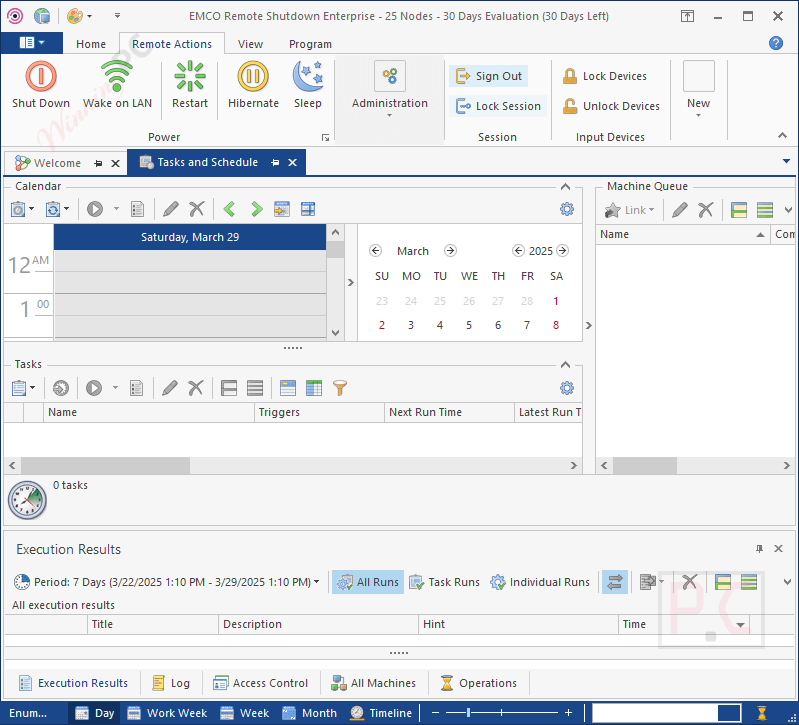
- Tasks and Schedule: You can create tasks to configure remote operations on a defined schedule. Tasks can be configured to occur at regular intervals, such as daily, weekly, or monthly, to automate routine operations and ensure that PCs are managed efficiently.
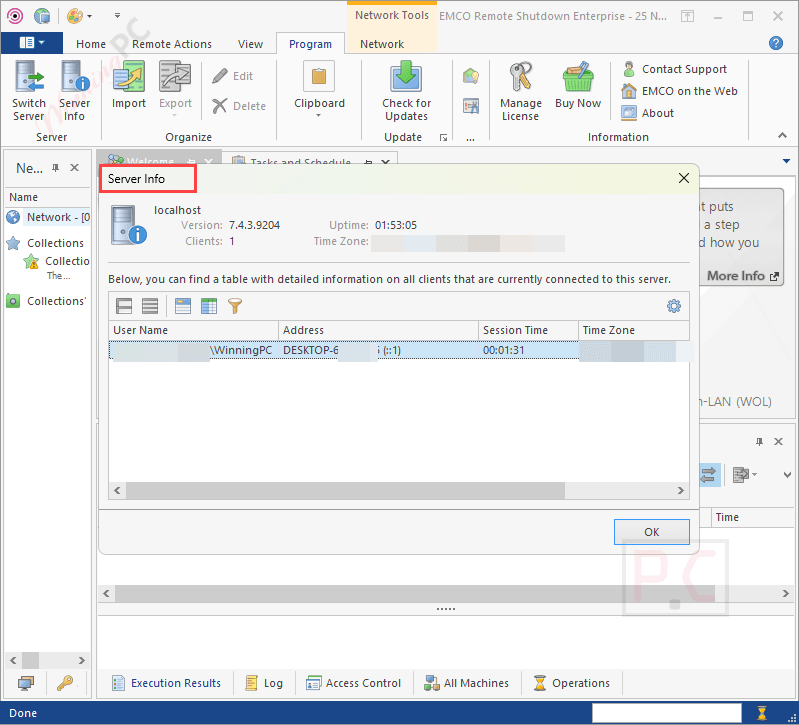
- Client/Server Architecture: EMCO Remote Shutdown Enterprise edition supports a client/server architecture that allows multiple clients to connect to the server through LAN or the Internet. This function helps administrators with concurrent management of scheduled tasks and remote operations.
- Dynamic Targets: You are allowed to specify target PCs manually or define queries and filters to automatically identify PCs to automatically identify PCs that meet certain criteria, which is particularly useful for large networks with dynamic targets.
- Operation Cancelling: This feature allows users to cancel a remote operation. During the configuration process, you can specify whether a remote user is permitted to cancel the operation, set a custom message, and define a timeout period for the user to review the prompt and take action if needed.
- Comprehensive Reporting and Notifications: The software provides detailed reports on the execution status of each target PC after performing remote operations. These reports can be sent via email notifications, ensuring administrators stay informed of the outcomes and maintain control over operations without needing to open the client.
- User Access Permissions: The software controls access using a role-based permissions system. You can create custom roles with specific privileges to manage which actions are allowed within the application. These roles can then be assigned to individual Windows users or user groups, providing precise and efficient control over access to various program features.
Frequently asked questions
Which remote operations can be performed using this software?
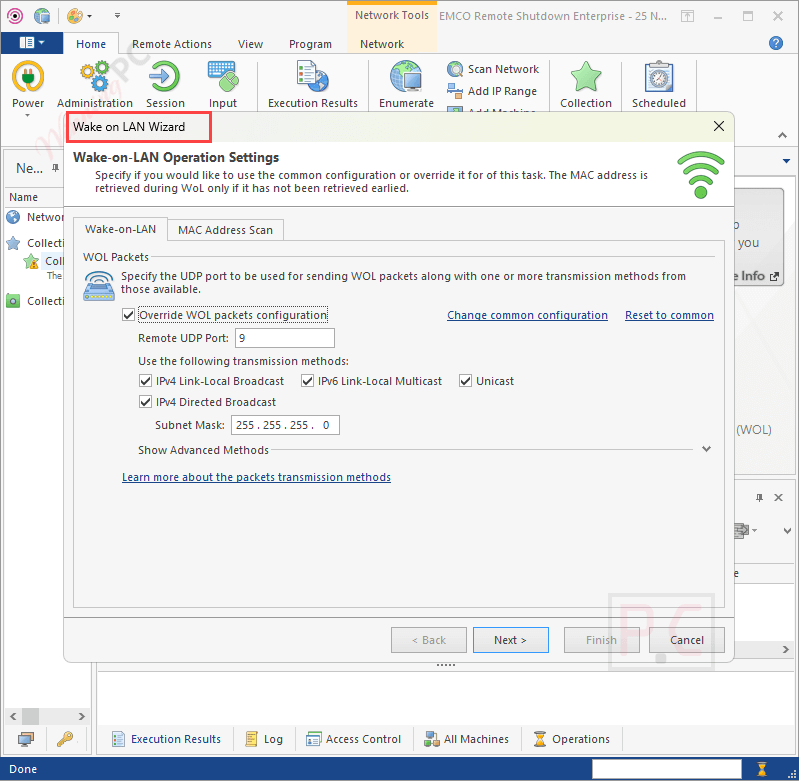
You can execute various operations, including shutting down, restarting, waking up (via Wake-on-LAN), hibernating, putting to sleep, signing out users, locking sessions, and locking or unlocking input devices on remote PCs.
Do I need to install an agent on every remote PC?
No, EMCO Remote Shutdown does not require manual agent installation on each PC. The software deploys automatically, minimizing deployment overhead and simplifying the management process.
Can operations be scheduled for automatic execution?
Yes, the software includes a scheduler that allows you to set up operations for automatic execution at specified times, with options for recurring tasks on a daily, weekly, or monthly basis.
How does the program handle large networks?
Designed for scalability, EMCO Remote Shutdown can manage thousands of PCs simultaneously. You can define static lists or use dynamic queries and filters to select target machines, facilitating efficient management in extensive networks.
What are the main differences between the available editions?
The software is offered in Free, Professional, and Enterprise editions, each varying in features such as the number of manageable PCs, task creation limits, and support for concurrent server connections.
Are there any discounts or coupons available for EMCO Remote Shutdown?
Yes, WinningPC provides coupons to help you get the best price for EMCO Remote Shutdown.
Technical Details
| Language Support | English, Français, Italian, Spanish, Swedish, and more… |
| Money Back Guarantee | 30-Day |
| Operating System | Windows 11, 10, 8.1, 8, 7 (with SP1 or later) Windows Server 2022, 2019, 2016, 2012 R2, 2012, 2008 R2 (with SP1 or later) |
| Shipping | Register code will be sent to your email in minutes |
| Subscription | Lifetime |
| Support Services | Email, Tickets, Phone |