Chris Bruner
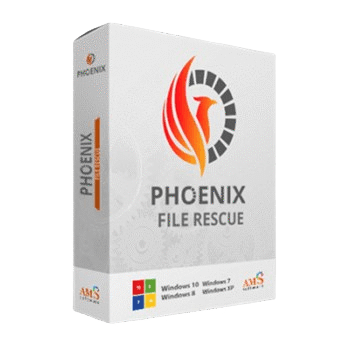
Phoenix File Rescue is a Windows data recovery program built to restore deleted or lost files from PCs and external storage devices. With the current Phoenix File Rescue coupon code, you can get 70% off Standard or PRO licenses and cut the cost before checkout.
Status: ✅ Active & Verified
Last Checked: September 2026
Offer: 70% Off

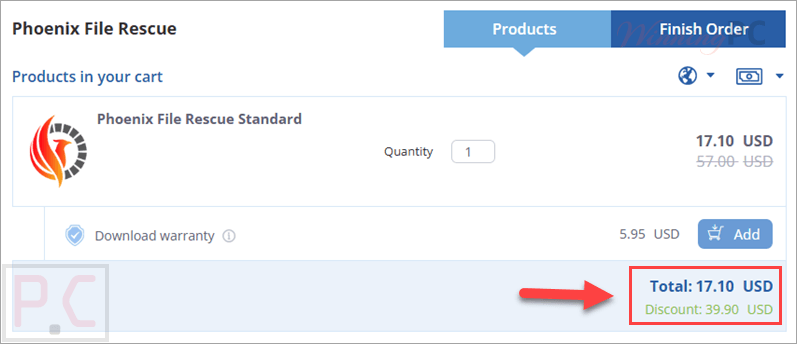
Phoenix File Rescue Standard
70% off coupon code: regular price $57.0, discounted price $17.10

Phoenix File Rescue PRO
70% off coupon code: regular price $69.0, discounted price $20.70
📄 Licensing & Support Details
- Instant license delivery
- Secure checkout
- Life-long license
- Enjoy free updates to future versions
- Get free technical support
📝 How to apply
- Click the “Copy Code” button to get the discount code
- You will be redirected to the official Phoenix File Rescue checkout page.
- You will see the discount code is already applied.
What is Phoenix File Rescue?
Phoenix File Rescue is a file recovery tool for Windows that helps restore deleted data from hard disks, USB drives, SD cards, and other supported devices. It is made for people who need a simple way to recover documents, photos, videos, archives, music, and other file types after accidental deletion, formatting, malware issues, or system errors. Since the software also offers a free trial, this coupon can be a practical way to lower the cost once you decide the program fits your needs.

In-Depth Review & Features
- Data recovery for PCs: helps restore deleted or lost files from Windows-based computers.
- External device support: works with hard disks, USB flash drives, memory cards, cameras, phones, tablets, and notebooks.
- Two scan modes: includes quick scan for faster results and deep scan for a more thorough search.
- Broad file type support: recovers archives, documents, photos, videos, music, e-mails, and other popular file formats.
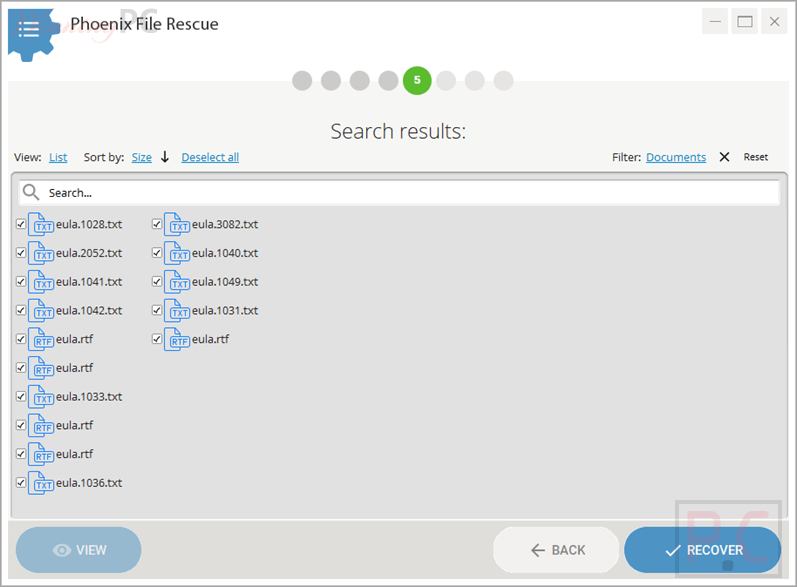
- Sorting and filtering tools: lets you organize recovered files by name, format, or size and filter results by file type.
- Preview option: allows image preview so you can check files before recovery.
- Recovery probability check: shows the estimated chance of recovering deleted files before starting recovery.
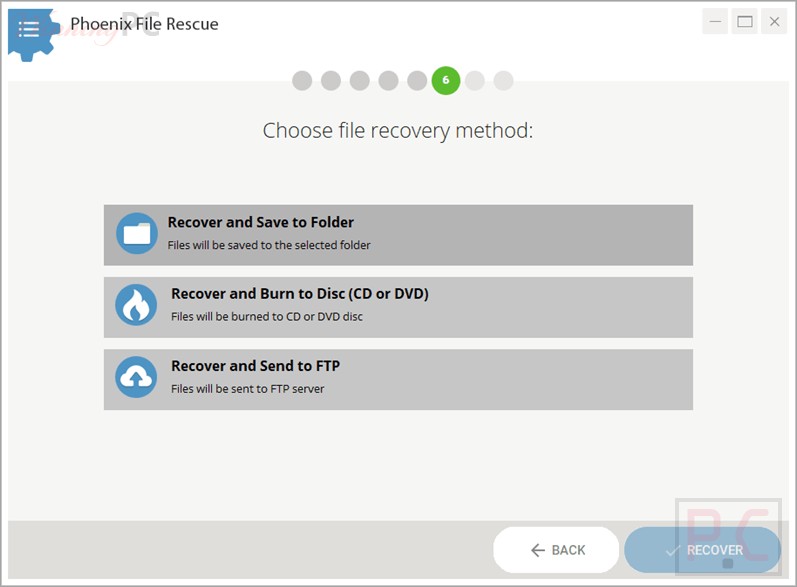
- Multiple restore options: lets you save files to a local folder, copy them to a USB drive, burn them to CD/DVD, or upload them to a personal FTP server.
- Original filename preservation: restores deleted files while preserving original filenames.
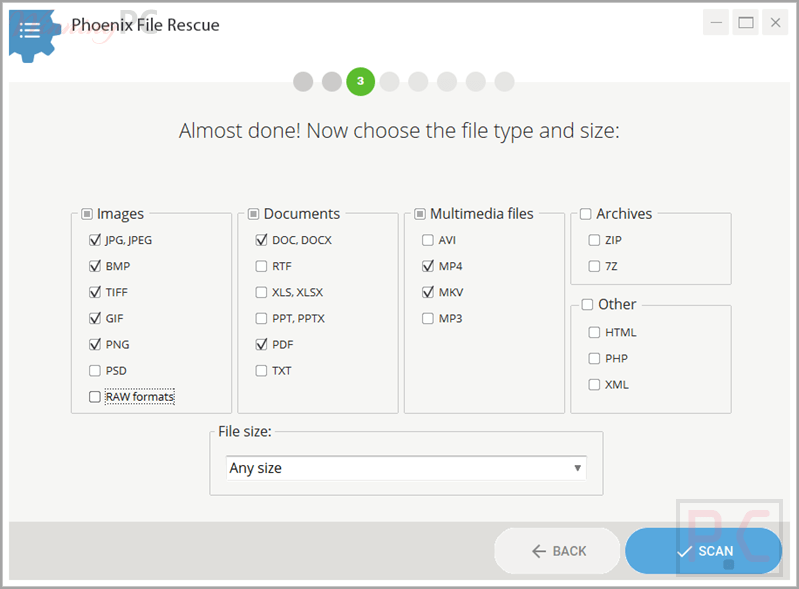
- Beginner-friendly workflow: uses clear prompts and a simple three-step process.
Pros & Cons
More screenshots:
Frequently Asked Questions
What does Phoenix File Rescue do?
It is a Windows file recovery program that helps restore deleted or lost files from PCs and supported storage devices.
What devices can Phoenix File Rescue scan?
It can scan hard disks, USB flash drives, memory cards, cameras, phones, tablets, and notebooks, as long as the device is recognized by the computer and not physically damaged.
What file types can it recover?
Phoenix File Rescue supports many popular file types, including documents, photos, videos, music, archives, and e-mails.
Does Phoenix File Rescue have a free trial?
Yes, a free trial version is available if you want to test the program first.
Can I install it on more than one computer?
A license allows one copy of the software on one computer. Use on more than one machine requires separate licenses.
Where can I find my license key?
Your license key is sent in the order confirmation email. You may need to search for an email from sales@payproglobal.com
and also check the Spam folder.
How can I get a discount on Phoenix File Rescue?
You can use the coupon code AMS***WEB70 from WinningPC to save up to 70% on your purchase.
Technical Specifications
| Language Support | English |
| Program size | 25 MB |
| Operating system support | Windows 11, 10, 8, 7 |
| Processor | 1 GHz processor or faster (Intel, AMD) |
| RAM | at least 512 MB |
| Disk space | 100 MB free disk space |
| Supported devices | Memory cards, cameras, USB flash drives phones, tablets, notebooks. |