Chris Bruner
Kernel Mac MBOX Converter is a macOS-based tool designed to convert MBOX files from various Mac email clients into other accessible formats like PST, EML, and PDF. It supports bulk conversion, maintains the original mailbox structure, and includes filtering options to export only selected data. With the available coupon, it becomes a more affordable option if you regularly deal with MBOX data migration tasks.
Kernel Mac MBOX Converter
3 plans · best save 60%
Technician License
Lifetime | For Data Recovery / AMC service provider companies (to use for Multiple Organizations)
📄 Licensing & Support Details
- 30-day money-back guarantee
- 24×7 free support
- Unlimited file size
- Delivery key via email in 15 minutes.
- Secure checkout.
📝 How to apply
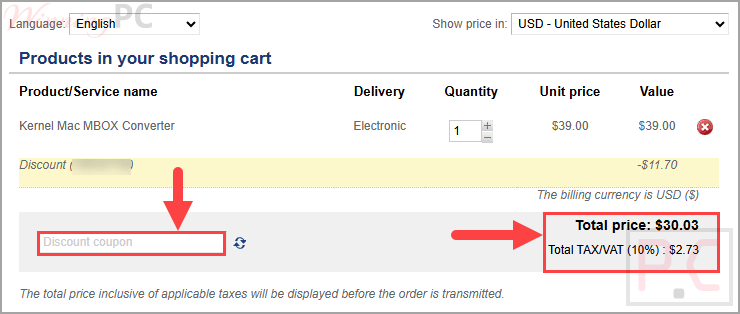
- Click “Copy code” to save the sequence and move on to the payment screen.
- Please review the order details and the total amount before finishing your transaction.
In-Depth Review & Features
Key Features
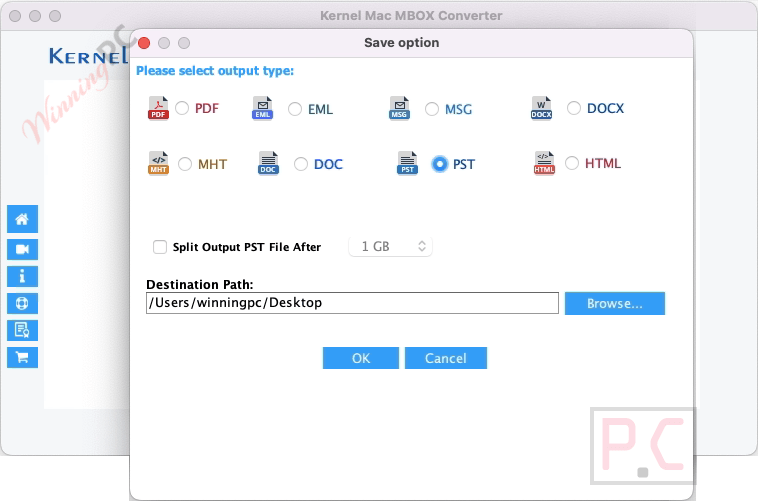
- Multiple output formats: converts Mac MBOX files into PST, MSG, EML, PDF, DOC, DOCX, MHT, and HTML.
- Preserves data integrity: maintains meta properties and folder hierarchy without data loss.
- Supports 20+ email clients: works with Thunderbird, Apple Mail, Opera Mail, and more.
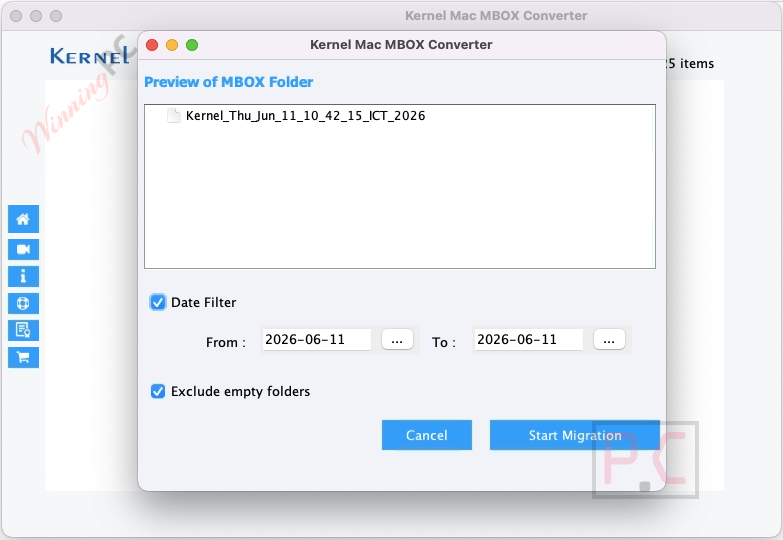
- Date-based filtering: allows selective conversion using “To” and “From” date criteria.
- Bulk conversion: processes multiple MBOX files simultaneously with no file size limits.
- Exclude empty folders: skips unnecessary folders to save time.
- Gmail backup conversion: converts Gmail MBOX backups into usable formats.
- Apple Mail conversion: exports Apple Mail data into PST and other formats.
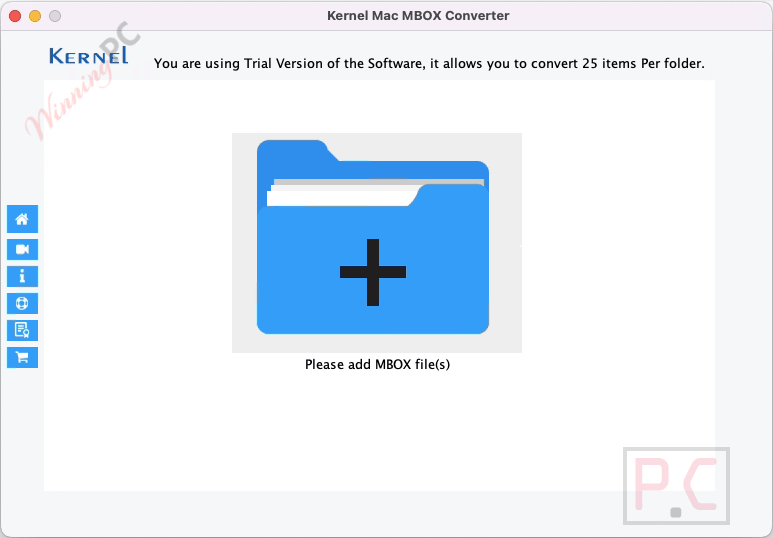
- Free trial available: converts up to 25 items per folder in the trial version.
Pros & Cons
More Kernel Mac MBOX Converter screenshots!
Frequently Asked Questions
Does the coupon work on all license types?
Yes, it applies to Home, Corporate, and Technician licenses with different discount levels.
Can I convert multiple MBOX files at once?
Yes, the tool supports batch conversion of multiple files or entire folders.
Will my data change after conversion?
No, the software maintains the original hierarchy and properties without data loss.
Is there any file size limitation?
No, it supports conversion of MBOX files of any size.
Can I convert only selected emails?
Yes, filters allow you to convert specific emails based on criteria like date.
Does it support older macOS versions like 10.8?
Yes, it works with macOS 10.8 and newer versions.
What does the free version allow?
It lets you convert up to 25 items per MBOX folder.
How do I fix the “App.pkg not opened in MAC” issue?
Go to System Settings > Privacy & Security > Security and click “Open Anyway.”
Where can I find the Kernel Mac MBOX Converter coupon code?
You can use the coupon code VW**T30 listed on this page to get the discount.
System Requirements & Details
| Feature | Specifications |
|---|---|
| Operating System | macOS 10.8 and above (including macOS 15, 14, 13, 12, 11, 10.15, etc.) |
| Processor | Intel-based Mac (JDK required). |
| Memory | Minimum 4 GB RAM. |
| Disk Space | 100 MB free space. |