SysTools Exchange Export helps Exchange administrators export Exchange Server mailboxes to PST format, along with EML, PDF, MSG, and MBOX. It supports Exchange Server 2019, 2016, 2013, 2010, 2007, and older versions while providing batch export, mailbox prioritization, export reporting, and progress monitoring.
Bundle Offer
2 plans
Bundle Offer - SysTools Exchange Export + Exchange Import
Upto 50 Users | No Refund
SysTools Exchange Recovery + OST Recovery + EDB to NSF Converter + EDB Converter
Upto 50 Users | No Refund
📄 Licensing & Support Details
- 100% Safe and Secure
- Instant Delivery by Email
- 24*7 Free Technical Support
- 1 Year Free Product Updates
- 30 Days Money Back Guarantee
📝 How to apply
- Click the “Copy” button in the coupon section above to grab this deal.
- The code will be applied automatically, and you’ll be taken to the checkout page to enjoy the discount.
In-Depth Review & Features
Main Features
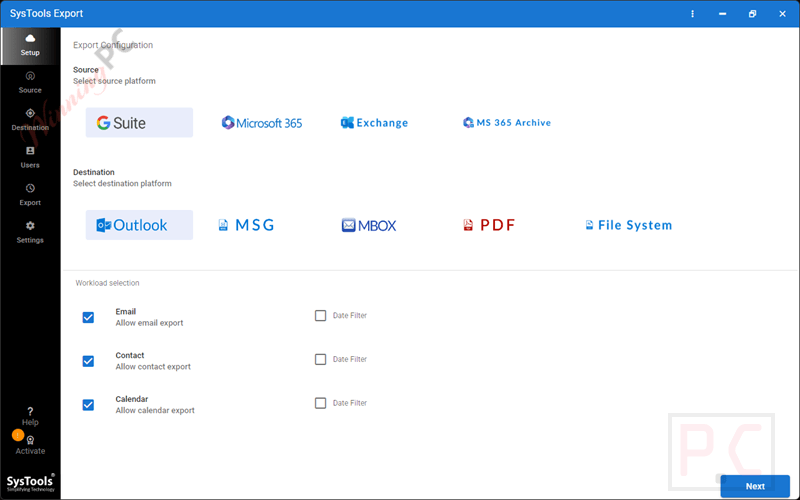
- Five Output Formats: Save your extracted data as PST, MBOX, PDF, EML, or MSG.
- Batch Processing: Run up to five user accounts concurrently to speed up the job.
- Multiple Loading Methods: Fetch users directly from the domain or import a CSV file.
- Granular Controls: Apply date filters to target specific timeframes or split large output files by gigabyte.
- Shared Mailbox Support: Easily target and migrate shared accounts without leaving data behind.
- Smart Re-run Options: Choose to retry failed items, execute the full job again, or only pull new data via Delta export.
Pros & Cons
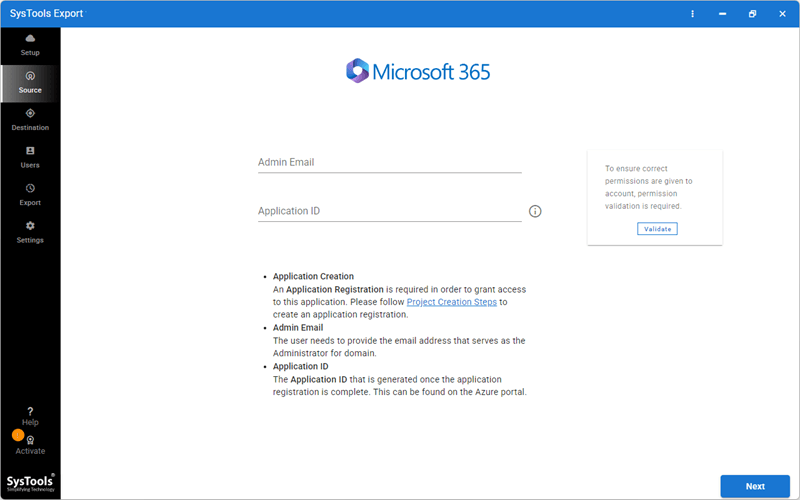
More SysTools Exchange Export screenshots:
Frequently Asked Questions
Where can I locate a discount for SysTools Exchange Export?
You can discover the most recent promotional codes and active deals for this software on WinningPC, as well as through the official developer channels.
What is the top current markdown or the lowest cost for this tool?
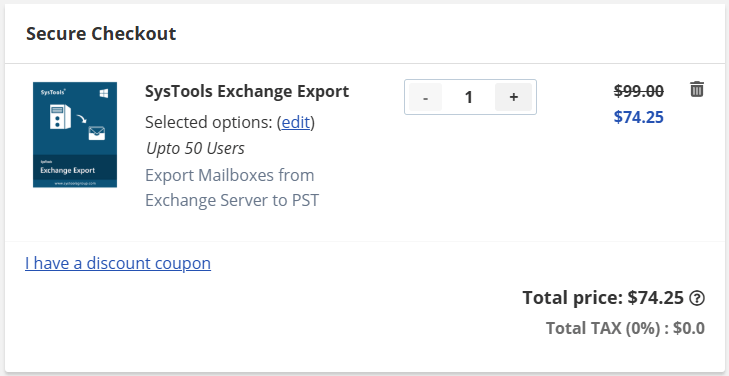
At the moment, you can secure a 25% OFF discount directly through WinningPC, which drops the standard price of $99 down to $74.25.
Do I need to have Microsoft Outlook installed on my machine?
No, you can perform the export and generate PST files without needing an Outlook installation.
Can SysTools Exchange Export recover damaged mailboxes?
No, this utility is strictly for exporting data. You will need separate recovery software if your Exchange database is corrupted.
How does the Delta Export feature work?
If you have already completed an initial export, the Delta option allows you to fetch and migrate only the newly arrived data, saving you time.
Can I export only data from a specific time period?
Yes, a built-in date filter allows you to specify a start and end date so you only migrate the relevant items.
Can I import the resulting MBOX file into Thunderbird?
Yes, the generated MBOX files are compatible with Thunderbird and other supported applications.
How can I keep track of the export progress?
An internal dashboard displays real-time statistics, showing exactly how many items are pending, currently processing, or finished.
System Requirements & Details
| Feature | Specifications |
|---|---|
| Language Support | English |
| Operating System | Windows 11, 10 (64-bit) & Windows Server 2025, 2022, 2019, 2016 |
| Processor | Minimum 8 Core Processor |
| RAM & Storage | Minimum 8 GB RAM, Around 500 MB hard disk space |
| Supported Input | Microsoft Exchange Server 2019, 2016, 2013, 2010, 2007 (and older) |
| Supported Output | PST, MBOX, EML, PDF, MSG |