Laura Marano
Shoviv Exchange Migrator transfers mailboxes, public folders, and archive data. It allows you to move unlimited data batches between On-Premises Exchange and Office 365 environments while actively preventing duplicate files.
Shoviv Exchange Migrator (Lifetime Subscription)
Lifetime license validity and free updates
📄 Licensing & Support Details
- Lifetime license validity and free updates.
- One license uses one mailbox.
- 24*7 Free Technical Support.
- Instant Delivery by Email.
- 100% Safe and Secure.
- 30-day money-back guarantee.
📝 How to apply
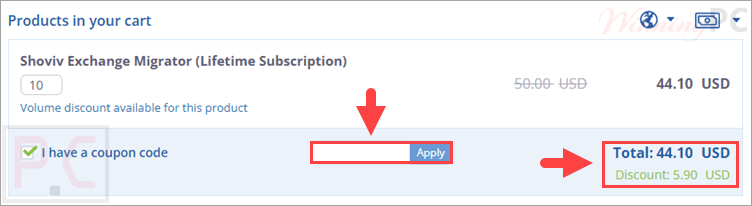
Click the ‘Copy Code’ button in the coupon box above. The code will be copied, and you will be redirected to the checkout page, where you can apply it to secure your discounted price.
Shoviv Exchange Migrator: In-Depth Review & Features
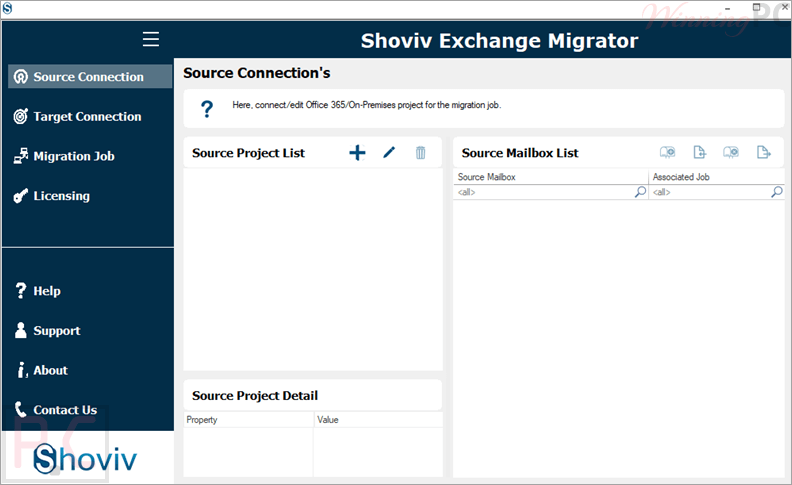
Key Features
- Handles large source mailboxes without any size limitations.
- Retains the exact folder hierarchy of your original data.
- Runs concurrent jobs simultaneously to speed up the transfer process.
- Moves data from Exchange to Exchange, covering versions like 2013, 2016, and 2019.
- Exports data incrementally to resume interrupted tasks without causing duplicity.
- Allows direct Office 365 tenant-to-tenant movement.
- Filters items based on date, folder name, and item type (email, contact, calendar).
- Processes both Public folders and Archive mailboxes.
- Schedules tasks automatically on a daily, weekly, or monthly basis.
- Operates independently without requiring third-party tools or cloud services.
Pros & Cons
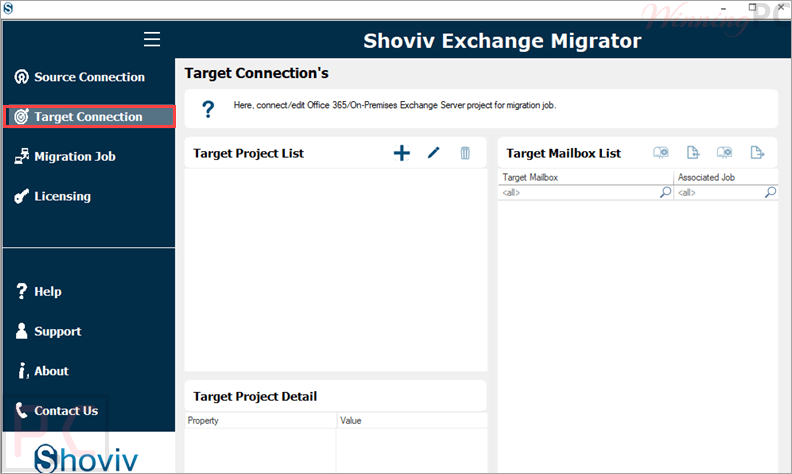
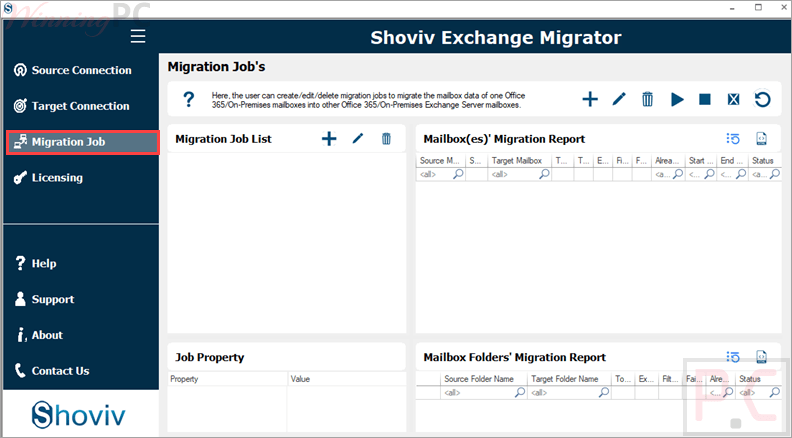
More Shoviv Exchange Migrator screenshots
Frequently Asked Questions
Where can I find a code or deal for Shoviv Exchange Migration Tool?
The latest and best deals can be found on WinningPC, alongside the official software website or the developer’s social media channels.
What is the best discount currently available?
The best current discount is 12% OFF, available directly on WinningPC.
Does the software limit how many mailboxes I can add?
No, there are no limitations. You can batch multiple mailboxes together in a single job.
What happens if my migration process gets interrupted?
The Incremental Export facility allows you to resume the job from where it stopped without creating duplicate files in the target destination.
Will this tool delete data from my original server?
No, it only copies your items to the new location. Your original data stays exactly as it is.
Can I migrate across different Exchange Server organizations?
Yes, you can move data from one Exchange Server to another, even if they reside in separate Active Directory forests.
Does the tool support moving from an older Exchange version to a newer one?
Yes, you can transition directly from older versions like 2003 or 2010 to newer editions like 2016 or 2019.
System Requirements & Details
| Feature | Specifications |
|---|---|
| Operating System | Windows 7 / 8 / 8.1 / 10 / 11 (32-bit & 64-bit), Windows Server 2008 / 2012 R2 / 2016 / 2019 / 2022 / 2025 |
| Processor | Minimum 1.0 GHz (2.0 GHz recommended) |
| RAM & Storage | Minimum 2 GB RAM, 500 MB free hard disk space |
| Supported Input | On-Premises Exchange, Office 365, Public folders, Archive mailboxes, Shared mailboxes |
| Supported Output | On-Premises Exchange, Office 365, Public folders, Archive mailboxes |