Laura Marano

Shoviv G Suite to Office 365 Migration transfers Google Workspace mailboxes, calendars, contacts, and Google Drive data to Microsoft 365 or Exchange Server. It supports bulk mailbox migration, scheduled jobs, filtering options, and incremental export for smooth and reliable data transfers.

Shoviv G Suite to Office 365 Migration
Lifetime license validity and free updates
📄 Licensing & Support Details
- Lifetime license validity and free updates.
- One license uses one mailbox.
- 24*7 Free Technical Support.
- Instant Delivery by Email.
- 100% Safe and Secure.
- 30-day money-back guarantee.
📝 How to apply
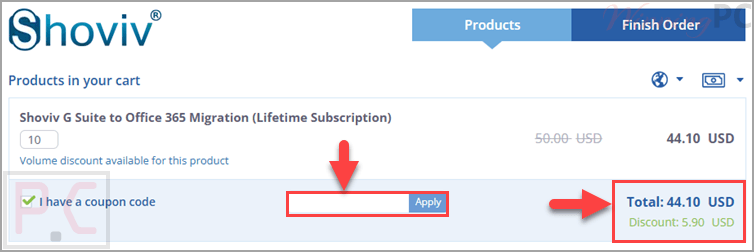
Click the ‘Copy Code’ button in the box above. We’ll copy the promo for you and send you straight to checkout so you can lock in that lower price.
Shoviv G Suite to Office 365 Migration: Review & Features
Key Features
- Bulk migration of Google Workspace mailboxes to Microsoft 365
- Supports migration to Exchange Server
- Google Drive to OneDrive migration support
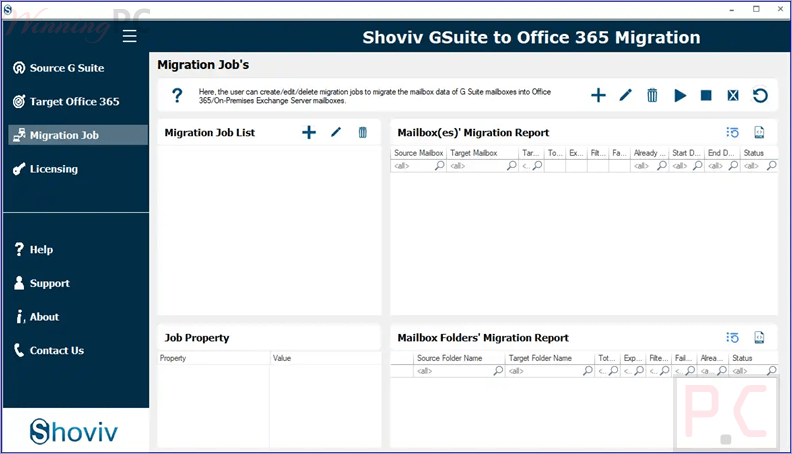
- Job-based migration processing
- Run multiple migration jobs simultaneously
- Incremental export to resume interrupted processes
- Data filtering by folder, date range, file type, and size
- Scheduler for daily, weekly, or monthly migration
- Maintains folder hierarchy and data integrity
- Supports archive mailbox and public folder migration
- Unlimited mailbox size support
- Failed item count control
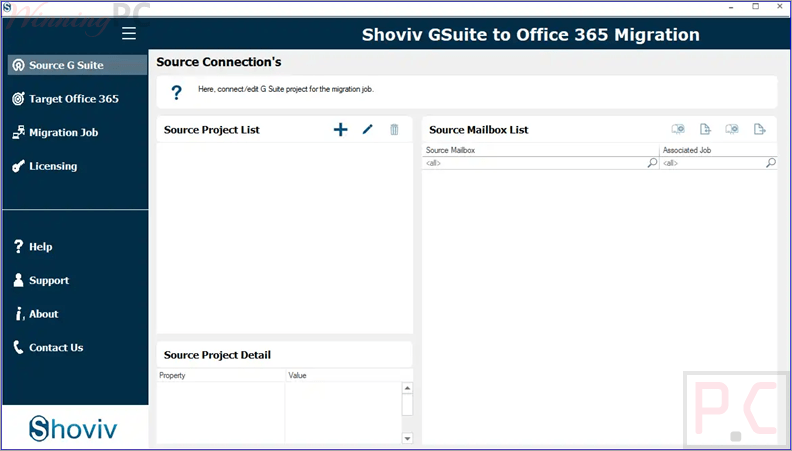
- User-friendly interface
- Compatible with both 32-bit and 64-bit systems.
Pros & Cons
More screenshots
Frequently Asked Questions
Where can I find working promo codes for Shoviv G Suite to Office 365 Migration?
You can usually find the latest discounts and verified coupon offers on WinningPC, along with promotions directly from the official Shoviv website.
What’s the biggest discount currently available?
WinningPC currently features a 12% OFF lifetime subscription deal, reducing the price from $50 to $44.10.
Does the software support Google Drive migration?
Yes, it can migrate Google Drive data to OneDrive without size limitations.
Can I migrate multiple mailboxes together?
Yes, the software supports bulk migration for multiple mailboxes in a single process.
Is there a free version available?
Yes, a free trial version is available that processes the first 50 items per folder.
Does the software maintain folder structure during migration?
Yes, it keeps the original folder hierarchy and preserves data integrity during migration.
Can I migrate to Exchange Server instead of Microsoft 365?
Yes, the tool also supports migration to on-premises Exchange Server.
Can I schedule migration jobs?
Yes, you can schedule migration jobs daily, weekly, or monthly.
Is there any mailbox size limitation?
No, the software supports migration of mailboxes of any size.
System Requirements & Details
| Feature | Specifications |
|---|---|
| Language Support | English |
| Operating System | Windows 7/8/8.1/10/11, Windows Server 2008–2025 |
| Processor | Minimum 1.0 GHz (2.0 GHz recommended) |
| RAM & Storage | Minimum 2 GB RAM and 500 MB free disk space |
| Supported Input | Google Workspace mailboxes, calendars, contacts, Google Drive |
| Supported Output | Microsoft 365, Exchange Server, OneDrive, Archive Mailbox, Public Folder |