On this page
PCDJ Karaoki Coupons & Pricing
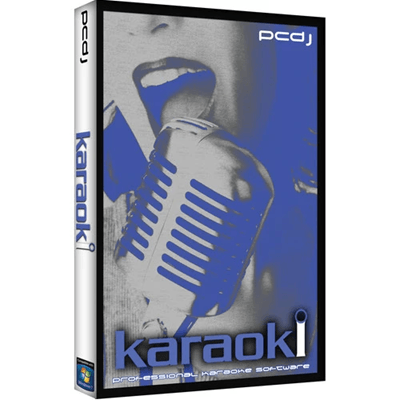
PCDJ Karaoki
WINDOWS ONLY Professional Karaoke Software - 3 Activations
You may also like
LYRX Karaoke Software MAC/WINDOWS
Includes Activation For 3 Machines
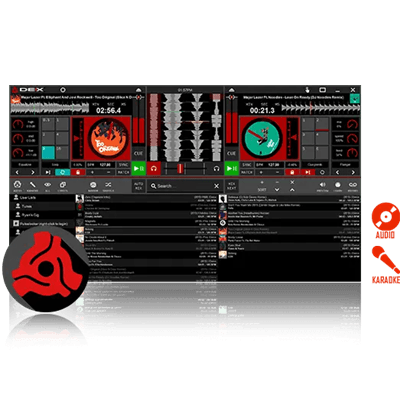
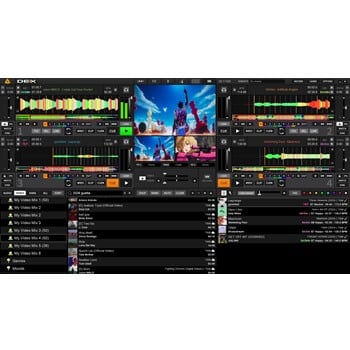
PCDJ DEX 4
Audio, Video and Karaoke Mixing Software for Windows/MAC | 3 Activations and Free Updates
How to Use the PCDJ Karaoki Coupon Code
In the Coupons & Pricing box above, click the COPY button.
PCDJ’s checkout opens with the WinningPC price. Check that the total shows $89.10 (10% off the regular $99). If it still reads $99, paste the code into the coupon field before paying.
Complete the payment information to receive your Karaoki license code.
Install Karaoki (or open the demo you already have), enter the license code to activate, and repeat on up to two more Windows PCs.
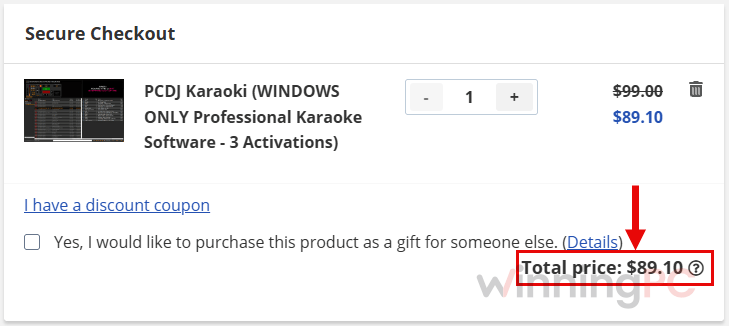
Is this PCDJ Karaoki coupon legit?
Yes. The discount is applied on PCDJ’s own store, and you get the same official license anyone paying $99 gets.
No crack or keygen
You install PCDJ’s official Karaoki build and activate it with a genuine license code. Nothing is patched or repackaged.
Official source
The code runs through PCDJ’s checkout, not a reseller or a grey-market key site.
Secure checkout
Payment happens on PCDJ’s encrypted store, so your card details never pass through WinningPC.
Know the refund rules before you pay
PCDJ does not offer refunds more than 48 hours after purchase, and activated software is non-refundable, even within the first 48 hours. Since Karaoki comes with a fully functional 14-day free trial, it’s best to test the software before buying a license.
How well does Karaoki handle a live show?
PCDJ Karaoki earns its price in the middle of a busy night, not on the spec sheet. The rotation is the part that matters: it decides who’s up, keeps the order fair, and remembers what each regular sang last time and in which key, so you stop arguing with your own notes. The background music automation matters more than it sounds. Dead air between singers is the thing venue owners notice, and PCDJ Karaoki fills it without you touching anything. The flip side is that it’s built entirely around a host. If you just want to sing at home on a Saturday, most of what you’re paying for is overhead.
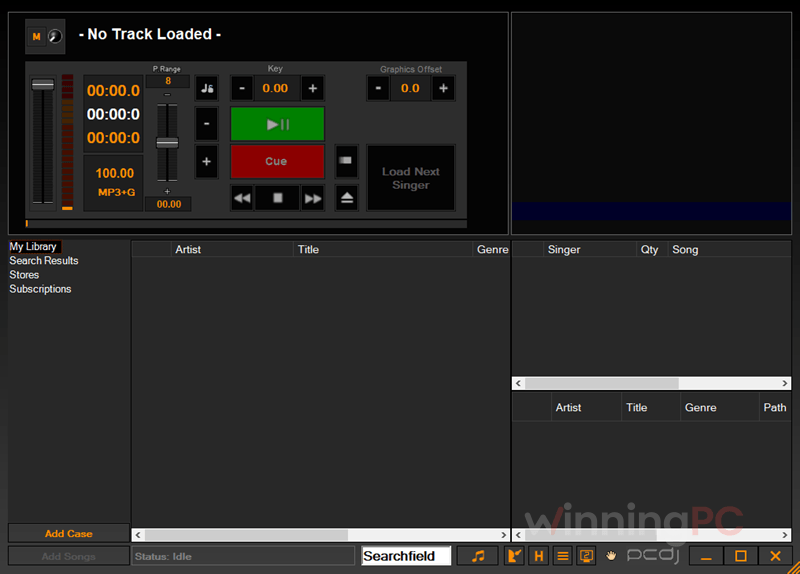
Key features
- Automatic singer rotation with drag-and-drop reordering, stacked songs per singer, a Solo Artist mode for performers, and saved shows per venue.
- Singer and song history that recalls past requests, including the key change each singer used.
- Key control in ¼, ½ and full semitone steps, plus tempo changes without shifting the key, adjustable before a singer even comes up.
- Background music player that starts and stops filler tracks between singers and sets on its own.
- Song book tools and remote requests: print song books directly, export them as TSV for Excel, or let singers browse and request from their phones through the SongbookDB plug-in.
What we think
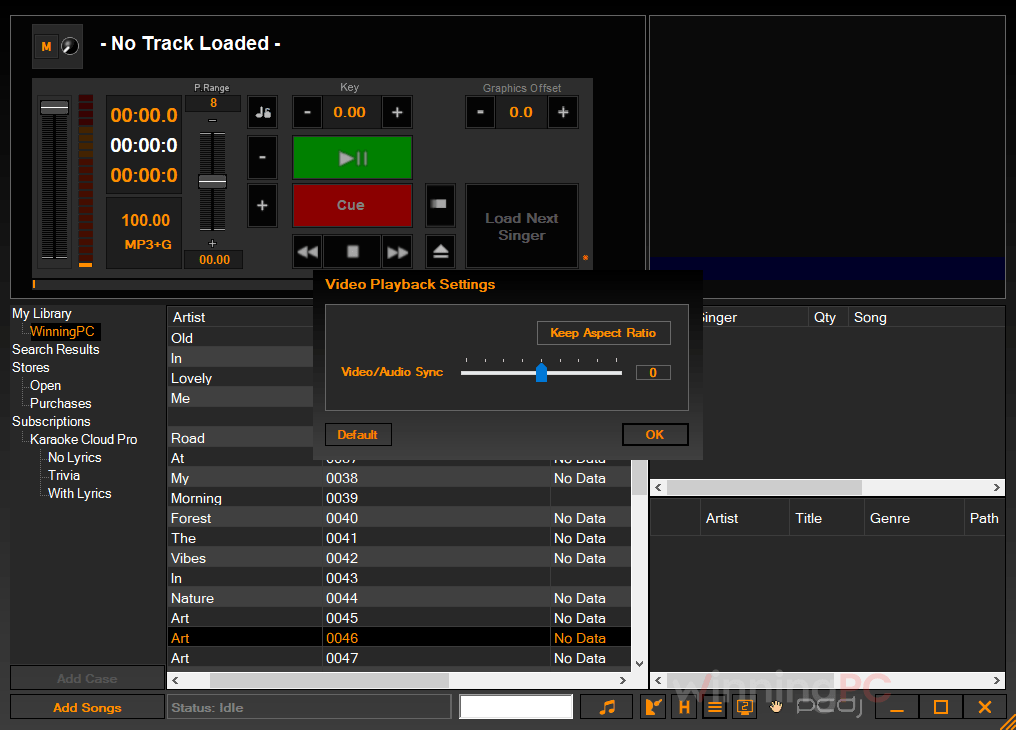
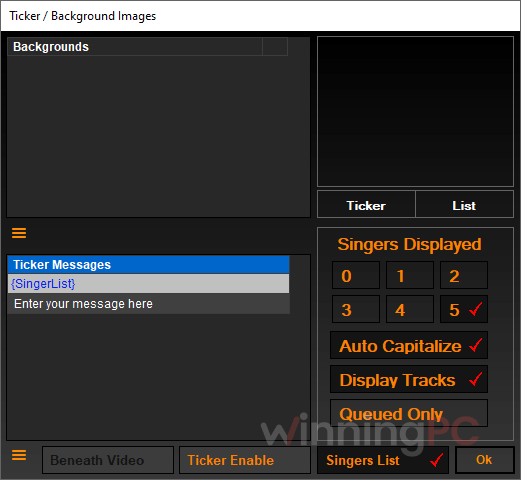
More PCDJ Karaoki Screenshots
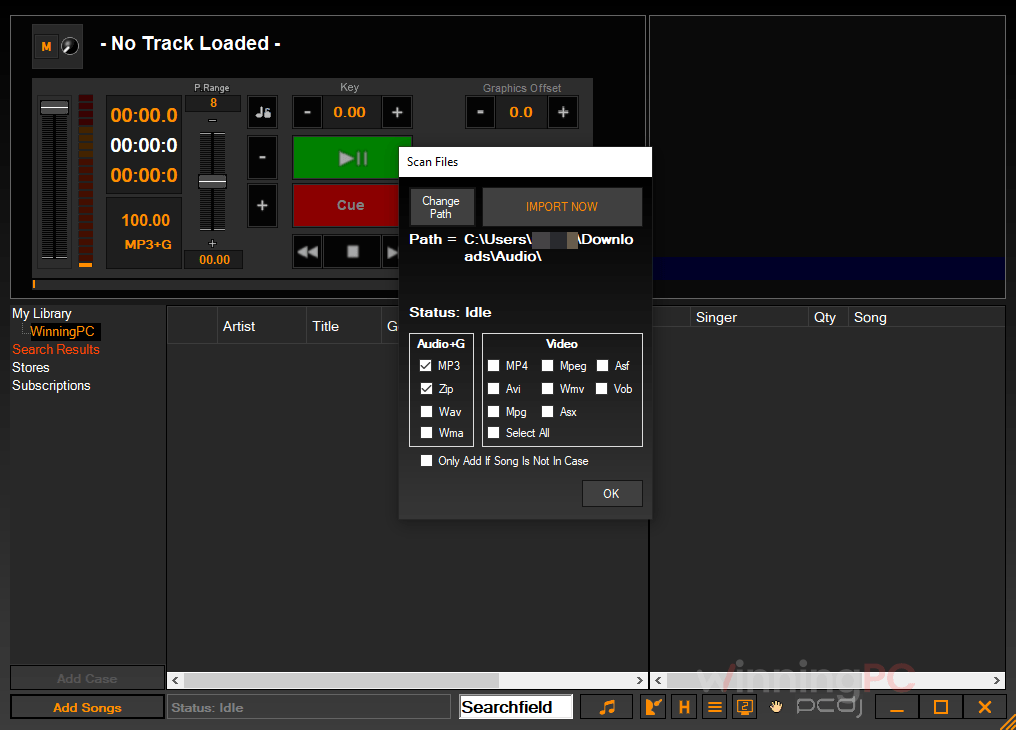
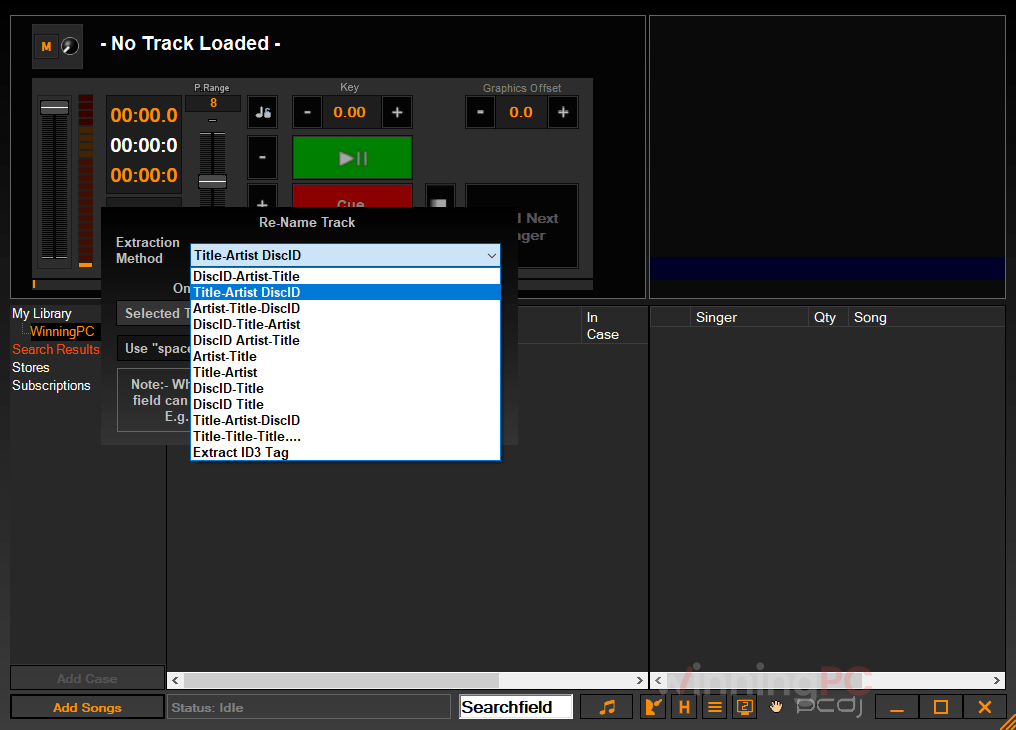
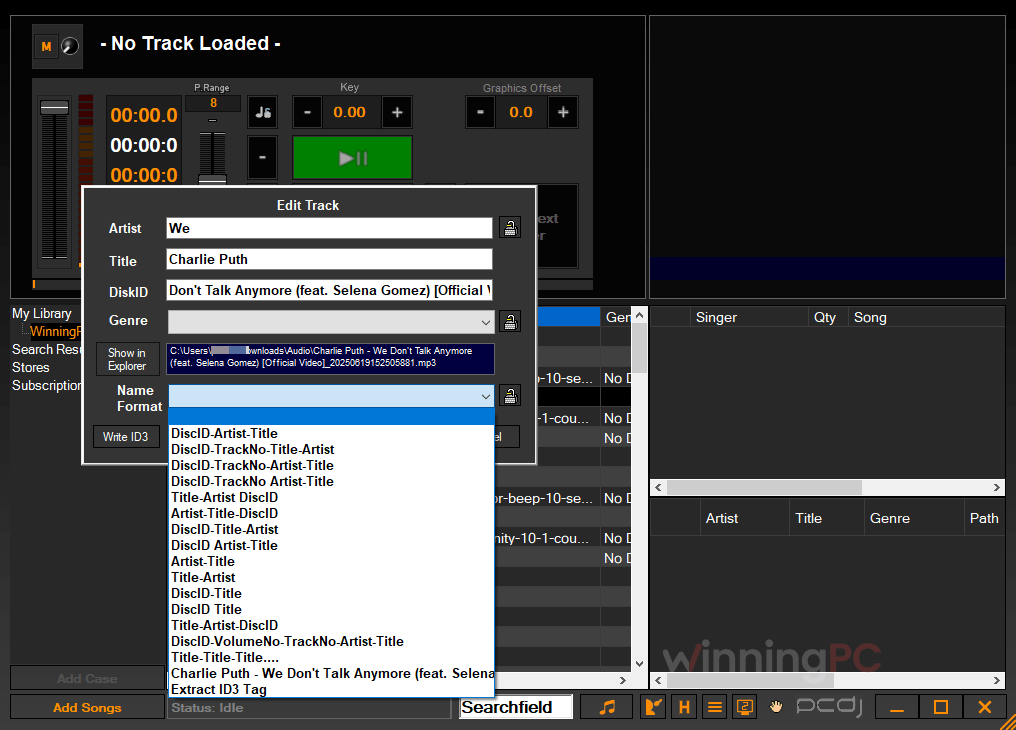
PCDJ Karaoki vs the alternatives (including a free one)
| Tool | Price | What it’s built for | Platform | Best for |
|---|---|---|---|---|
| PCDJ Karaoki (our pick for Windows KJs) | $89.10 with code (regular $99) | Dedicated karaoke show hosting: rotation, singer history, filler music, remote requests | Windows | Working KJs and venues on Windows |
| Kanto Karaoke | Standard: $34.30 | Karaoke player and recorder, home-first | Windows (separate Mac app) | Home parties and recording your own singing |
| OtsAV DJ Pro | $408.45/lifetime | DJ mixing software that also plays karaoke CD+G | Windows | DJs who mix music and run karaoke in the same gig |
| OpenKJ | Free, open source | Karaoke show hosting: singer tracking, key changer, break music, web requests | Windows, macOS, Linux | Budget KJs and Mac/Linux hosts happy with community support |
Frequently Asked Questions
Does PCDJ Karaoki work on a Mac?
No. Karaoki is Windows-only and its requirements list Windows 10 and 11. If you host on a Mac, PCDJ sells a separate Mac karaoke program called LYRX, and OpenKJ is a free option that runs on macOS.
How many computers can I install Karaoki on?
Three. One purchase activates PCDJ Karaoki on three different Windows computers, which is handy for keeping a backup laptop at gigs.
Is there a free trial of Karaoki?
Yes, a 14-day fully functional demo. Use it to run an actual show with your own library and second screen, since that’s where any problem with your setup will show up.
Does Karaoki come with karaoke songs?
No, you bring your own library. If you don’t have one, PCDJ Karaoki has a built-in à la carte song store and supports Digitrax’s Karaoke Cloud Pro subscription, which offers 5,500+ commercially licensed songs that download to your drive for offline use. That count shifts over time as song licenses are added or lost.
Can Karaoki play MP4 karaoke videos?
Yes, along with most other video formats, but the right codecs need to be installed on your PC. If a video won’t play, PCDJ offers a free video codec pack for PCDJ Karaoki.
Can singers request songs from their phones?
Yes. Karaoki works with the SongbookDB plug-in (iOS, Android and web; $19.95/month after a 30-day free trial) and with KaraoQuest, which is free on iOS. Requests land in PCDJ Karaoki and go to the rotation with one click, or automatically if you turn on auto-accept.
Can I upgrade from an older PCDJ product?
Upgrade pricing isn’t listed online. PCDJ handles it by phone at 877-999-7235 x1.
System Requirements & Details
| Operating system | Windows 10 / Windows 11 |
| Processor | 2.0 GHz Intel Core i3 or better (or AMD 64 X2 or better) |
| RAM | 4 GB or more |
| Disk space | 200 MB free |
| Graphics | ATI/Nvidia card with 256 MB dedicated video RAM, or Intel HD 4000 series or newer |
| Sound | DirectX-compatible sound card (standard in Windows) |
| Supported input formats | MP3+G, zipped MP3+G (zip 2.0), WAV+G (not zipped), most zipped MP3+G/WAV+G, MP4 and most video files (codecs required), Karaoke Cloud Pro tracks, M3U playlists |
| Supported output | Full-screen lyrics-only output to a second display; song books printed directly or exported as TSV for Excel |
| Other requirements | Internet connection for SongbookDB requests and Karaoke Cloud Pro; license activates on 3 Windows PCs |