On this page
PCDJ DEX 3 RE Coupons & Pricing
You may also like
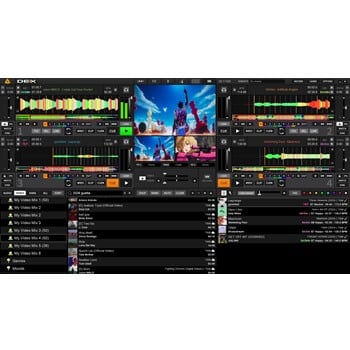
PCDJ DEX 4
Audio, Video and Karaoke Mixing Software for Windows/MAC | 3 Activations and Free Updates
PCDJ Karaoki
WINDOWS ONLY Professional Karaoke Software - 3 Activations
LYRX Karaoke Software MAC/WINDOWS
Includes Activation For 3 Machines
How to Use the PCDJ DEX 3 RE Coupon Code
In the PCDJ DEX 3 RE Coupons & Pricing box above, click the “COPY” button.
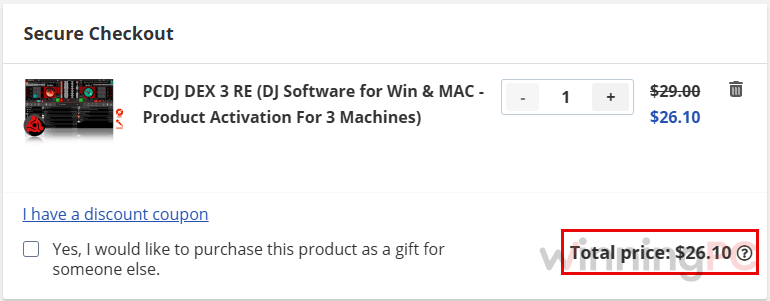
PCDJ’s checkout opens with the discounted price loaded. Check that the total shows $26.10 before going any further.
Fill in your payment information and complete the order. PCDJ then sends you your DEX 3 RE license code.
Is the PCDJ DEX 3 RE coupon legit?
Yes. The code works on PCDJ’s own store, and the software you download is the same official build anyone gets from pcdj.com.
A developer with a long track record
PCDJ is the DJ software brand of Digital 1 Audio, a Florida company that has been making DJ and karaoke tools for well over a decade.
No crack, no keygen
You install PCDJ’s official installer and activate it with your own license code. Nothing is patched or repackaged.
Payment stays with PCDJ
Checkout happens on PCDJ’s store, so your card details never pass through WinningPC.
Know the refund rule before you pay
PCDJ’s policy allows no software refunds after 48 hours from purchase, and none at all once the license is activated. That’s why we’d run the free demo with your controller first, then buy.
How well does PCDJ DEX 3 RE hold up at a real gig?
The best thing about PCDJ DEX 3 RE is what it leaves out. With fewer panels fighting for space, the controls you reach for mid-set (pitch, hot cues, key lock, the Mix Next button) are easy to find under pressure, and that matters more at a wedding than a long effects menu. Key lock is the quiet hero: you can nudge a track’s tempo to match the next one without the vocals turning into chipmunks.
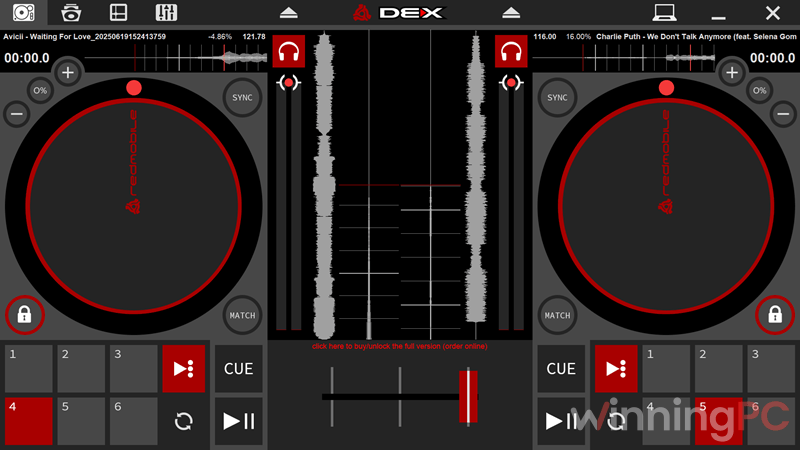
Loading whole songs into RAM is a smart touch too, because a busy hard drive can’t stutter a track that’s already in memory. The limits are real, though. You get two decks, no video mixing, and karaoke is basic MP3+G playback rather than a full hosting setup, so VJs and karaoke hosts will outgrow it quickly.
Key features
- Automix with a sidelist: queue tracks, switch on automatic mixing and step away for a break. One-click beat sync handles manual transitions.
- Controller-ready out of the box: more than 85 DJ controllers are plug-and-play, and MIDI-Learn lets you map anything else, including your laptop keyboard.
- Effects and vinyl tricks: seven built-in effects such as echo, reverb and flanger, plus scratch, reverse play and gradual pitch bend.
- Record your set: capture the whole mix straight from the software for a demo or a client keepsake.
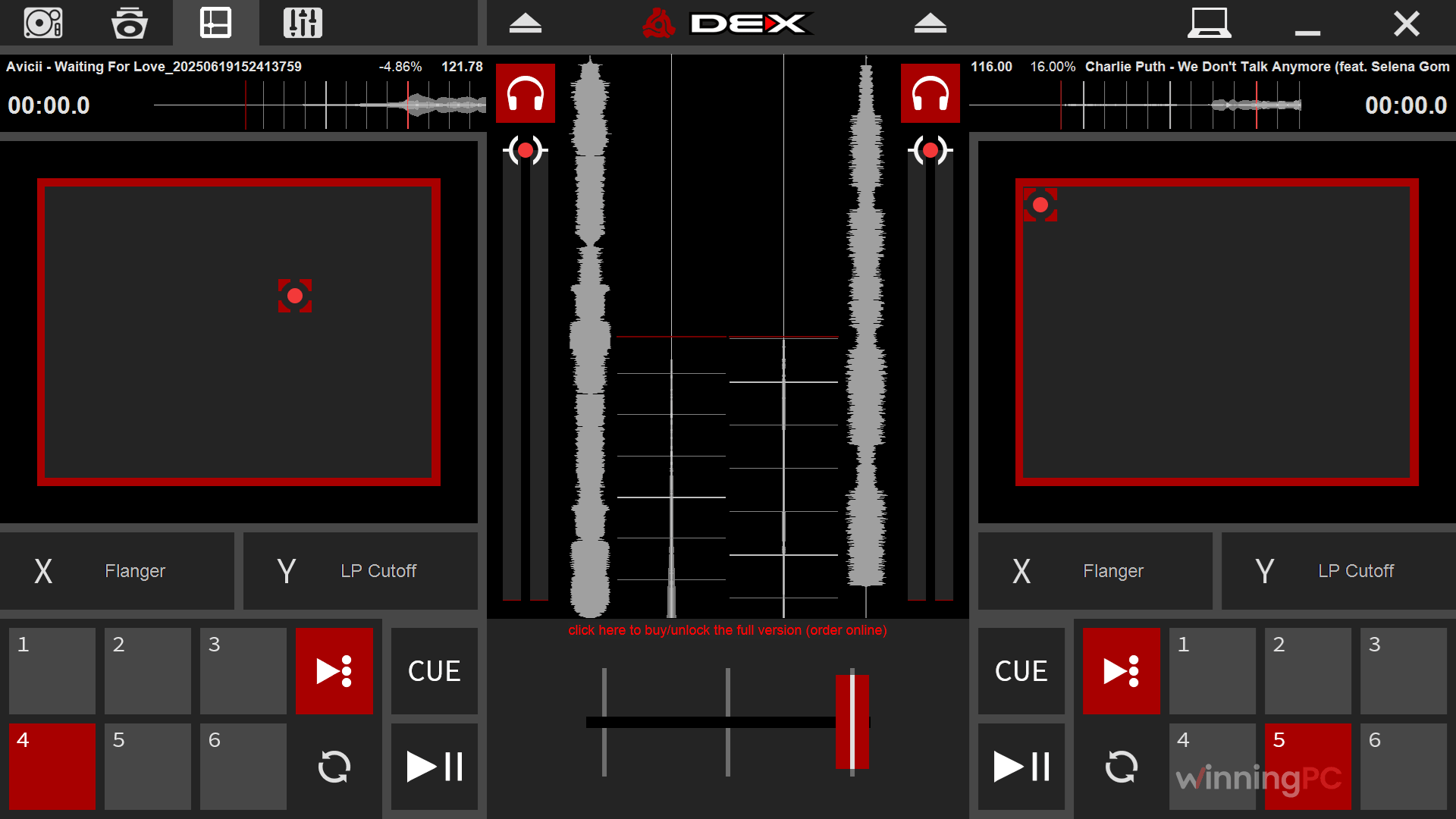
- Tablet Mode: on Intel 2-in-1 laptops, one toggle swaps in large touch platters, an X/Y effects pad and a full-screen browser.
What we think
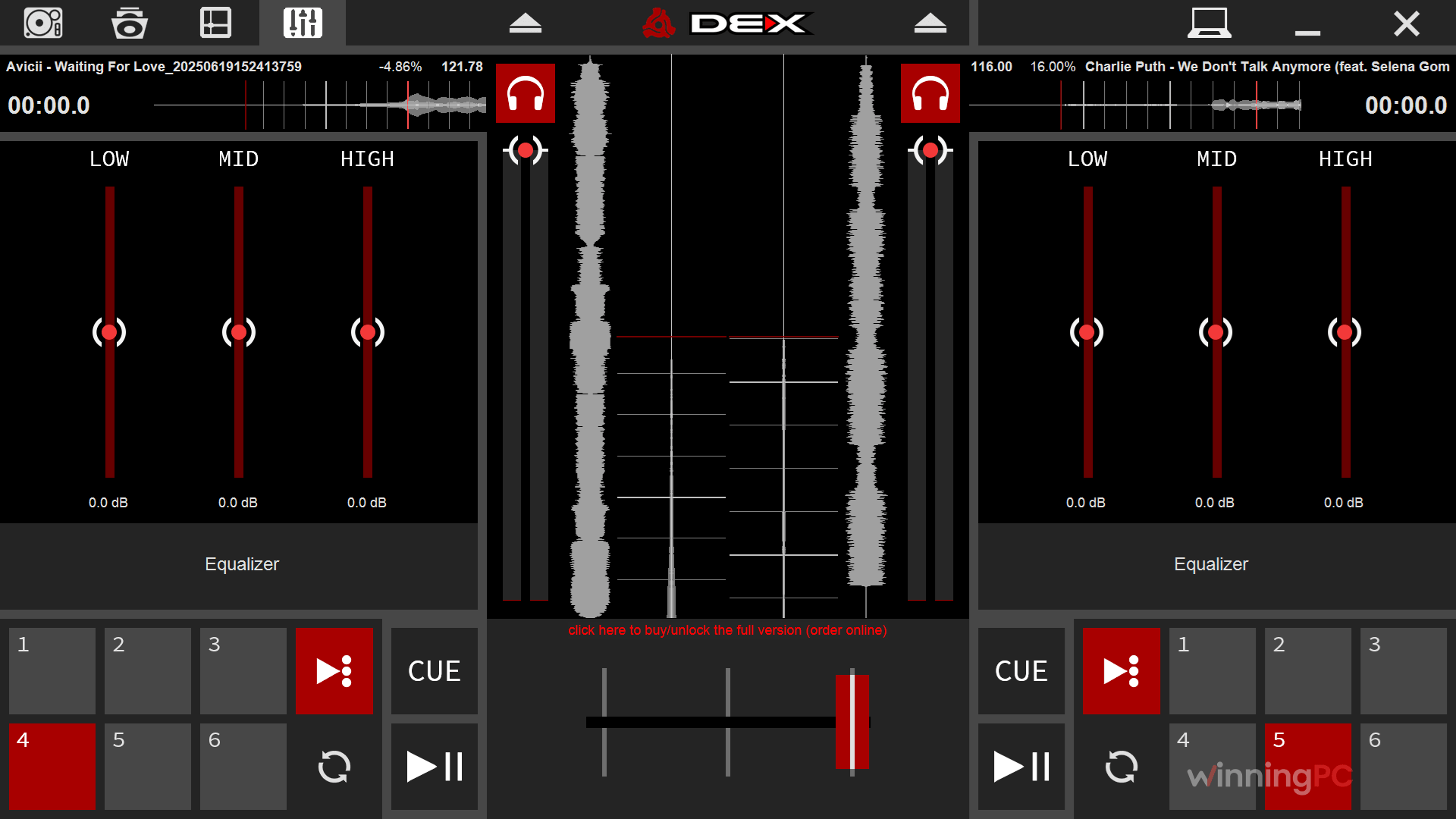
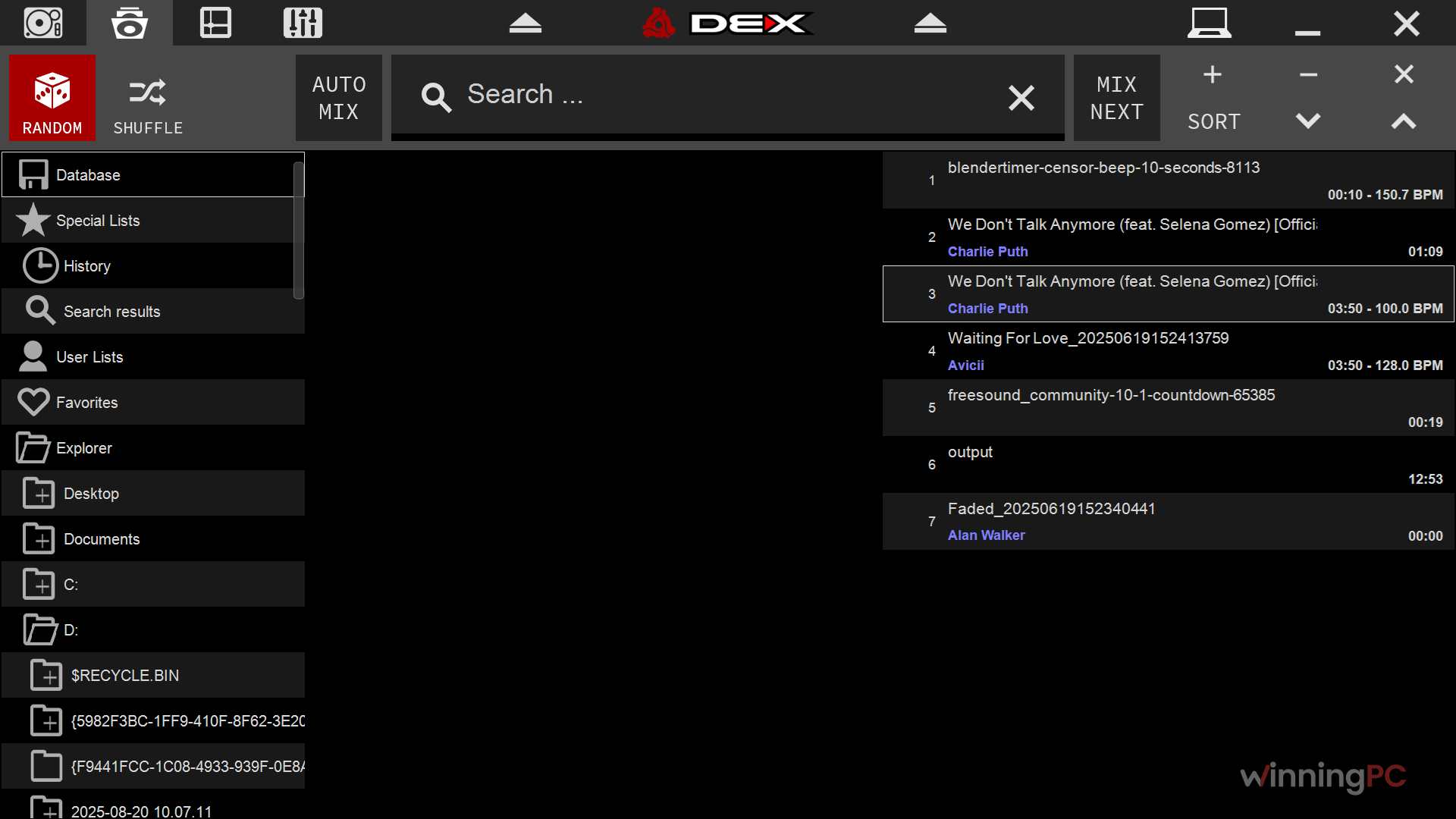
More PCDJ DEX 3 RE Screenshots
PCDJ DEX 3 RE vs OtsAV DJ Pro, SAM DJ and a free option
| Tool | Price | Platforms | Built for | Best for |
|---|---|---|---|---|
| PCDJ DEX 3 RE (our pick for value) | $26.10 with code (reg. $29) | Windows, Mac | Two-deck audio mixing, automix, basic MP3+G karaoke | Mobile DJs and hobbyists on a budget |
| OtsAV DJ Pro | $408.45/lifetime | Windows | Audio and video mixing, CD+G karaoke, automated beat mixing | DJs who need video and karaoke in one app |
| SAM DJ (Spacial) | $74.25/yr | Windows | Automated party playback, gap killer, large library | Background music and unattended sets |
| Mixxx | Free (open source) | Windows, Mac, Linux | Full DJ mixing with controller support | DJs with zero budget who don’t mind some setup |
Frequently Asked Questions
Is PCDJ DEX 3 RE a one-time purchase?
Yes. You pay once ($26.10 with the code) and PCDJ includes free updates, so there’s no monthly fee to keep mixing.
How many computers can I install it on?
Three. One purchase covers three activations, and they can be any mix of Windows PCs and Macs, which is handy if you keep a backup laptop in the gig bag.
Does PCDJ DEX 3 RE run on Apple Silicon Macs and Windows 11?
Yes to both. PCDJ lists support for Macs with M1 chips on macOS 10.14 or later, and for Windows 8.1, 10 and 11.
Is there a free trial?
Yes. PCDJ offers a full-featured demo of DEX 3 RE. Given the strict refund policy, it’s worth plugging in your controller and running a practice set on the demo before you buy.
Can DEX 3 RE mix music videos?
No. PCDJ DEX 3 RE is audio-only with basic karaoke playback. Video mixing lives in PCDJ’s higher-priced DEX line, or in tools like OtsAV DJ Pro.
Will my DJ controller work with it?
Probably. More than 85 controllers work plug-and-play with zero configuration. If yours isn’t on the list, MIDI-Learn lets you map its buttons and knobs yourself, which takes a little patience but works.
Can I use my iTunes library?
Yes, as long as the tracks aren’t DRM-protected. DEX 3 RE imports your iTunes library and playlists, but PCDJ DEX 3 RE can’t play copy-protected files from older iTunes purchases or streaming downloads.
What you need to run PCDJ DEX 3 RE
| Field | Value |
|---|---|
| Operating system (Windows) | Windows 8.1, 10, 11 |
| Operating system (Mac) | macOS 10.14 or later |
| Processor | Windows: Intel Core i5/i7/i9 or AMD Ryzen 3000+ · Mac: Intel Core i5/i7/i9 or M1 |
| RAM | 4 GB minimum (8 GB recommended for libraries over 100,000 songs) |
| Graphics | Intel HD 3000 series or better |
| Sound card | Windows: DirectX/ASIO-compatible multichannel · Mac: multichannel Core Audio |
| Disk space | 200 MB free |
| Supported input formats | MP3, M4A, WAV, AIFF, OGG, WMA, FLAC, CDA (audio CD), MP3+G karaoke (zip or uncompressed), unprotected iTunes files |
| Supported output formats | Recorded mixes in MP3, WAV or AIFF; lyrics output for MP3+G karaoke |
| Other | One license activates on 3 computers; DRM-protected files not supported |