On this page
OpenArt AI Coupons & Pricing
OpenArt Black Friday: Up to 40% OFF Annual Plans + 50% OFF Models
Save 25%–40% on your first year of Starter, Plus, Pro, or Wonder, plus up to 50% off Seedance 2.0, Kling 4.0 & Wan 3.0 on Pro and Wonder through Nov 30.
Black Friday: 20% Off OpenArt Monthly Subscriptions
Apply code at checkout to save 20% on your first month of any monthly plan (Starter from $11.20/mo). Limited offer!
OpenArt Monthly
4 plans · best save 20%Starter: 20% Off ★ Best Deal
The cheapest way in (20% off your first month). 4,000 credits a month, access to 100+ image, video and audio models, Director Mode, OpenArt MCP and watermark-free downloads. Personal, non-commercial use only.
Plus: 20% Off
The entry point for client work (20% off your first month): 12,000 credits a month with commercial use rights, 16 parallel generations, about 40 consistent characters and the option to buy extra credit packs.
Pro: 20% Off
24,000 credits / month (20% off your first month), 32 parallel generations, about 80 consistent characters, commercial use rights, and 50% OFF Seedance 2.0 Fast, Seedance 2.0 Mini, Kling 4.0, Wan 3.0 & Wan 3.0 Prime through Nov 30.
Wonder: 20% Off
Built for heavy volume (20% off your first month): 106,000 credits a month, priority support, about 353 consistent characters, commercial use rights, and up to 50% off Seedance 2.0 Fast/Mini, Kling 4.0, Wan 3.0 & Wan 3.0 Prime through Nov 30.
OpenArt Annual
4 plans · best save 40%Starter: 25% Off
A full year of Starter billed once upfront ($10.50/mo for the first year; renews at standard rate). Same 4,000 monthly credits, 8 parallel generations and room for about 13 saved characters.
Plus: 30% Off
Twelve months of Plus paid upfront (~$23.83/mo for the first year; renews at standard rate). 12,000 credits every month, commercial rights, watermark-free output and add-on credits that carry over between billing periods.
Pro: 35% Off
Twelve months of Pro paid upfront (~$36.42/mo for the first year; renews at standard rate). 24,000 credits every month, about 80 consistent characters, 32 parallel generations and up to 50% off select models through Nov 30.
Wonder: 40% Off ★ Best Deal
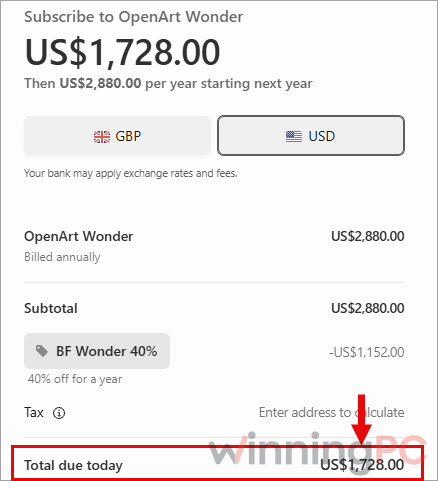
The biggest saving on this page. A year of Wonder ($144/mo for the first year; renews at $2,880/yr) with 106,000 monthly credits, about 353 consistent characters, 32 parallel generations and up to 50% off select models through Nov 30.
How to Use the OpenArt Coupon Code
Click “Get Deal” on an Annual plan (the 25%–40% Black Friday discount applies automatically—no code needed) or click “Copy Code” on a Monthly offer to copy BF2026 and open OpenArt’s site in a new tab.
Sign in, or create a free OpenArt account. New accounts get free credits, so you can try a model or two before you pay anything.
Choose your plan and billing cycle. For Annual Black Friday deals, verify the automatic discount (e.g., BF Wonder 40%) is applied; for Monthly plans, paste the copied promo code into the promo code field at Stripe checkout.
Complete the payment. Your plan’s monthly credit allowance becomes available on your account.
What OpenArt AI Is Good At (and Where It Isn’t)
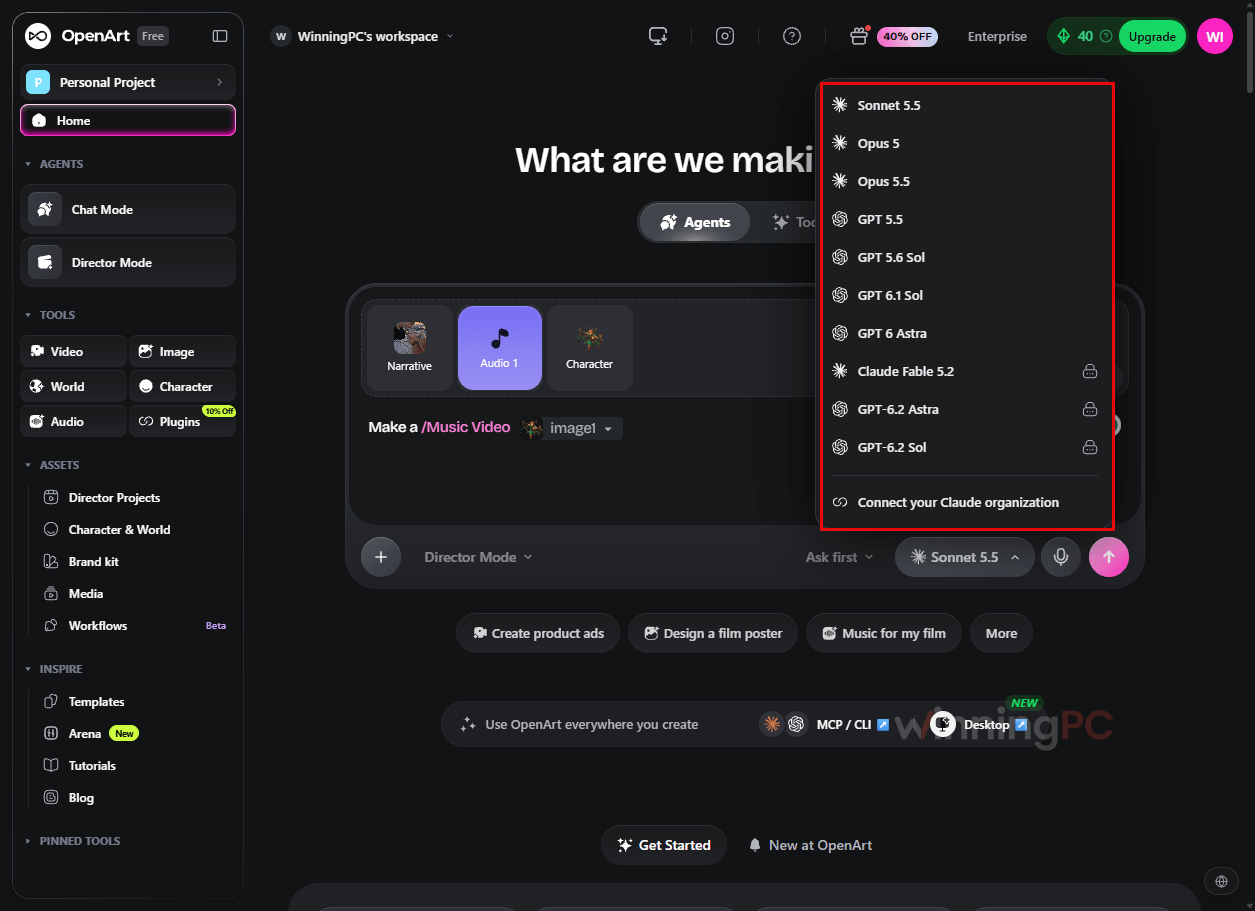
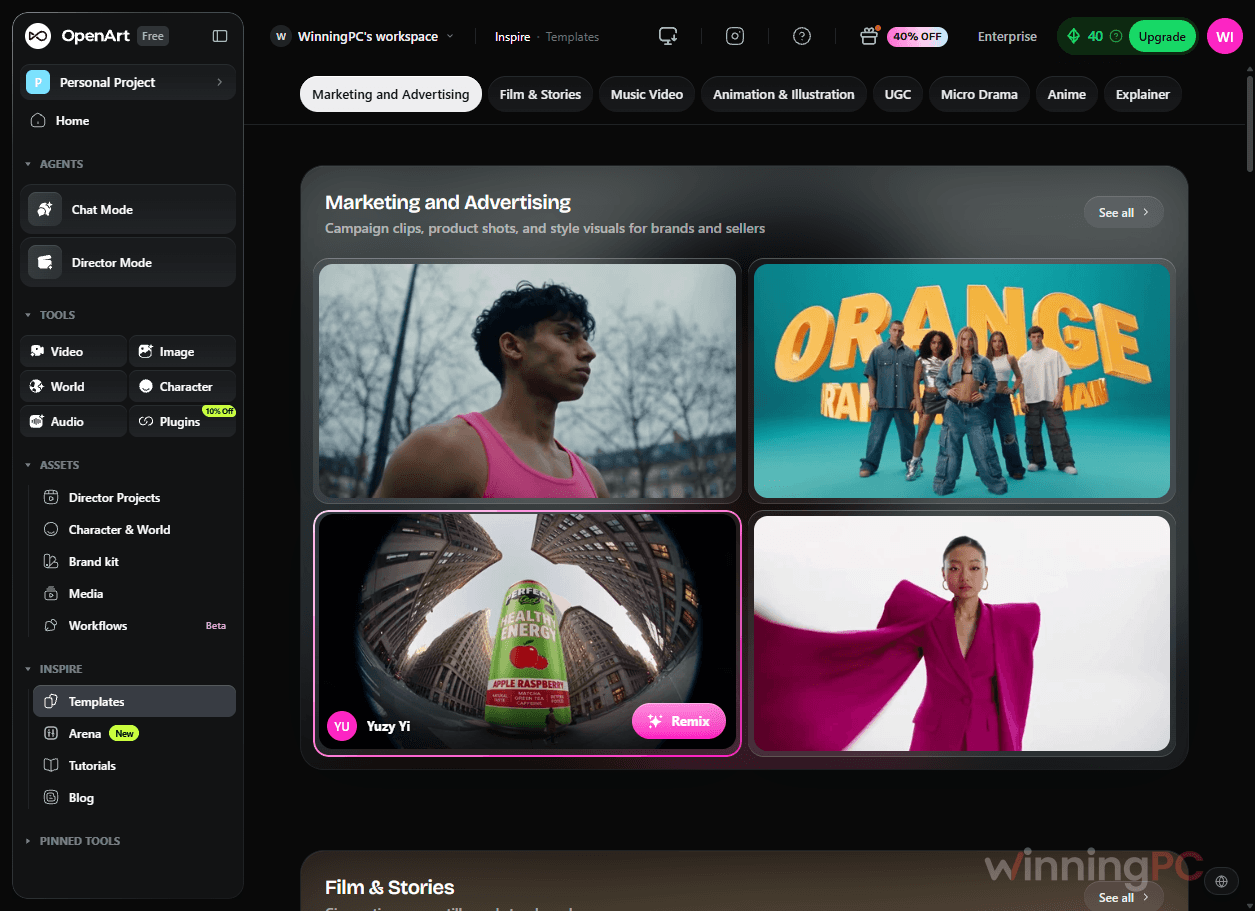
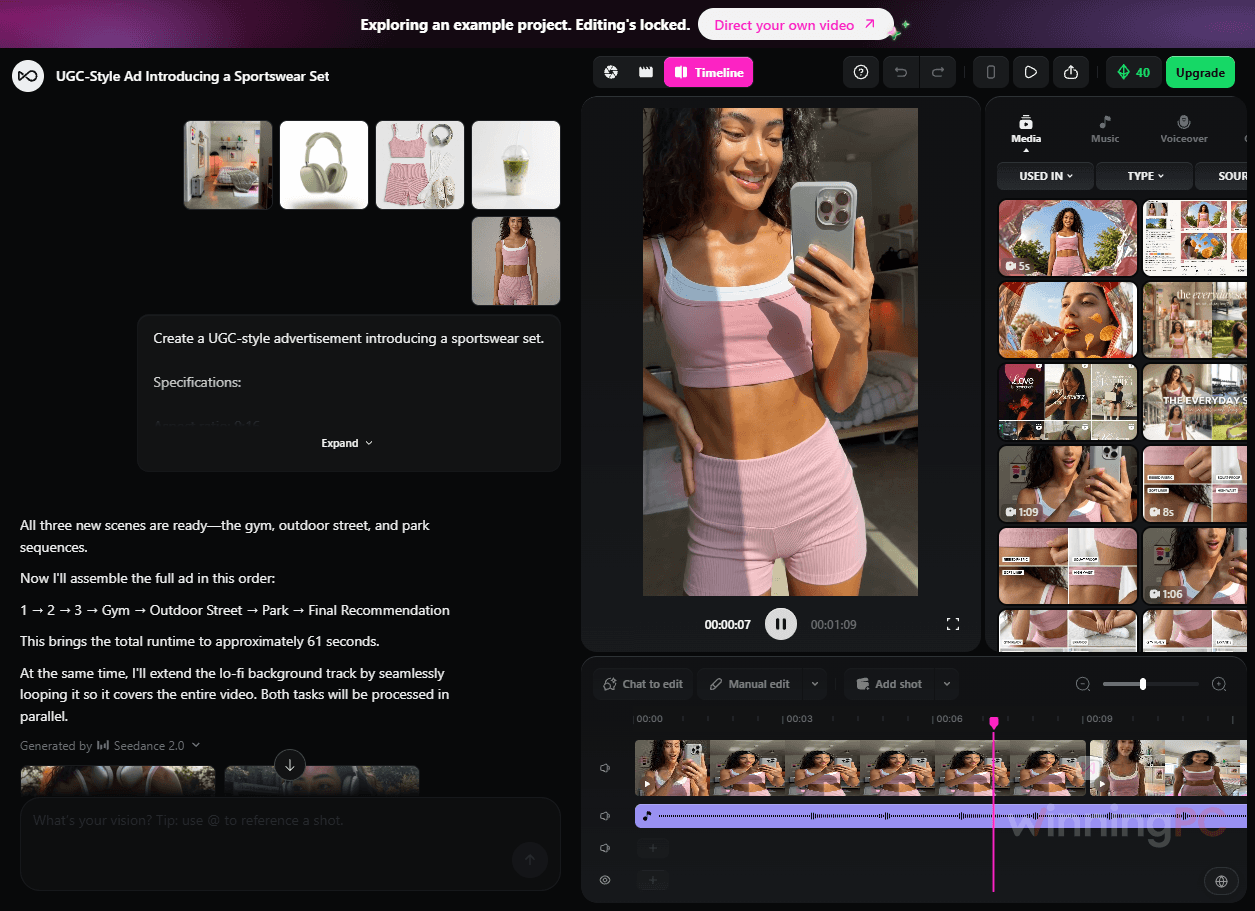
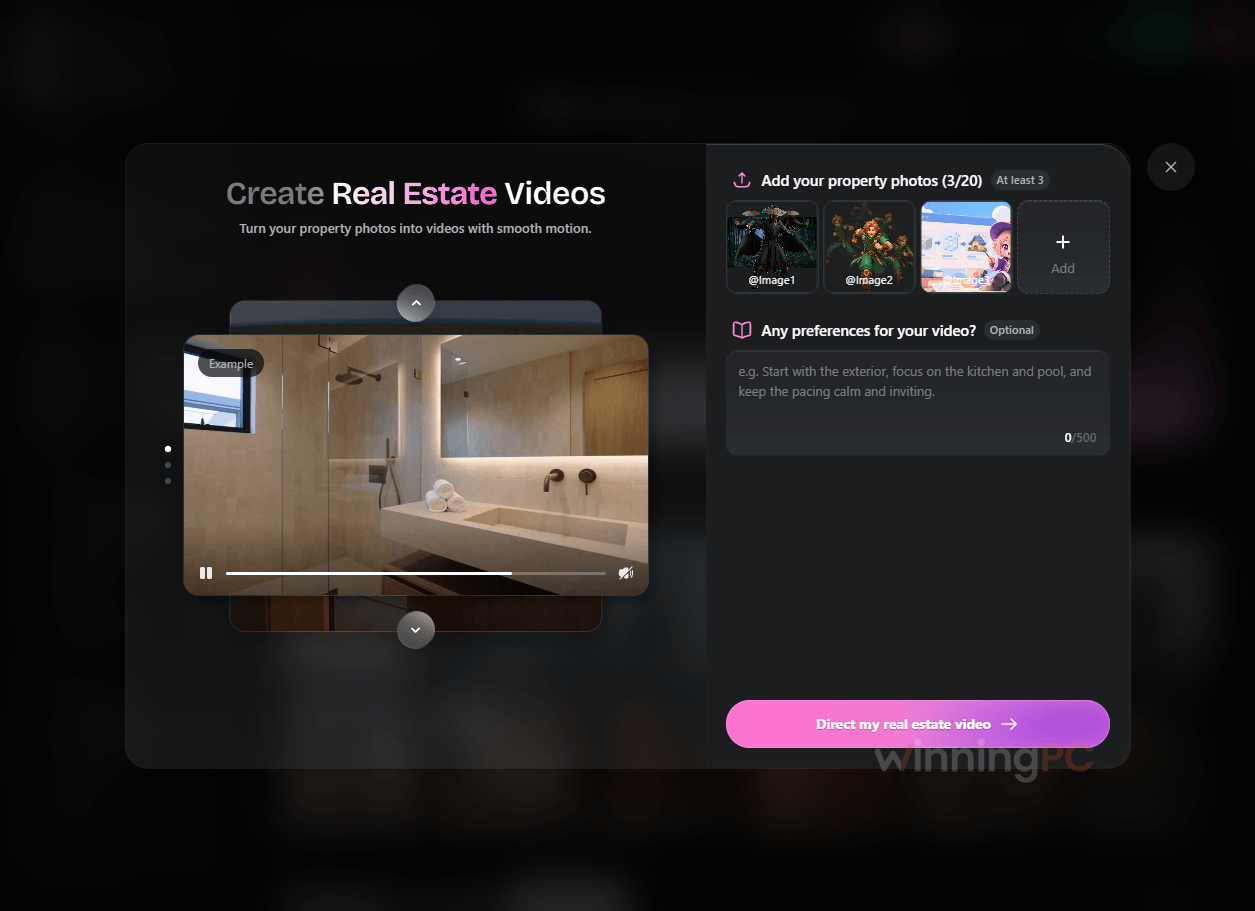
The real argument for OpenArt is the model range. You can run the same prompt through Seedream and FLUX, then animate the winner with Kling, without opening a second subscription. Director Mode is where it pulls ahead of single-model apps, because it builds a connected, multi-scene video instead of one isolated clip. The catch is the credit maths. An image costs roughly 5 to 50 credits, but a video runs 100 to 800 or more, so Starter’s 4,000 monthly credits cover only about ten clips at 400 credits each. If video is your main job, budget for Plus or higher from day one.
Key features
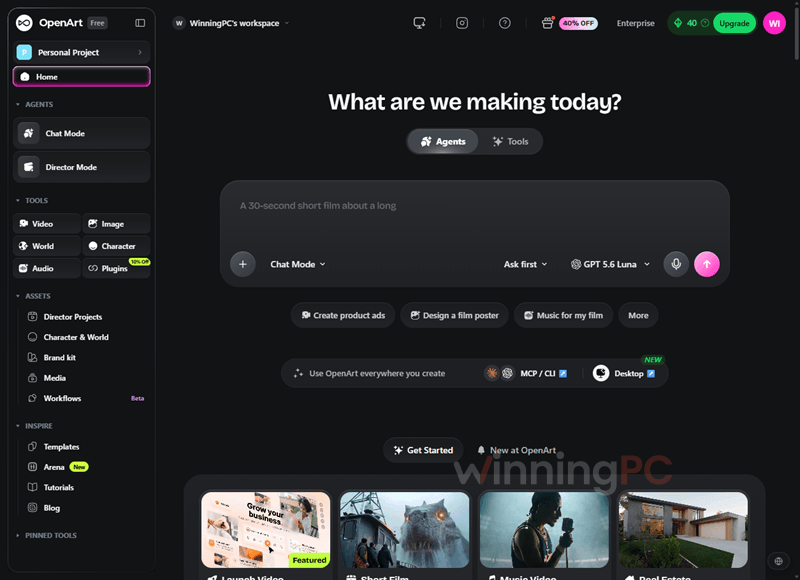
- 100+ models, one balance: GPT Image, Nano Banana, Seedream, FLUX, Ideogram and Recraft for images; Kling, Google Veo, Wan, Seedance and others for video.
- Director Mode: multi-scene videos up to five minutes long, with consistent characters, voices and locations across shots.
- Character library: save a character once from a photo or prompt, then reuse it across both image and video projects.
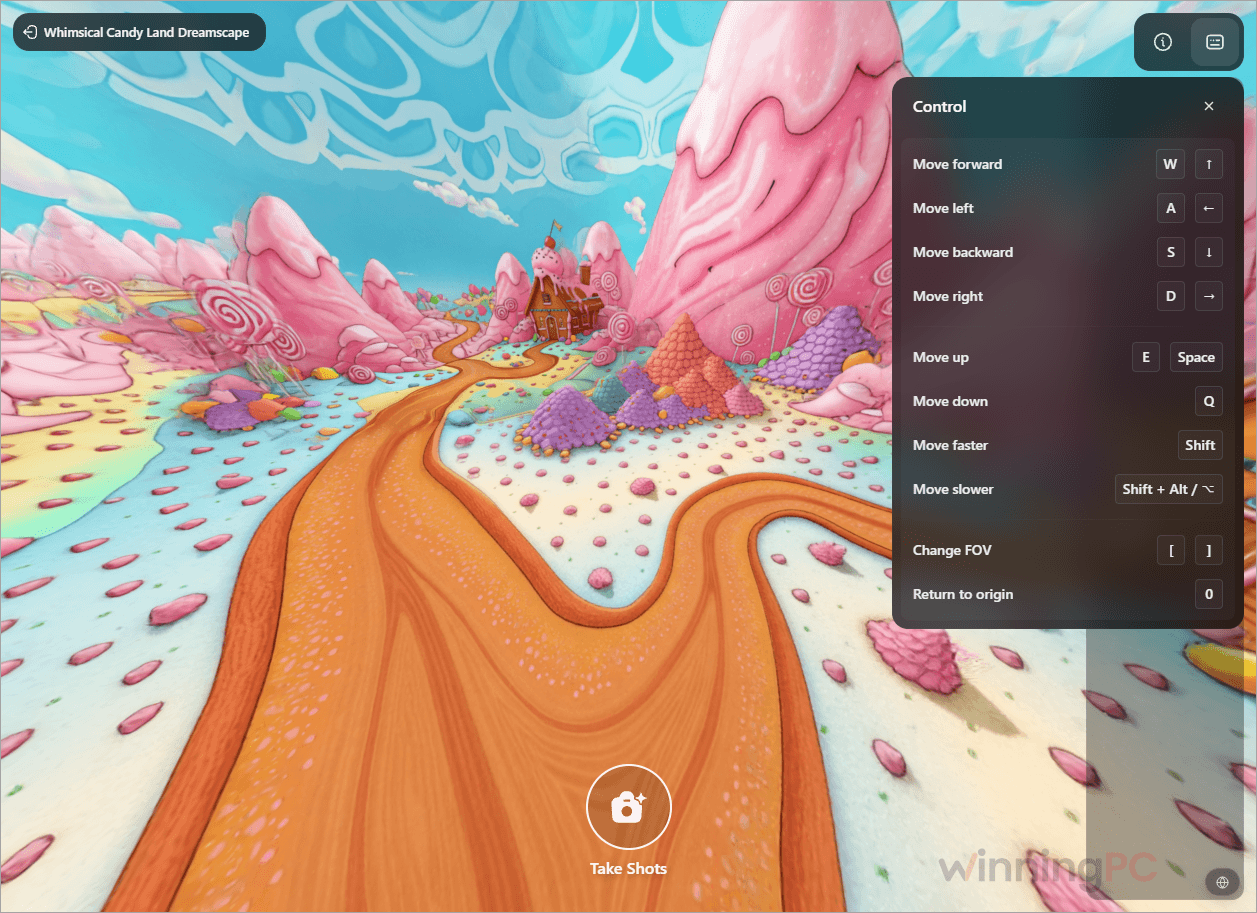
- OpenArt Worlds and music: navigable 3D scenes (exportable as Gaussian Splats for Blender or Unreal workflows) and tracks up to about three minutes via Google Lyria 3.
- Works with your tools: MCP for ChatGPT, Claude and Cursor, a CLI for Windows, macOS and Linux, and an After Effects plugin.
What we liked, what we didn’t
Screenshots
Which OpenArt Plan Should You Buy?
| Plan | Monthly (with code) | Annual (Black Friday) | Credits / month | Commercial use | Best for |
|---|---|---|---|---|---|
| Starter | $11.20 | $126/yr ($10.50/mo) | 4,000 | No | Trying it out, personal projects |
| Plus | $27.20 | $286/yr (~$23.83/mo) | 12,000 | Yes | Freelancers and client work |
| Pro | $44.80 | $437/yr (~$36.42/mo) | 24,000 | Yes | Regular video work, 50% model discount |
| Wonder | $192.00 | $1,728/yr ($144/mo) | 106,000 | Yes | Studios and high-volume teams |
Questions People Ask About OpenArt AI
Is OpenArt free to use?
Partly. New accounts receive free credits to try the models, but continued generation needs a paid plan.
Can I use OpenArt images and videos commercially?
Only on Plus and higher. Starter covers non-commercial use. OpenArt doesn’t claim ownership of what you generate, but you’re still responsible for not infringing anyone else’s rights, and AI output may not qualify for copyright protection everywhere.
Do unused OpenArt credits roll over?
No, not your monthly allowance. Standard subscription credits reset with each billing cycle. Add-on credit packs, which you can buy on an active subscription, do carry over between periods.
How many credits does an AI video cost on OpenArt?
Roughly 100 to 800 or more, depending on the model, length and resolution. Images are much cheaper at about 5 to 50 credits. The exact cost appears before you click generate.
Does OpenArt have an API?
Not a general public one. API access is part of the Enterprise offering. Individual users can connect AI agents through OpenArt MCP or script generations with the OpenArt CLI instead.
System Requirements & Details
| Field | Value |
|---|---|
| Operating system | Windows (web & desktop app), macOS, Linux, Android and iOS via a compatible browser |
| Browser | Google Chrome or Safari recommended |
| Processor / RAM / GPU | No local GPU needed; generation runs in the cloud |
| Supported input | Text prompts, reference images, videos and audio files (specific file formats not specified) |
| Supported output | Images: PNG, JPEG, WEBP · 3D worlds: Gaussian Splat export · Video and audio formats not specified |
| Other requirements | Internet connection and an OpenArt account; After Effects plugin and CLI installed separately |