Cathryn Lee
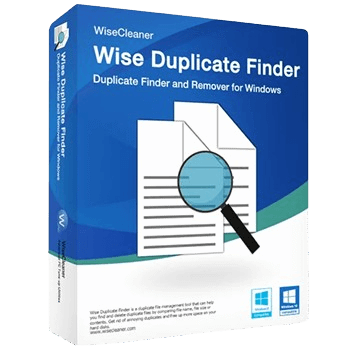
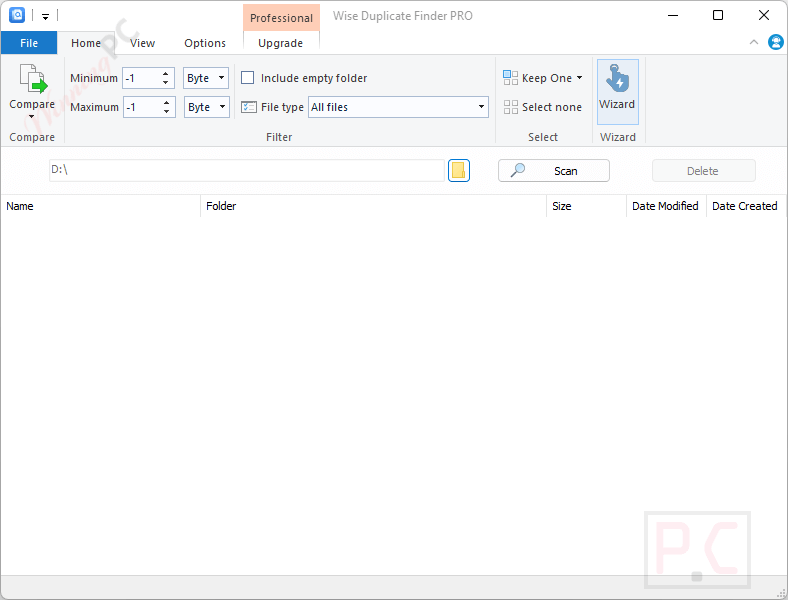
Wise Duplicate Finder Pro is a Windows duplicate file cleaner designed to help users find and remove duplicate photos, videos, music, documents, and other unnecessary files. It also supports empty file detection, automatic duplicate cleanup, and backup & restore features to help free up hard drive space safely.
Wise Duplicate Finder Pro
A duplicate file management tool that helps you find and delete duplicate files by comparing file names, file sizes, or file contents
- Product
- Wise Duplicate Finder
- Website
- wisecleaner.com
- License
- Lifetime
- Platform
- Windows 7/8/10/11
- Terms
- No support/free updates
- Usage
- Non-commercial use only
- Updated
- 2026-05-28
Get your unique code by email
License key delivered free to your inbox within minutes.
This giveaway ended on .
Protected by Cloudflare Turnstile · Email quality checked by Reoon
All codes have been claimed or the giveaway has closed.
Wise Duplicate Finder Coupon Code (100% Working)

📄 Licensing & Support Details
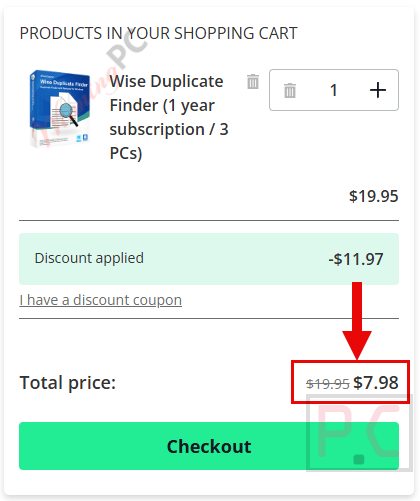
- License Type: 1-Year Subscription / 3 PCs.
- Money-Back Guarantee: 60-Day Money-Back Guarantee.
- Support Service: 24/7 email support with responses within 24 hours.
- Trial Availability: Free trial available before purchase.
📝 How to apply
- Click the “COPY” button above to claim your deal.
- You’ll go straight to checkout with the discount already applied to your software.
How to download Wise Duplicate Finder Pro for Free?
Download the installer for Wise Duplicate Finder Pro via the download link above. Run the installer.
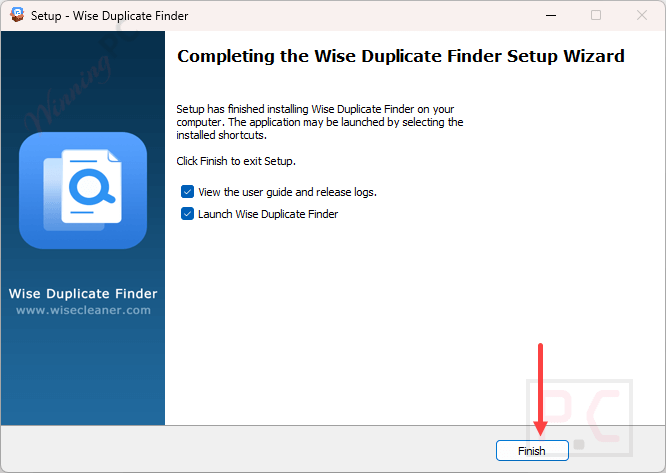
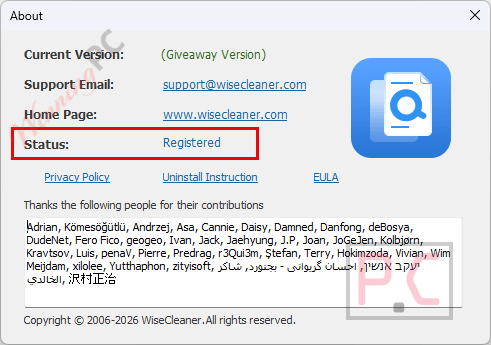
When the installation is done, launch it and use the software for a lifetime for free. This is a pre-registered installer; no need for a license code to activate.
In-Depth Review & Features
Key Features
- Identifies redundant photos, videos, music, and documents to reclaim storage.
- Tracks down 0-byte or empty items for automatic removal.
- Groups identical items together after scanning for a clear manual review.
- Executes automatic cleanup using the “Keep One” function for massive file sets.
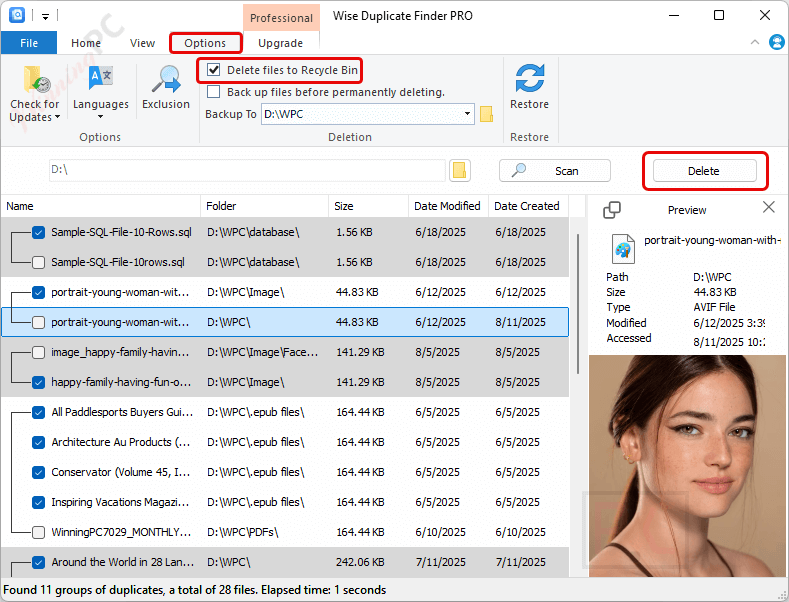
- Restores accidentally deleted items instantly via the Recycle Bin or built-in Restore Center.
Pros & Cons
More Wise Duplicate Finder Pro screenshots!
Scan
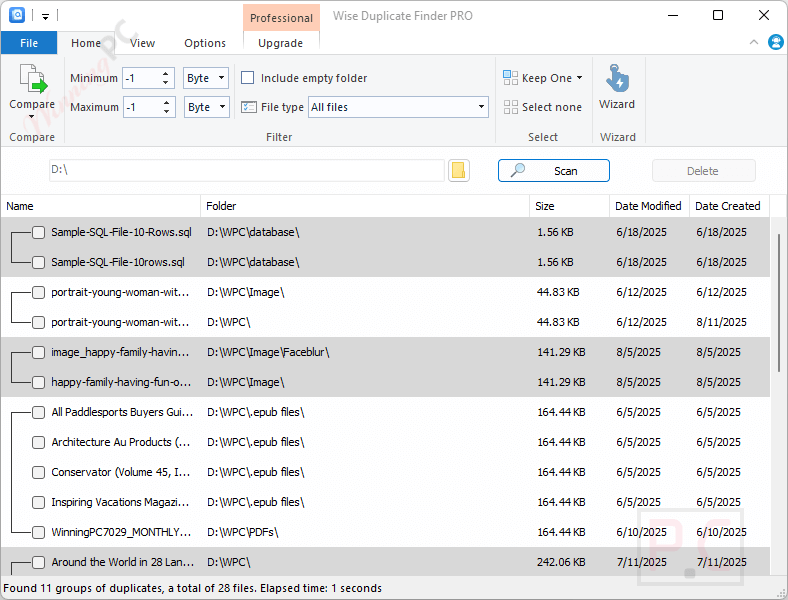
View tab: change group color or font size for scanning results; you also activate the preview panel to preview duplicate files before deleting/moving them:

Options tab: to prevent any accidents, you should choose the “delete files to Recycle Bin” and backup/restore option.
Frequently Asked Questions
Are there any promo codes or deals available for this disk cleaning tool?
You can find the most recent discount codes and promotional offers directly on WinningPC, alongside any seasonal sales posted on the official developer’s website.
How can I get the absolute lowest price on a Wise Duplicate Finder license?
Currently, WinningPC offers an exclusive deal where you can slash 60% OFF the regular price for a 1-year subscription covering up to 3 PCs.
Does this software scan for files with zero data?
Yes, it actively targets empty or 0-byte files that clutter your drive and allows you to remove them without manual searching.
Can I search for redundant items on a mapped network drive?
Yes. You can accomplish this by clicking “Select Folder,” adding a new folder, and typing in your network drive’s address manually.
What happens if I make a mistake and erase an important document?
As long as the auto-backup setting is enabled, you can recover the erased item with a single click from the Restore Center.
Why did a deleted file skip the backup folder?
This usually happens if your backup drive lacks sufficient space, or if you used the right-click “Delete this file” option instead of the main interface button.
Which scanning mode should I use for the most accurate results?
The “Exact Match” mode is highly accurate because it compares the full byte-level content of every file, though it will take longer to finish.
Is it possible to let the program choose what to delete?
Yes, the software features a “Keep One” option that automatically retains a single copy and marks the rest for deletion, which is ideal for cleaning up large batches.
How does the partial match setting work?
The partial match mode compares the size and a sample of the file’s content. It provides medium-speed scanning with almost zero false positives.
System Requirements & Details
| Feature | Specifications |
|---|---|
| Language Support | English, Arabic, Chinese, French, German, Spanish, and 22 others. |
| Operating System | Windows 7, 8, 10, 11 (32-bit and 64-bit). |
| Processor | Pentium 1 GHz or above. |
| RAM & Storage | 4 GB RAM or above / 30 MB minimum disk space. |
| Supported Input | Local drives, mapped network drives, duplicate files, empty files. |
| Supported Output | Duplicate file cleanup, empty file removal, restored backup files. |