Cathryn Lee

SoftOrbits Picture to Painting Converter is an intuitive, automated photo-editing software designed for PC users who want to turn their digital photographs into convincing imitations of real paintings. Whether you are looking to memorialize a beloved pet, create a unique birthday caricature of a family member, or turn a scenic landscape into a breathtaking watercolor, this software simplifies the entire process. SoftOrbits Picture to Painting Converter uses automatic presets to do the heavy lifting, making it perfect for casual users and hobbyists who want professional-looking artistic effects without needing a degree in graphic design.
Top Photo Editor Coupon Codes in Sep 2026 (100% Working)

HitPaw FotorPea
70% off coupon code: regular price $51.99, discounted price $15.67
Luminar Neo - Perpetual Desktop
80% off coupon code: regular price $417, discounted price $83.30

PhotoWorks Ultimate - Lifetime license
75% discount code: regular price $114, discounted price $28.50
Movavi Photo Editor - Lifetime license
30% coupon code: regular price $74.95, discounted price $52.46
Pixlr Premium - Annual Plan
55% off coupon code: regular price $119.88, discounted price $54.48
Wise ImageX (1 year subscription)
25% discount coupon: regular price $19.95, discounted price $14.95
Picture to Painting Converter Free License Key Download
Access the SoftOrbits Picture to Painting Converter giveaway page, please first input your email address and then click the “Request full version key” button.
- Product name: SoftOrbits Picture to Painting Converter v9.1
- Website: https://www.softorbits.com
- License type: lifetime
- Platform: Windows
- Giveaway installer – last updated: Apr 04, 2026
PictureToPainting.exe&aid=pt70
Click on the giveaway installer link above to download and install the software on your computer. During the installation process, please enter your email address, then click on the “Get free registration key” button.
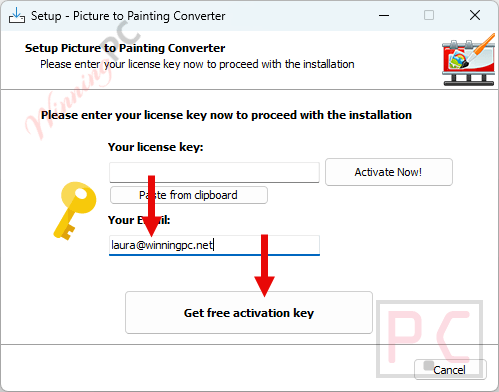
You will be directed to the giveaway page. Please complete your basic profile to get your free license code

Please copy the license code and turn back the installation process. Paste the code in the blank and click on the “Activate Now!” button to register the full version for SoftOrbits Picture to Painting Converter:
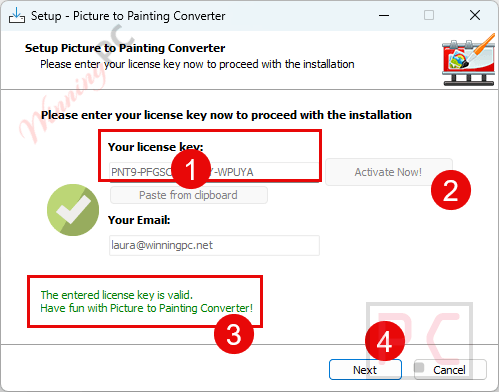
Got it for a lifetime for free!
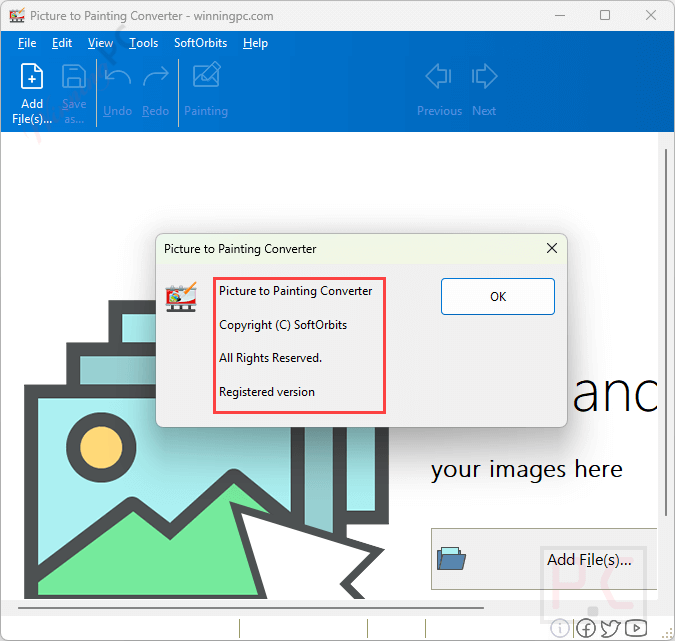
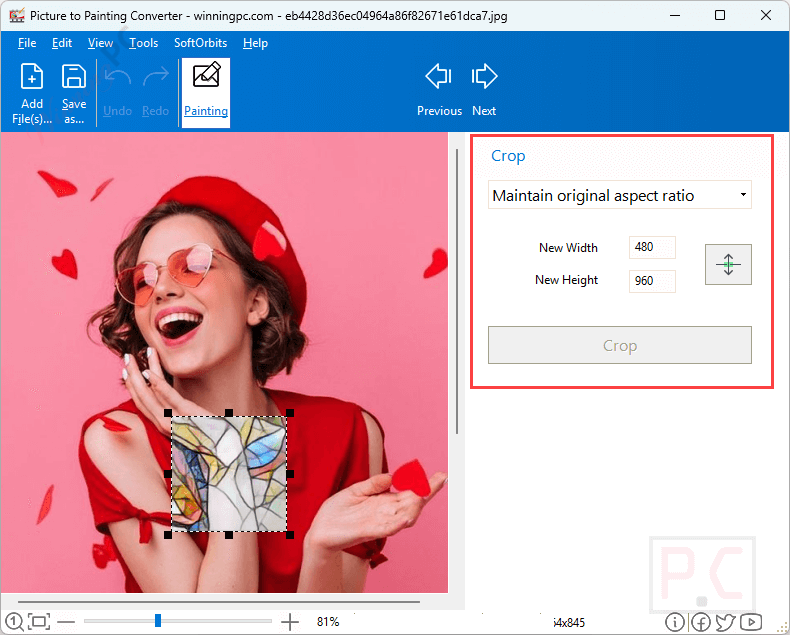
SoftOrbits Picture to Painting Converter screenshot:
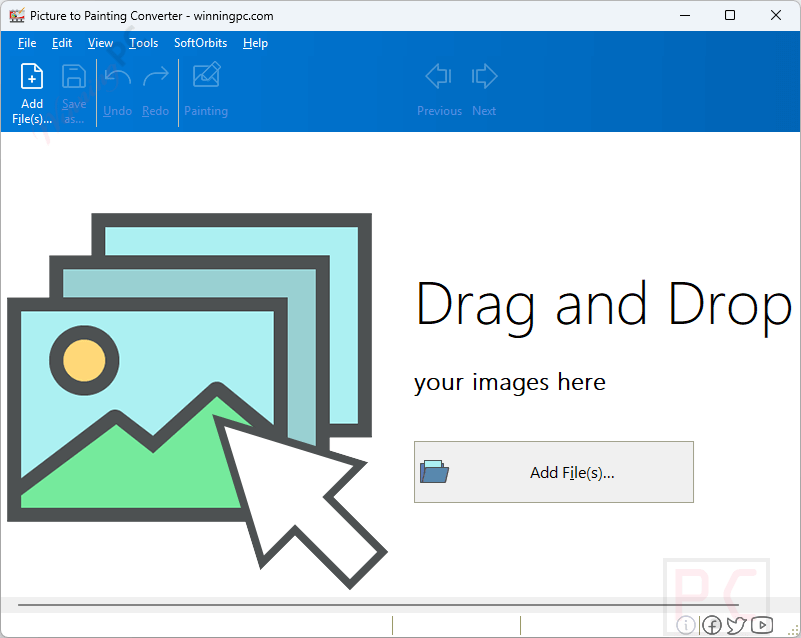
Add file
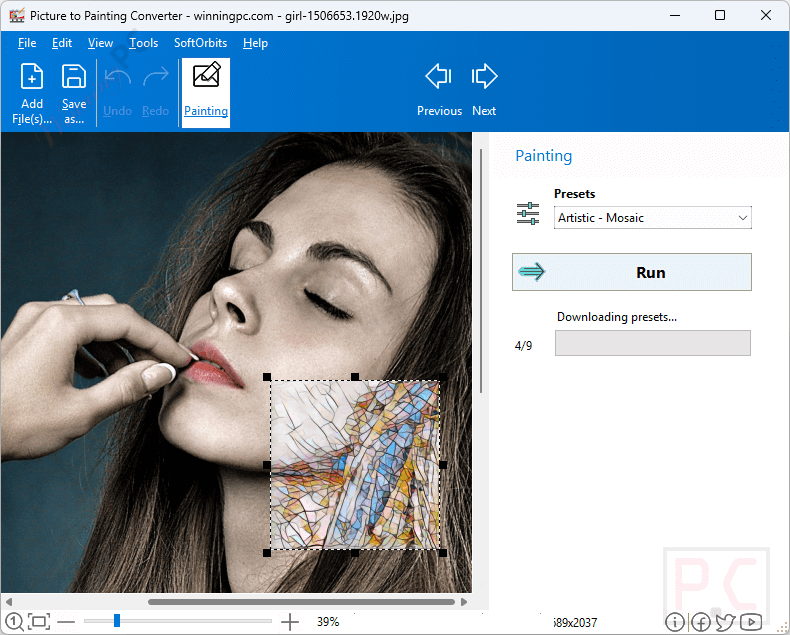
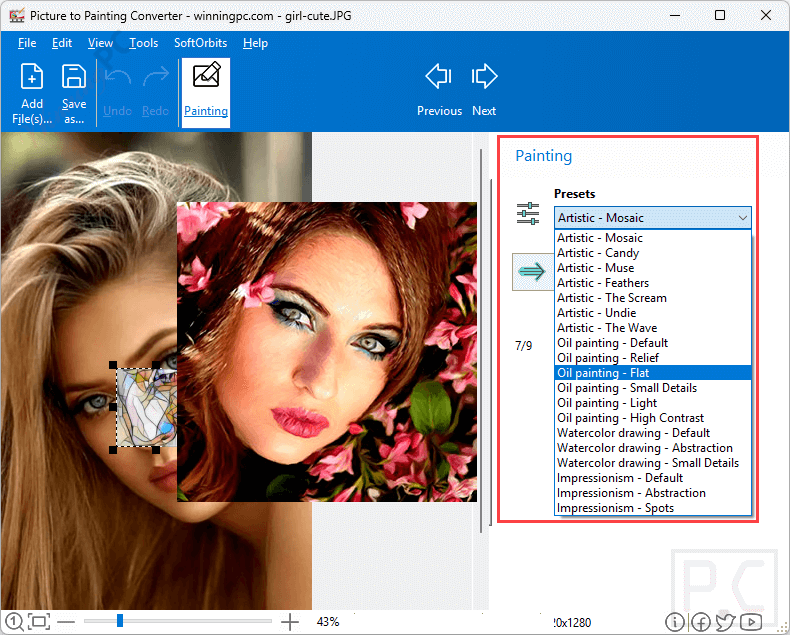
Presets
Rotate
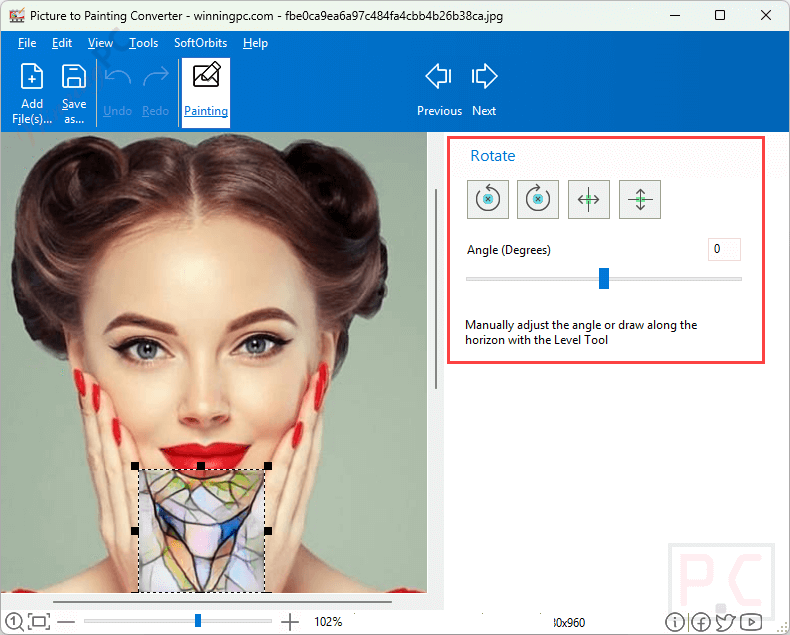
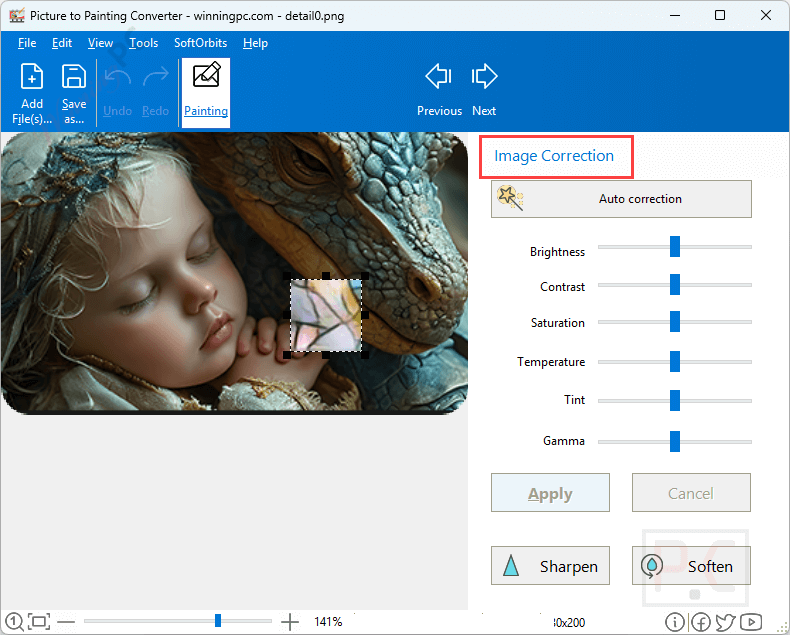
Image Correction
Crop
Main Features
- One-Click Painting Presets: The software comes loaded with excellent presets. I was able to instantly switch my photos between Oil Paintings (simulating real brush strokes and paper texture), Watercolors, and Pointillism/Impressionism (which looks incredible from a distance).
- Cartoon and Comics Effect: This was surprisingly fun. I tested it on a few portraits and easily transformed the subjects into characters resembling GTA 5 or classic Disney heroes.
- Custom Artistic Filters: If you are a fan of art history, you’ll love this. I found it incredibly easy to apply the iconic, distinct styles of legendary artists like Van Gogh, Picasso, and Monet directly to my images.
- Manual Adjustments: While the automatic presets are great, I appreciate that the software doesn’t lock you in. If I wanted to tweak or enhance an effect, I could make manual adjustments to the settings until it looked exactly right.
- Batch Mode: This is a huge time-saver. Instead of converting a holiday album one by one, I used Batch Mode to process a whole group of photos simultaneously. You just set your preferred style, and they all render directly to your destination folder.
- Visual Watermarks: As someone who shares content online, I loved the built-in watermark feature. I could easily add my signature, logo, or text to protect my newly created artworks before posting them on social media.
- Built-in Basic Editing: Before even applying filters, I was able to do basic housekeeping on my images using the simple photo editing tools provided, including crop, rotate, and basic image correction.
Technical Details
| Language Support | English, Français, Italian, Spanish, Swedish, and more… |
| Money Back Guarantee | 30-Day |
| Operating System | Windows |
| Shipping | Full version license code will be sent to you within minutes |
| Subscription | Lifetime |
| Support Services | Email, Tickets |